
Blog
MySQL DROP INDEX Statement

MySQL DROP INDEX Statement
In this tutorial, we will learn about the MySQL DROP INDEX statement. An index assists the MySQL database Server in finding table rows more quickly and easily.
To drop an index from a table, we can use the ALTER TABLE with the DROP INDEX clause,
and name the index to be dropped.
Syntax
The general syntax for the statement is a follows:
ALTER TABLE <table_name> DROP INDEX <index_name>;
Example
https://www.testingdocs.com/mysql-add-index-statement/
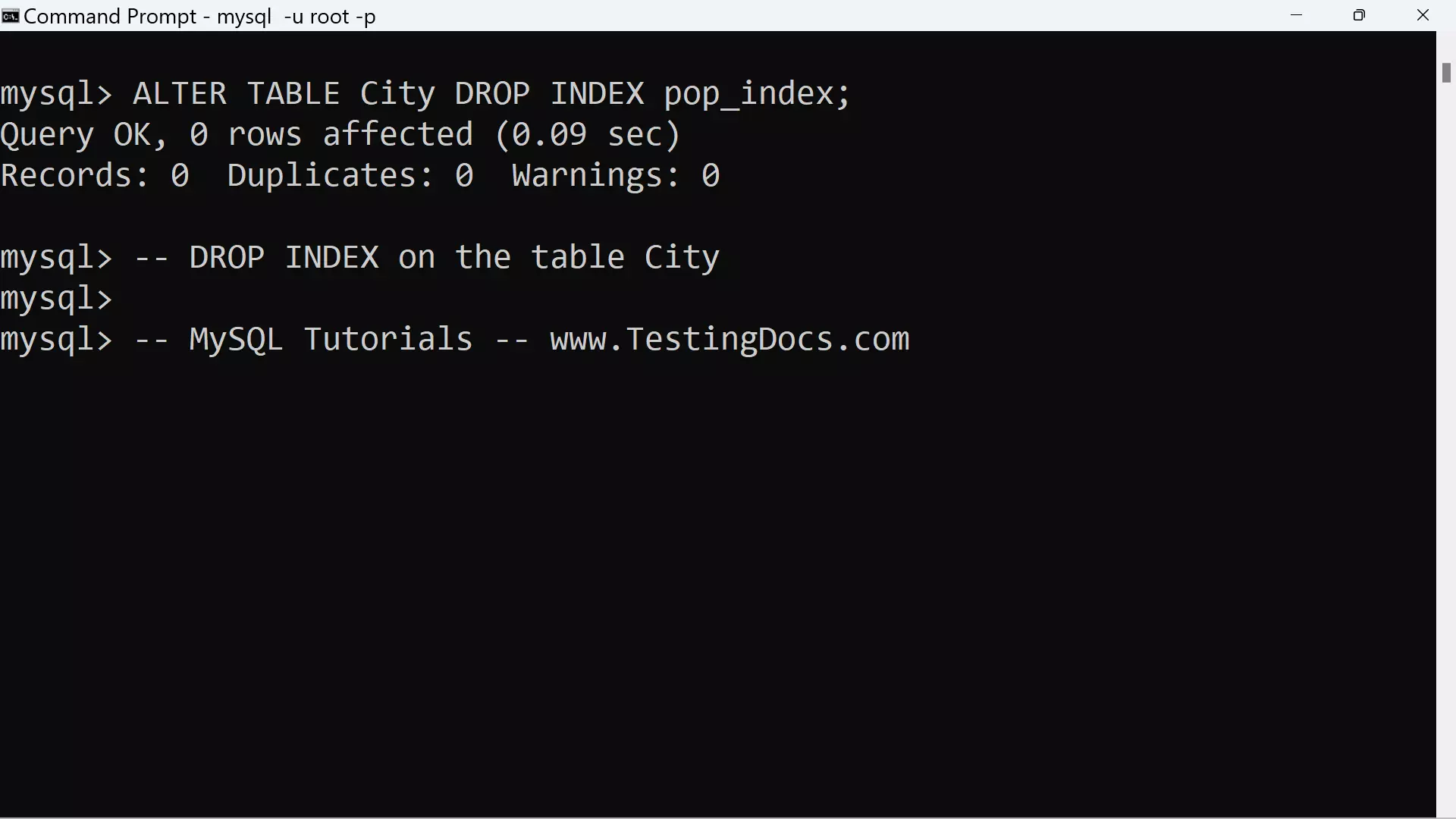
We can drop the index using the following MySQL statement:
mysql> ALTER TABLE City DROP INDEX pop_index;
Query OK, 0 rows affected (0.09 sec)
Records: 0 Duplicates: 0 Warnings: 0
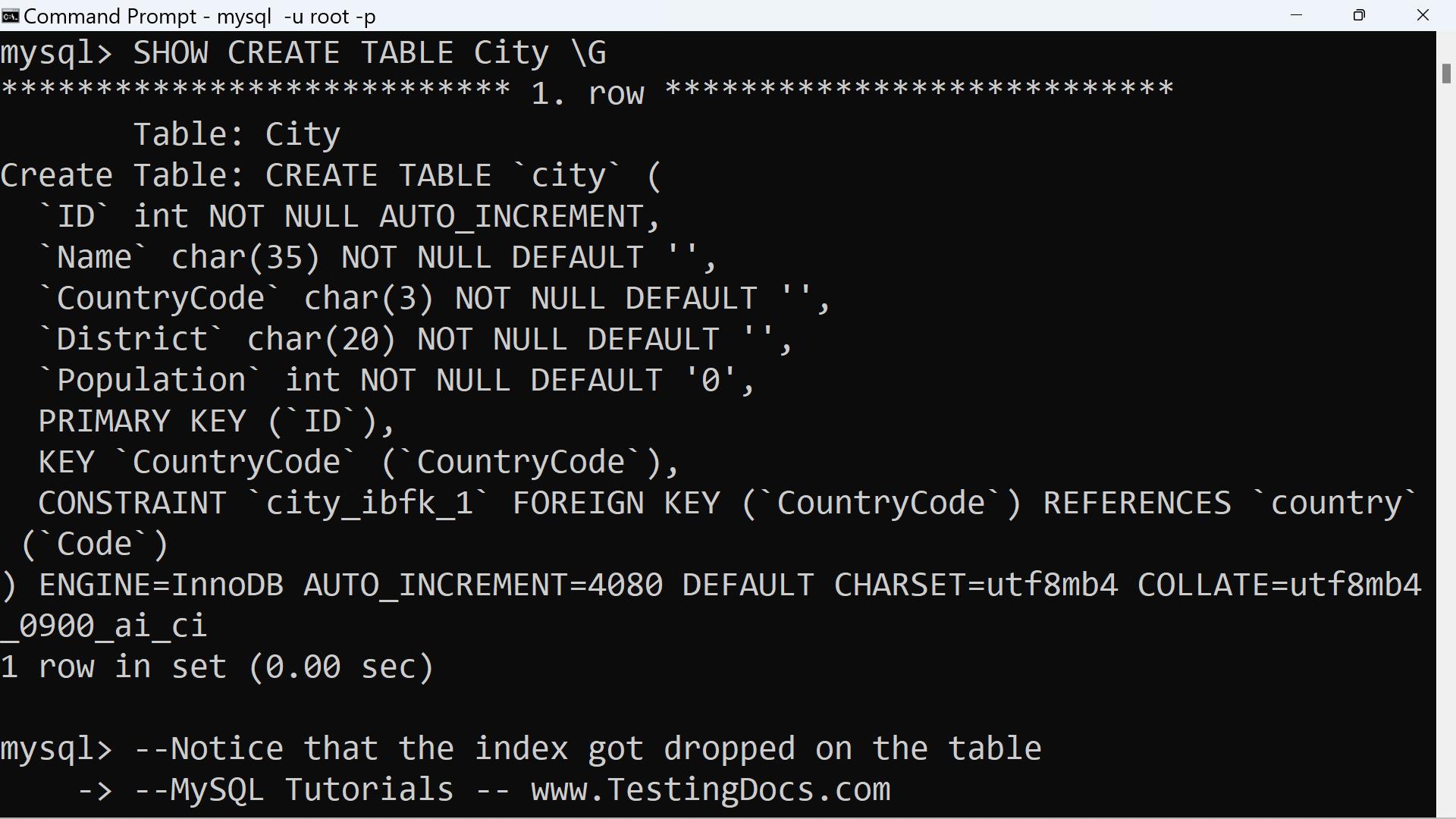
To confirm the change, use SHOW CREATE TABLE to see the tableâs structure:
mysql> SHOW CREATE TABLE City \G
*************************** 1. row ***************************
Table: City
Create Table: CREATE TABLE `city` (
`ID` int NOT NULL AUTO_INCREMENT,
`Name` char(35) NOT NULL DEFAULT ”,
`CountryCode` char(3) NOT NULL DEFAULT ”,
`District` char(20) NOT NULL DEFAULT ”,
`Population` int NOT NULL DEFAULT ‘0’,
PRIMARY KEY (`ID`),
KEY `CountryCode` (`CountryCode`),
CONSTRAINT `city_ibfk_1` FOREIGN KEY (`CountryCode`) REFERENCES `country` (`Code`)
) ENGINE=InnoDB AUTO_INCREMENT=4080 DEFAULT CHARSET=utf8mb4 COLLATE=utf8mb4_0900_ai_ci
1 row in set (0.00 sec)
—
MySQL Tutorials
MySQL Tutorials on this website:
https://www.testingdocs.com/mysql-tutorials-for-beginners/