
Blog
Hello World in Octave

Hello World in Octave
In this tutorial, we will learn to code the Hello World script using the Octave software on the Ubuntu Linux machine. A common way to test something new is to create a simple âHello Worldâ program with the language or tools we are learning. Let’s get started.
Prerequisite
Install the Octave Application on the Linux machine.
Launch the App
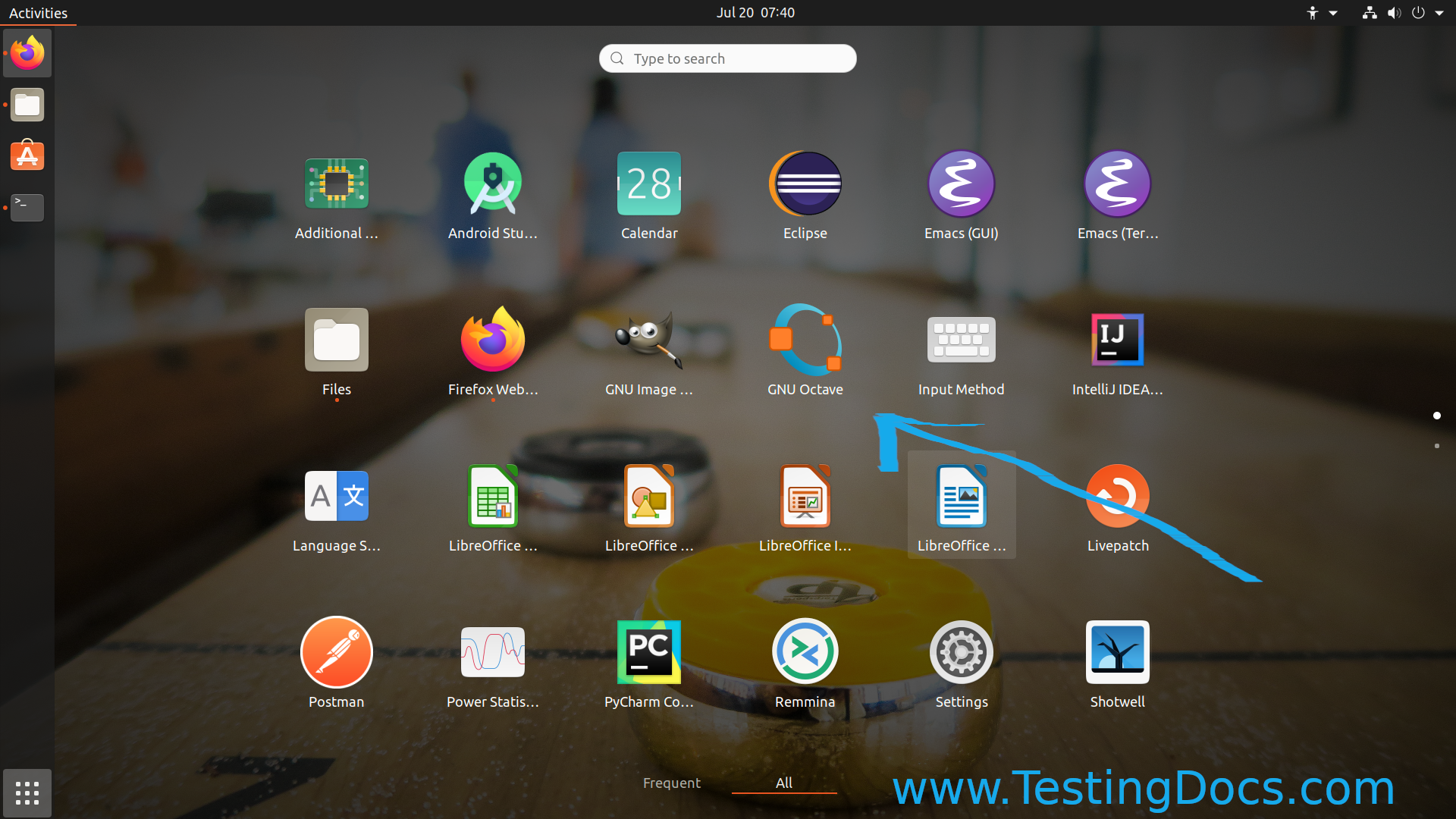
Click on the Show applications >> Search for Octave >> Click on the GNU Octave icon.
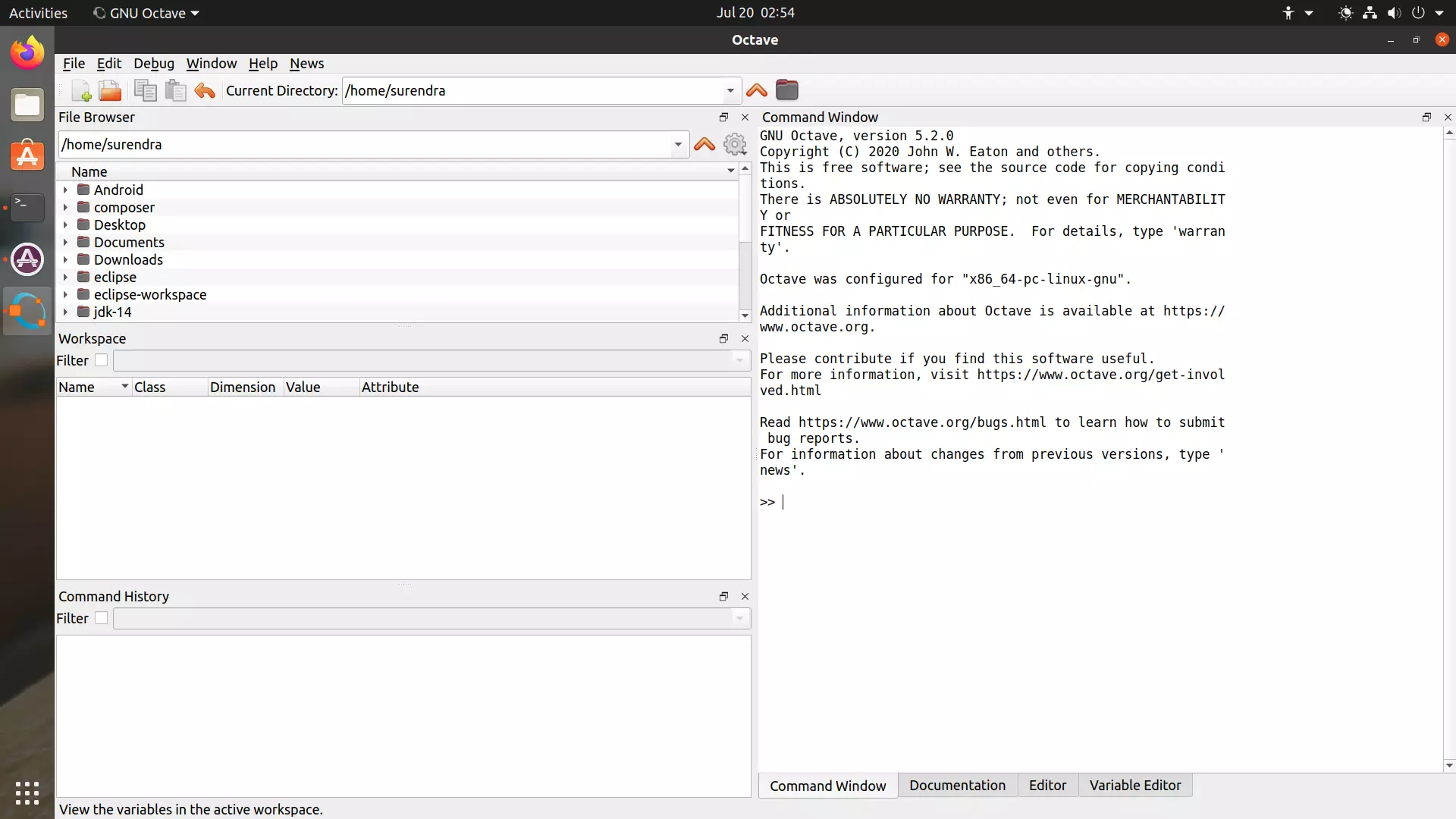
This should launch the Octave GUI.
Hello World
In the Command Window, type the following command near the prompt >>
>> disp(‘Hello World’);
Hello World
>>
disp
disp is a built-in function for displaying values on the screen. Please note that the output from the disp function always ends with a newline. To learn more about the function, type ‘help disp’ on the Command Window prompt.
—
Octave Tutorials
Octave Tutorial on this website can be found at: