
Blog
Octave Input and Output

Octave Input and Output
In this tutorial, we will learn about Octave input and output statements.
Input
The input function can prompt the user for a value and store the result in a variable.
For example, the statement prints the prompt and stores the user input in a variable num.
num = input (“Enter the number: “)
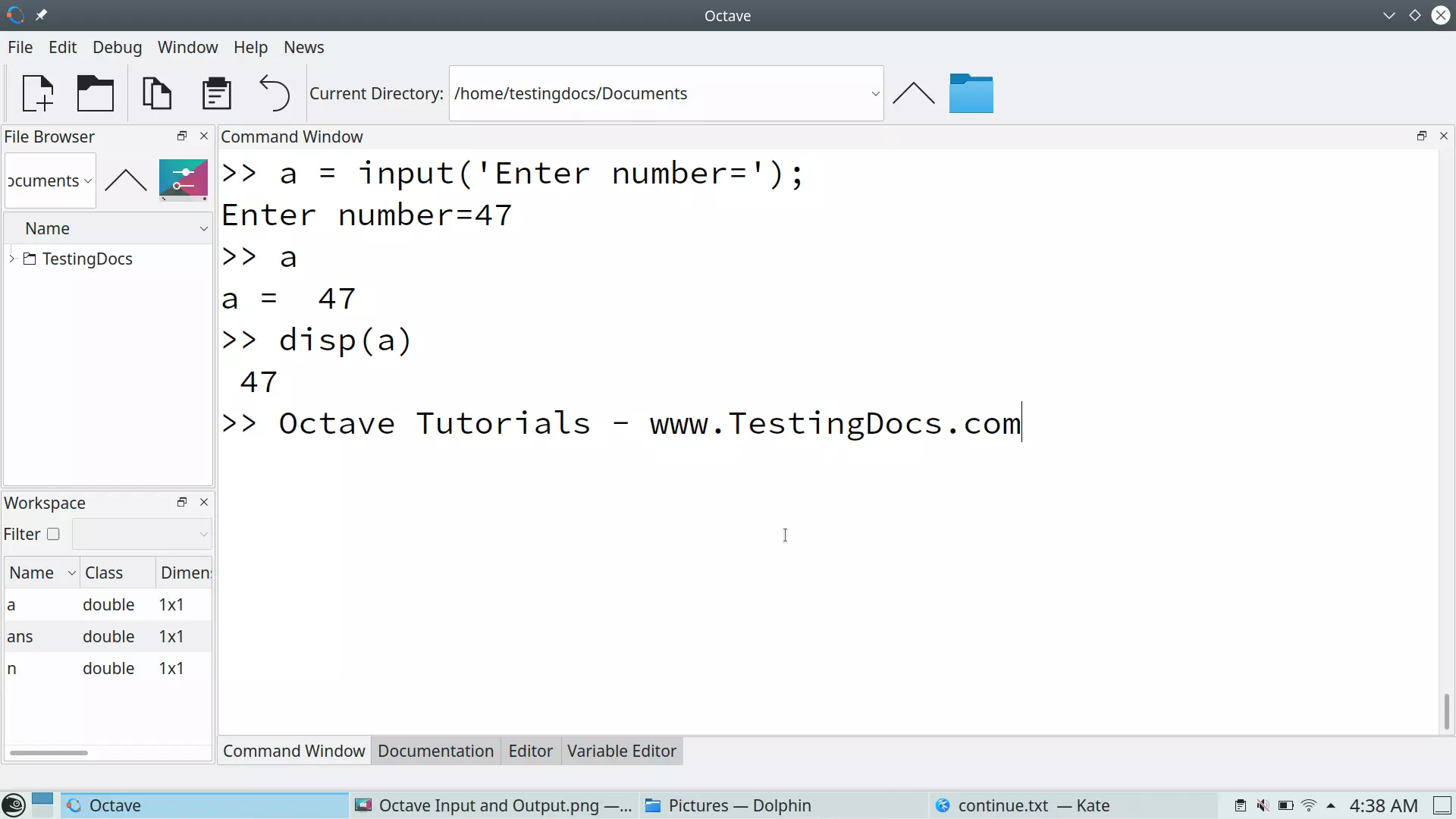
>> a = input(‘Enter number=’);
Enter number=47
>> a
a = 47
>> disp(a)
47
Output
To print the value of a variable, we can use the disp function.
For example, the following statement will output the value of the variable num.
We can use the following output statements in Octave:
- disp
- printf
- fprintf
We can use the format specifiers in the output statement, for example in the fprintf statement.
| Format Specifier |
Description |
| %d
|
To print scalar numbers. |
| %f
|
To print floating-point numbers. |
| %c | To print a single character. |
| %s | To print strings. |
Example to use the display function:
disp (num)
Example to use the fprintf function:
fprintf(‘%d’,num);
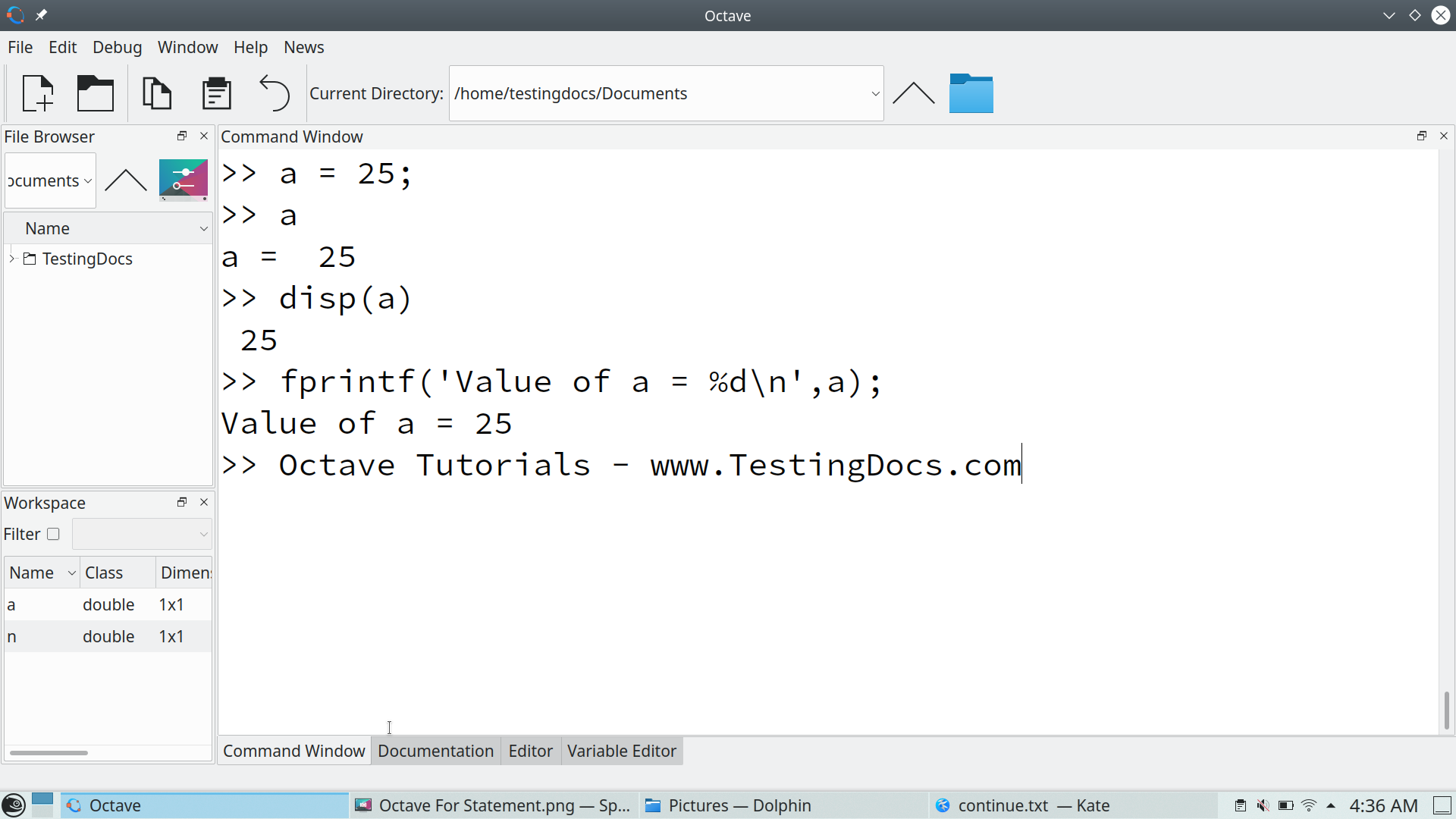
>> a = 25;
>> a
a = 25
>> disp(a)
25
>> fprintf(‘Value of a = %d\n’,a);
Value of a = 25
—
Octave Tutorials
Octave Tutorial on this website can be found at:
https://www.testingdocs.com/octave-tutorial/