
Blog
Install JBehave Plugins on Ubuntu

Install JBehave Plugins on Ubuntu
In this post, you will learn how to install JBehave plugins on Ubuntu Linux machines using the IntelliJ IDE.
Install
Launch the IntelliJ IDEA IDE application on the Ubuntu Linux machine.
Click on Configure >> Plugins to launch the plugins screen.
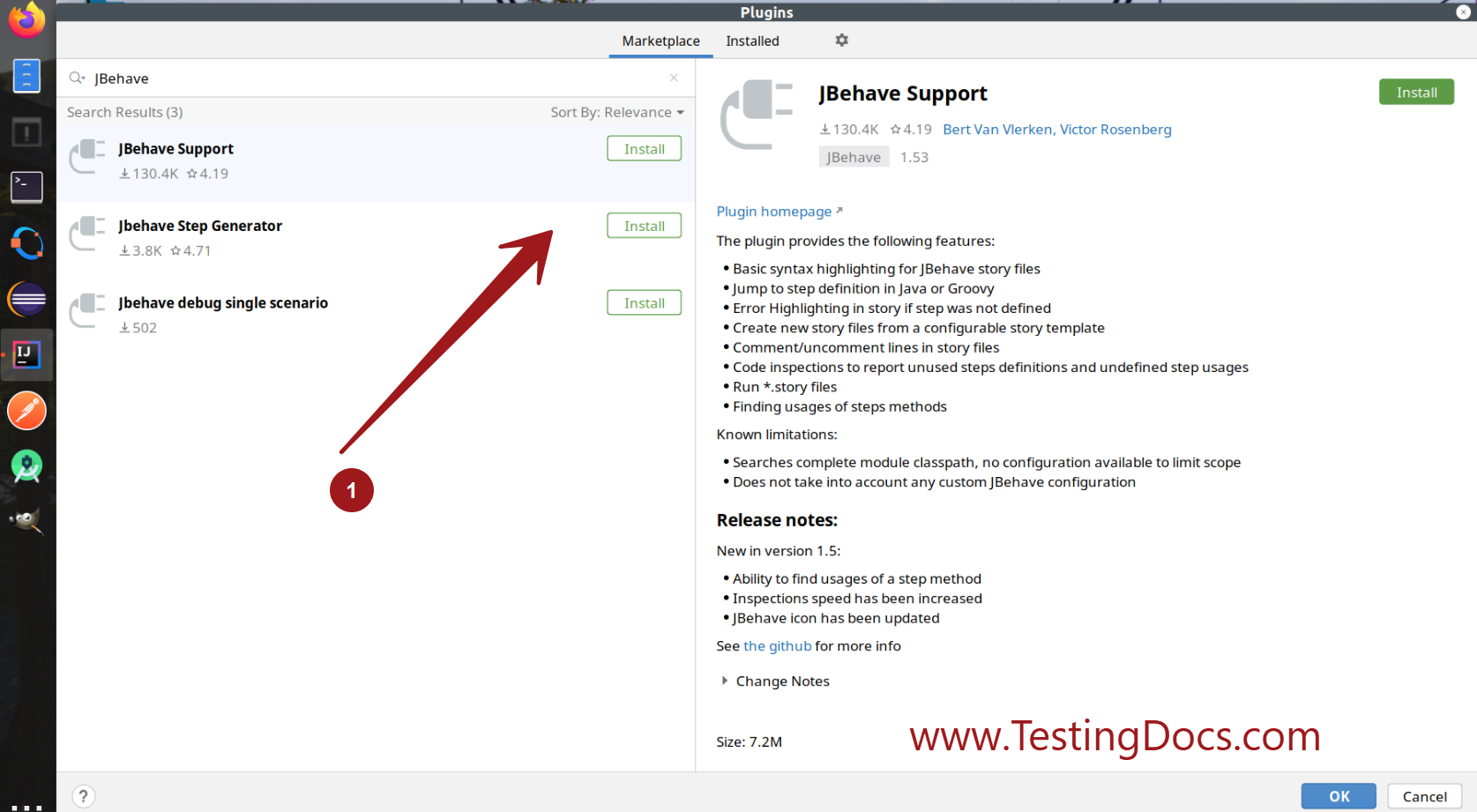
In the Marketplace search for JBehave plugins.
Click on the Install buttons for the plugins to install them.
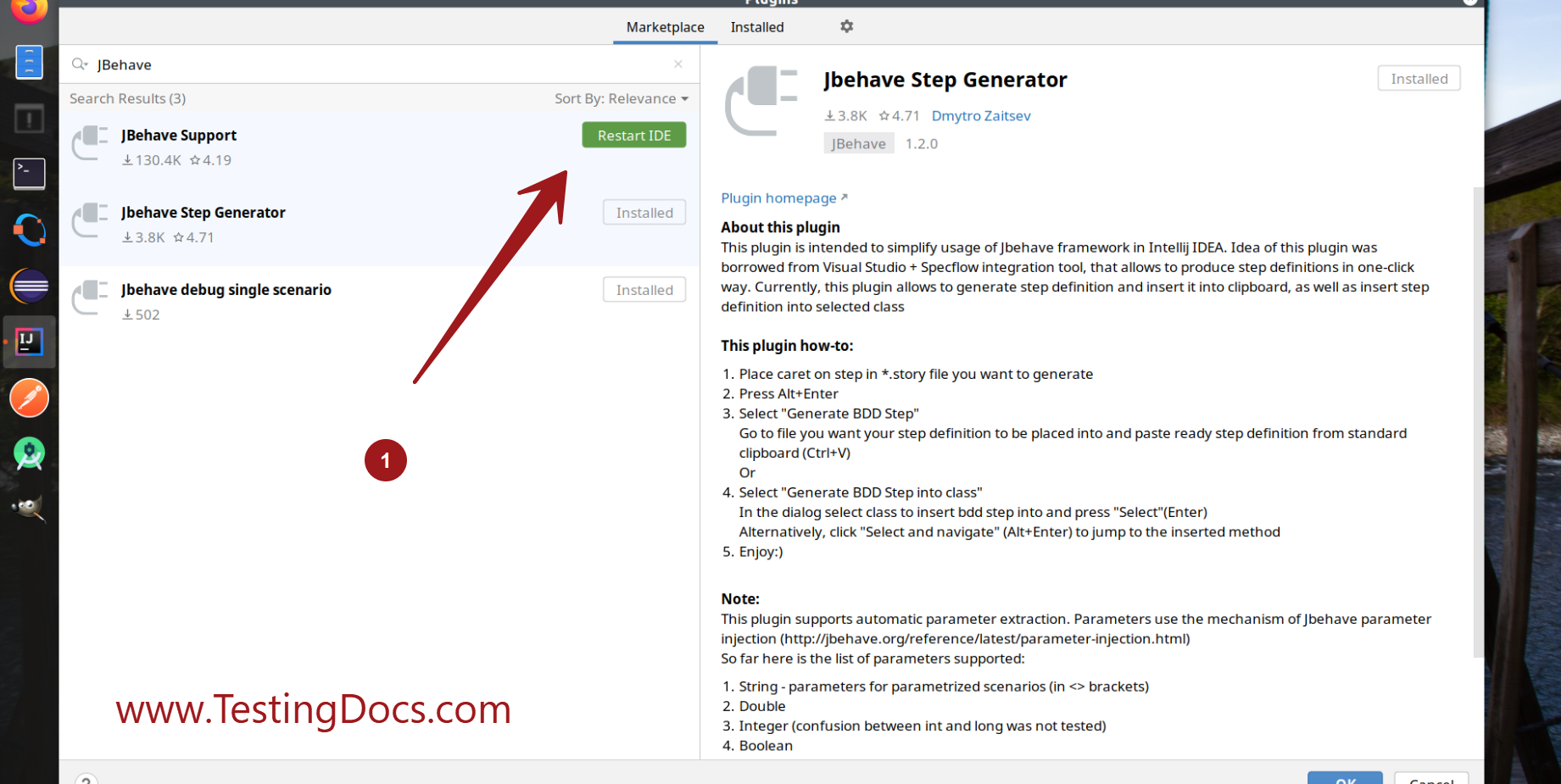
We may need to restart the IDE to install the plugins.
Click on the Restart IDE button.
Verify
To verify the plugins install follow the below steps.
Launch the IntelliJ IDEA IDE application on the Ubuntu Linux machine.
Click on Configure >> Plugins to launch the plugins screen.
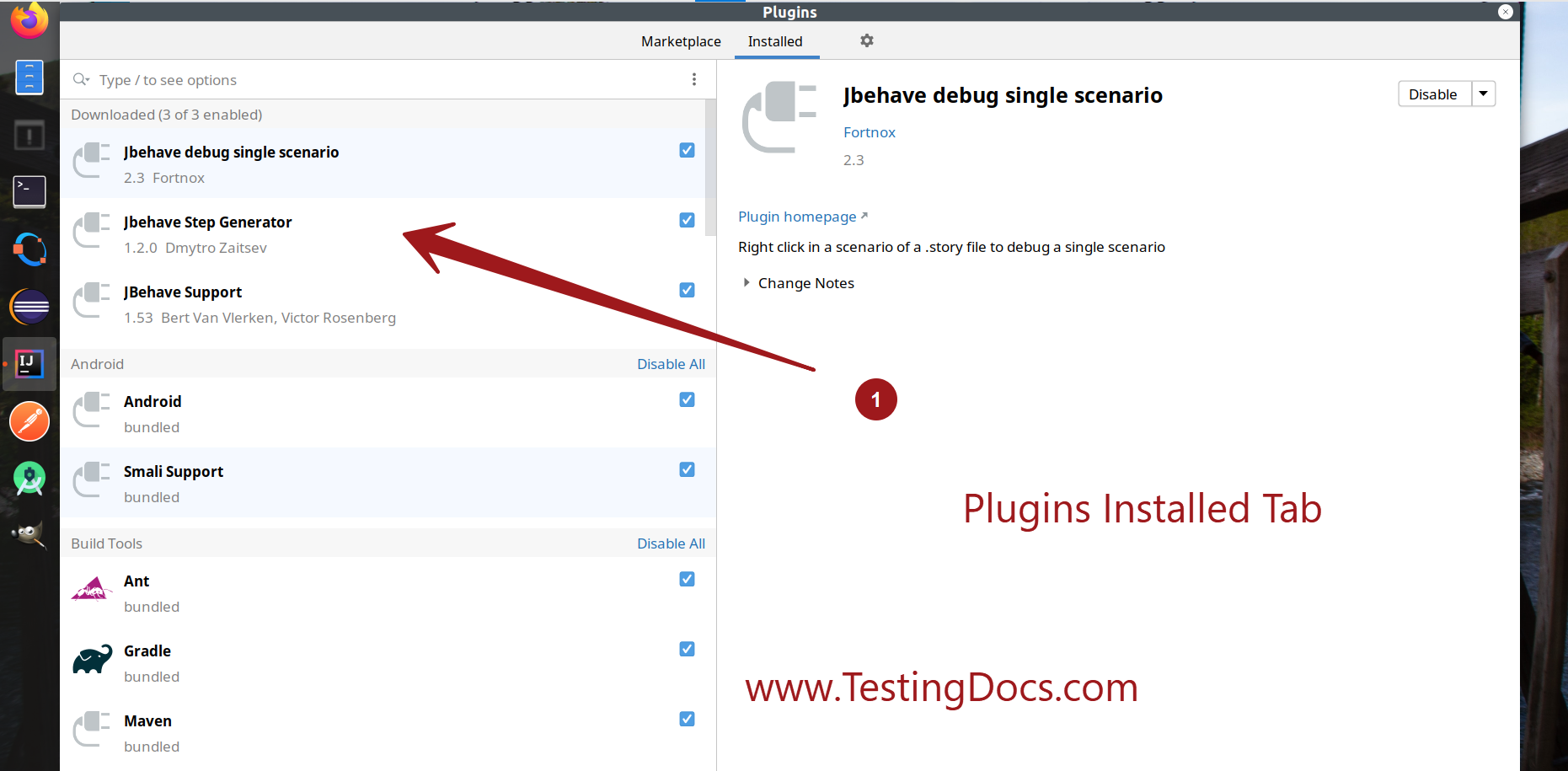
Go to the Installed tab.
Check for the JBehave plugins in the installed plugins list.
JBehave Tutorials on this website can be found at: