Blog
Selenium IDE Automatic Updates

Selenium IDE Automatic Updates
Let’s learn how to turn on Selenium IDE Automatic Updates in this tutorial. Selenium IDE is a browser add-on. We can manage the tool in the browser extensions page.
Automatic Updates
Steps to turn on Selenium IDE automatic updates for the tool are as follows.
Firefox browser
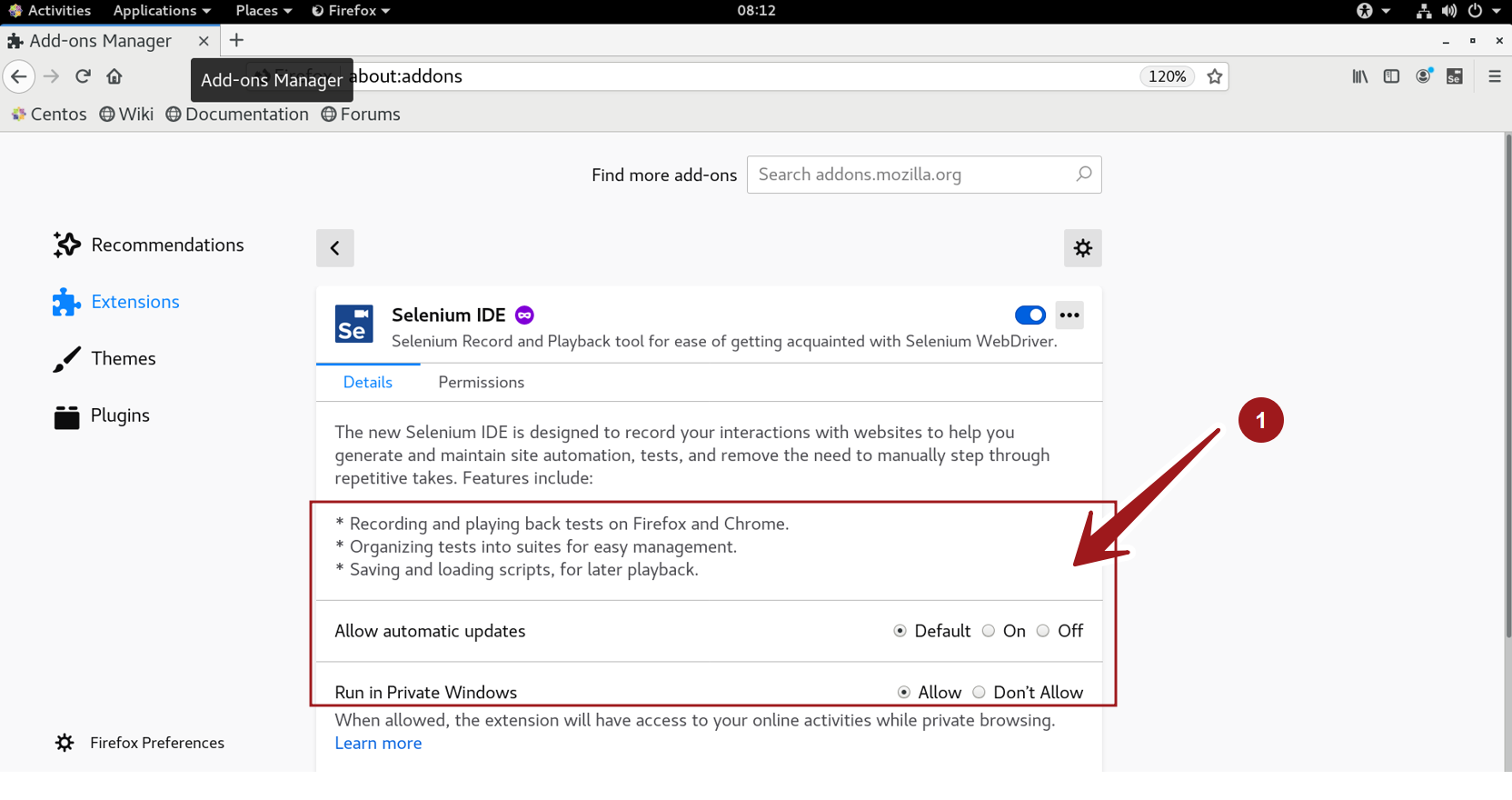
Launch Firefox browser >> Click Three lines Application Menu >> Add-ons menu option.
Keyboard short cut: (Ctrl + Shift + A)
Alternatively, open about:addons addon settings page.
Click on the On radio option for the Allow automatic updates feature.
Chrome Browser
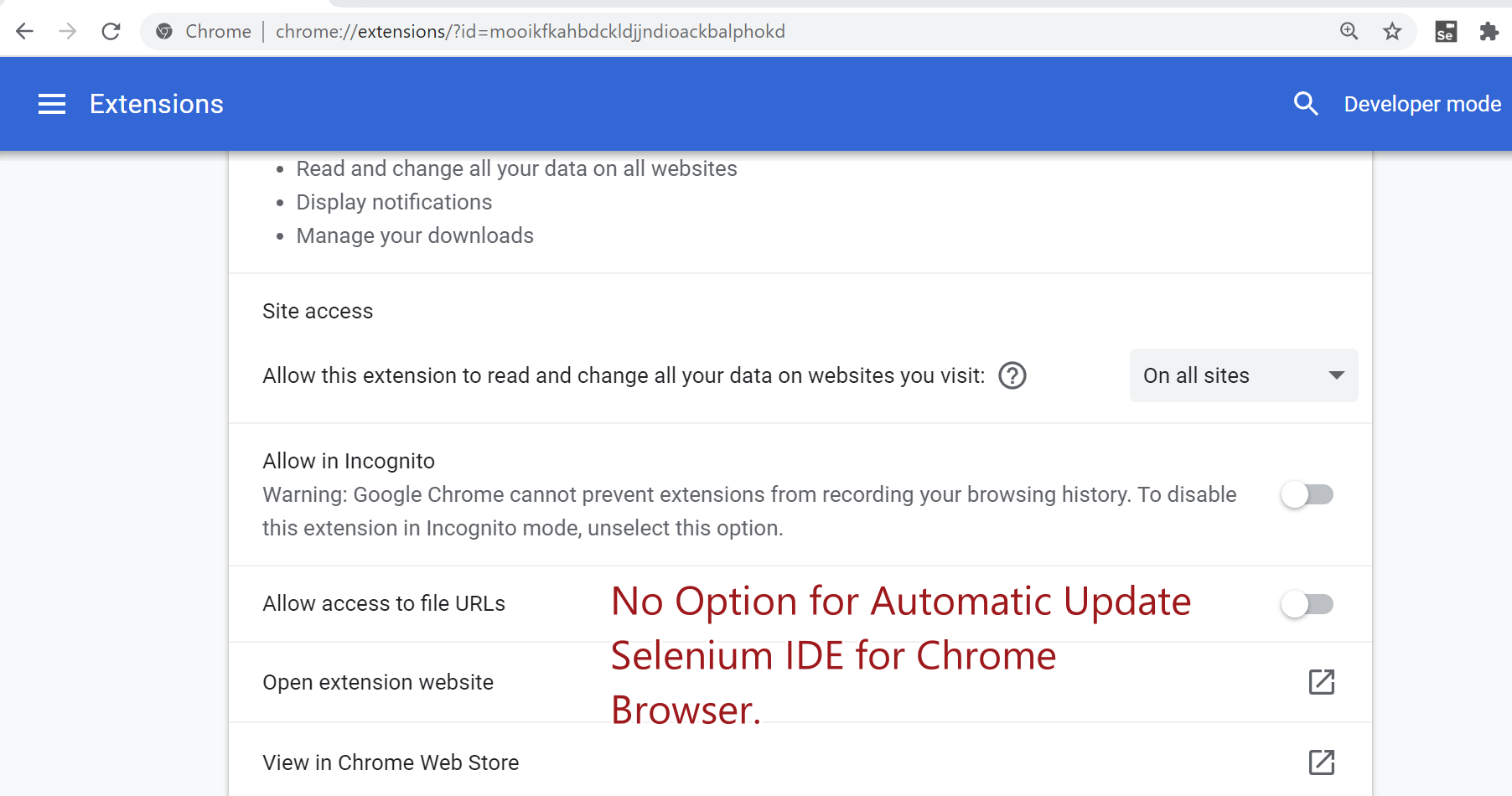
At the time of writing this article, this feature is not available for Selenium IDE in Google Chrome browser.