
Blog
Find Links using By Partial Link Text

Find Links using By Partial Link Text
Partial link text helps to locate elements with hyperlink texts which match partially. If we specify a partial link text that has multiple matches, only the first match will be accessed. We can use this if we are not sure about the exact full link text.
<a href=”Navigation URL” id=”linkId”>Testing Docs</a>
WebElement element = driver.findElement(By.partialLinkText(“Testing”));
Note that if there are multiple matches then Webdriver will return only the first match if we use the findElement() method.
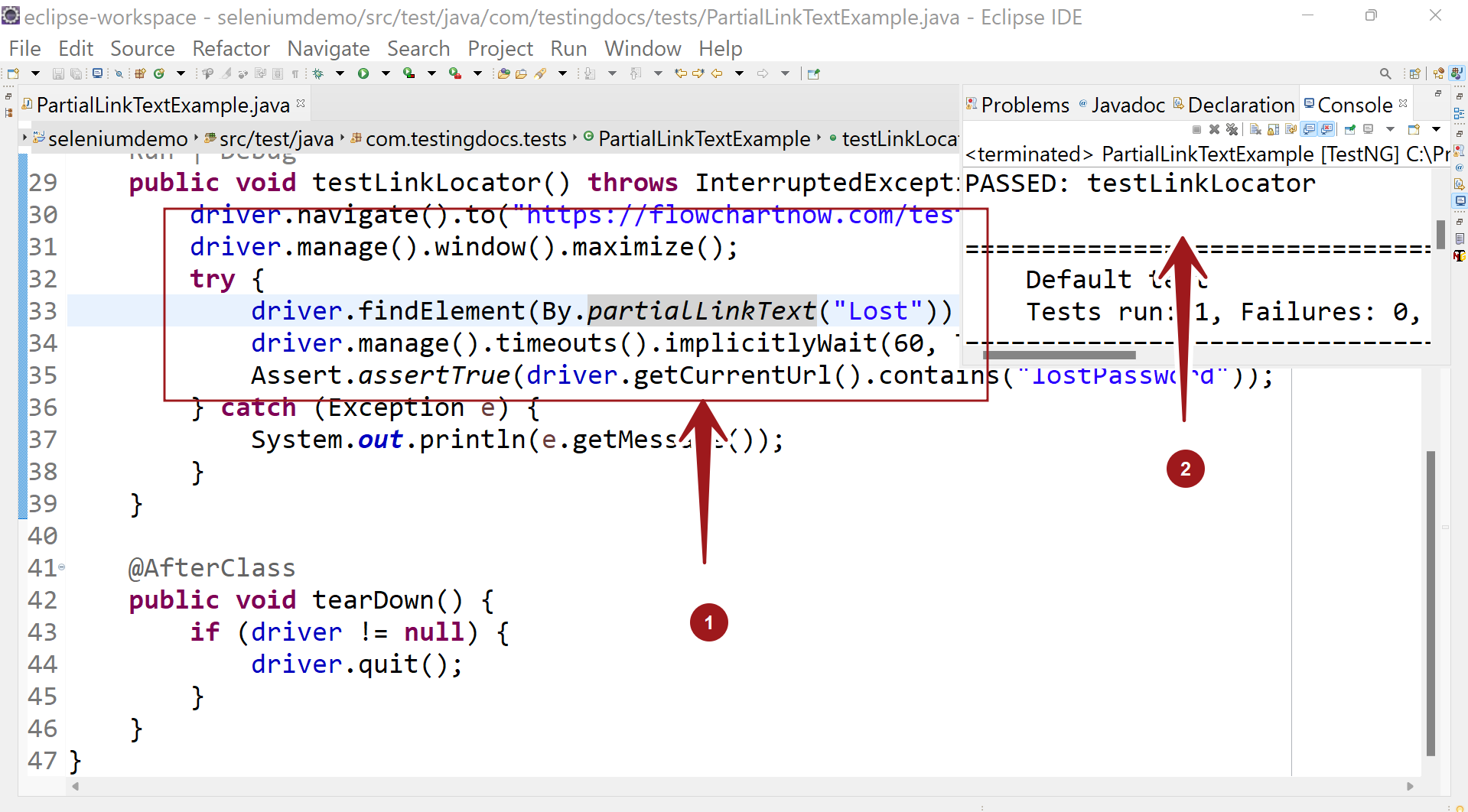
By.partialLinkText Example
In the earlier example, we have used the full text of the link to identify the link with By.linkText() method.
However, in this example we will use partial text to identify the element using the By.partialLinkText() method.
Sample Code
package com.testingdocs.tests;

//Selenium Tutorials - www.TestingDocs.com

import org.openqa.selenium.WebDriver;
import org.openqa.selenium.WebElement;
import org.openqa.selenium.remote.DesiredCapabilities;
import org.openqa.selenium.remote.RemoteWebDriver;
import org.testng.Assert;
import org.testng.annotations.AfterClass;
import org.testng.annotations.BeforeClass;
import org.testng.annotations.Test;
import org.openqa.selenium.By;
import java.net.MalformedURLException;
import java.net.URL;
import java.util.concurrent.TimeUnit;
public class PartialLinkTextExample {
	public WebDriver driver;


	@BeforeClass
	public void setUp() throws MalformedURLException {
		DesiredCapabilities dCaps = new DesiredCapabilities();
		dCaps.setBrowserName("chrome");
		driver = new RemoteWebDriver(new
URL("http://localhost:4444/wd/hub"), dCaps);
	}

	@Test
	public void testLinkLocator() throws InterruptedException {
		driver.navigate()
.to("http://localhost/testlink/login.php");
		driver.manage().window().maximize();
		try {
			driver
.findElement(By.partialLinkText("Lost")).click();
			driver.manage()
.timeouts().implicitlyWait(60, TimeUnit.SECONDS);
			Assert
.assertTrue(driver.getCurrentUrl().contains("lostPassword"));
		} catch (Exception e) {
			System.out.println(e.getMessage());
		}
	}

	@AfterClass
	public void tearDown() {
		if (driver != null) {
			driver.quit();
		}
	}
}
—
Selenium Tutorials on this website: