
Blog
Install scikit-learn on Windows

Install scikit-learn on Windows
Scikit-learn is a popular open-source machine learning library for Python, built on NumPy, SciPy, and Matplotlib. It provides simple and efficient tools for data mining, data analysis, and machine learning, including classification, regression, clustering, and dimensionality reduction. With a user-friendly API, it is widely used in research and production applications.
Install Python
Ensure you have Python installed.
You can check by running the following command on your machine. Open a command prompt and issue the following command:
/> python --version
The steps for installing Python on a Windows machine areas follows:
Upgrade pip
To upgrade pip to the latest version, issue the following command:
/> python.exe -m pip install –upgrade pip
Install scikit-learn
To install scikit-learn, issue the following command:
/> pip install scikit-learn
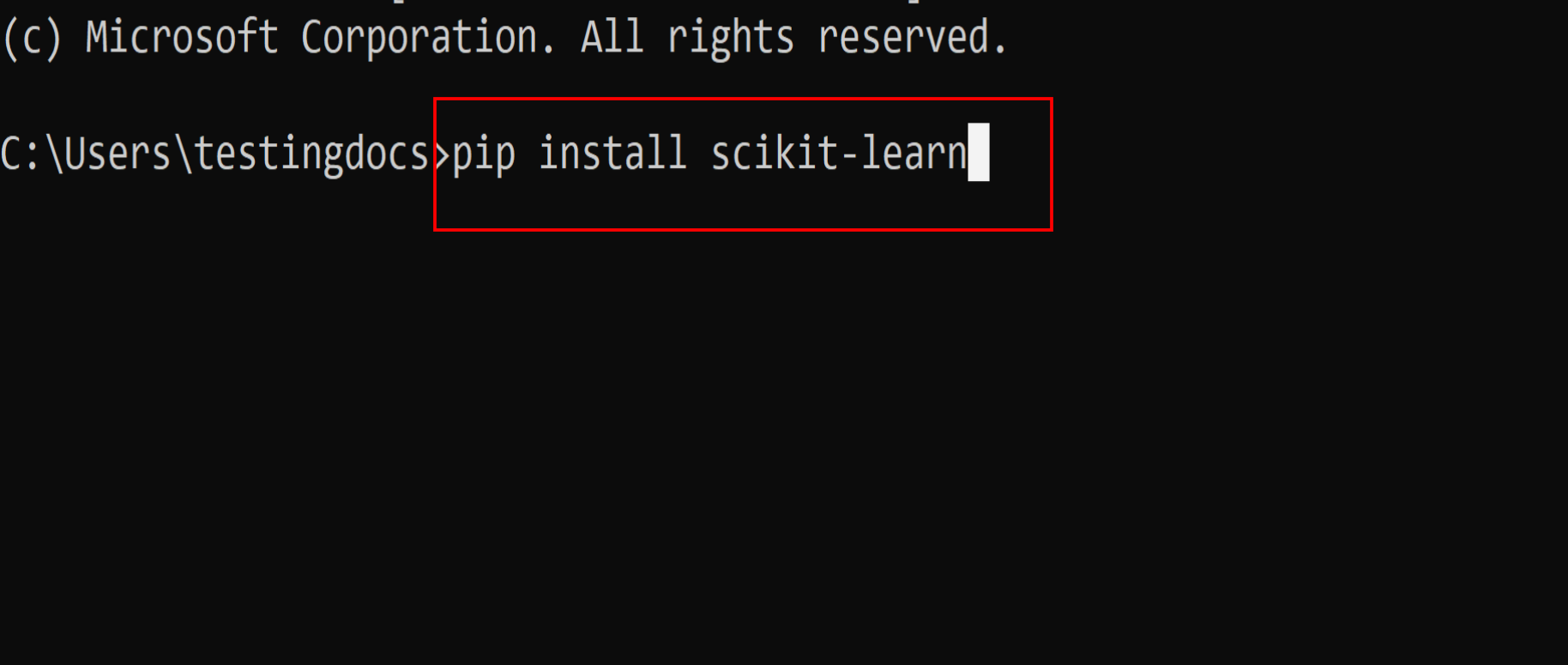
This command will install the tool and its dependencies on your computer.

Alternatively, you can create a Python virtual environment and install scikit-learn in it.
For example, let’s create a virtual environment called scikit:
/> python -m venv scikit
Activate the virtual environment:
/> scikit\Scripts\activate
Install the tool:
/> pip install scikit-learn

Verify Installation
After installation, you can verify it by running the following code snippet:
/> python -c “import sklearn; print(sklearn.__version__)”
This will print the scikit-learn version on to the console window.

import sklearn
The above statement imports the scikit-learn in your Python code.
That’s it. You have successfully installed the tool on your computer.
Python Tutorials
Python Tutorial on this website can be found at: