Blog
Launch Notepad++ Editor

Launch Notepad++ Editor
In this tutorial, you will learn how to launch Notepad++ Editor on the Windows 11 operating system. There are several ways to open the Notepad++ editor on your machine.
Steps to install Notepad++ Editor:
Desktop shortcut
Double-click on the Notepad++ desktop icon to launch the editor. This is the easiest method to launch the text/source code editor.

Search bar
Click on the Search icon in the Taskbar. Search for Notepad++ in the search bar. This will display the App link in the search result. Click on the Notepad++ App search result to launch the tool.
Install Directory
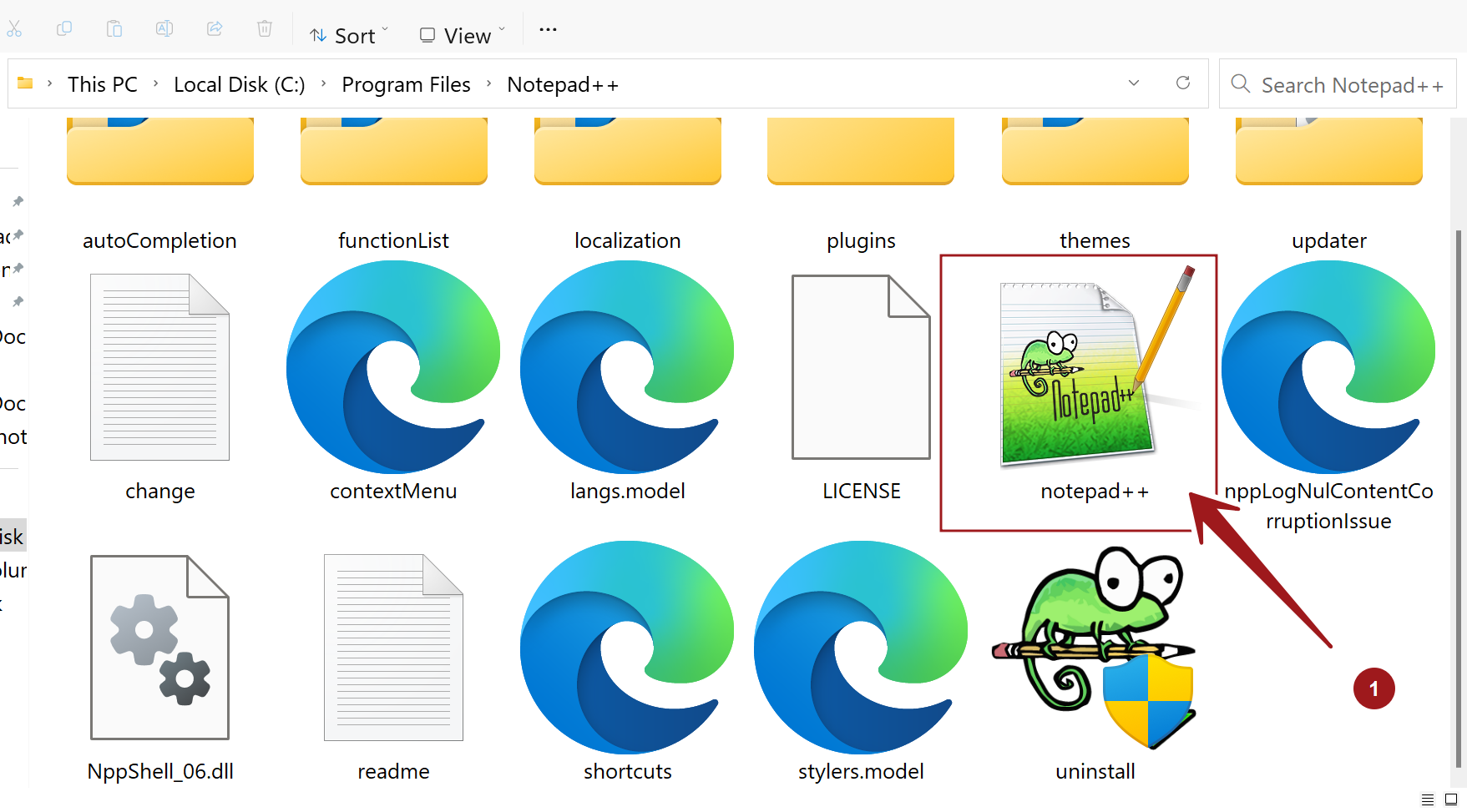
Open File Explorer and browse to the install location. The default install location of the tool is:
C:\Program Files\Notepad++
Double-click on the notepad++.exe file to launch the tool.