
Blog
Set Up Git Bash On Windows

Set Up Git Bash On Windows
This tutorial will teach us steps to set up Git Bash on the Windows 10 operating system.
Installing Git Bash
https://www.testingdocs.com/installing-git-on-windows-10/
Launch Git Bash
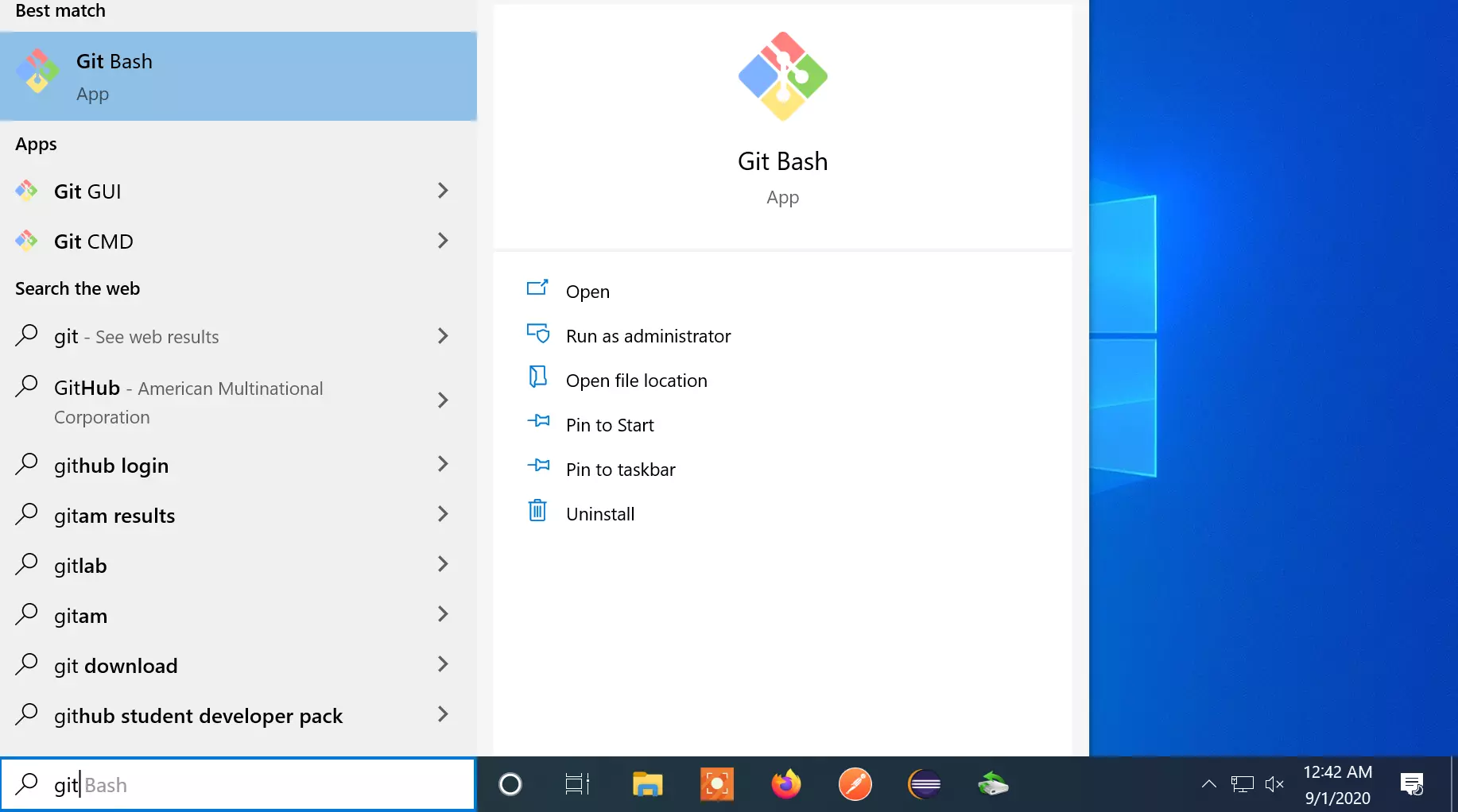
Open the command prompt and type git.
Click on the Git Bash app to run the Git bash application.
Notepad++ as the default editor
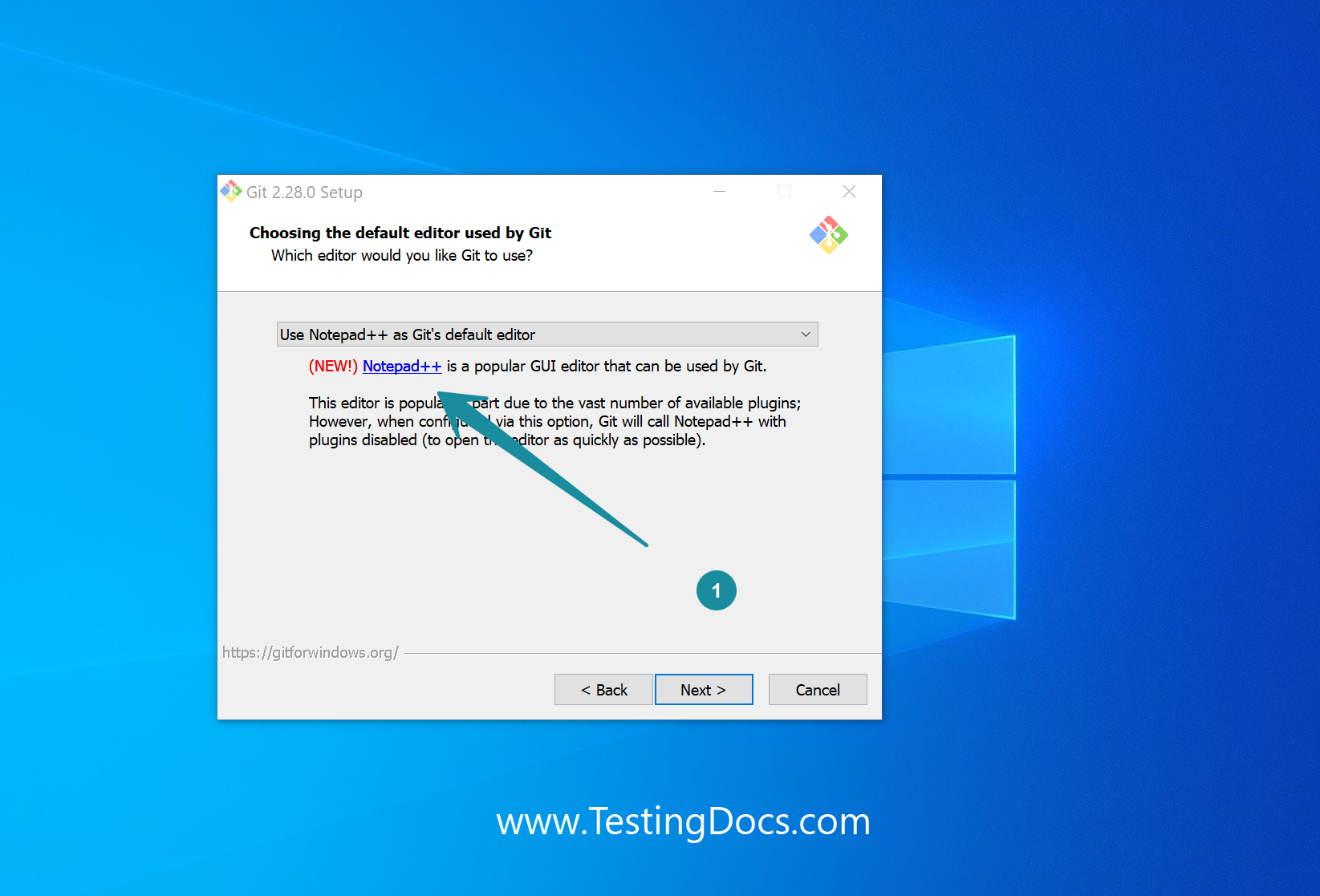
Notepad++ is one of the most popular editors for Windows 10 OS.
https://www.testingdocs.com/installing-notepad-editor-on-windows-10/
We can set the Notepad++ application as the default editor used by Git during the Git bash installation process.
From the drop-down choose Notepad++ editor.
Git Help
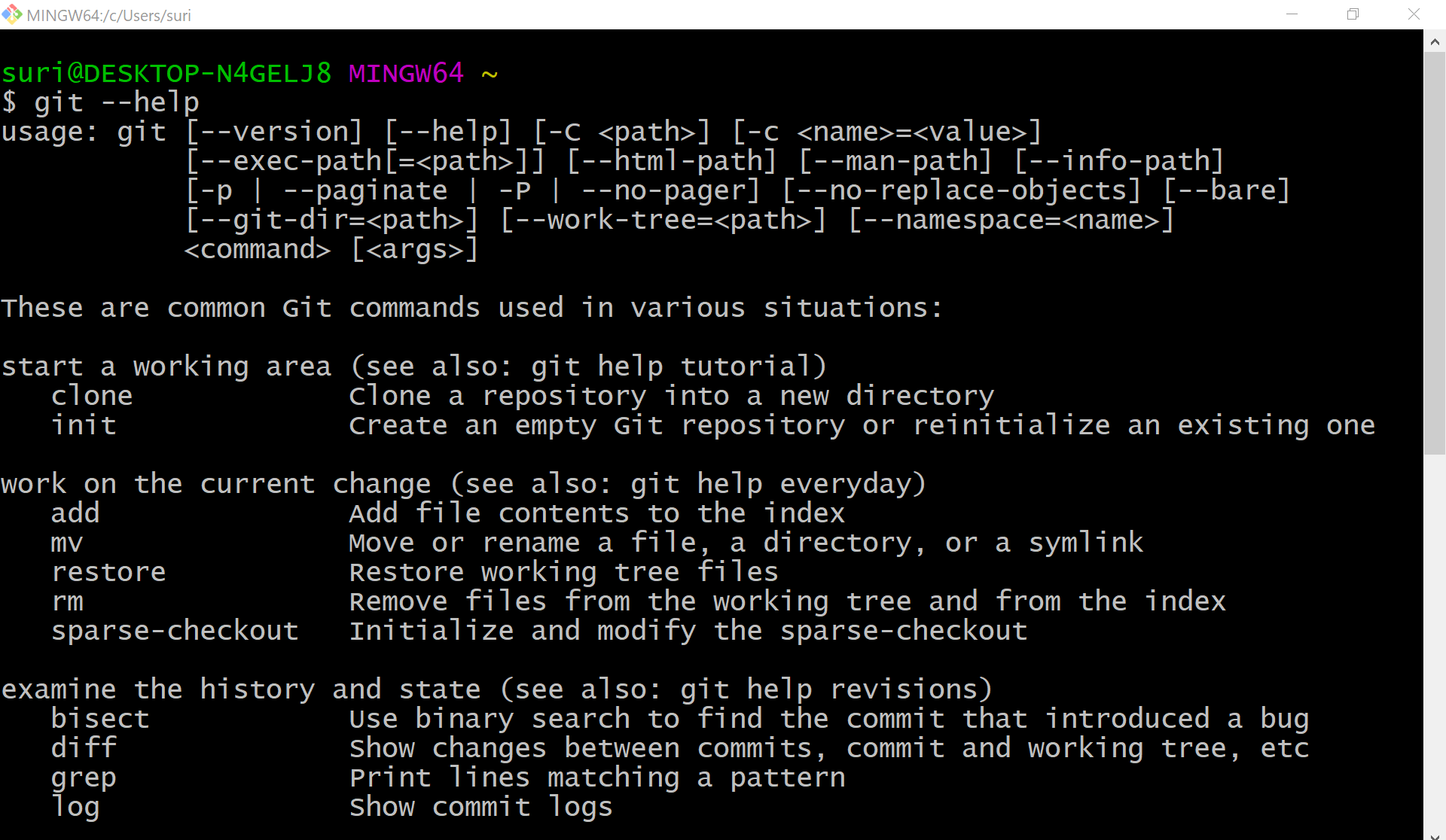
To check if git bash is working correctly on the machine, we can type the git help command or version command.
$git –help
$git –version
Setting up a new repository
https://www.testingdocs.com/create-a-new-git-repository/