
Blog
Windows Built-In Accessories

Windows Built-In Accessories
Windows operating system comes with a lot of built-in accessories and applications. All the applications can be found under the Accessories folder. To launch the applications:
- Click on the Start button
- Click on the All Programs link
- Click on the Accessories folder
Windows Accessories
Some of the important accessories on Windows 7 operating system are as follows:
- Calculator
- Command Prompt
- Paint
- NotePad
- Run
- Snipping Tool
- Sound Recorder
- Sticky Notes
- Sync Center
- Windows Explorer
- WordPad
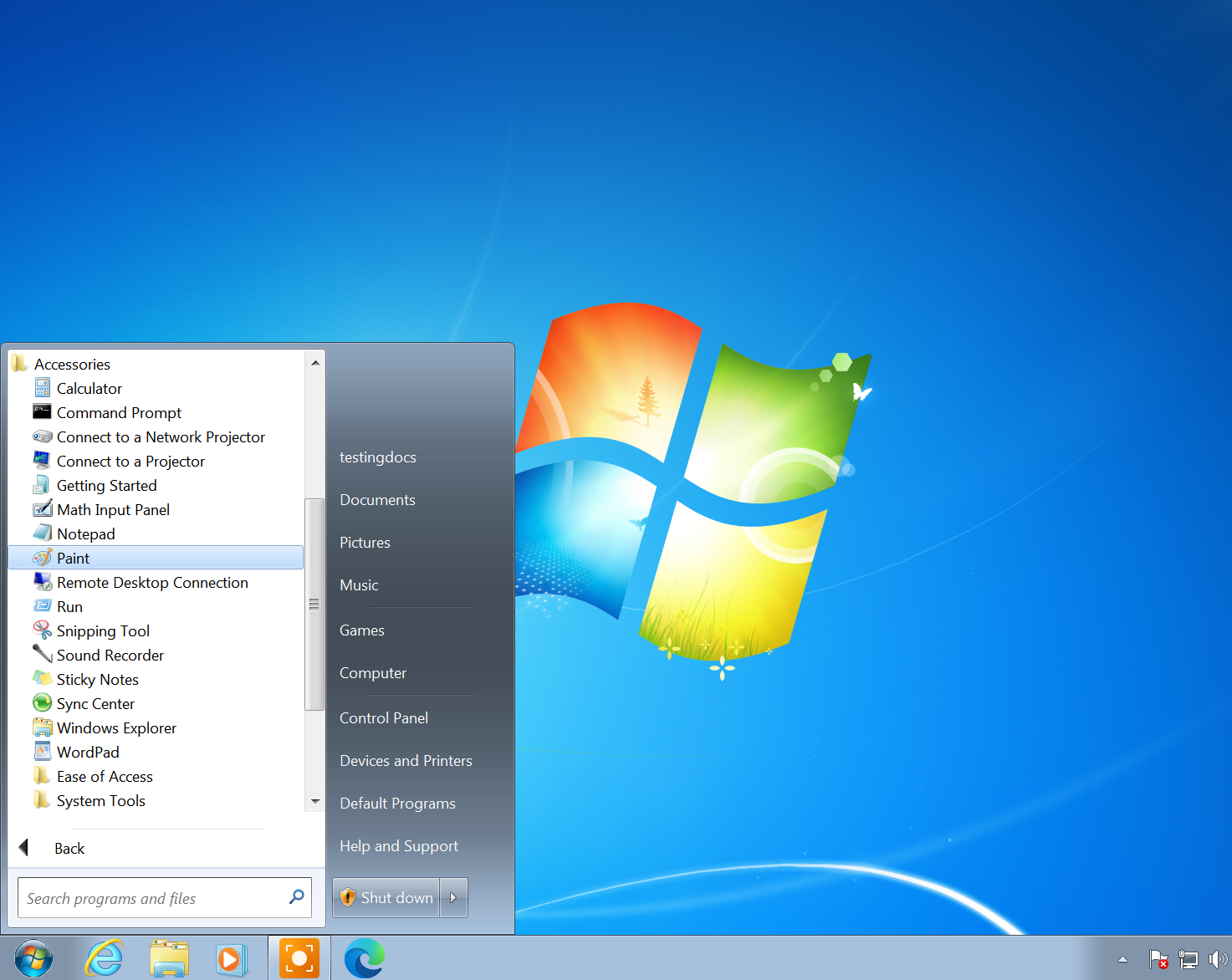
Most of the applications are traditional Windows applications and can be used while performing tasks on the computer.