
Blog
Python Label Widget

Python Label Widget
Python Label widget is a part of the Tkinter library, the standard GUI toolkit for developing GUI applications. The Label widget displays text or images on a GUI window.
Syntax
The general syntax to create a label widget is as follows:
lbl = Label (window, options, …..)
- window: represents the parent window.
- options: the list of most commonly used options for this widget. These options can be used as key-value pairs separated by commas.
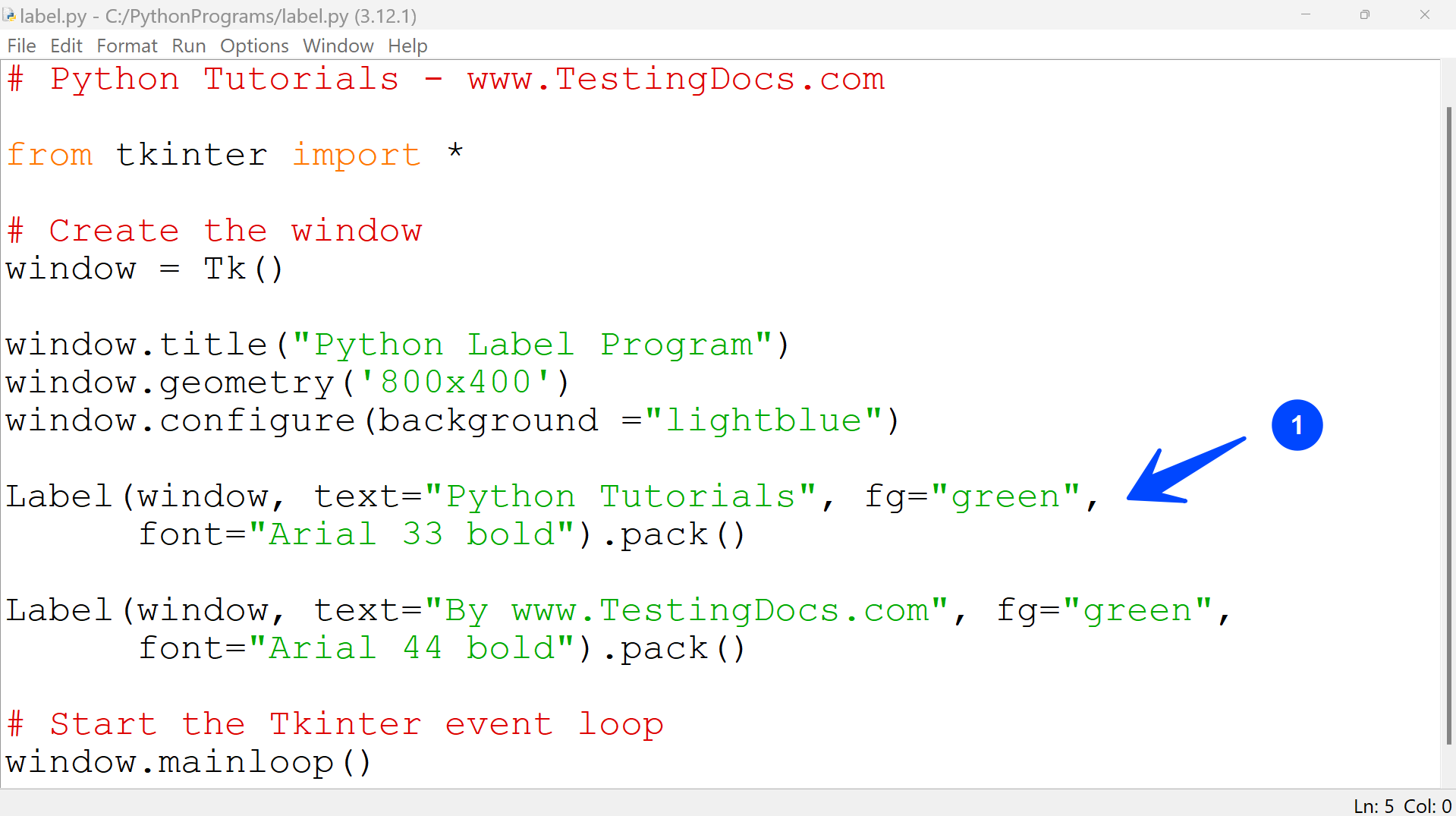
Python GUI Program
# Python Program – Label widget
# Python Tutorials – www.TestingDocs.com
from tkinter import *
# Create the window
window = Tk()
window.title(“Python Label Program”)
window.geometry(‘800×400’)
window.configure(background =”lightblue”)
Label(window, text=”Python Tutorials”, fg=”green”,
font=”Arial 33 bold”).pack()
Label(window, text=”By www.TestingDocs.com”, fg=”green”,
font=”Arial 44 bold”).pack()
# Start the Tkinter event loop
window.mainloop()
Program Output
Save the program and execute it to view the output.
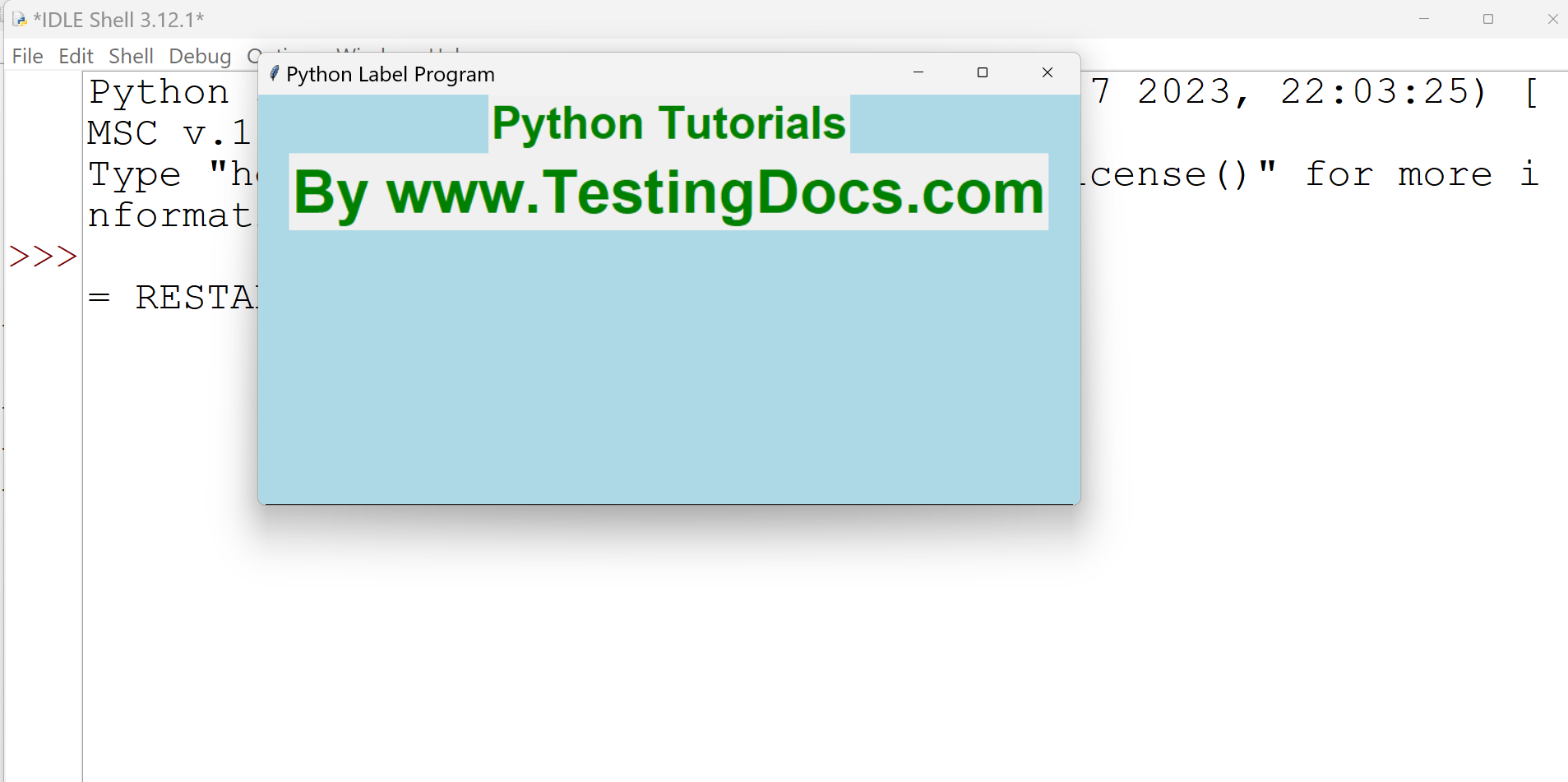
This example creates two labeled widgets with specific font, text color, etc.
—
Python Tutorials
Python Tutorial on this website can be found at: