
Blog
Python break Statement

Python break Statement
The Python break statement terminates a loop immediately when a certain condition (or conditions) is evaluated as true. It can be used in both for and while loops.
When nested loops are used in a program, if a break occurs in the inner loop, it terminates the inner loop, and execution control goes to the outer loop. On the other hand, if a break statement occurs in a single loop, it transfers the execution control to the statement immediately after the loop.
break Statement Syntax
The break statement terminates the nearest enclosing loop, skipping the optional else clause if the loop has one. If a break statement terminates a for loop, the loop control target keeps its current value. When a break passes control out of a try statement with a finally clause, that finally clause is executed before leaving the loop.
The general syntax of the break statement is as follows:
break
The break may only occur syntactically nested in a for or while loop but not nested in a function or class definition within that loop.
Example
Python program to illustrate the break statement in a for loop.
############################################################
# This program to demo the usage of the break statement
# Python Tutorials - www.TestingDocs.com
############################################################
for i in range(1,10):
    if i==7:
        break
    print(i)
print("Exit for Loop")
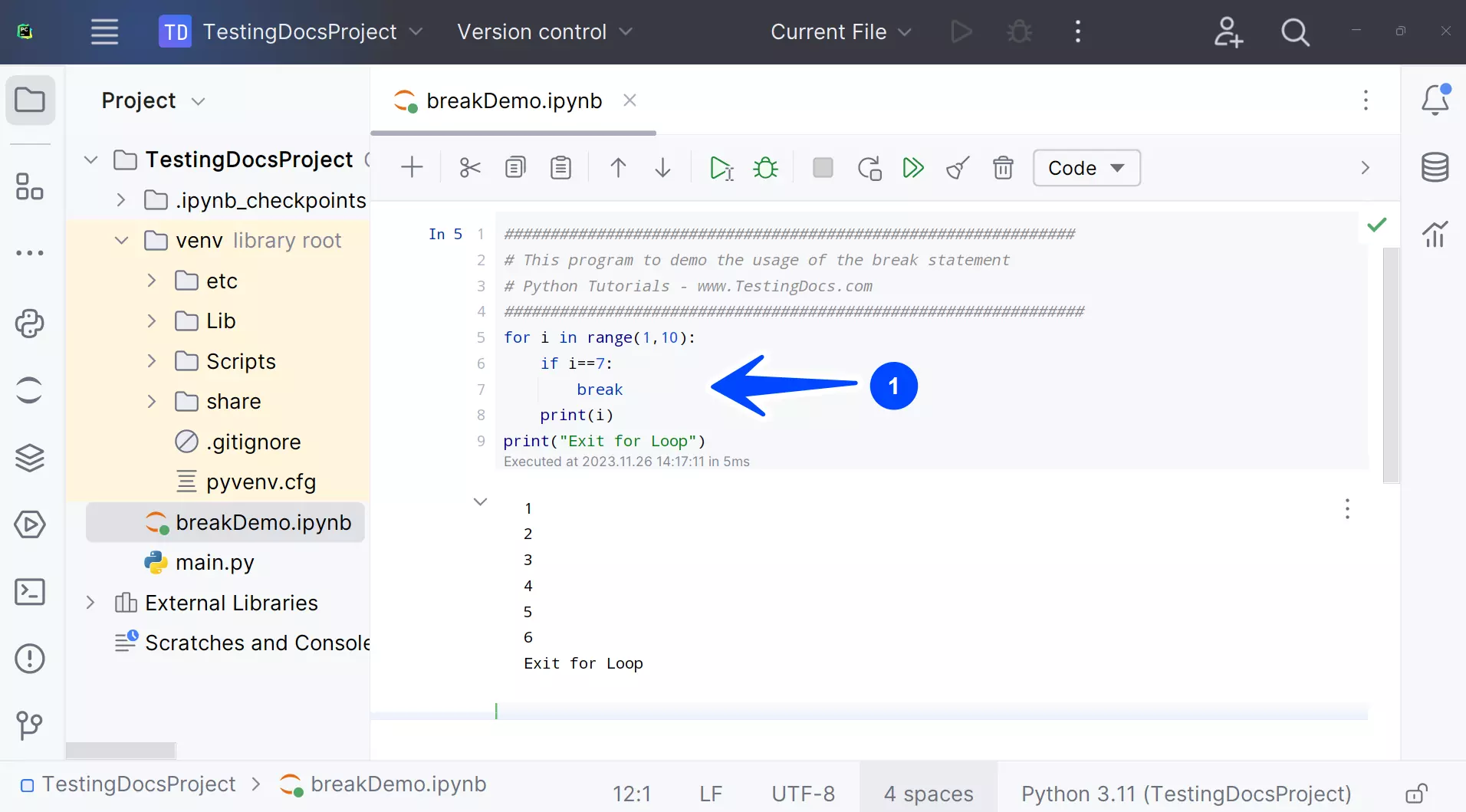
Output
1
2
3
4
5
6
Exit for Loop
The range of the for loop is set to 1 through 10. When the if statement encounters loop variable i with value 7, the break statement gets executed, and the control transfers out of the for loop. The program only prints 1,2,3,4,5,6, and the âExit for Loopâ.
—
Python Tutorials
Python Tutorial on this website can be found at:
More information on Python is available at the official website: