
Blog
MantisBT My View Page

MantisBT My View Page
MantisBT My View Page is the landing page displayed to the user after logging into the Mantis instance. The URL displayed would be something like:
<mantis_server_name>/mantis/my_view_page.php
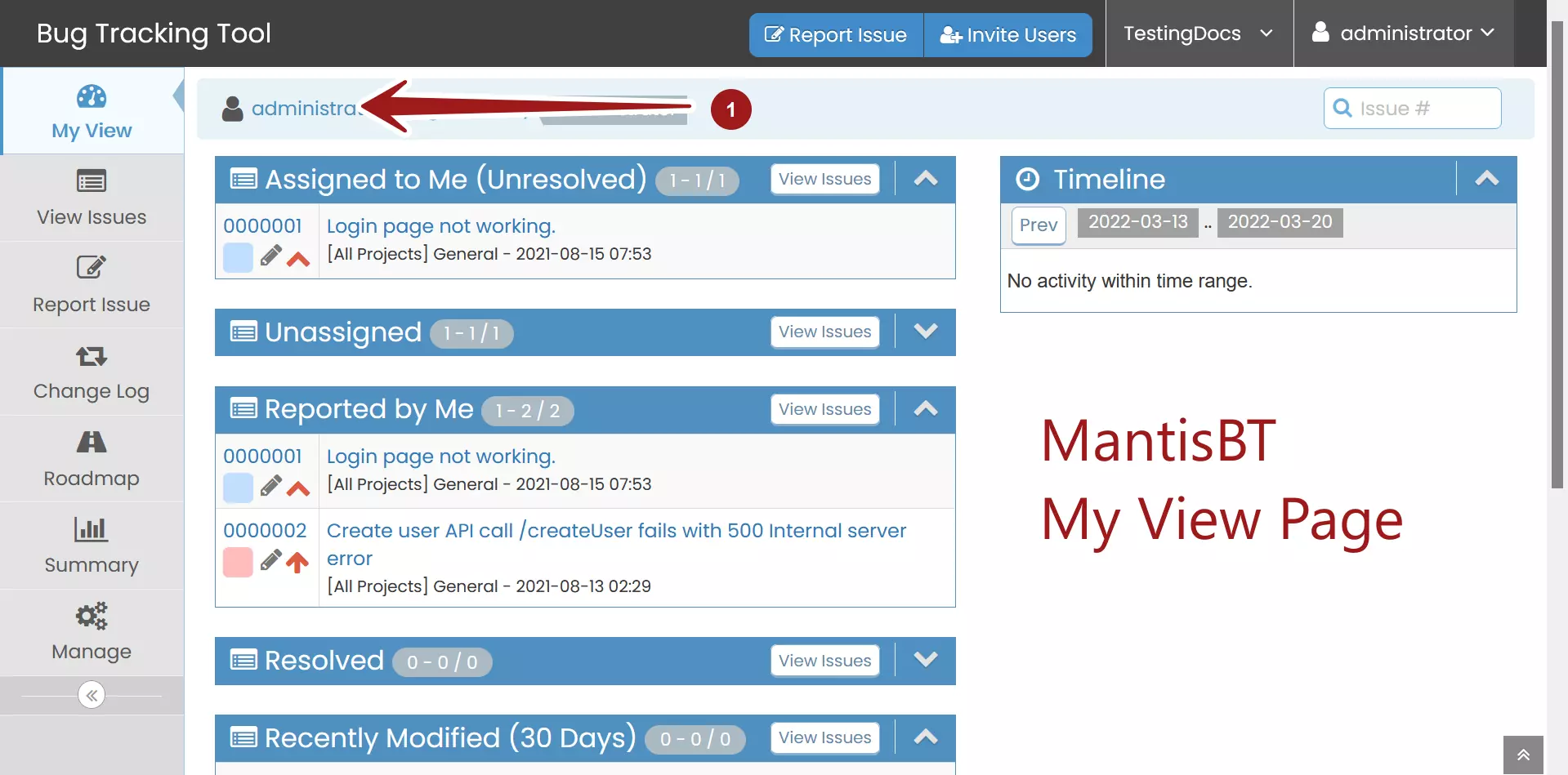
Navigation bar
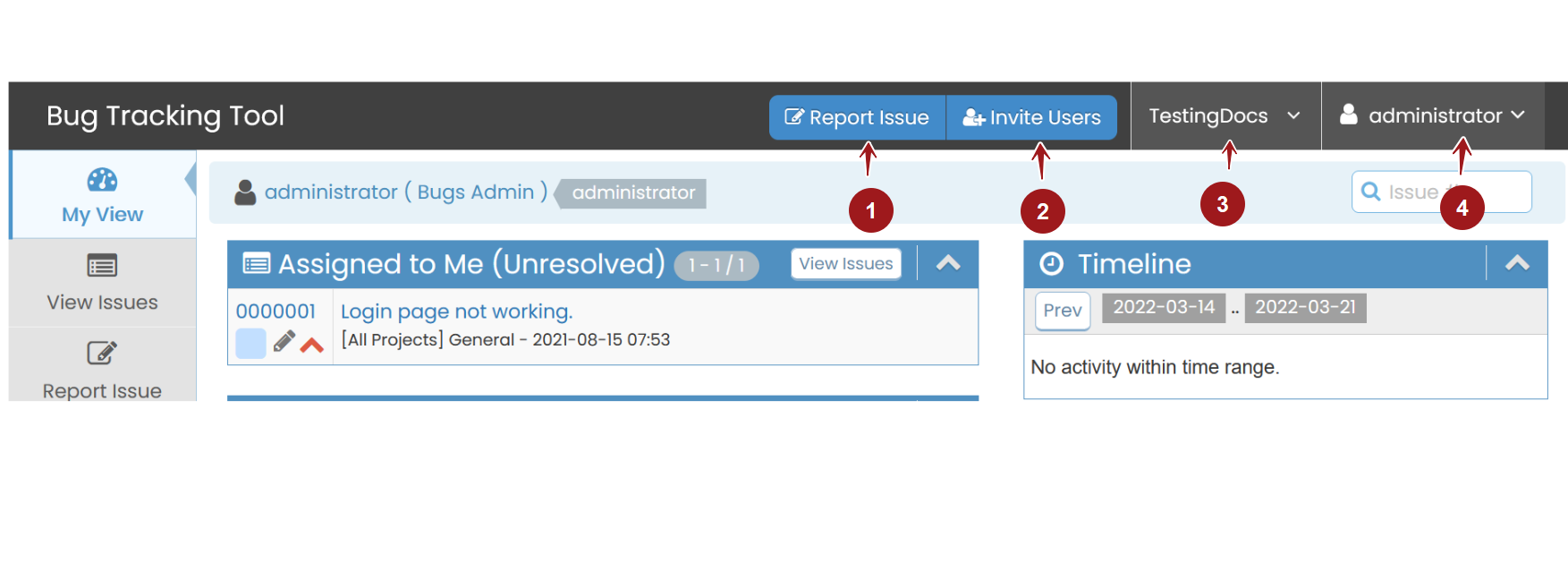
On the top, we can find the Navigation bar.
Navigation bar. The navigation bar contains buttons to Report Issue, Invite Users, drop-down lists of Projects, and My Account drop-down with a Logout link.
Side Menu bar
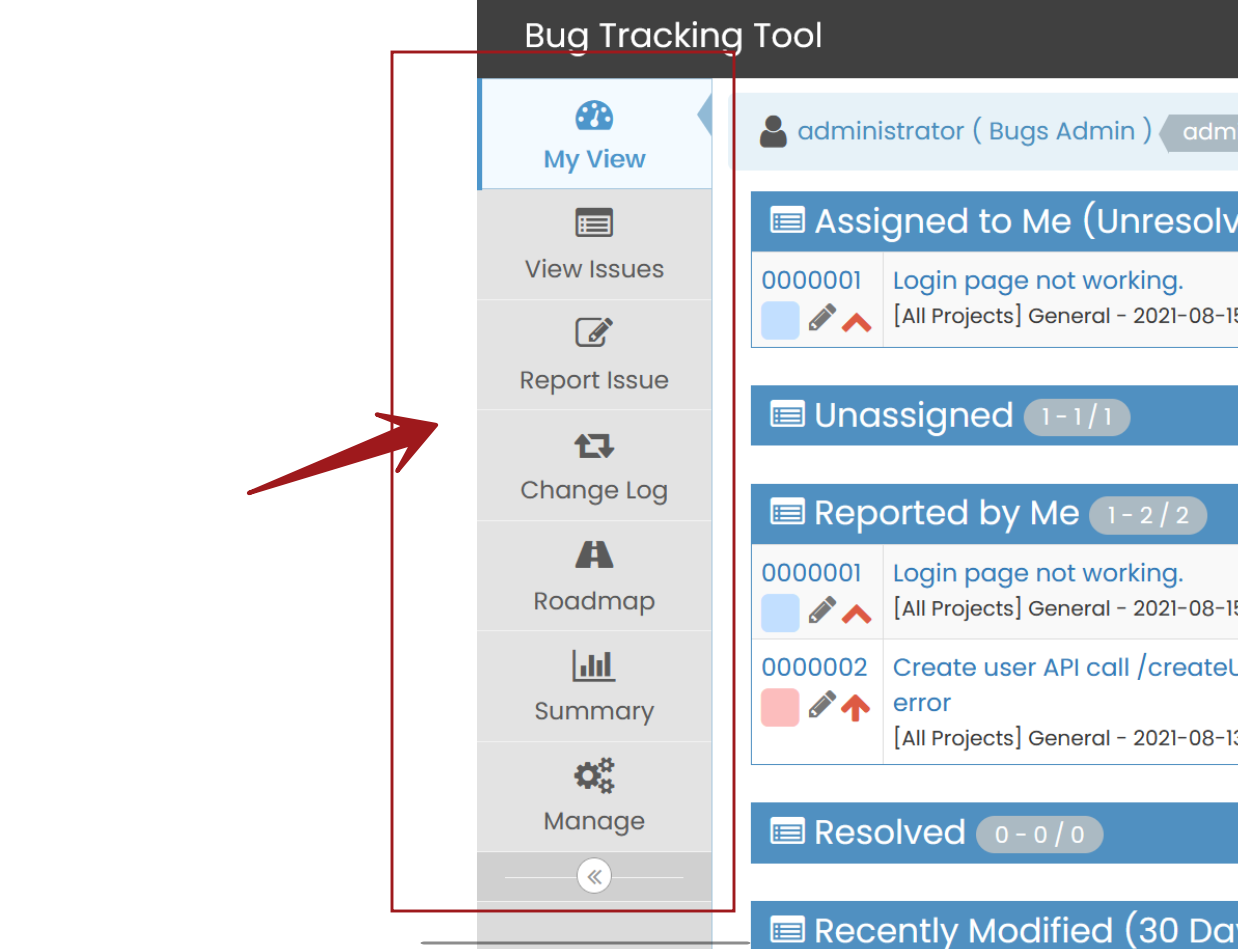
The Side Menu bar has the following items:
- My View
- View Issues
- Report Issue
- Change Log
- Roadmap
- Summary
- Manage
My View Page
The page has different sections such as:
- Assigned to Me – This shows the list of Issues that are assigned to the user
- Unassigned – Displays the list of all unassigned issues
- Reported by Me – List of all the issues reported by the user.
- Resolved- List of Resolved Issues.
- Recently Modified – List of Issues that were modified in the last 30 days.
- Monitored by Me – This shows the list of Issues monitored by the user.
Mantis Bug Tracker Tutorial:
https://www.testingdocs.com/mantis-bug-tracker-tutorial/