
Blog
What is pipx?

What is pipx?
pipx is a tool for installing and running Python CLI applications in isolated environments. It prevents dependency conflicts and keeps your global Python setup clean.
Installation Steps
Prerequisites
- Python 3.6+
pip(usually bundled with Python)
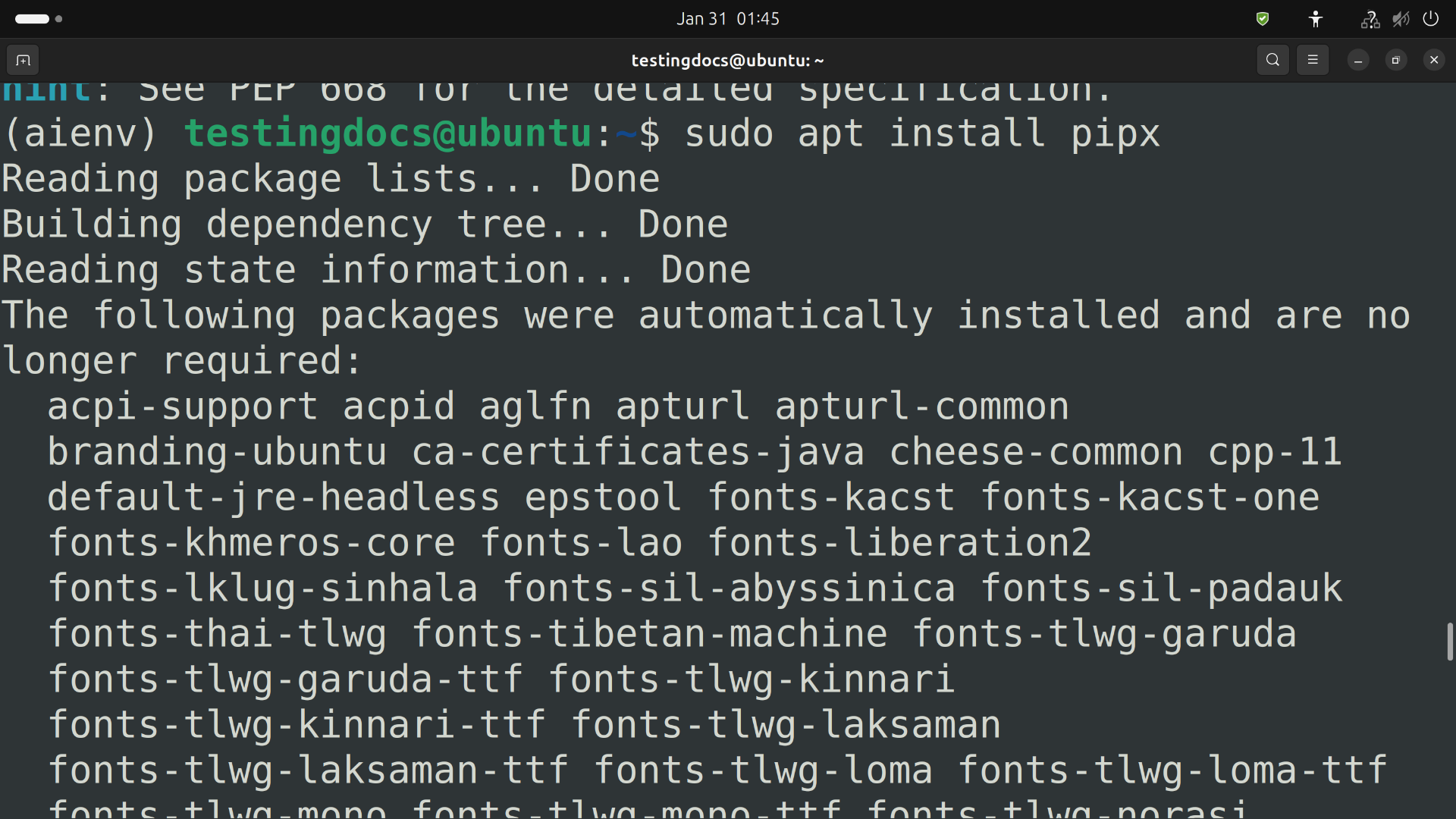
Install pipx
- macOS/Linux:
python -m pip install --user pipx
python -m pipx ensurepath
(Restart your terminal afterward)
- Windows:
py -m pip install --user pipx
py -m pipx ensurepath
(Restart Command Prompt/PowerShell)
- Homebrew (macOS/Linux):
brew install pipx
pipx ensurepath
Verify Installation
pipx --versionBasic Usage
- Install a tool:
pipx install black - Run a tool once:
pipx run poetry - List installed tools:
pipx list - Uninstall a tool:
pipx uninstall black
Why Use pipx?
- 🚫 Isolation: No dependency conflicts.
- 🧹 Clean Environment: Avoid global package clutter.
- ⚡ Easy Management: Install/update/remove tools effortlessly.
Common tools installed via pipx: black, poetry, pylin