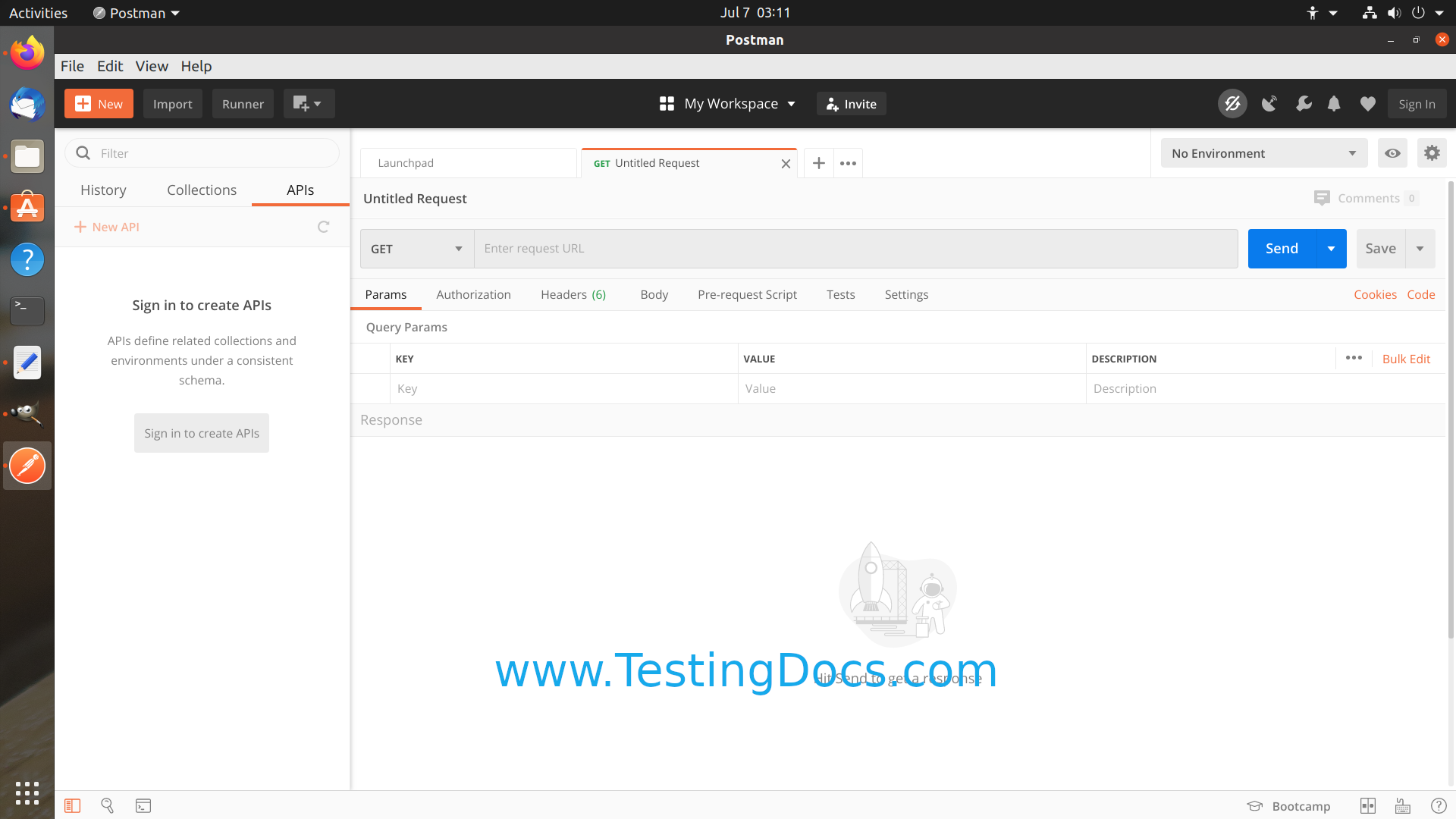
How to Install Postman on Ubuntu

How to Install Postman on Ubuntu
Postman is an API Development platform popular among developers worldwide. It is a software-building tool that uses APIs( Application Programming Interface). In this tutorial, we will go through the steps involved in installing the Postman tool on an Ubuntu Linux machine.
Installing PostMan
Click on the Show Applications tab in the bottom left corner.
Launch Ubuntu Software Marketplace
Search for the application keyword: Postman
Click on the Postman search result.
Click on the Install button to download and install the application.
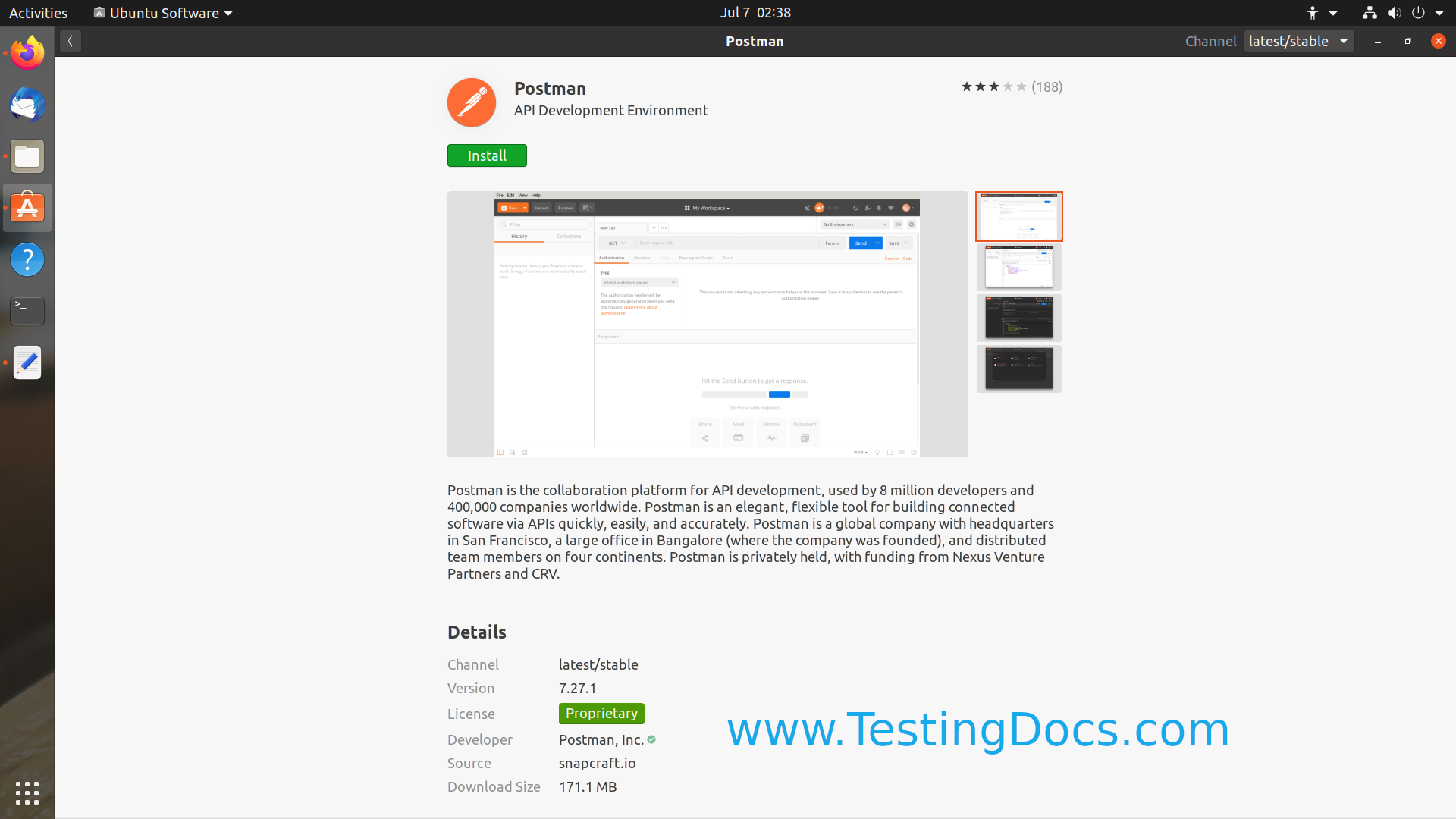
Postman would download and install it on the Linux machine. Depending on your machine and network configuration, it may take a while.
Postman Sign up
We can optionally create an account with Postman and Sign up. There are some advantages of creating an account.
- Create and Use Workspaces to Organize API Development.
- Sync API development work across various devices.
- Backup to Postman cloud.
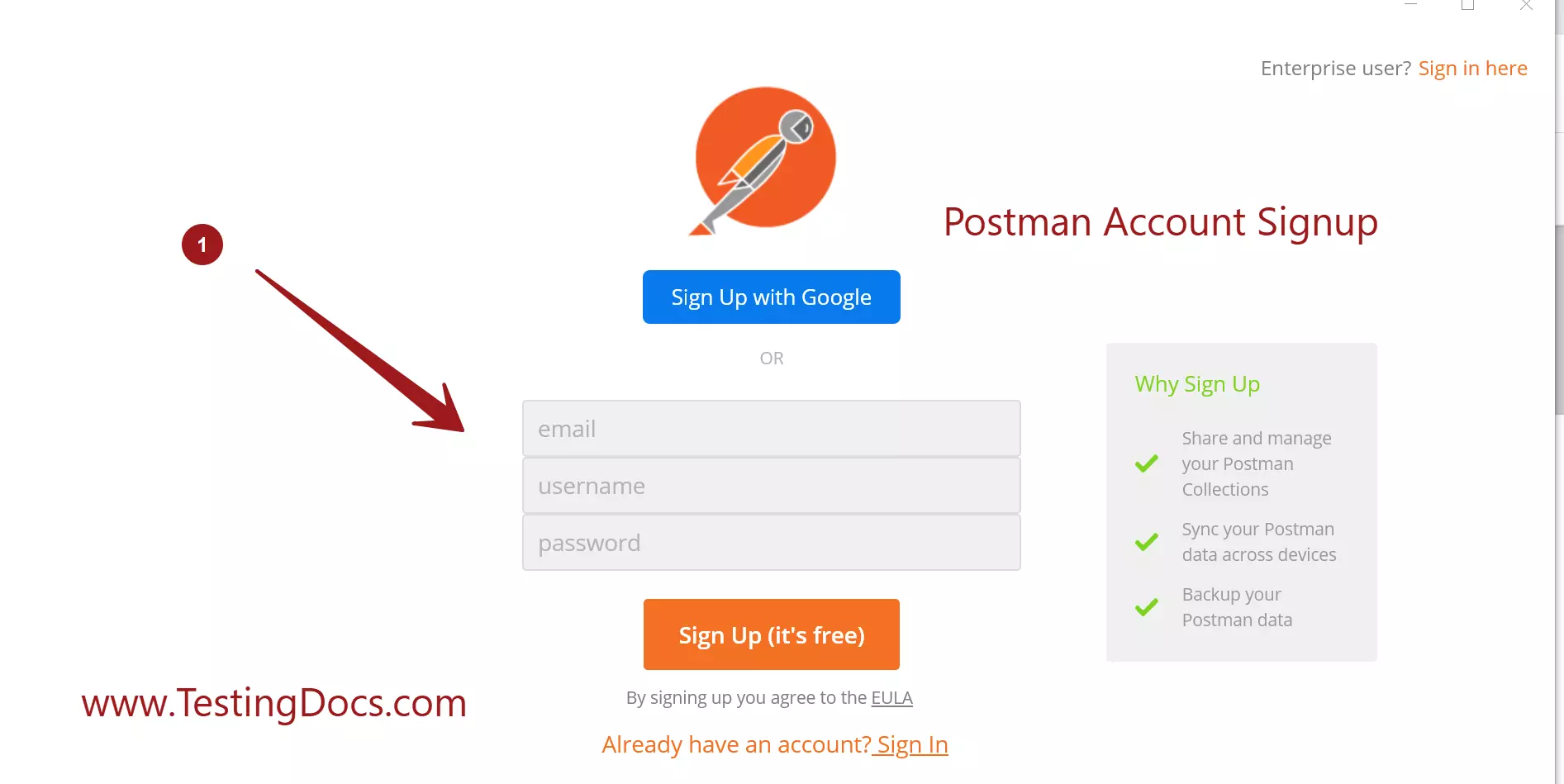
We can skip this by clicking on the link Skip signing in and take me straight to the app
Postman UI