Download Chrome Browser on Windows

Download Chrome Browser on Windows
In this tutorial, we will learn the steps to download the Google Chrome browser on the Windows 10 operating system.
Official Website:
Download
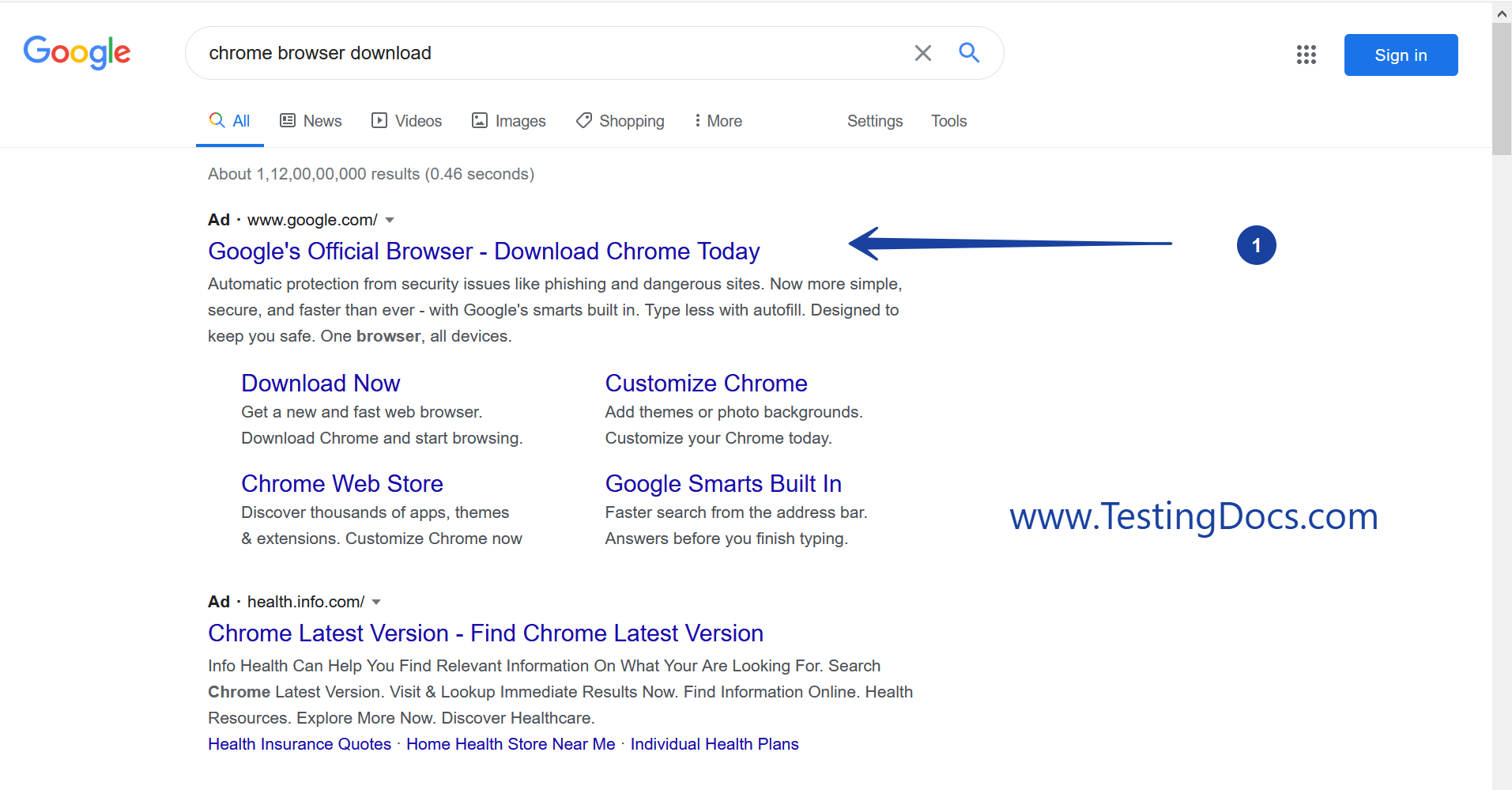
Search Google for ‘Chrome browser download’
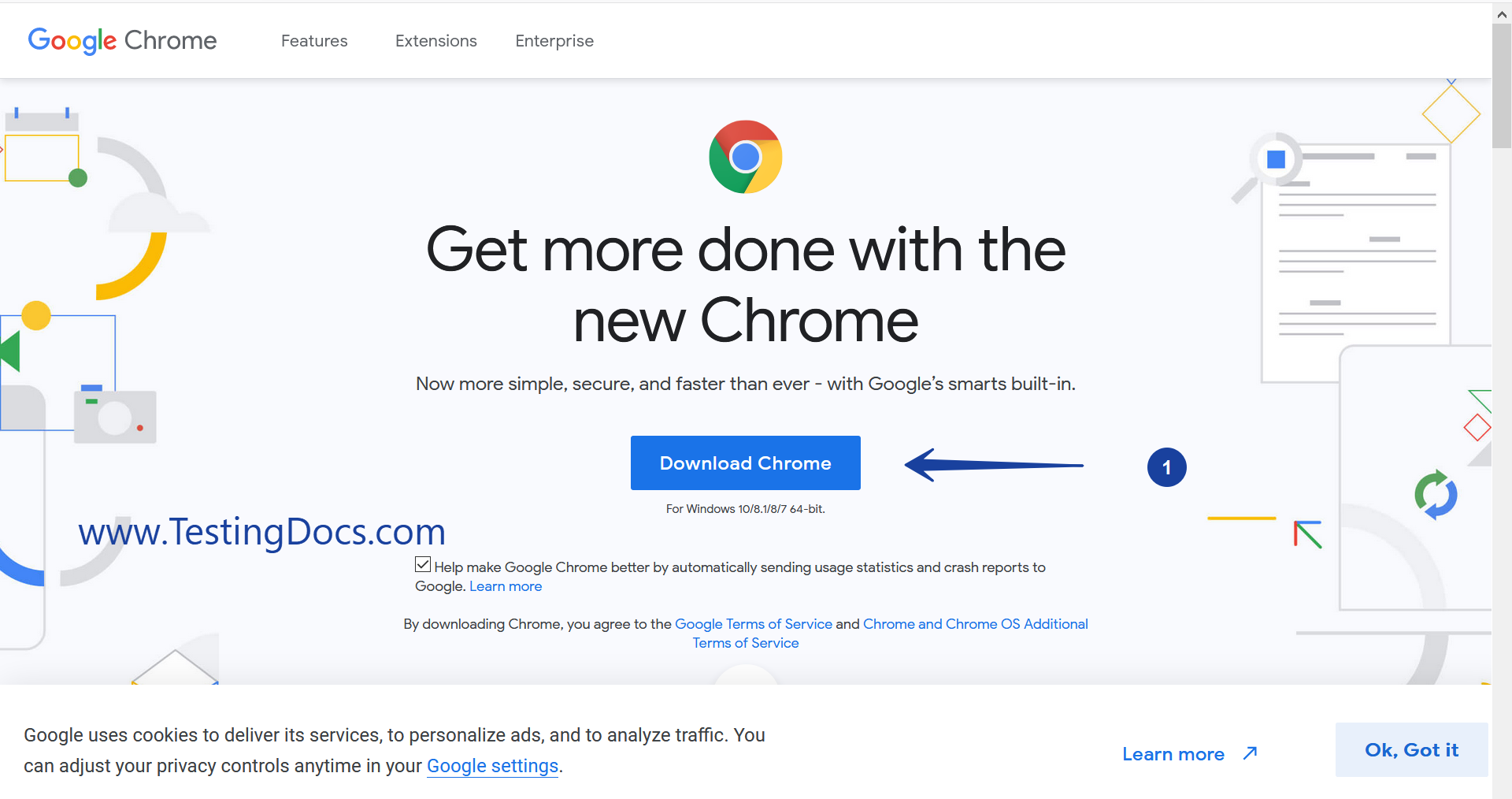
Visit the official website and click on the ‘Download Chrome’ button.
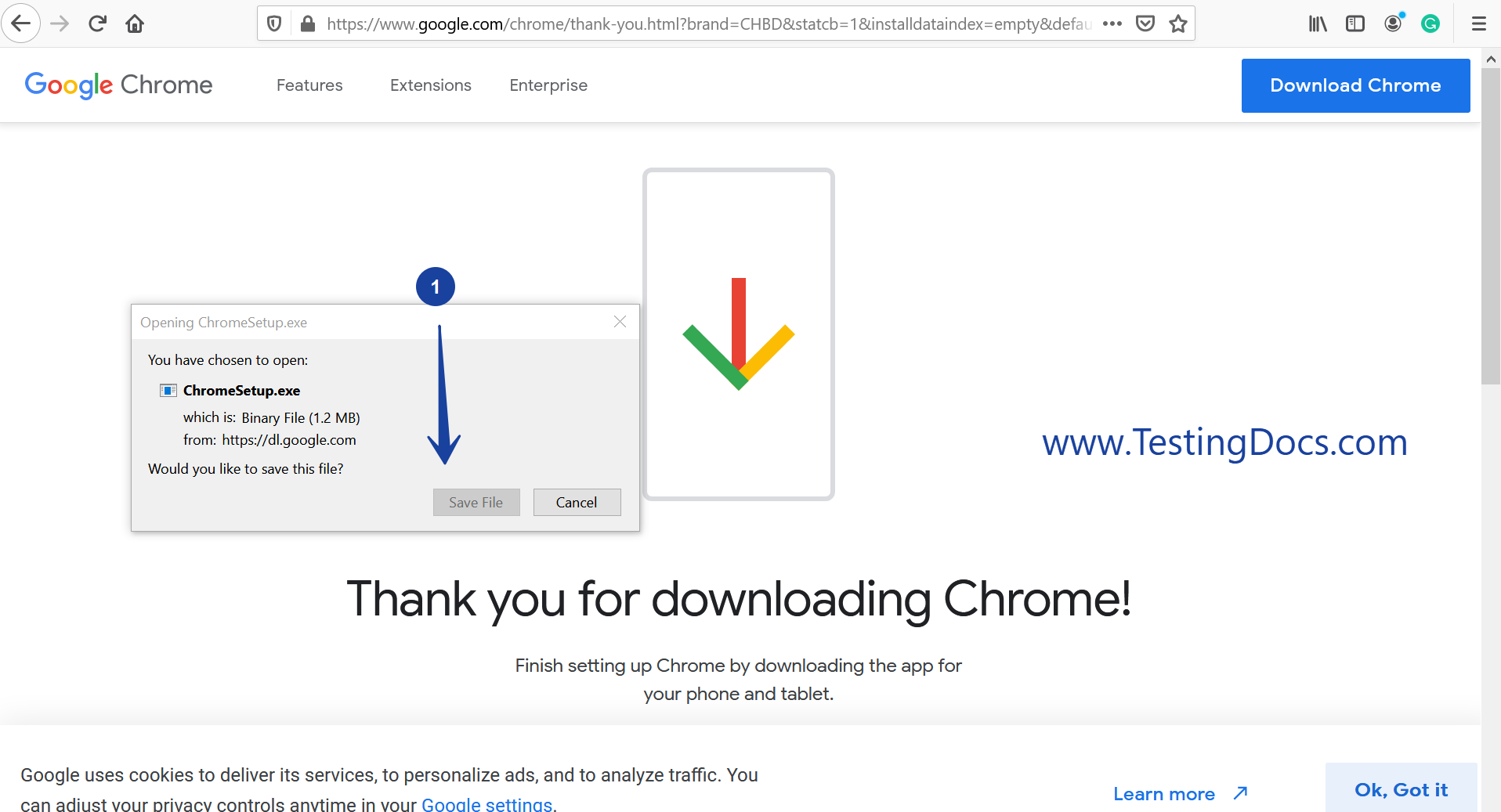
Download the ChromeSetup.exe and click on the ‘Save File’ button.
Click on it would download the application setup on to the hard disk of the computer.
Install
Locate the installer file on the hard disk location.
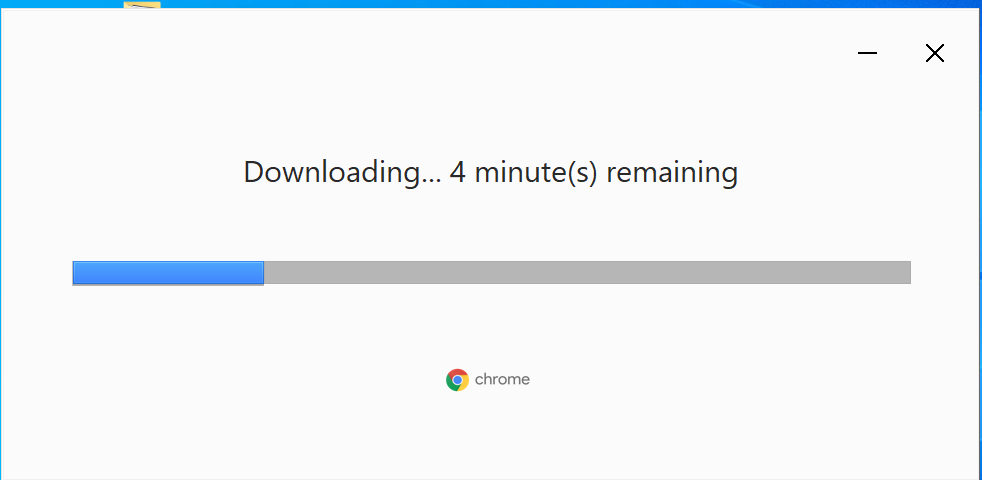
Double click on the installer file to launch the Chrome browser download and installation process.
Verification
Verify the Start Menu entry, Desktop icon and the Add/Remove program entry for the application.
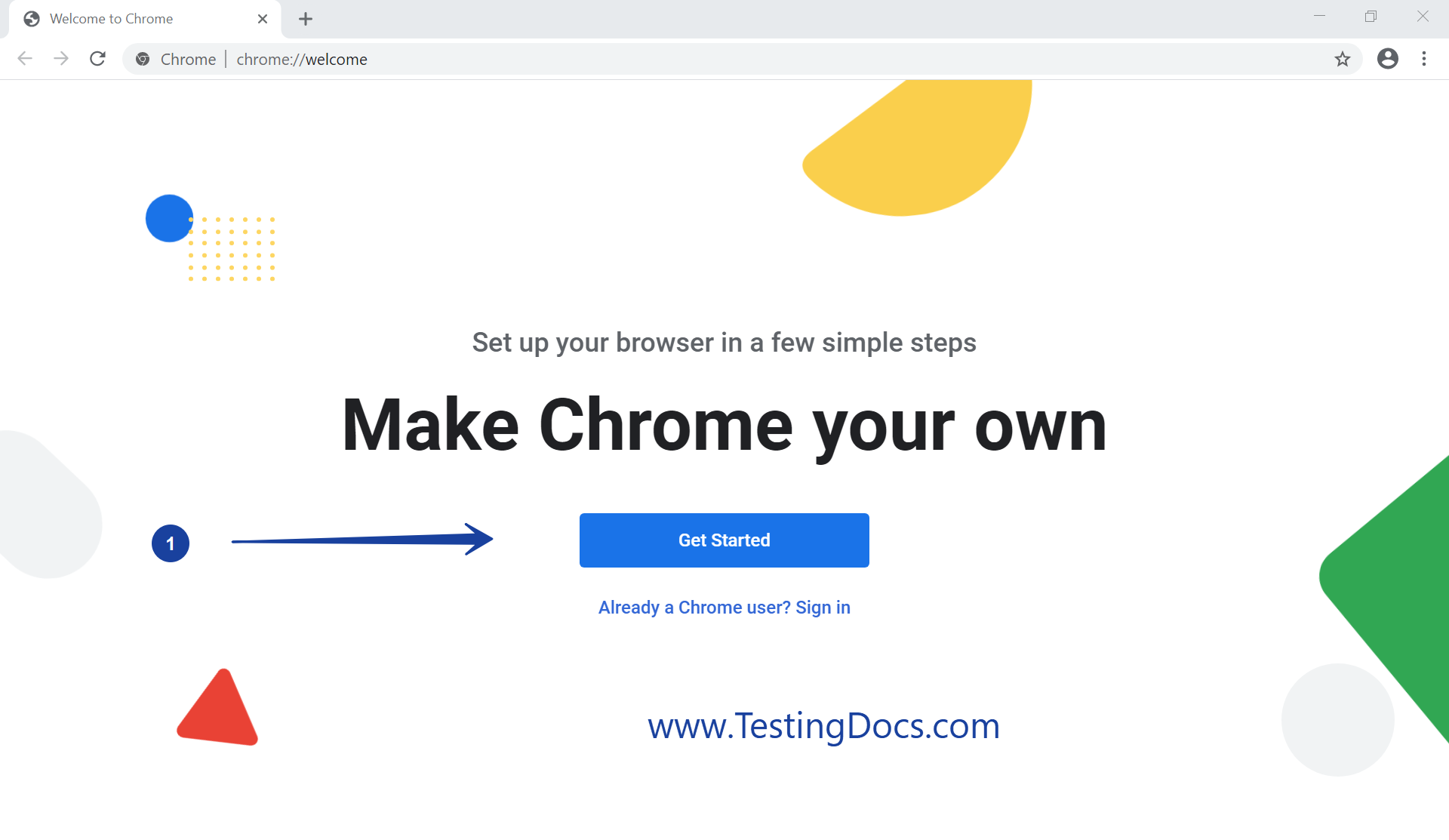
Launch the browser to use and Get started with it.