
Blog
Get Google AI API Key

Get Google AI API Key
This tutorial provides a step-by-step guide for creating your Google AI API key from the Google AI Studio.
Open a web browser and access Google AI Studio.
Click the ‘Get API key’ button on the left navigation pane.
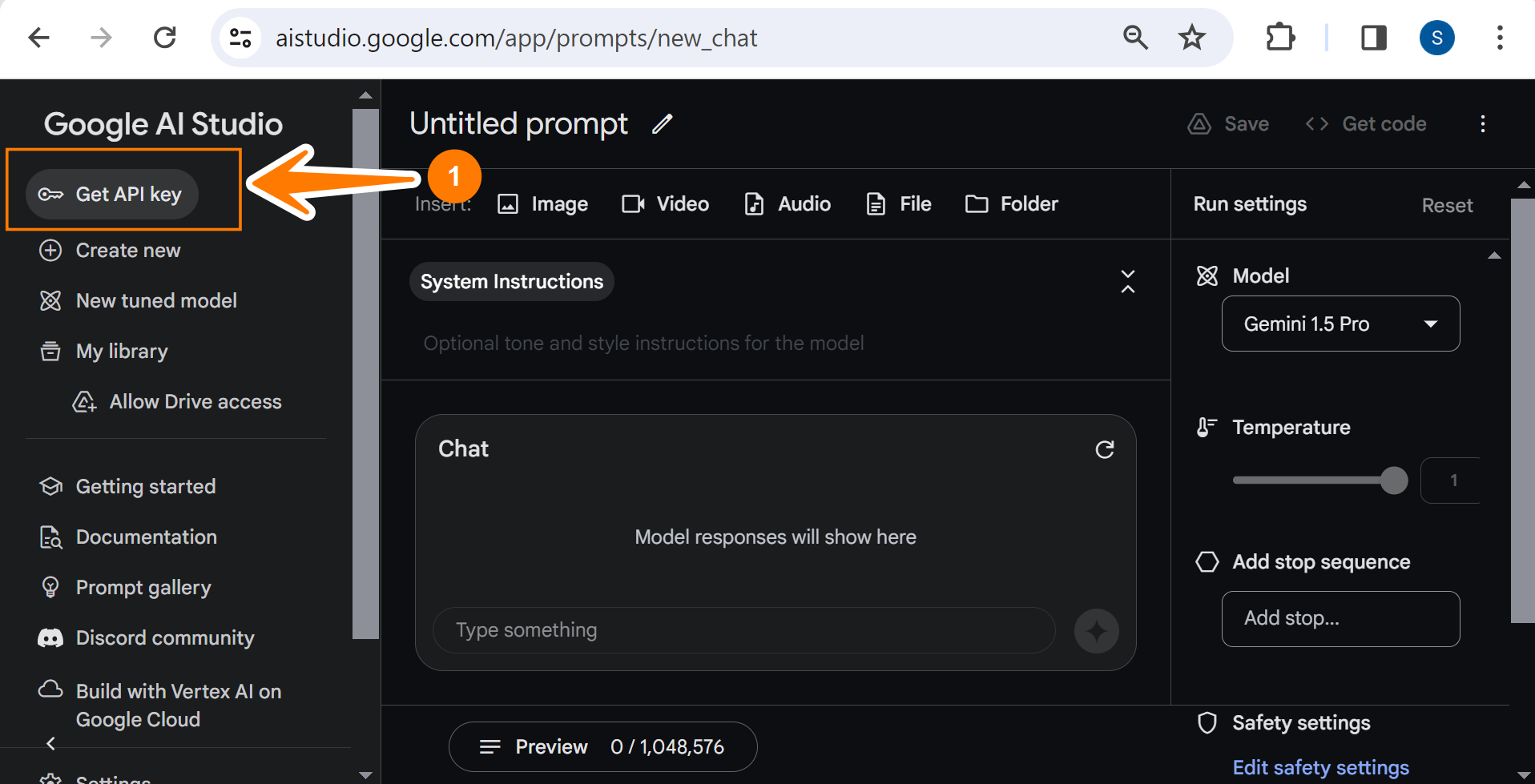
This will open the API Keys screen.
Alternatively, navigate to the following URL:
- ai.google.dev
Click on the Get API key in Google AI Studio button to get the keys.

Click on the button Create API key.

Please use API keys securely. Please do not share them with anyone or hardcode in source code.
This will show the Safety Setting Reminder screen. Please read the terms and conditions and click on the Got it button.

We can either create an API key for a new project or select an existing one to create it.

To create a key in a new project, click the ‘Create API key in new project’ button.
After clicking the button, Google will automatically generate a new API key.
That’s it. You can copy the generated keys and use it in the API project.