
Blog
Flowgorithm Call Statement

Flowgorithm Call Statement
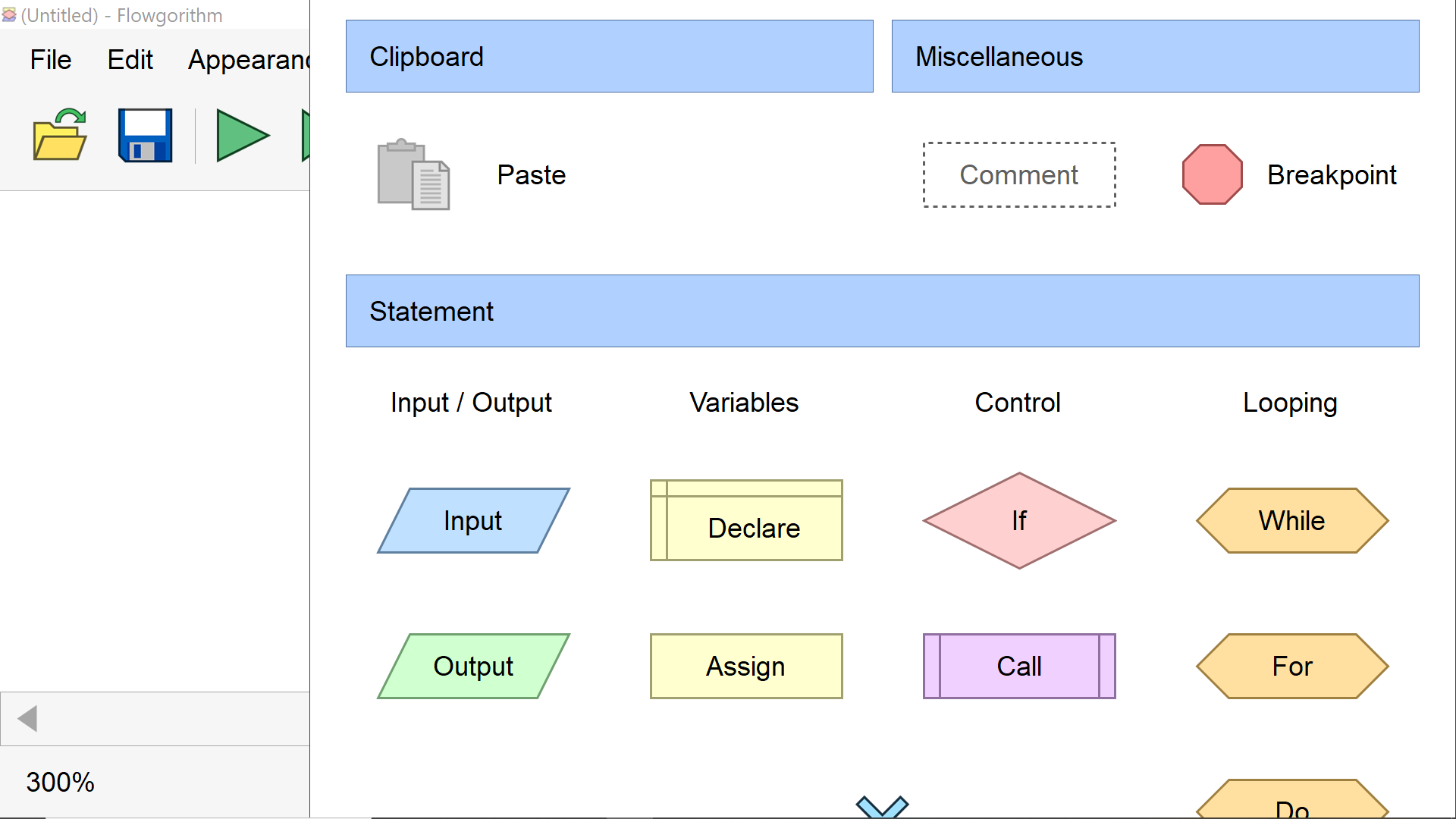
In this tutorial, we will learn about Flowgorithm Call Statement. We can use this flowchart symbol to invoke a function or procedure.
Call Statement
A call statement is a control statement. It transfers the control to a function or a procedure. To convey information to the function or procedure, the parameters associated with the function or procedure are used. We can pass the arguments using either the pass-by-value mode or the pass-by-reference mode.
Example
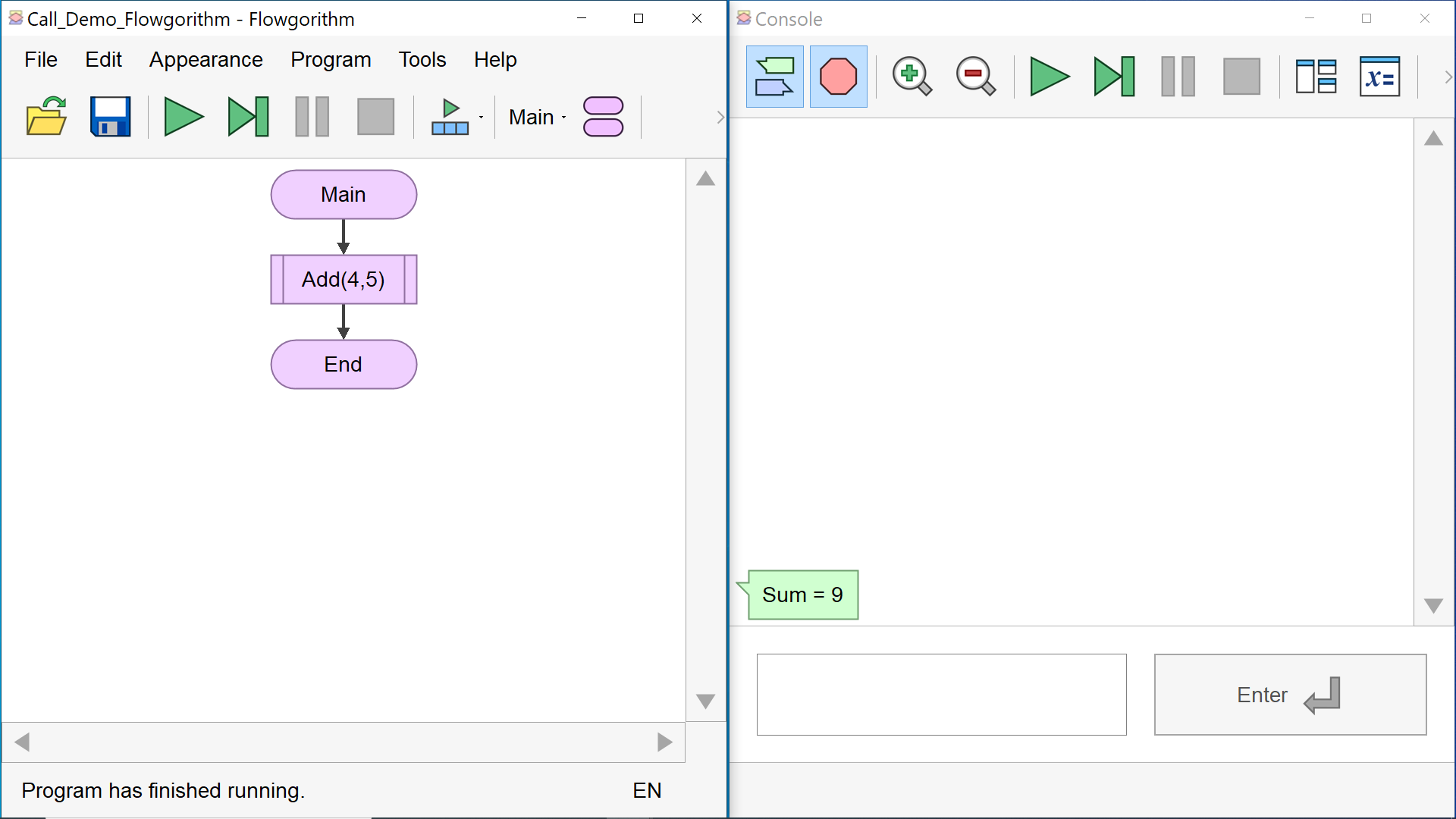
We need to define the function/procedure before using it in the Call statement. Let’s define a function named Add that takes two integer arguments and prints the sum of the two numbers. We will use the Call statement to invoke the function from the Main flowchart.
Define a new function.

Add the function code. The function logic is defined here.

In the Main flowchart, we will add a Call statement to invoke the function. Add the Call symbol ad click on the symbol to invoke the function. Enter the function name and the function arguments.
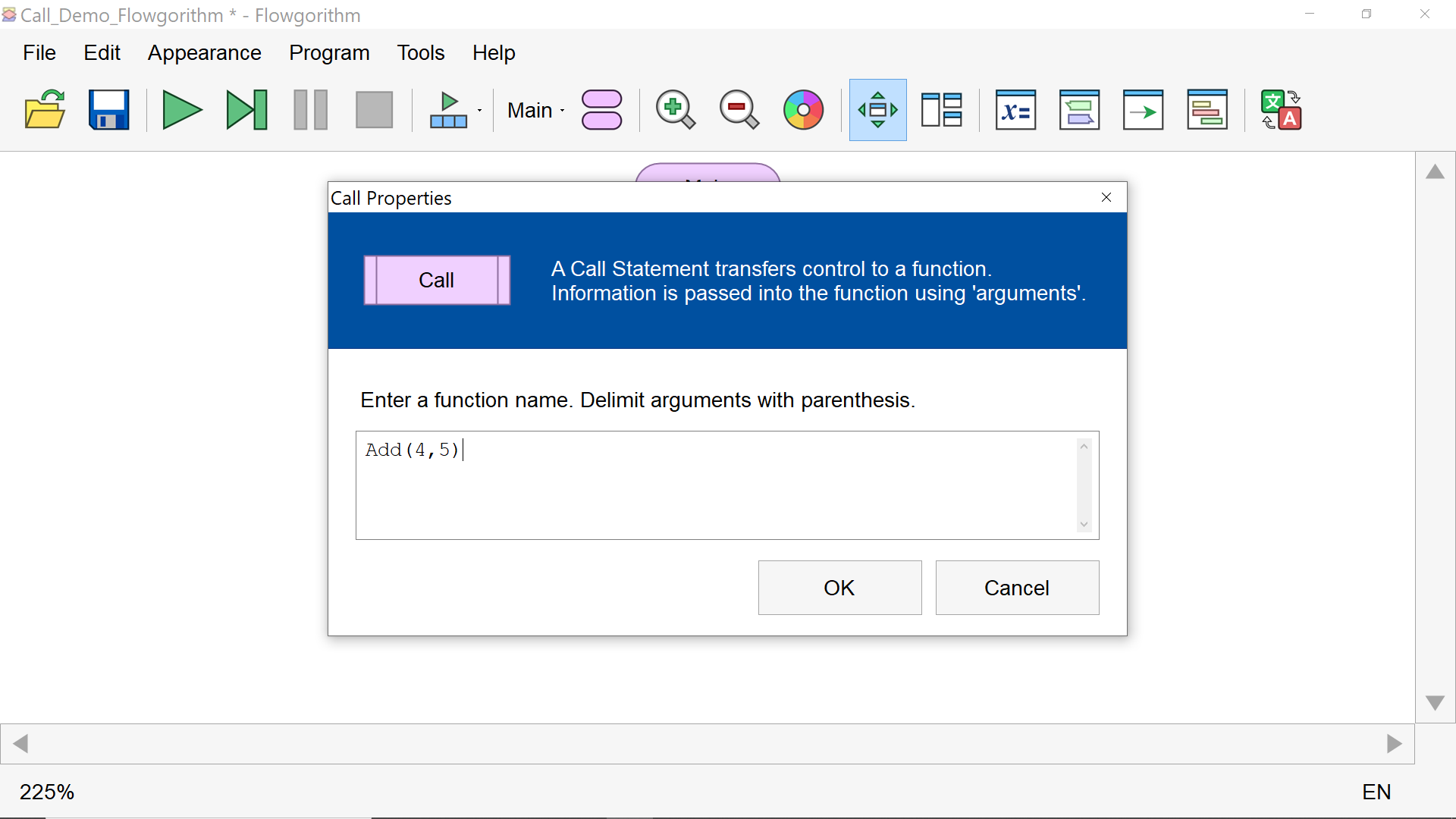
That’s it. We have successfully added the Call statement to invoke another function in the flowchart.
—
Flowgorithm Tutorials
Flowgorithm flowchart tutorials on this website:
https://www.testingdocs.com/flowgorithm-flowchart-tutorial/