
Blog
Linux ethtool Command with Examples

Linux ethtool Command with Examples
In Linux, network interfaces such as Ethernet adapters are essential for communication between a computer and other systems. The ethtool command is a powerful command-line utility used to view and modify Ethernet device settings. It helps system administrators, developers, and networking students troubleshoot connectivity and inspect network hardware.
What is the ethtool Command?
ethtool provides detailed information about network interfaces, including link status, supported speeds, duplex mode, driver information, and hardware features. It can also be used to configure certain interface parameters.
Basic Syntax
The basic syntax is:
$ ethtool [options] <interface>For example, an Ethernet interface might be named eth0, while modern Linux systems commonly use names such as enp0s3.
Display Network Interface Information
To view basic information about an interface, run:
$ sudo ethtool eth0The output may show the supported link speeds, duplex mode, auto-negotiation status, and whether the network cable or connection is detected.
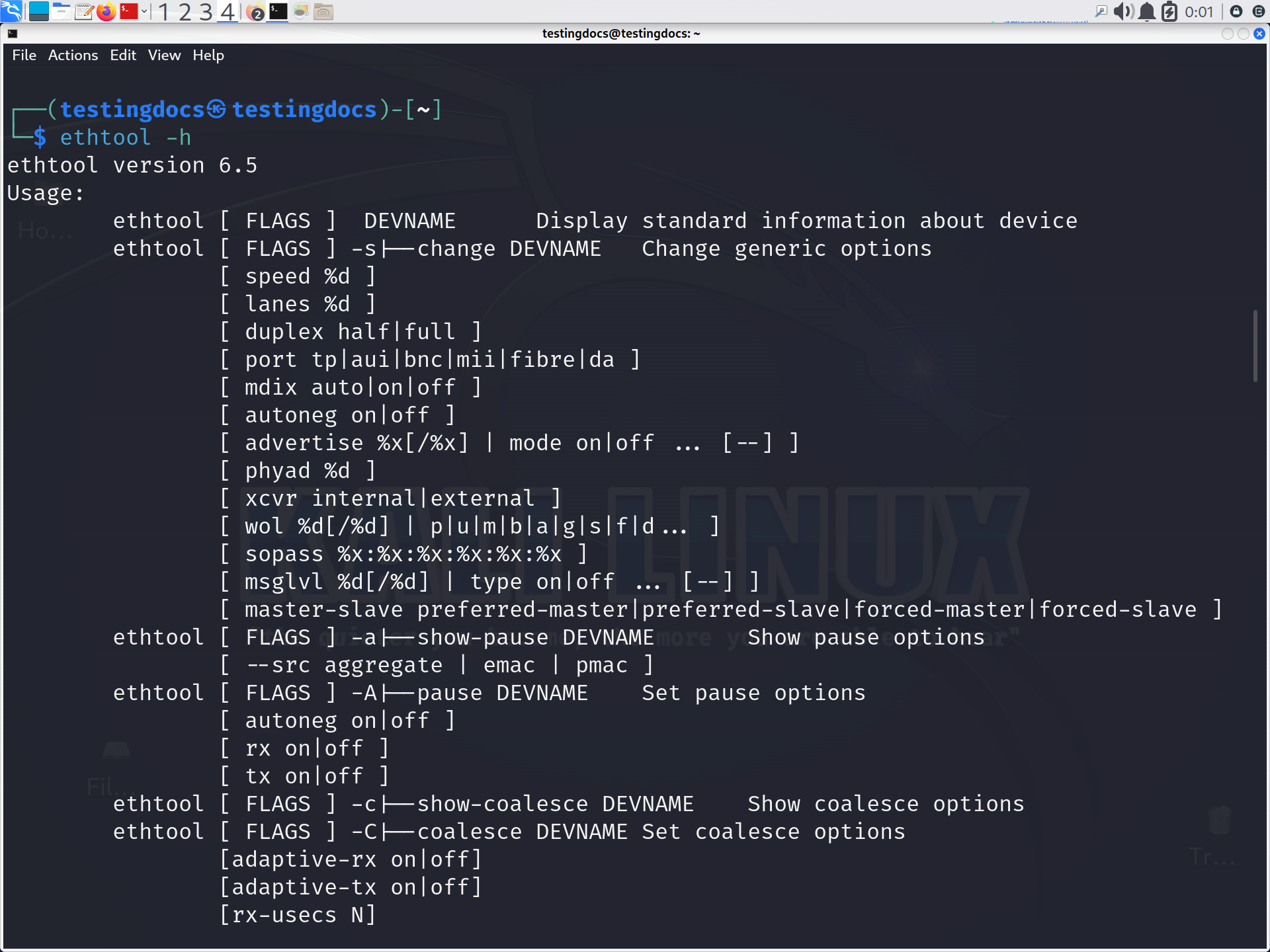
Linux ethtool command
Check Link Status
One of the most useful troubleshooting commands is:
$ sudo ethtool eth0 | grep "Link detected"A result such as Link detected: yes indicates that the interface has detected a physical network connection.
Display Driver Information
Network problems can sometimes be caused by driver issues. Use:
$ sudo ethtool -i eth0This displays information such as the driver name, driver version, firmware version, and bus information.
Check Supported Speed and Duplex
To inspect the current speed and duplex configuration:
$ sudo ethtool eth0You might see values such as:
Speed: 1000Mb/s
Duplex: Full
Gigabit Ethernet commonly operates at 1000Mb/s, while Full duplex allows simultaneous transmission and reception.
View Network Features
The -k option displays various interface features, including checksum offloading, TCP segmentation offload, and generic receive offload.
$ sudo ethtool -k eth0This is particularly useful when investigating unusual network performance or packet-processing behavior.
Change Interface Speed
On supported hardware, administrators can manually configure speed and duplex settings. For example:
$ sudo ethtool -s eth0 speed 1000 duplex full autoneg offHowever, changing these settings incorrectly can cause connectivity problems. Auto-negotiation is usually preferred unless a specific network configuration requires manual settings.
ethtool is valuable for network troubleshooting because it connects the operating system with information about the physical Ethernet device. Students can use it to understand how network adapters, drivers, link negotiation, and performance-related features work together.
The Linux ethtool command is an important networking utility for inspecting and configuring Ethernet interfaces. Commands such as ethtool eth0, ethtool -i eth0, and ethtool -k eth0 provide practical visibility into network hardware and its behavior.