
Blog
Download Ulaa Browser on Windows

Download Ulaa Browser on Windows
Ulaa Browser is developed by Zoho Corporation, marketed as a privacy-first, secure, productivity-oriented alternative to mainstream browsers.
Steps to Download
Download and install Ulaa Browser on Windows:
-
Go to the official Ulaa website (www.ulaa.com)
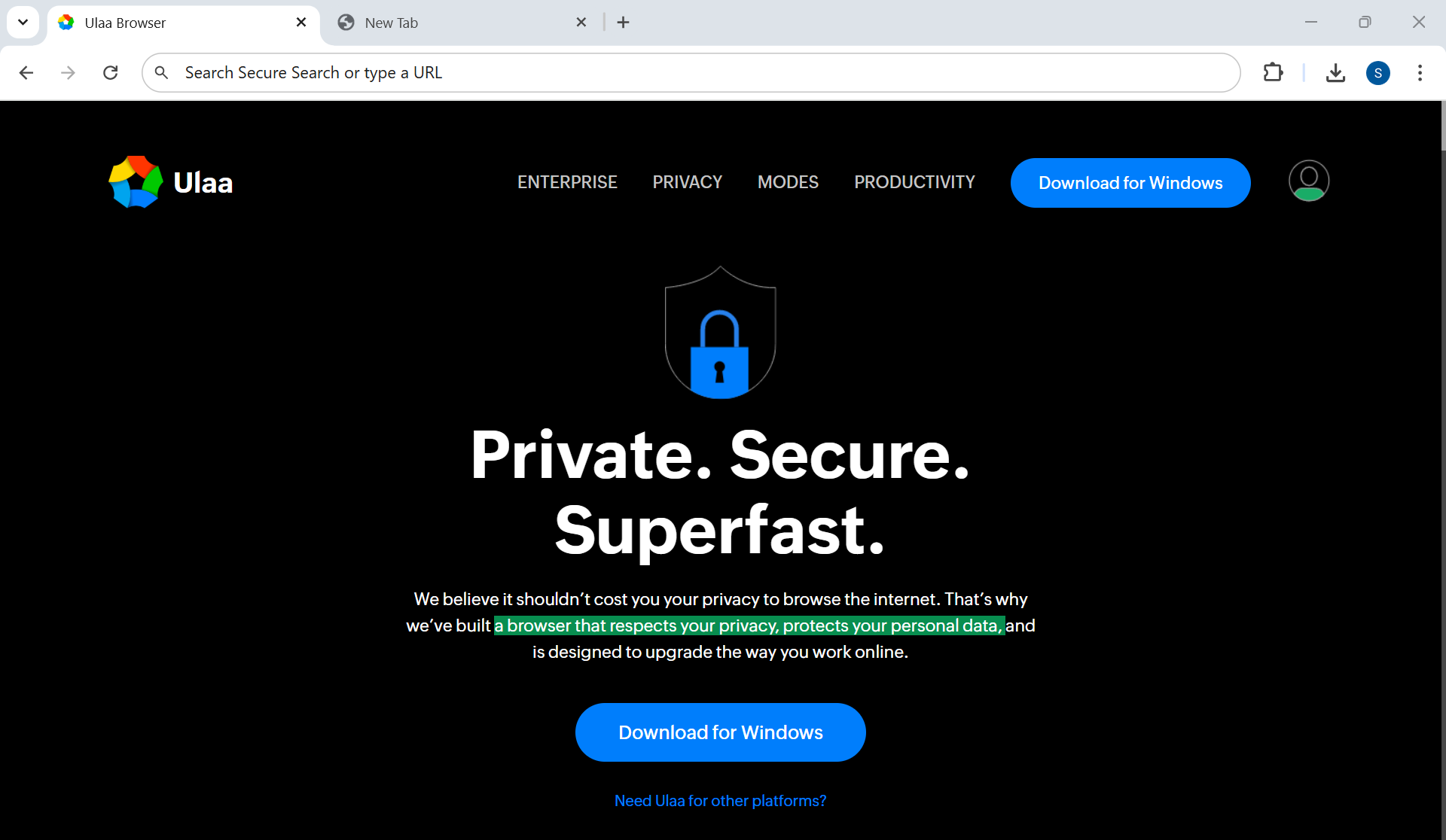
-
Click on the button âDownload for Windowsâ to download the installer file.
- To accept the end user license click on the “Accept and Download“.
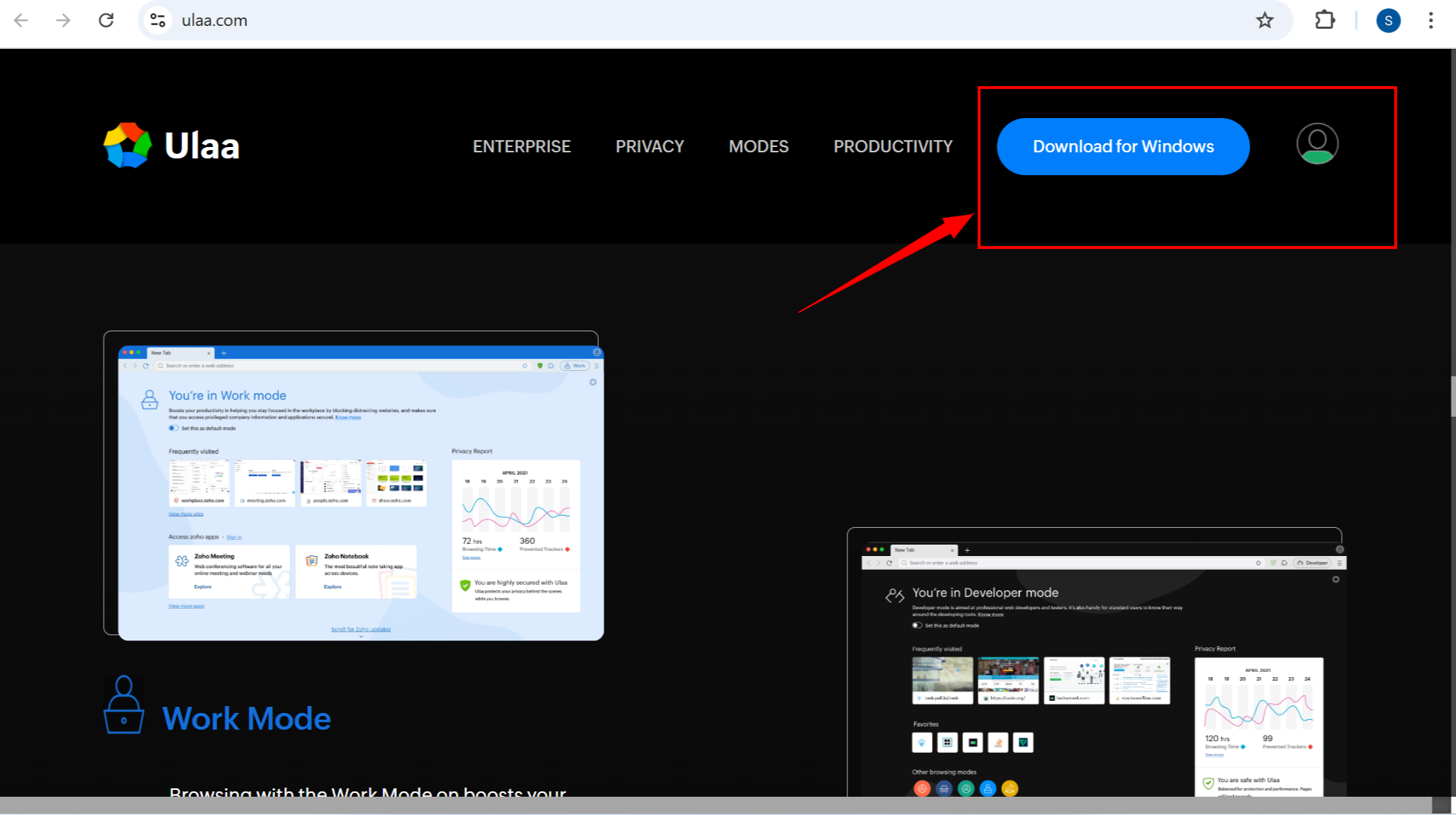
This will download the .exe file. For example, Ulaa-Browser-Installer-<version>.exe
Install Ulaa Browser
-
Right-click the
.exeinstaller file and choose âRun as administratorâ - Click Yes on the UAC prompt dialog box.
-
Youâll be prompted to choose installation level (system-level or user-level)
-
Proceed with installation. Once done, Ulaaâs Update Assistant will be set up (look in system tray or userâs app data)
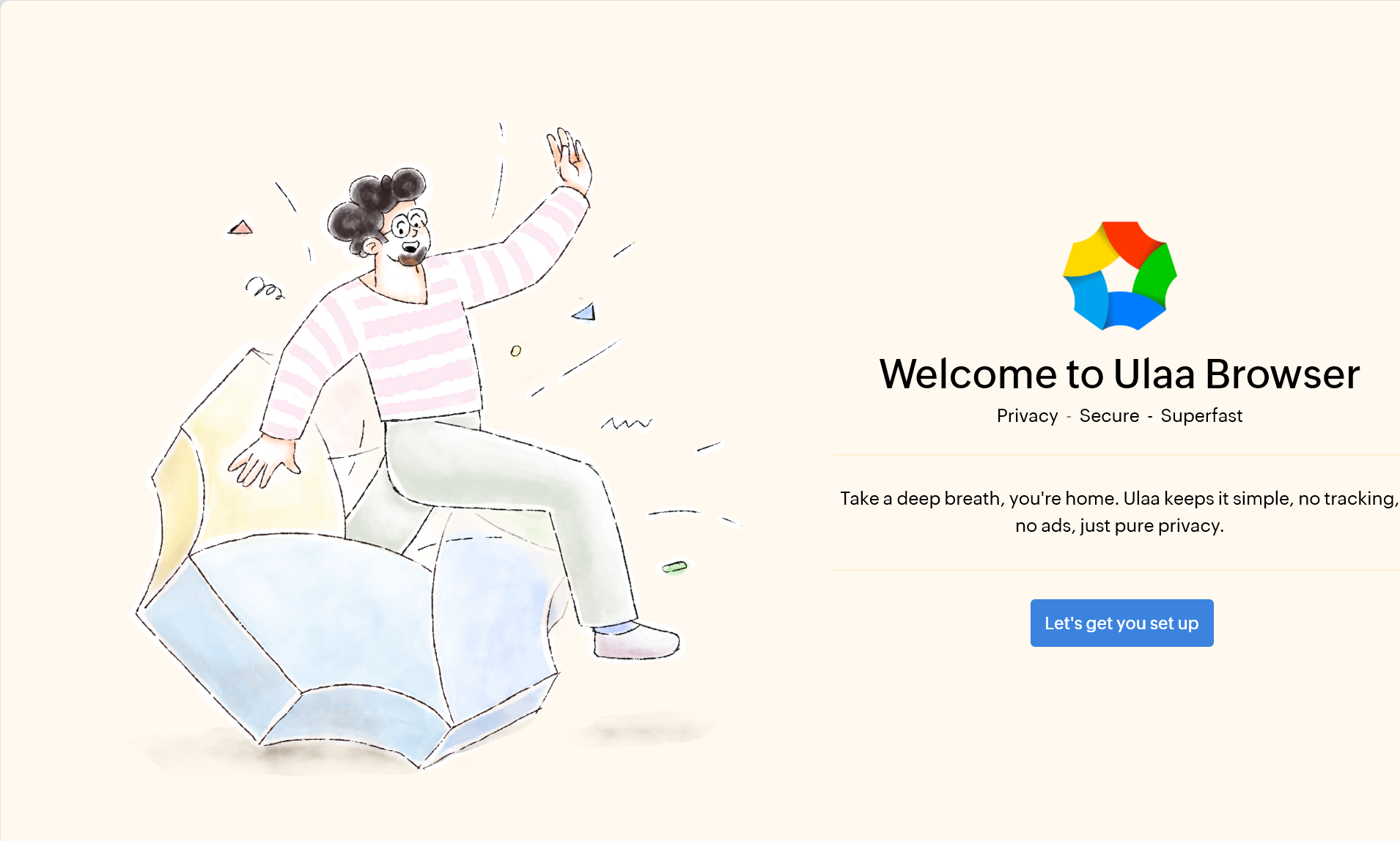
Select the mode, search engine, etc. for the browser.
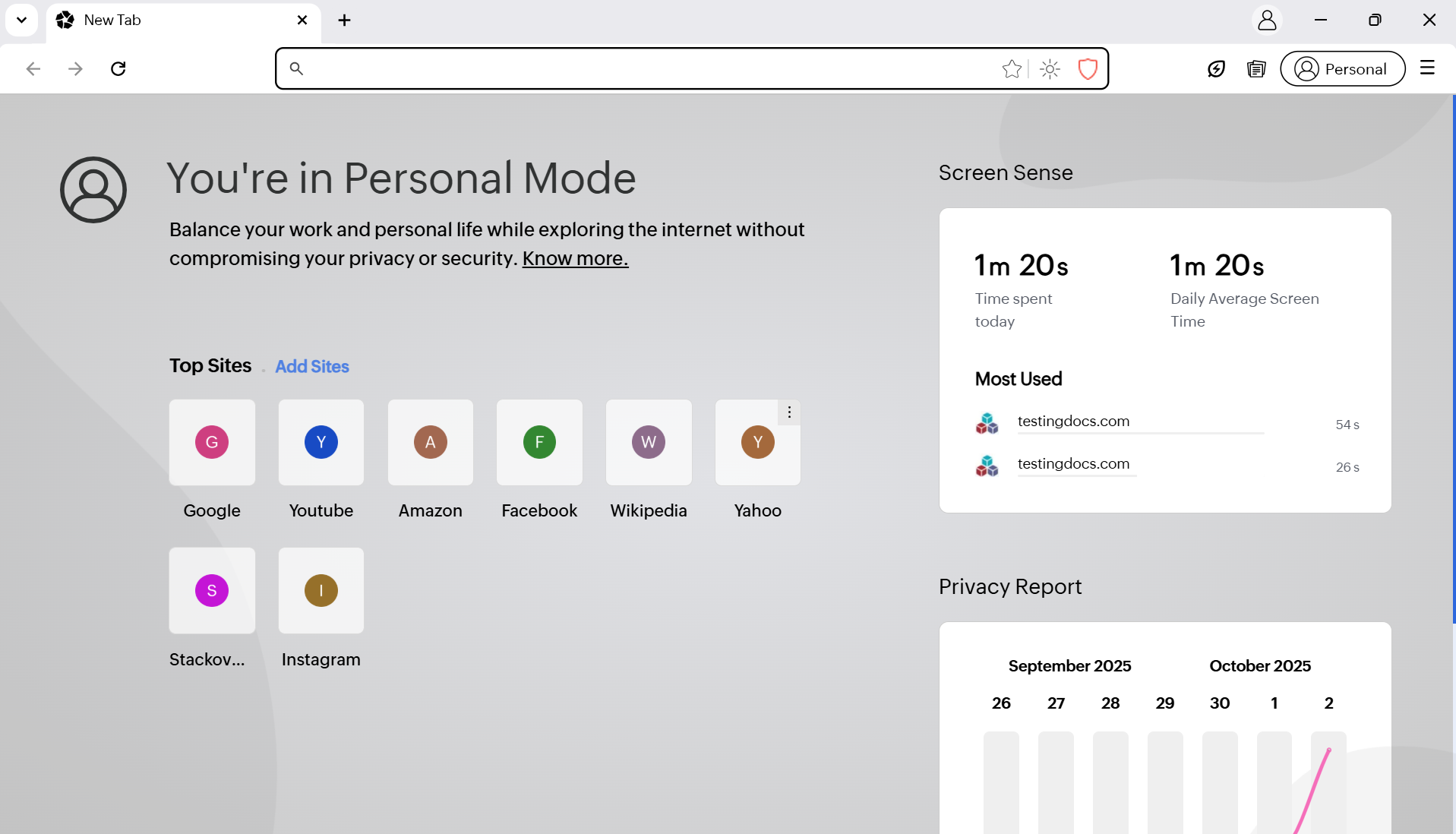
That’s it. The Ulaa browser is installed successfully on the machine.
Official website:
- https://ulaa.com/