
Blog
Download Qwen for Windows Desktop

Download Qwen for Windows Desktop
In this tutorial, you will download and install Qwen on Windows machine.
Open a web browser and navigate to the following URL:
Choose For Desktop and click on the Windows button to download the installer.
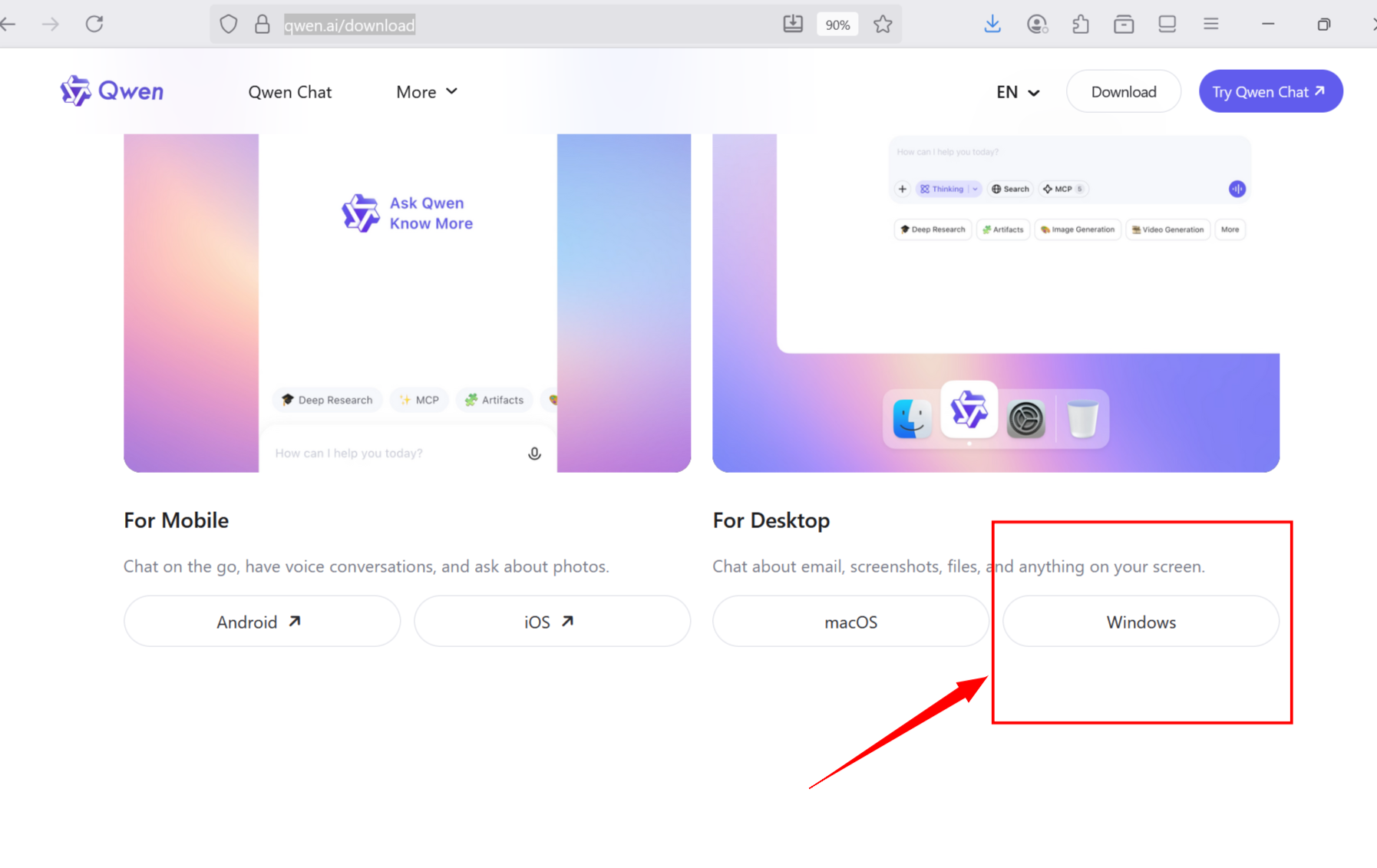
This will download the installer
Qwen-<version>-release-win-x64.exe on to your computer.
Install Qwen
Locate the installer and double click on it to install.
Click on the Next button in the installation wizard screen.
Check the Run Qwen checkbox and Click the Finish button.
This will launch the Qwen desktop application as shown below.

That’s it. The Qwen is installed successfully on the Windows machine.