
Blog
Windows 11 PC Requirements

Windows 11 PC Requirements
To check the Windows 11 PC requirements, we can use the PC Health Check tool. We can use this tool on a Windows 10 PC to know if the system is eligible for the Windows 11 Upgrade.
PC Requirements
Some of the main PC System requirements are as follows:
- PC should support Secure Boot. We need to check the UEFI firmware settings.
- The processor should be supported for Windows 11.
- The processor should have more than 2 cores.
- Processor clock speed 1 GHz or faster. This is the minimum processor speed required for Windows 11.
- At least 4GB of System memory RAM. This is the minimum, but consider higher RAM for speed and performance.
- The system disk should be > 64 GB. Nowadays, most PC ship with at least 500 GB.
- Security Processor / TPM 2.0 enabled on the PC. TPM stands for Trusted Platform Module.
TPM 2.0
Windows 11 mandates a Trusted Platform Module (TPM) version 2.0 for enhanced security, ensuring the device is protected from firmware and hardware attacks.
How to check if TPM 2.0 is enabled on the system. Check the instructions here:
PC Health Check Tool
Navigate to the following URL.
- https://www.microsoft.com/en-in/windows/windows-11#pchealthcheck
Download the Windows PC Health Check Tool.
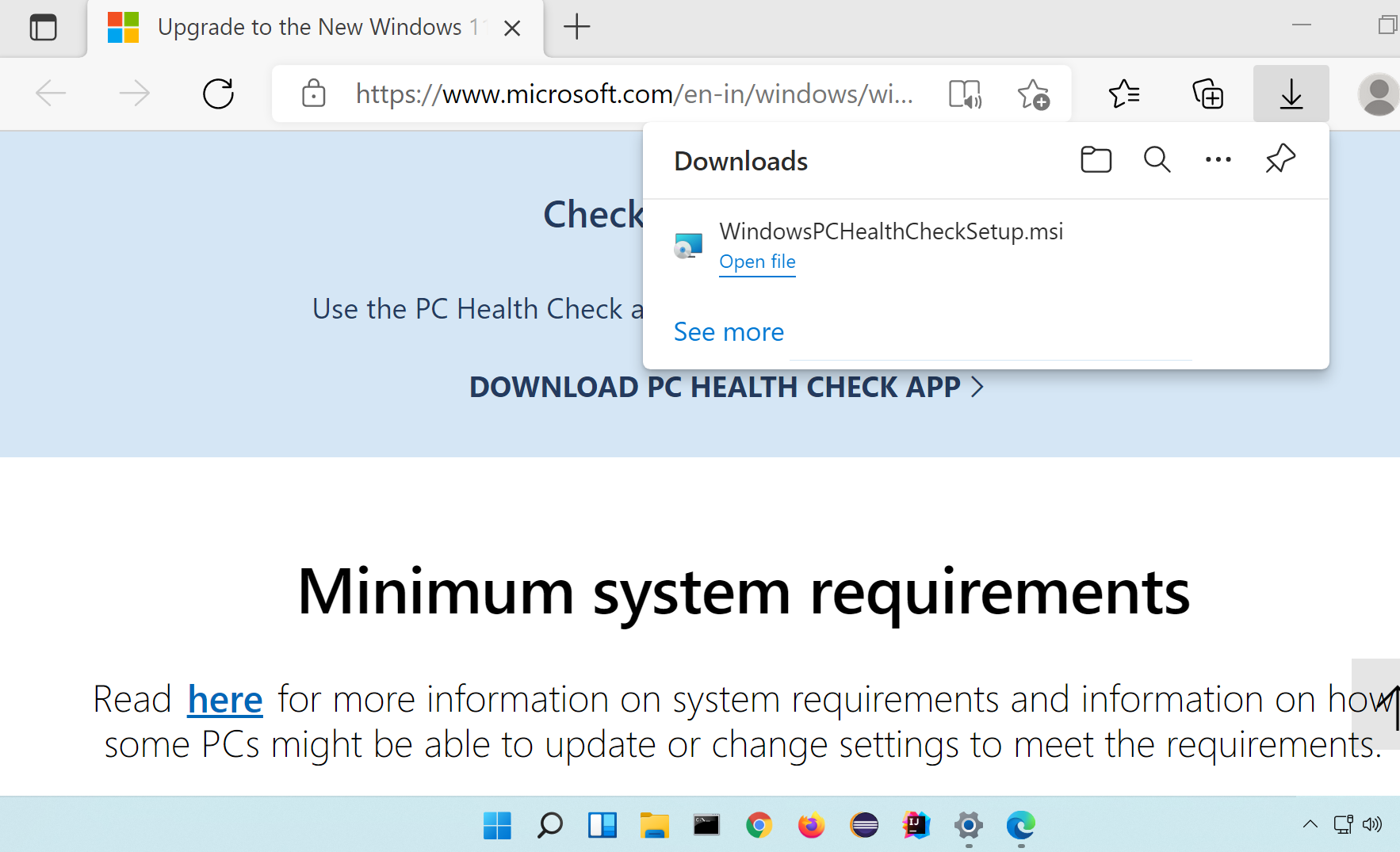
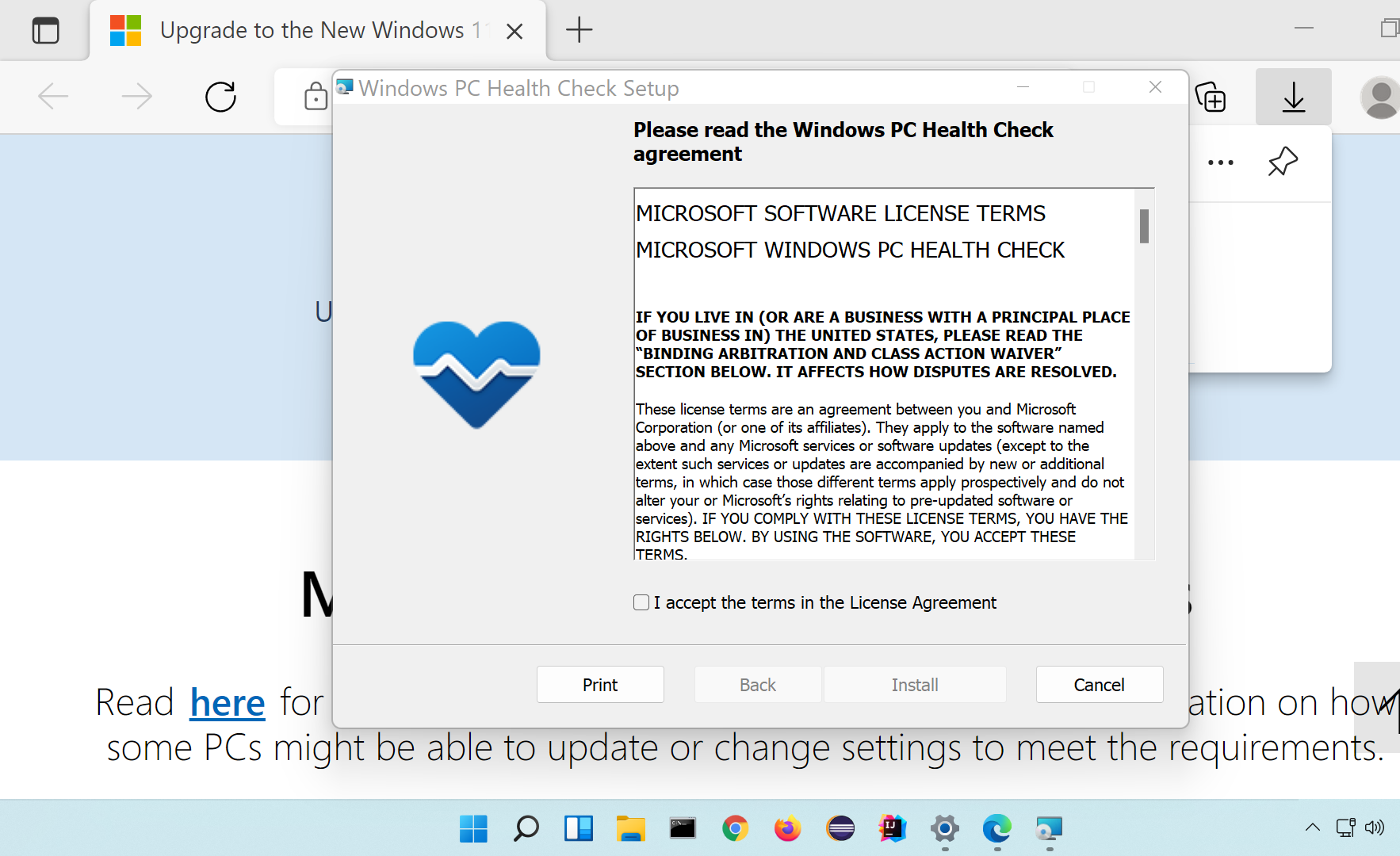
Install the Tool on the computer.
Read the EULA and check the ‘I accept the terms in the License Agreement’ check-box.
Click on the Install button to install the tool.
Once the tool is installed on the computer.
Click on the Check Now button.
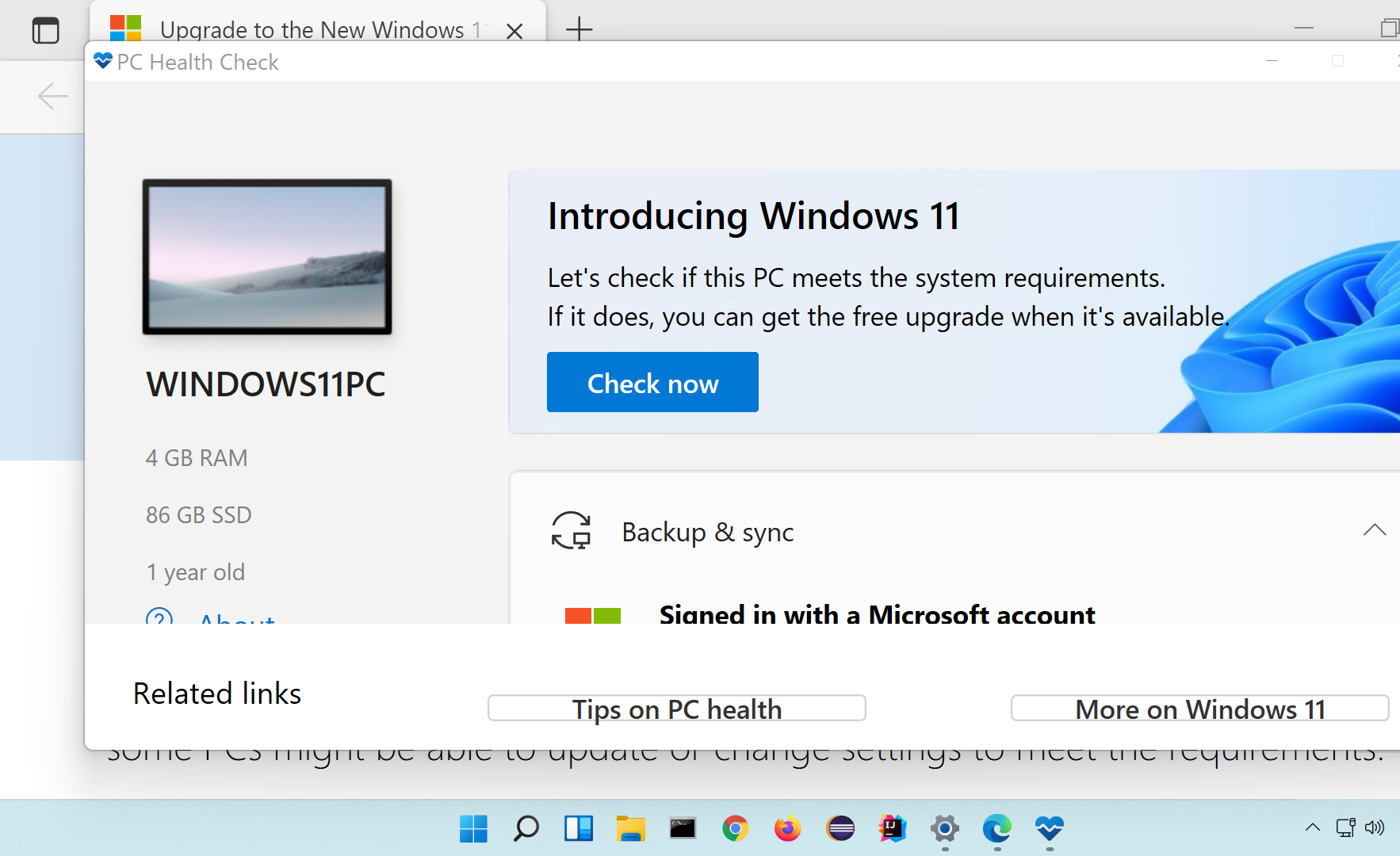
The tool checks if the PC meets the system requirements for Windows 11 Operating system and reports them to the user.
Windows 11 Tutorials