
Blog
Install Gradle on Windows

Install Gradle on Windows
In this tutorial, you will learn the steps to install Gradle build tool on Windows platform. Gradle is a popular build automation tool used to compile, test, and package software projects. It simplifies repetitive tasks like compiling code or managing libraries.
- Supports Java, Kotlin, Android, and other languages
- Uses declarative build scripts for easy configuration
- Automates dependency management
- Enables incremental builds for faster execution
- Integrates with IDEs like IntelliJ IDEA and Eclipse
Prerequisites
Gradle requires Java Development Kit (JDK) version 8 or higher to run. Ensure that the Java JDK 8 or later is installed on the computer.
Open Command Prompt and run the following command to verify.
/> java -version

Download Gradle
Follow the below steps to download Gradle.
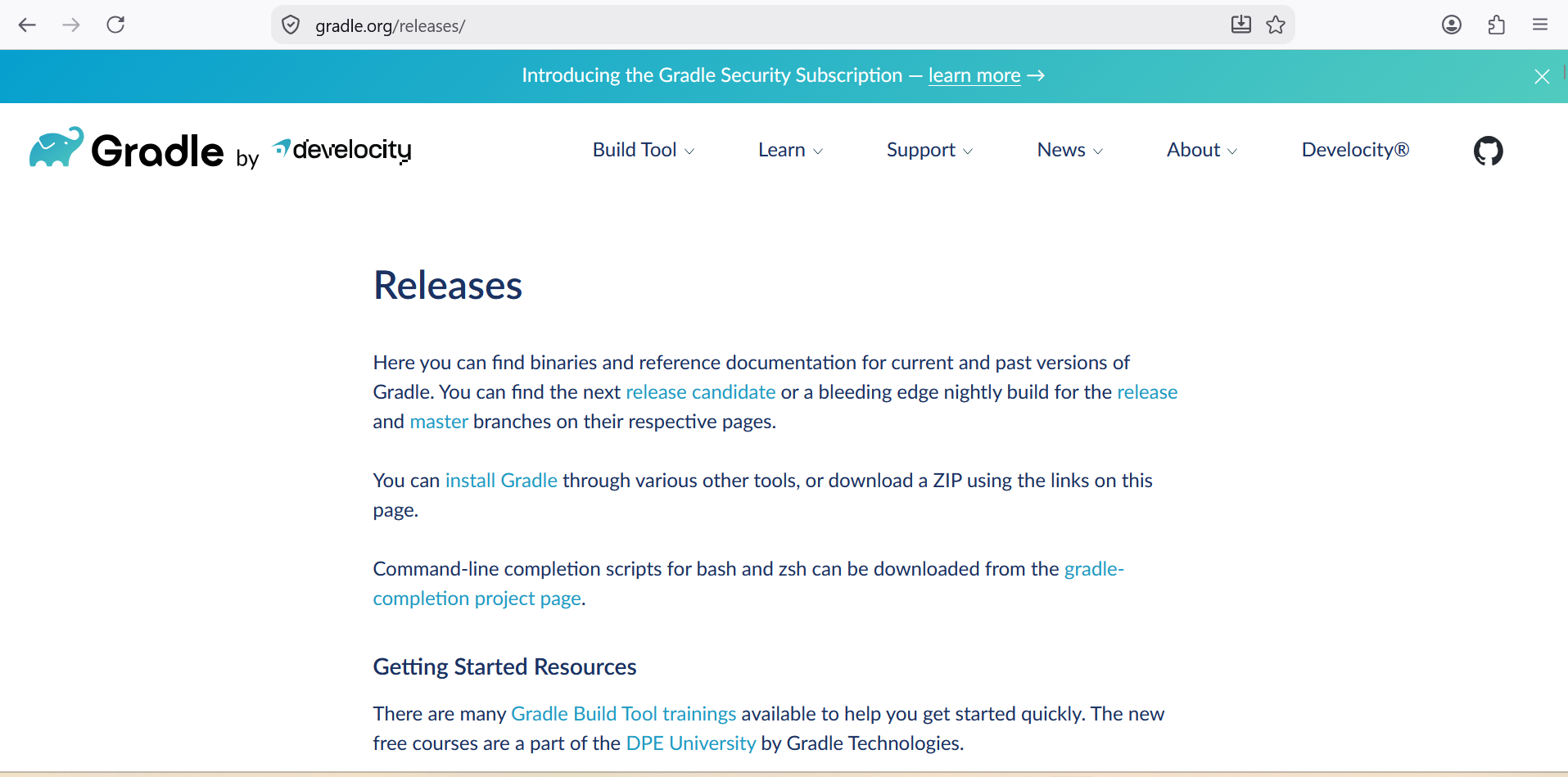
- Open a browser and visit the Gradle releases page. (https://gradle.org/releases/ )
- Download the binary-only ZIP file under “Latest release”. The file name format would gradle-<version>-bin.zipÂ
- Extract the zip file can copy the contents to a permanent folder (for e.g.,
C:\gradle)
Set GRADLE_HOME Variable
Follow the below steps to set the environment variable:
- Right-click This PC > Properties
- Click Advanced system settings
- Under Advanced tab, click Environment Variables

- Click New under System variables
- Set Variable name:
GRADLE_HOME - Set Variable value: Path to Gradle folder (e.g.,
C:\Gradle\gradle-8.6)
Update PATH Variable
- In Environment Variables, select Path under System variables
- Click Edit > New
- Add
%GRADLE_HOME%\bin - Click OK to save all changes
Verify the Gradle Installation
Open a new Command Prompt and run the following command
/> gradle -v
Check if Gradle version, Java version, and OS details appear.
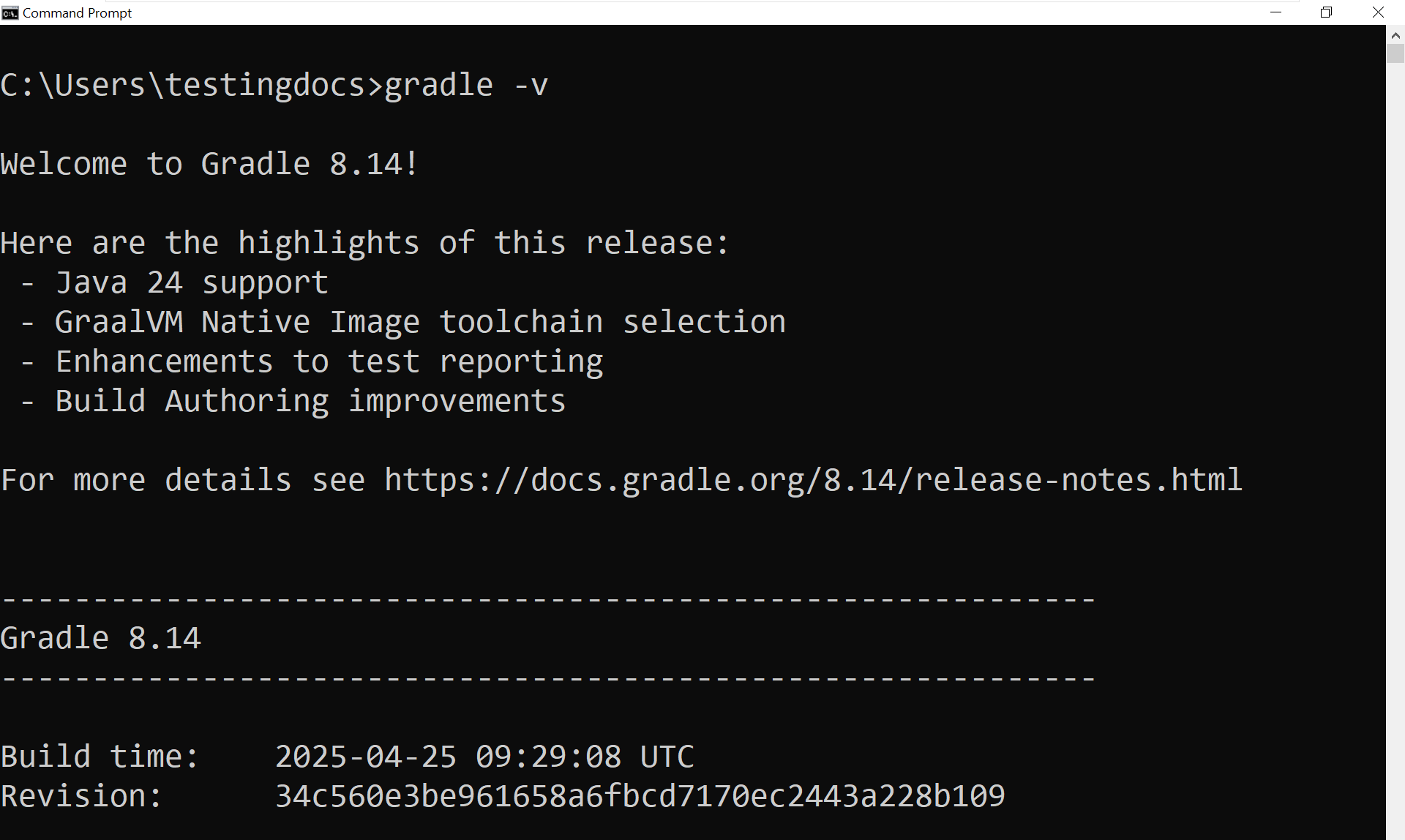
Sample Output of the command:Â
C:\Users\testingdocs>gradle -v

Welcome to Gradle 8.14!

Here are the highlights of this release:
 - Java 24 support
 - GraalVM Native Image toolchain selection
 - Enhancements to test reporting
 - Build Authoring improvements

For more details see https://docs.gradle.org/8.14/release-notes.html


------------------------------------------------------------
Gradle 8.14
------------------------------------------------------------

Build time:    2025-04-25 09:29:08 UTC
Revision:      34c560e3be961658a6fbcd7170ec2443a228b109

Kotlin:        2.0.21
Groovy:        3.0.24
Ant:           Apache Ant(TM) version 1.10.15 compiled on August 25 2024
Launcher JVM:  22.0.1 (Oracle Corporation 22.0.1+8-16)
Daemon JVM:    C:\Program Files\Java\jdk-22 (no JDK specified, using current Java home)
OS:            Windows 10 10.0 amd64

C:\Users\testingdocs>
Gradle Build System: