
PHP 7 Configuration in Apache Server

PHP 7 Configuration in Apache Server
On this page, we will go through the steps involved in PHP Configuration with the Apache HTTP Web server.
httpd.conf
Open the Apache configuration file httpd.conf and the PHP configuration parameters to the file. We can find the file under the conf directory.
Apache Home dir\conf
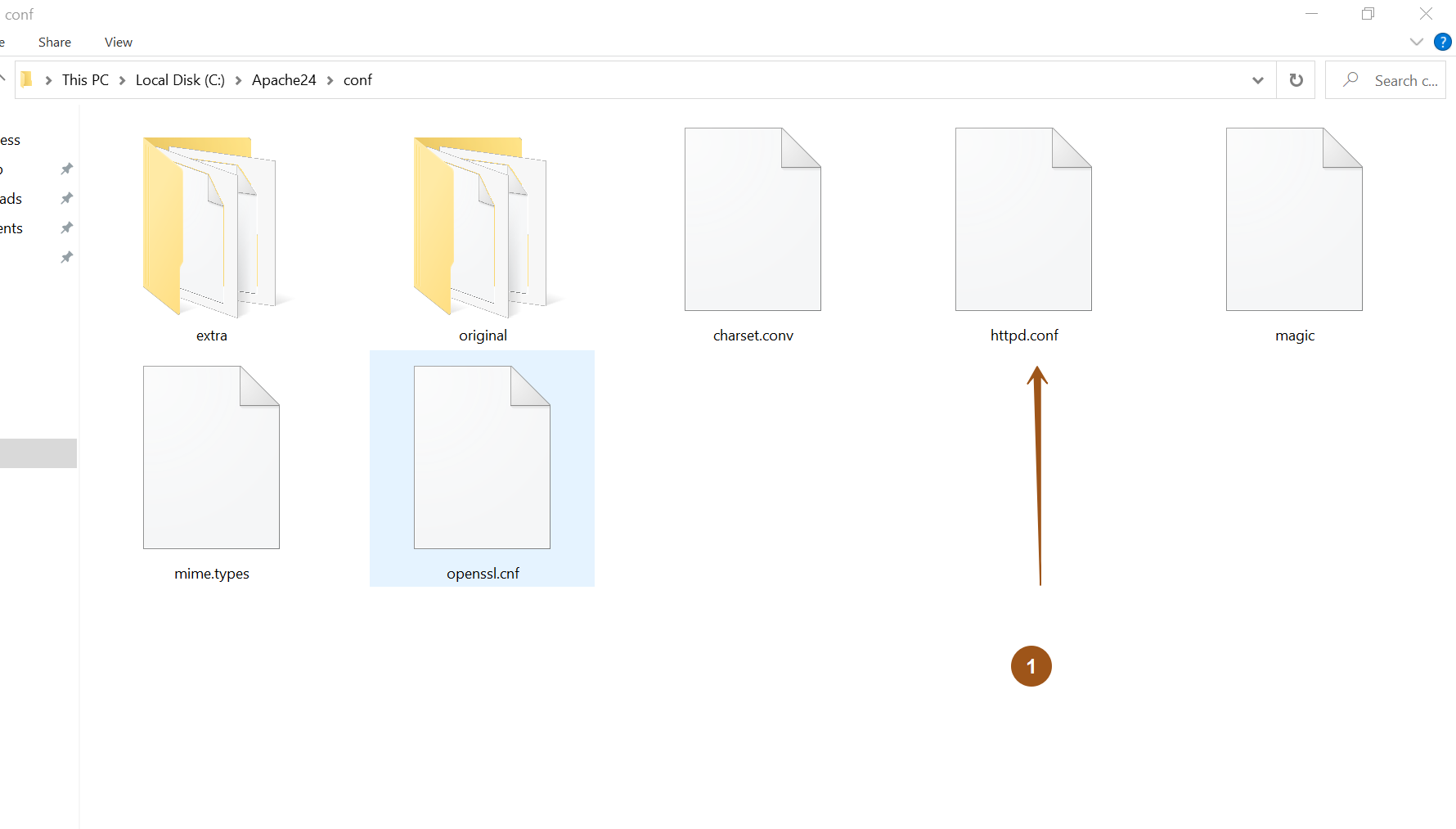
Steps to add the configuration
- Stop the Apache server.
- Restart the Apache server.
- Open httpd.conf file.
- Add the configuration and save the file.
Configuration
#PHP Configuration
AddHandler application/x-httpd-php .php
AddType application/x-httpd-php .php .html
LoadModule php7_module "c:/php/php7apache2_4.dll"
PHPIniDir "c:/php"
Test PHP file
Drop a test PHP file under the htdocs directory.
<?php
/*************************************************************************
* This is to test PHP 7 configuration with Apache2
*
* www.TestingDocs.com
*************************************************************************/
     echo "If you see this PHP Configuration with Apache is OK!- www.TestingDocs.com";
?>
Open the browser and visit the file URL.
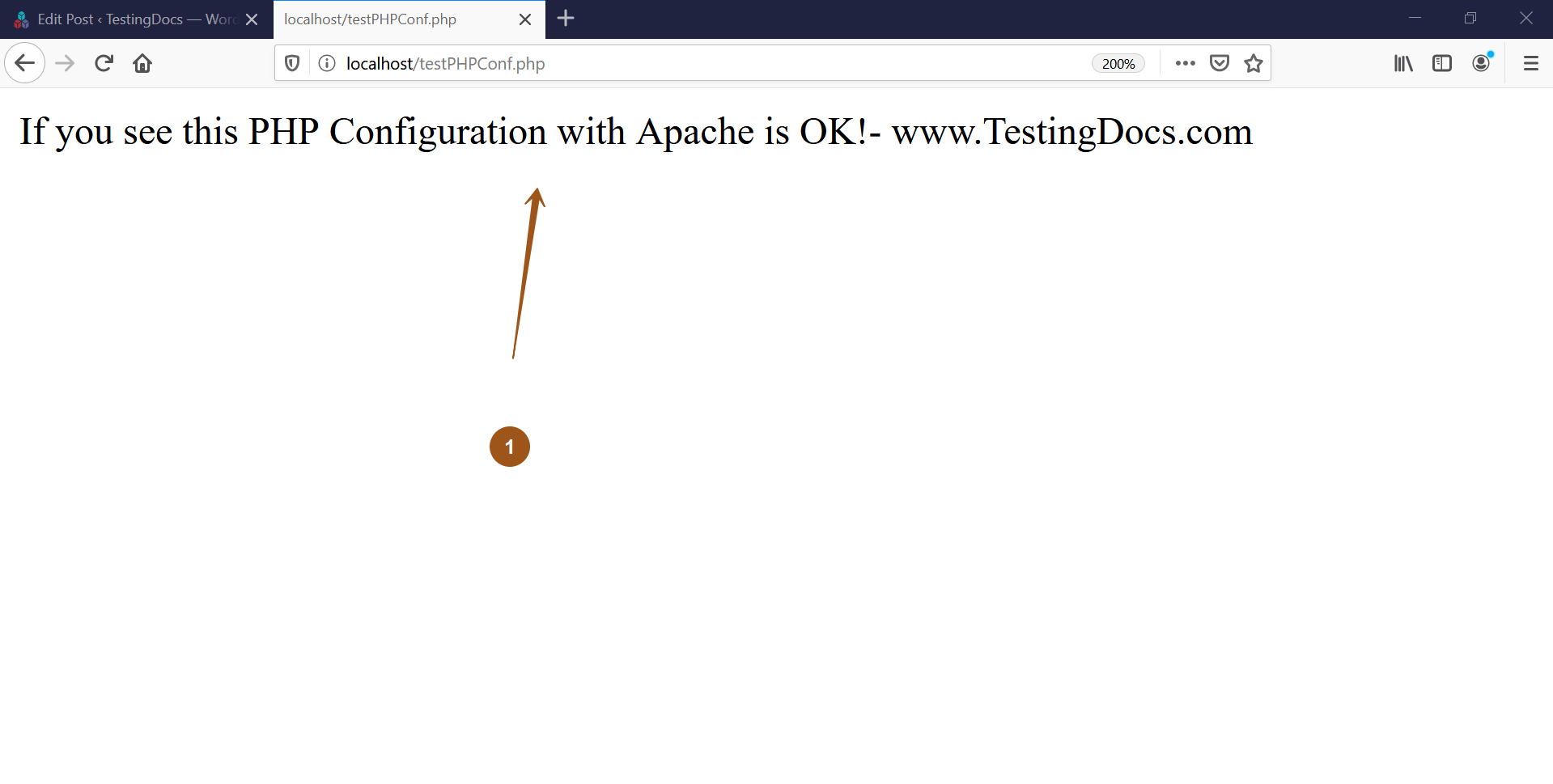
—
PHP Tutorials
PHP Tutorials on this website:
https://www.testingdocs.com/php-tutorials/