
How to fix TestLink Blank page error

How to fix TestLink Blank page error
In this tutorial, we will go through the steps involved in fixing the TestLink Blank page error on the Linux box. We may need to look at the root cause of the error and what is causing the problem.
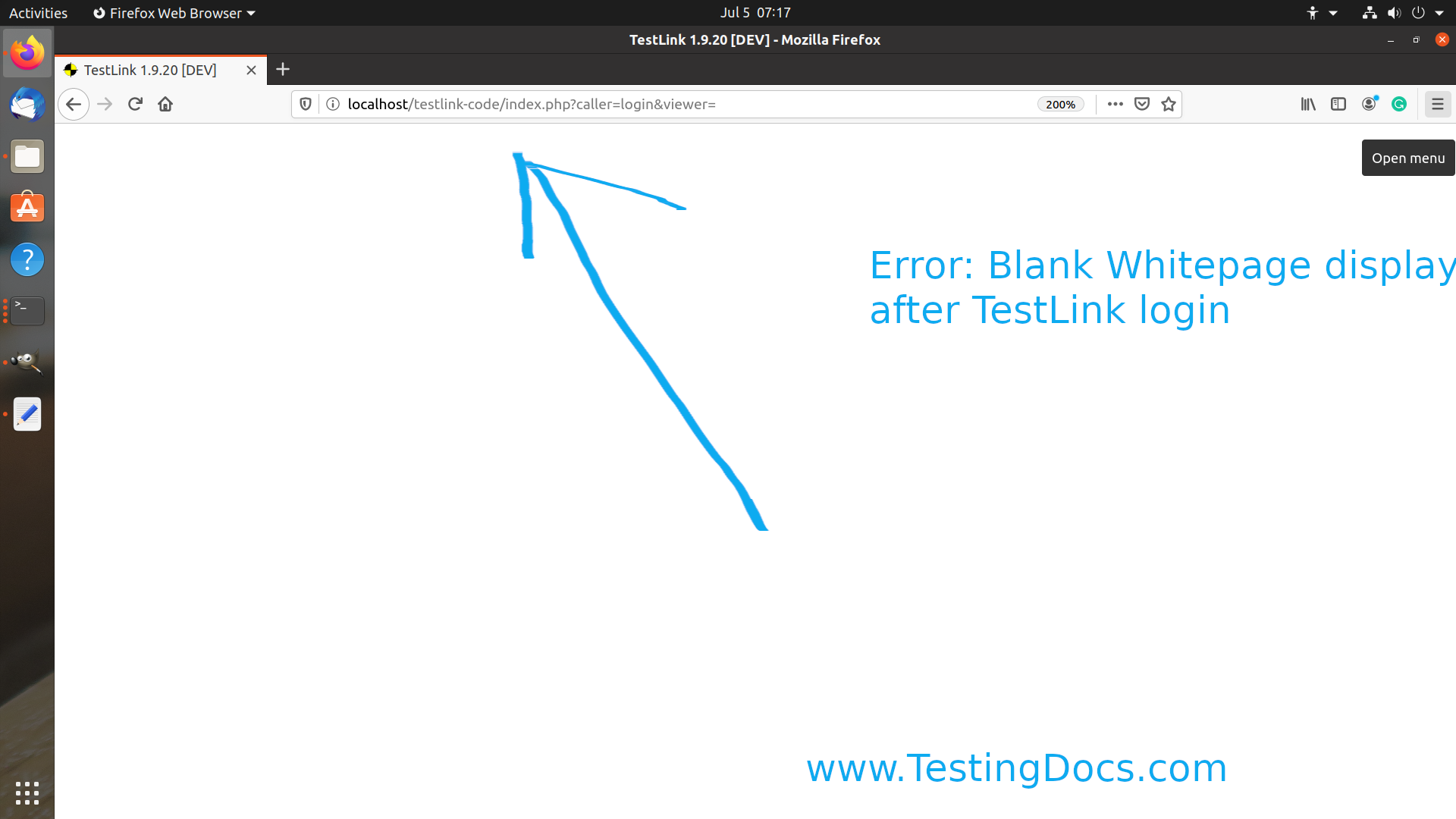
TestLink Blank page
Login to the TestLink application.
Actual Result: Blank Page.
Find Root Cause
We can find the error in the Apache error log.
$ tail -f error.log
Fix the Error
Install PHP extension php-mbstring.
$ sudo apt install php-mbstring
Enable the php extension in the php.ini file.
/etc/php/7.4/apache2$ sudo gedit php.ini
Enable the extension
extension=mbstring
Save the PHP file. Restart the Apache service.
Validate the Fix
Login to the TestLink application to validate the fix.