
Differences between Notepad and Notepad++

Differences between Notepad and Notepad++
When working with text files on a Windows computer, two commonly used tools are Notepad and Notepad++. Although both are text editors, they serve different purposes and offer varying levels of features. For beginners, understanding the differences can help in choosing the right tool for specific needs.
What is Notepad?
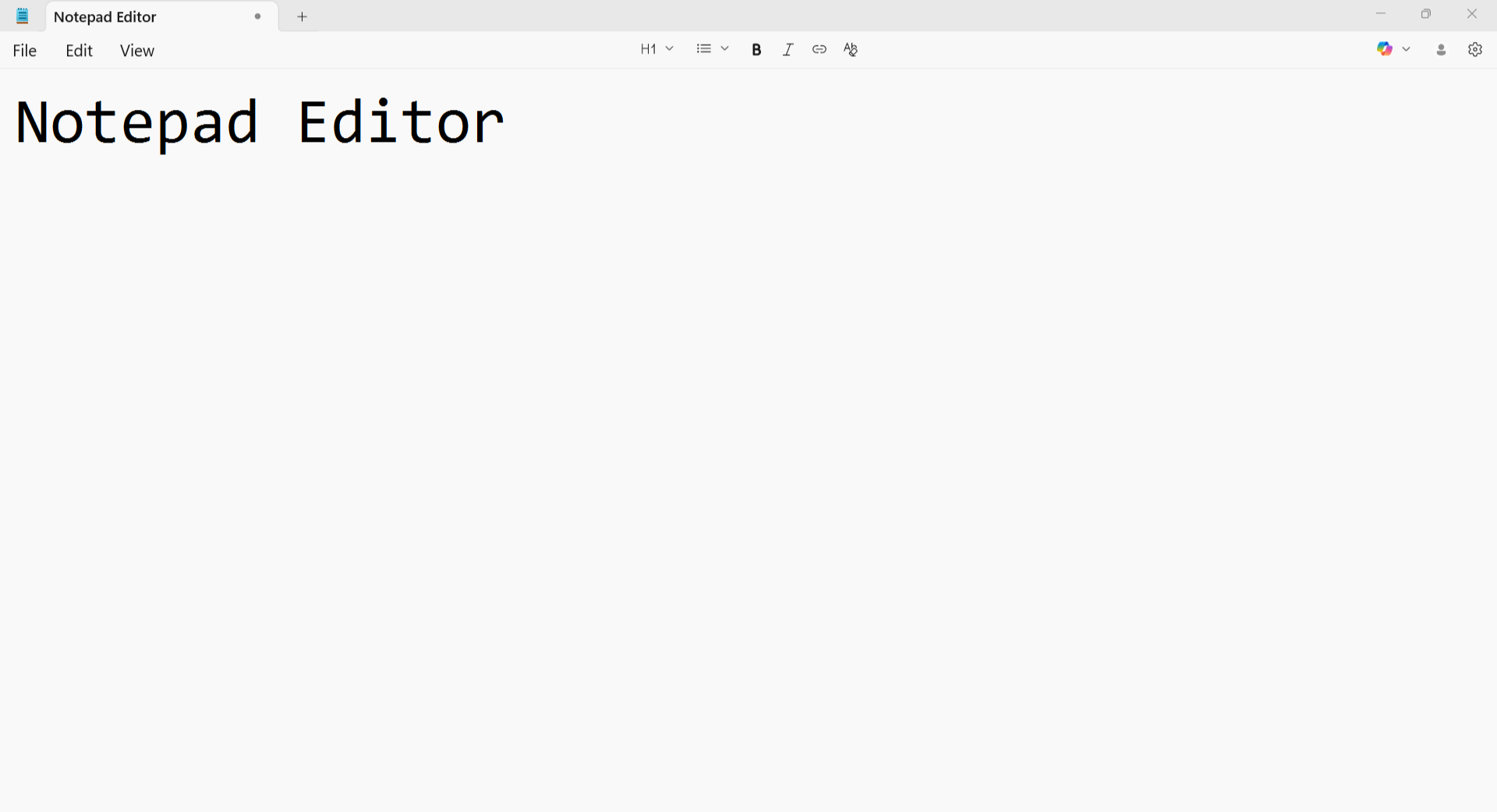
Notepad is a basic text editor that comes pre-installed with all versions of Microsoft Windows. It is designed for simple text editing and is commonly used for taking quick notes, writing short scripts, or editing plain text files. Notepad is lightweight, fast, and easy to use, but it offers limited functionality.
What is Notepad++?
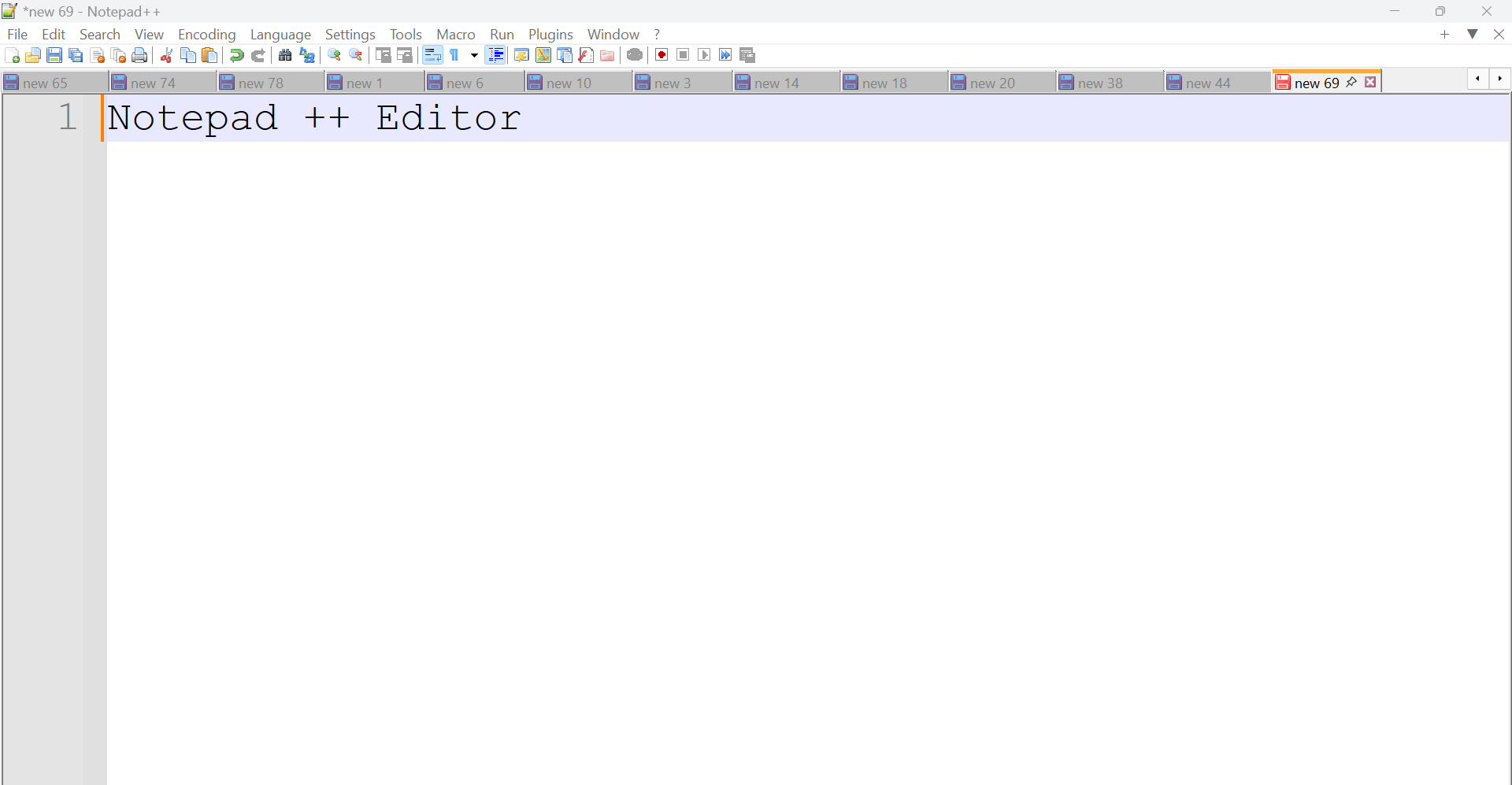
Notepad++ is a free, open-source text and source code editor for Windows. It is a more advanced tool compared to Notepad and is widely used by developers and programmers. Notepad++ supports features like syntax highlighting, multi-tab editing, code folding, and plugin support, making it suitable for writing and editing code in various programming languages.
Steps to install Notepad++ Editor:
Notepad vs Notepad++
| Notepad | Notepad++ | |
|---|---|---|
| Availability | Pre-installed on Windows | Free download from official website |
| Target Users | General users | Developers and advanced users |
| File Types Supported | Plain text (.txt) | Multiple formats including .txt, .html, .xml, .cpp, etc. |
| Syntax Highlighting | No | Yes |
| Tabbed Interface | No | Yes |
| Plugin Support | No | Yes |
| Auto-completion | No | Yes |
| Search and Replace | Basic | Advanced with Regular Expression support |
| Macro Recording | No | Yes |
| Performance | Very lightweight and fast | Relatively heavier but still efficient |