Install Firefox Mobile Browser on Android

Install Firefox Mobile Browser on Android
In this tutorial, we will learn how to install Firefox Mobile Browser on Android mobile devices.
Firefox Mobile Browser is the mobile version of Mozilla Firefox, designed for browsing websites on smartphones and tablets. It allows users to access websites, search the internet, manage bookmarks, browse privately, and synchronize browsing data across supported devices.
Firefox mobile browser is a free and open-source popular web browser. The environment used is Samsung Android phone.
Key Features
-
Private Browsing: Browse the internet without saving regular browsing history.
-
Tab Management: Open and manage multiple websites in separate tabs.
-
Extensions: Supports selected browser extensions on Android.
-
Tracking Protection: Helps block known trackers.
-
Synchronization: Sync bookmarks, passwords, and open tabs with a Firefox account.
-
Cross-platform availability: Firefox is available for Android and iOS, with platform-specific differences.
Steps to Install
Open the Google Play store on the mobile device.
Search for the Mozilla Firefox mobile browser on the Google Play Store.
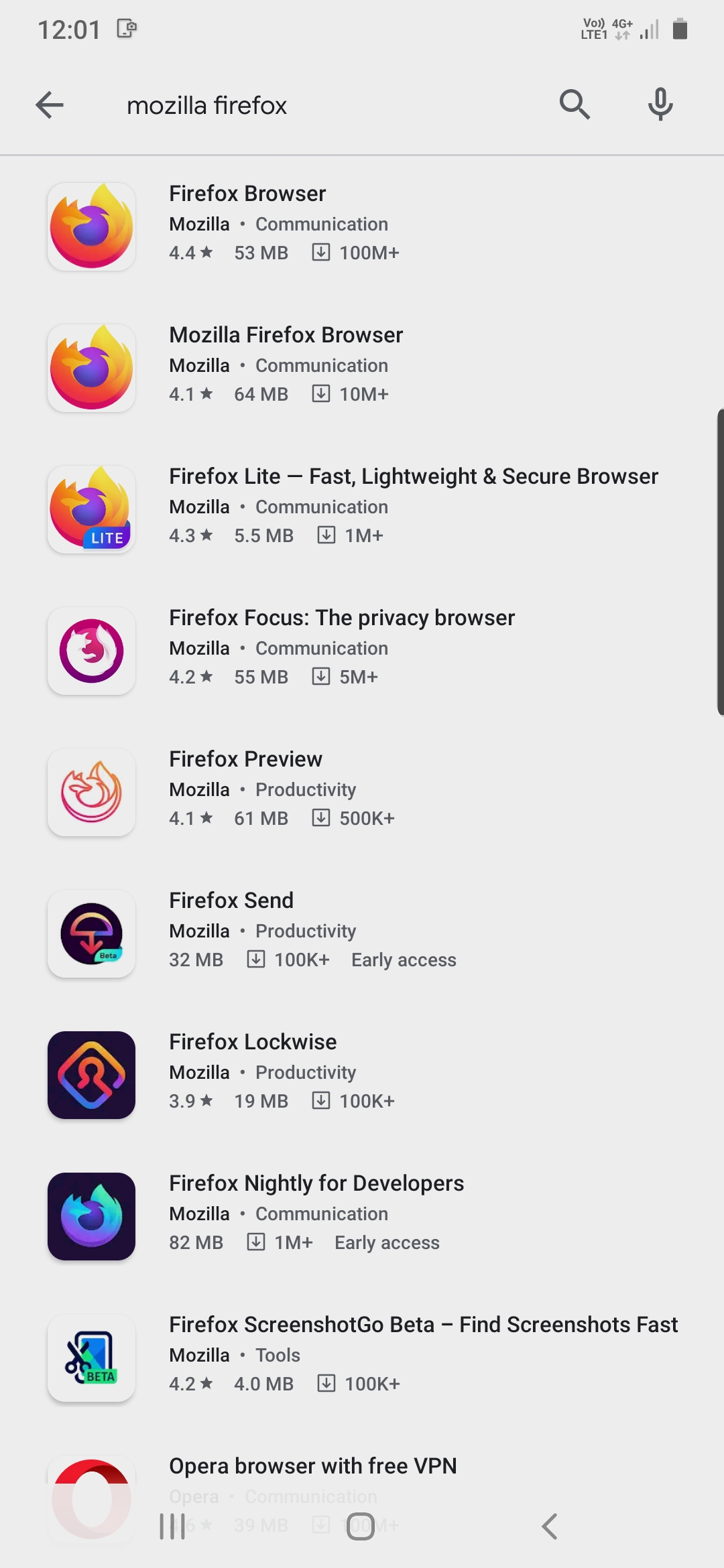
Choose and pick the variation Lite vs Normal browser.
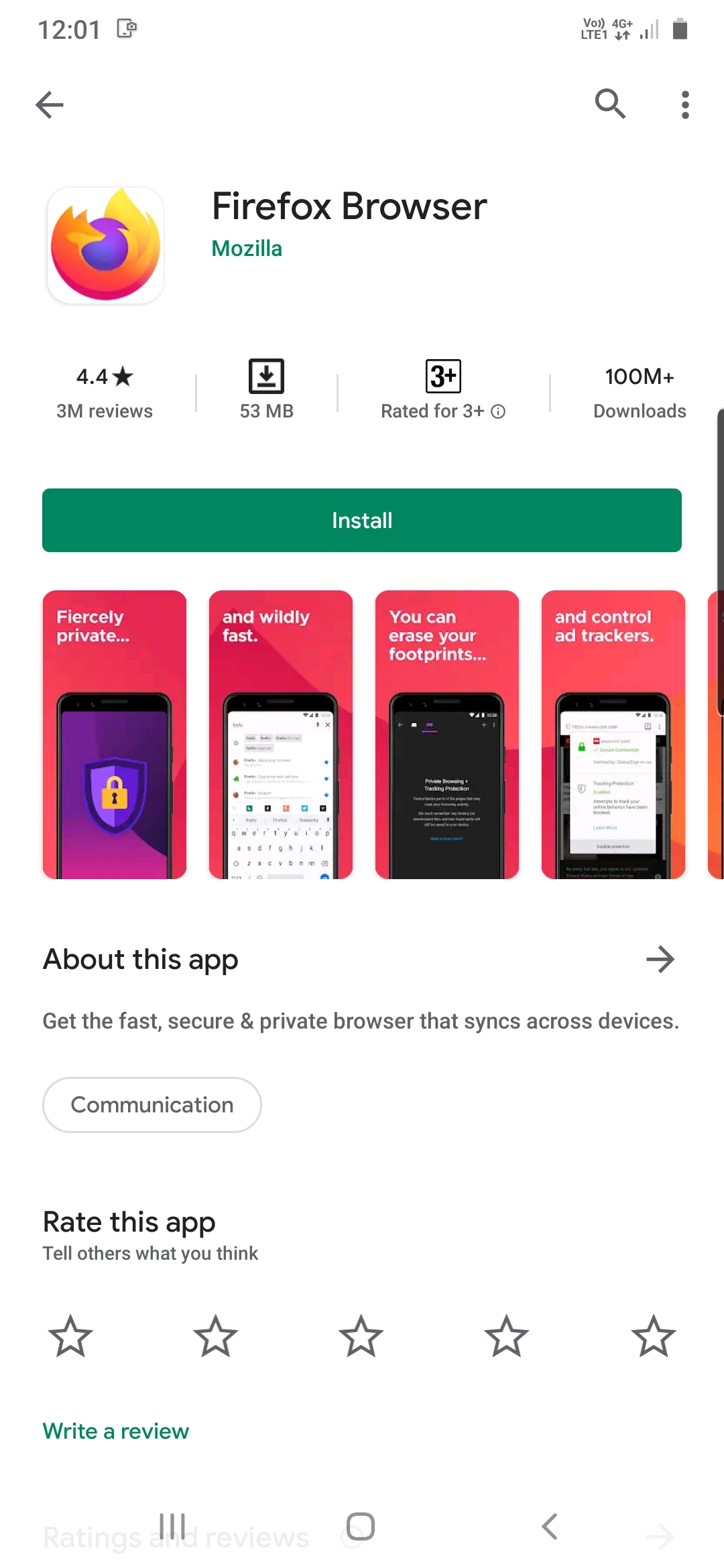
Hit on the Install button to download and install the app.
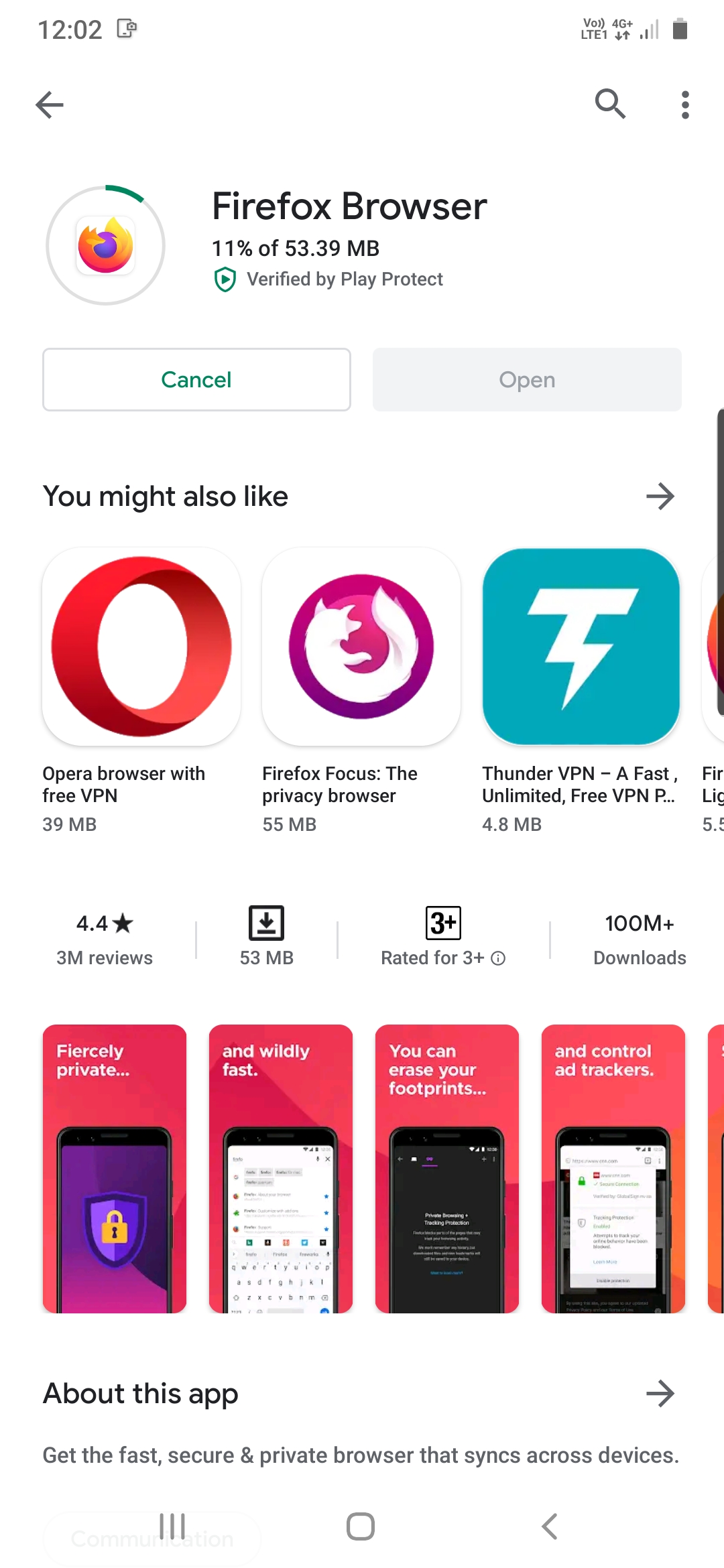
The Firefox browser would download and install on the mobile device.
Verification
Open a website in the Firefox browser to verify that the browser got installed without any errors.