
Find a Number is Even or Odd Raptor Flowchart

Find a Number is Even or Odd Raptor Flowchart
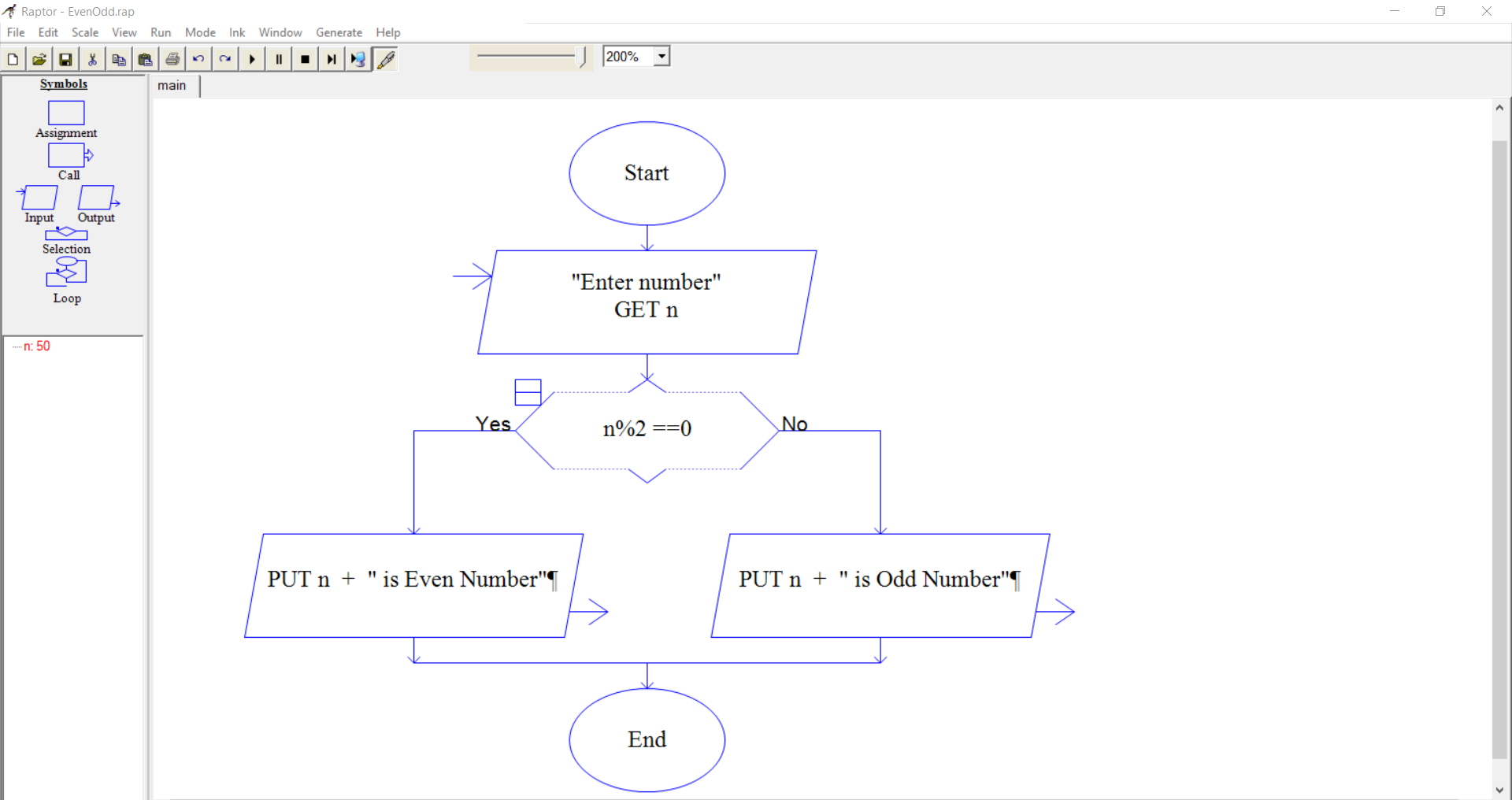
In this tutorial, we will design a Raptor flowchart to find an even or odd number. The logic is that we will divide the given number by 2 and check the reminder. If the remainder is zero, the number is even; otherwise, it is an odd number.
IPO chart
Consider modeling an IPO chart for the flowchart before the flowchart design. Think about the input to the flowchart, processing statements, and the output of the flowchart. IPO chart is a handy tool to visualize in a tabular format.
| Input | Process | Output |
| Input to the flowchart. | Computations that are done in the flowchart. | Output displayed by the flowchart |
Raptor Flowchart
Prompt the user to enter the number.
Selection symbol to check if n%2 == 0
Based on the result, print an Even or Odd number.
Flowchart Output
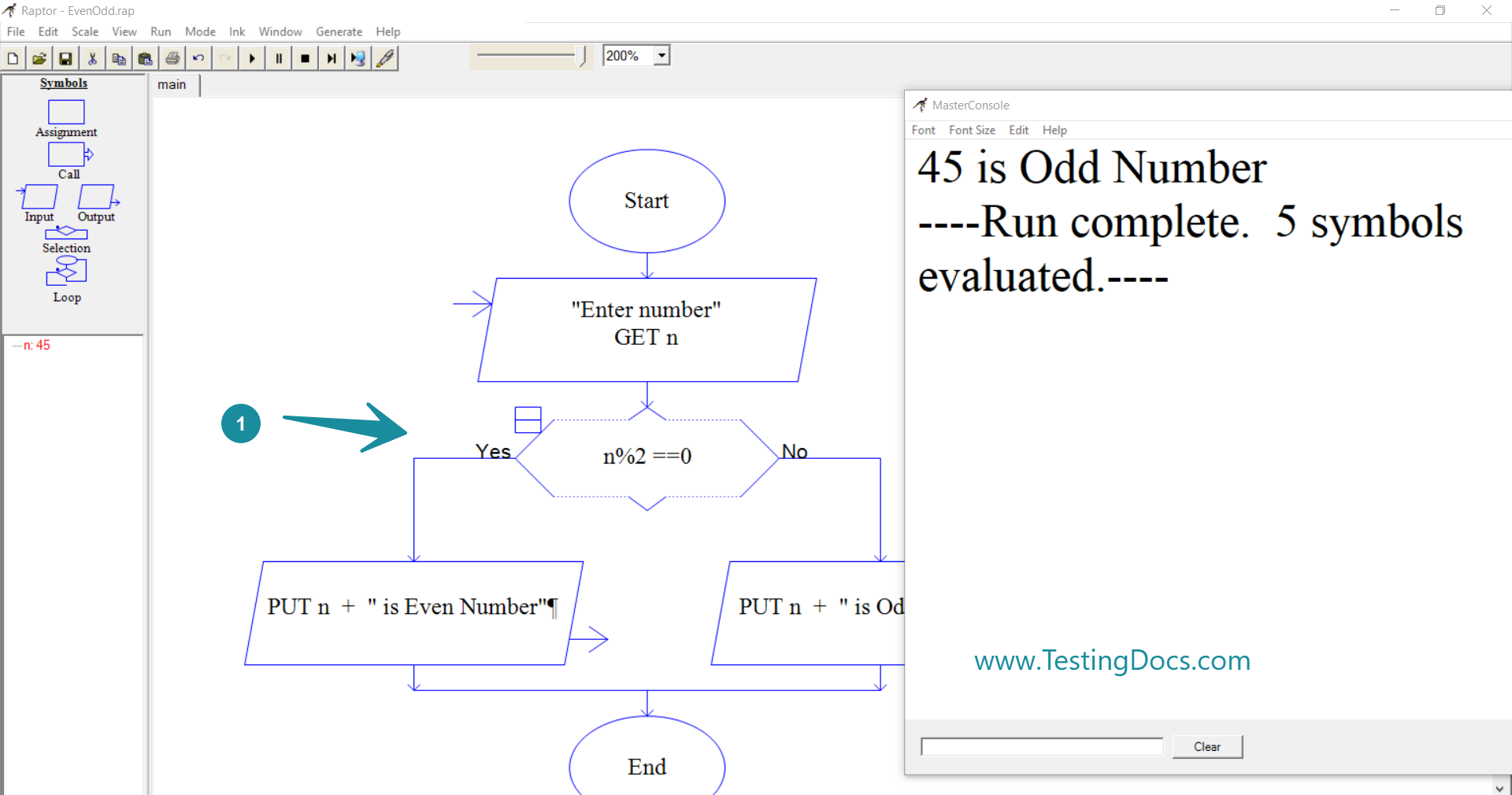
Let’s run the flowchart with sample test cases to verify that it’s working as intended. If you find that it is not working as intended during the testing, we may need to verify and debug it.
Debugging a flowchart:
Run TestCase 1
Sample run output of flowchart
Run Test Case 2
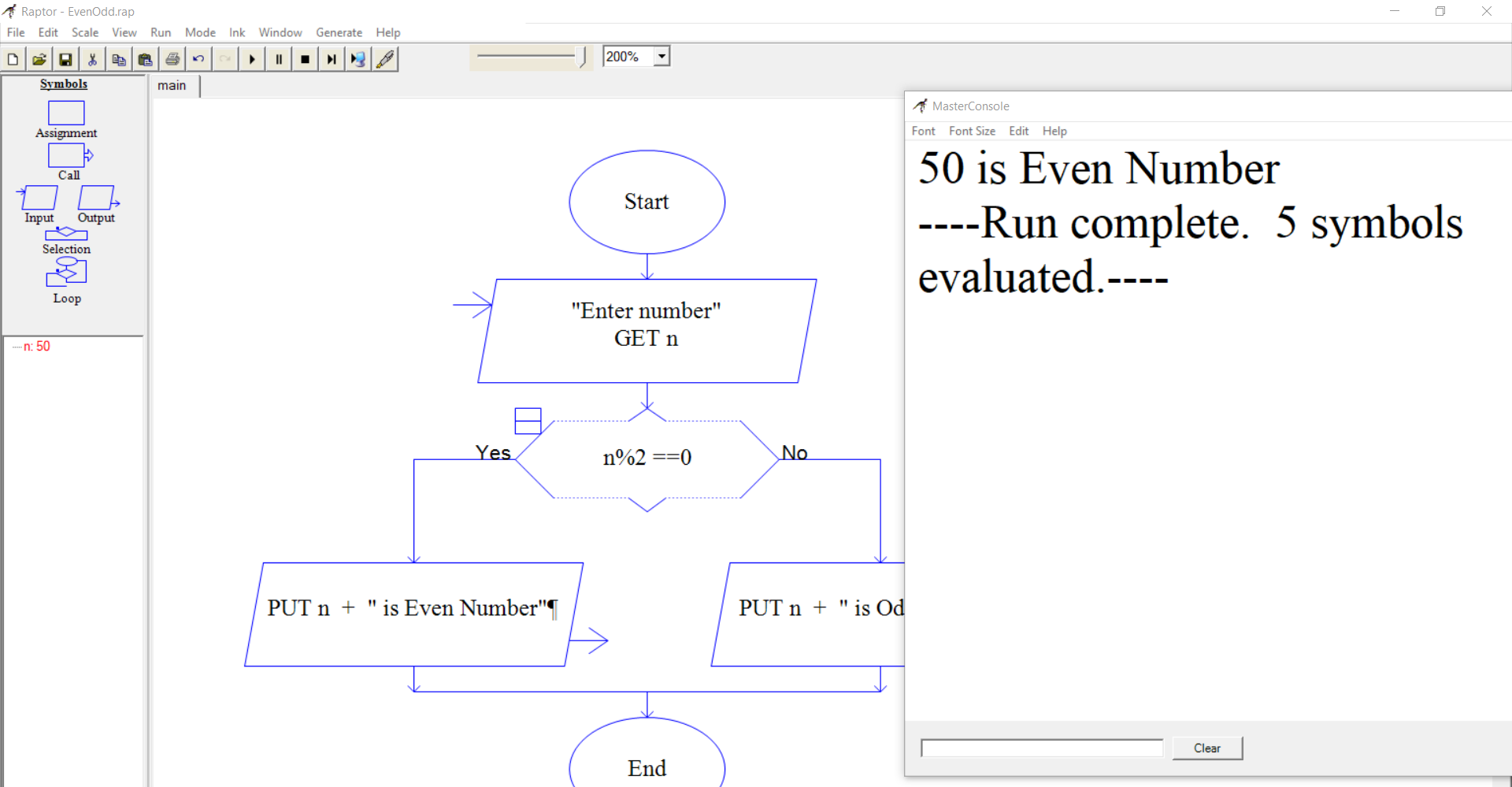
Run another test case and verify the output of the flowchart:
That’s it.
Video Tutorial
More Flowchart Examples
Raptor Tutorial
Raptor Tutorials on this website can be found at: