How to draw Bull’s Eye Raptor Graphics Flowchart

How to draw Bull’s Eye Raptor Graphics Flowchart
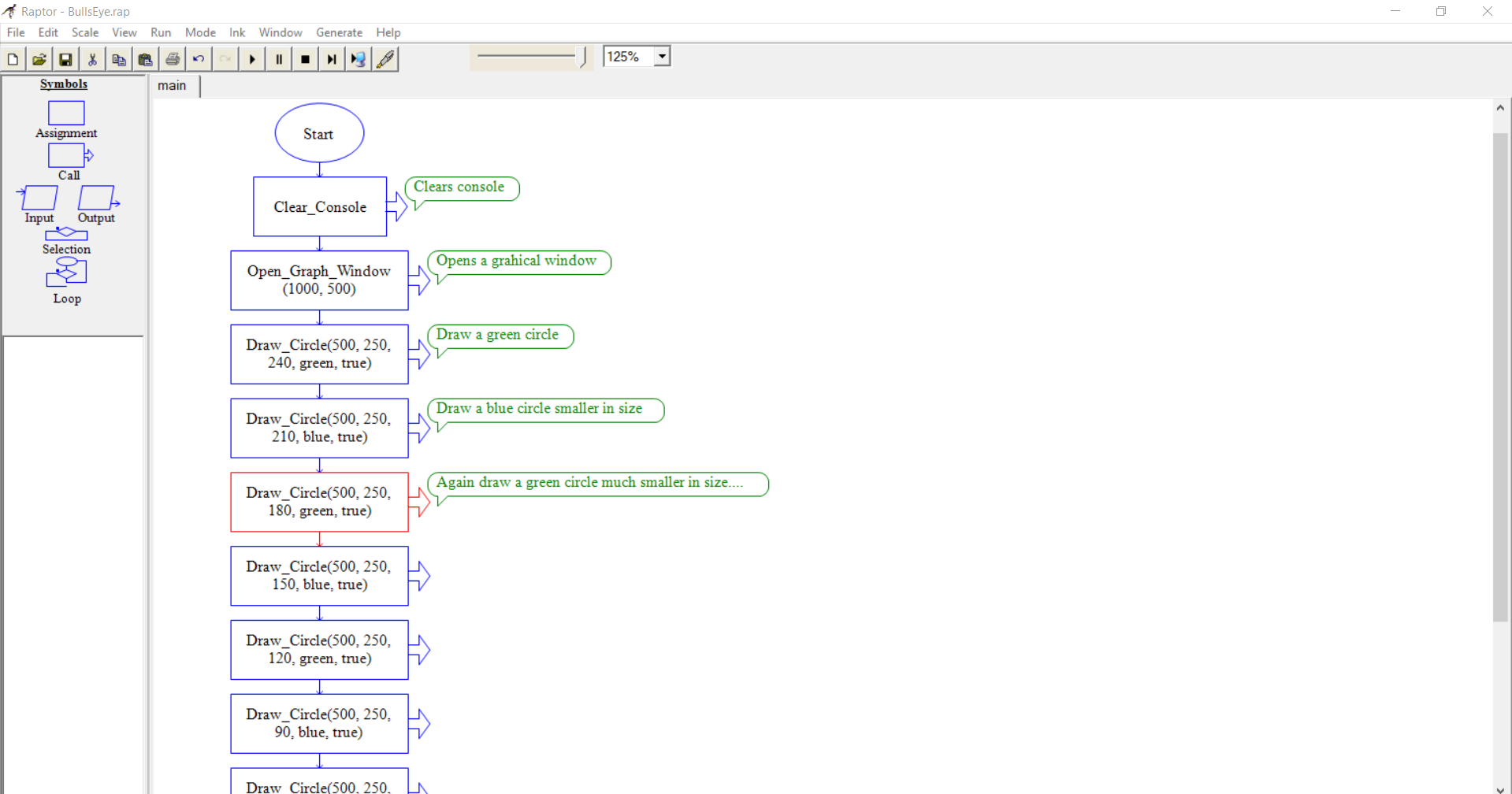
In this tutorial, let’s draw Bull’s Eye using Raptor Graphics Flowchart. We will use the RaptorGraph and a sequence of circle patterns to draw the Bull’s Eye.
Flowchart
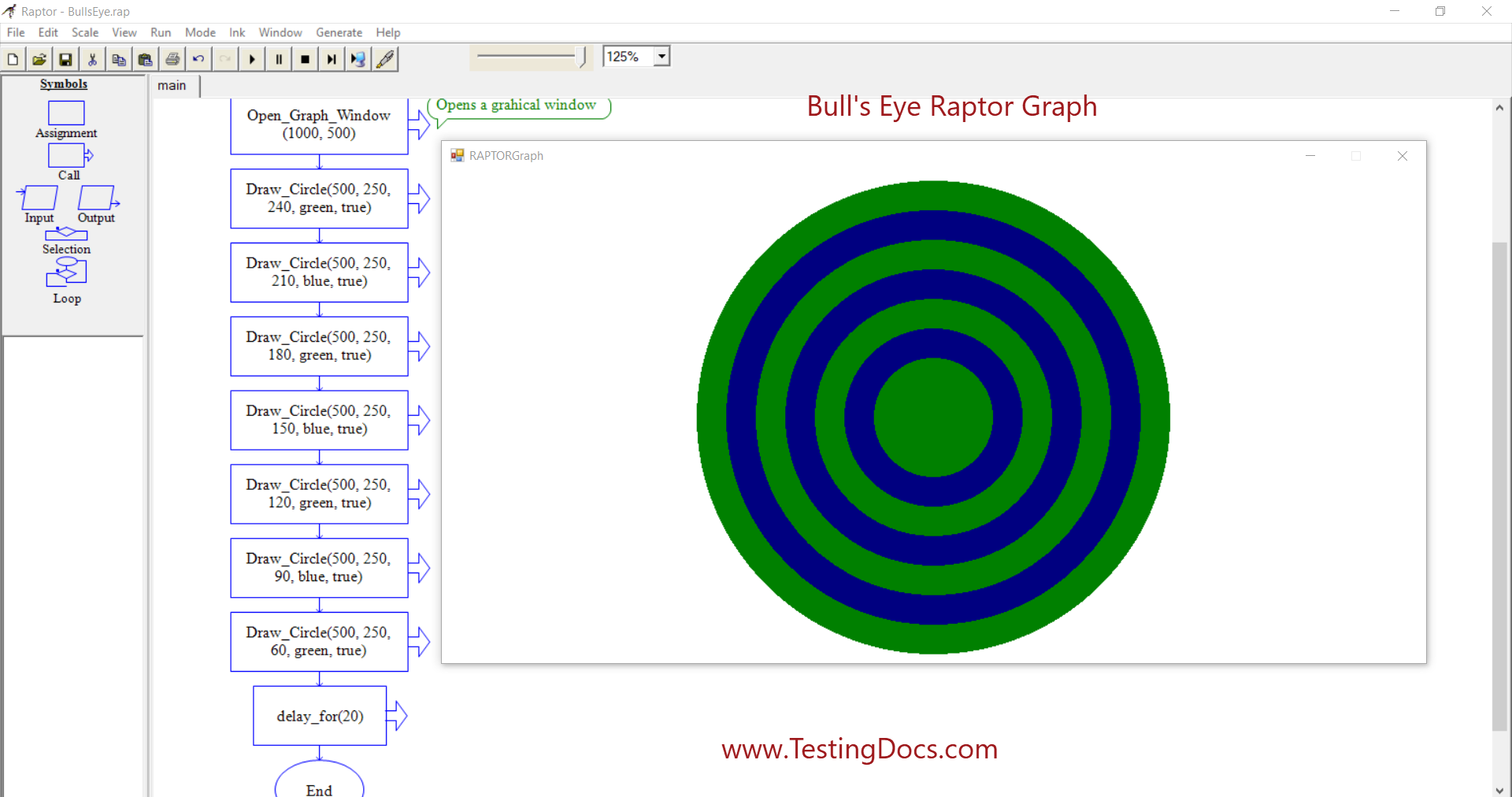
In this graph, we will simulate drawing circles with alternating color with a diminishing radius to animate a Bull’s Eye.
Circle
To draw a circle, we can invoke the function:
Draw_Circle(centerX,centerY,<radius_of_the_circle>,<color>,<fill_the_circle_True_or_False>)
For Example,
Draw_Circle(500,250,180,blue,true)