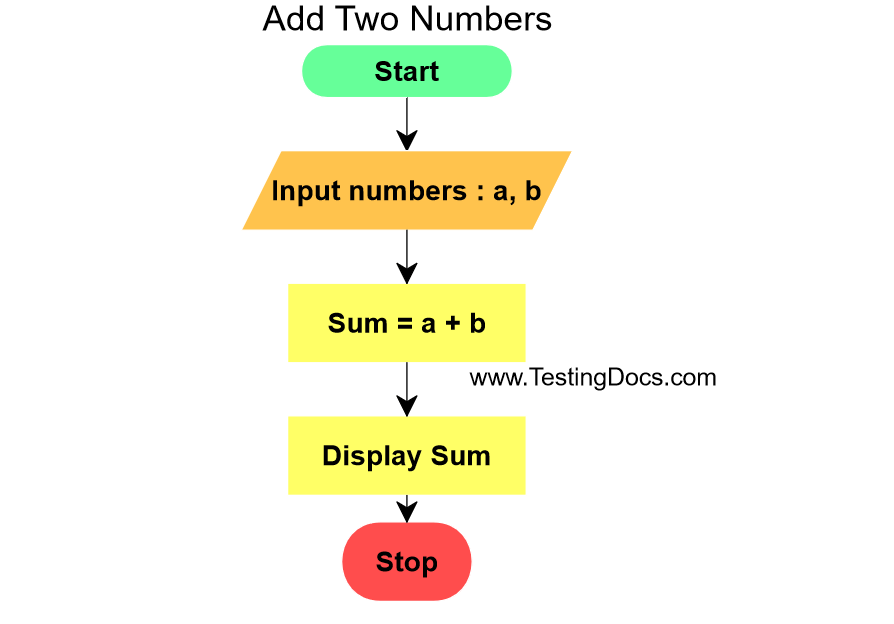
The program prompts the user to enter two numbers. (a,b) The program computes the sum of the two numbers and displays the result to the screen. The program uses the Scanner class to take input from the keyboard which is the standard input device.
import java.util.Scanner;

public class AddTwoNumbers {

    public static void main(String args[]) {
        Scanner input = null;
        int a,b, sum;
        try {
            input = new Scanner(System.in);
            System.out.print("Enter a:");
            a = Integer.parseInt(input.nextLine());

            System.out.print("Enter b:");
            b = Integer.parseInt(input.nextLine());

            sum = a + b ;
            System.out.print("Sum =" + sum );

        } catch(Exception e)
        {
            e.printStackTrace();
            System.out.println("Error!");
        }
        finally
        {
            if (input != null) {
                input.close();
            }
        }
    }
}
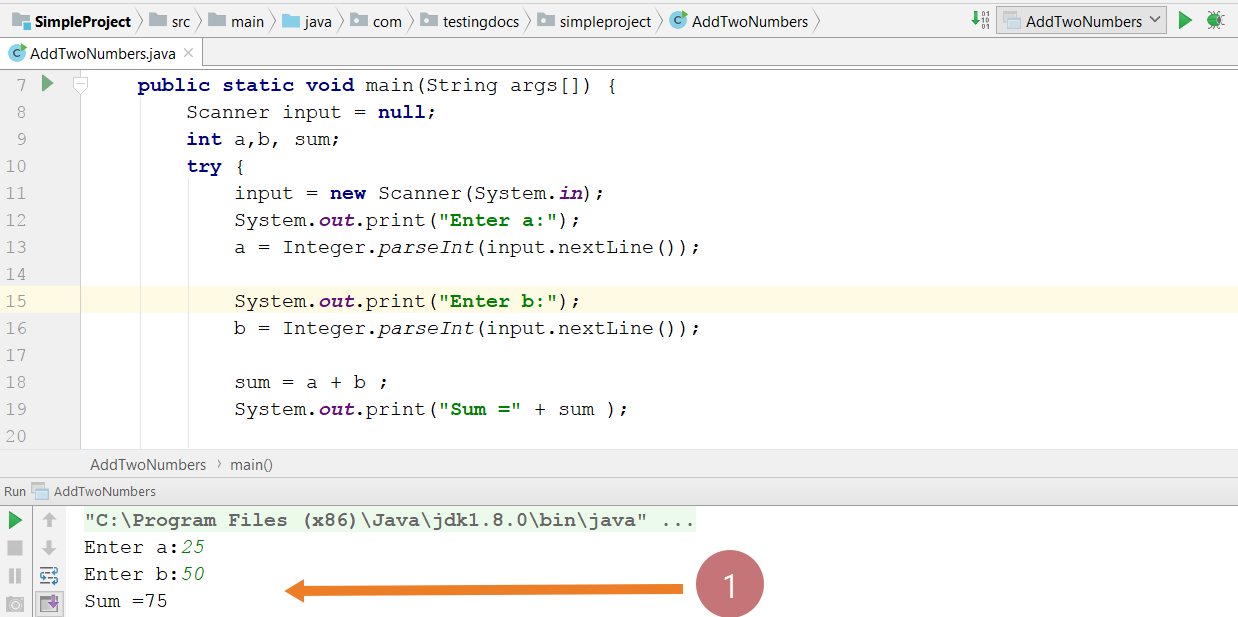
Sample Run output
Save the program in the IDE.
Run the program and execute test cases to verify the result of the program.
Positive testcase
Enter a: 25
Enter b: 50
Sum = 75
Negative testcase
Enter a: invalid input
java.lang.NumberFormatException: For input string: ” invalid input”
at java.lang.NumberFormatException.forInputString(NumberFormatException.java:65)
at java.lang.Integer.parseInt(Integer.java:569)
at java.lang.Integer.parseInt(Integer.java:615)
at com.testingdocs.simpleproject.AddTwoNumbers.main(AddTwoNumbers.java:13)
Error!