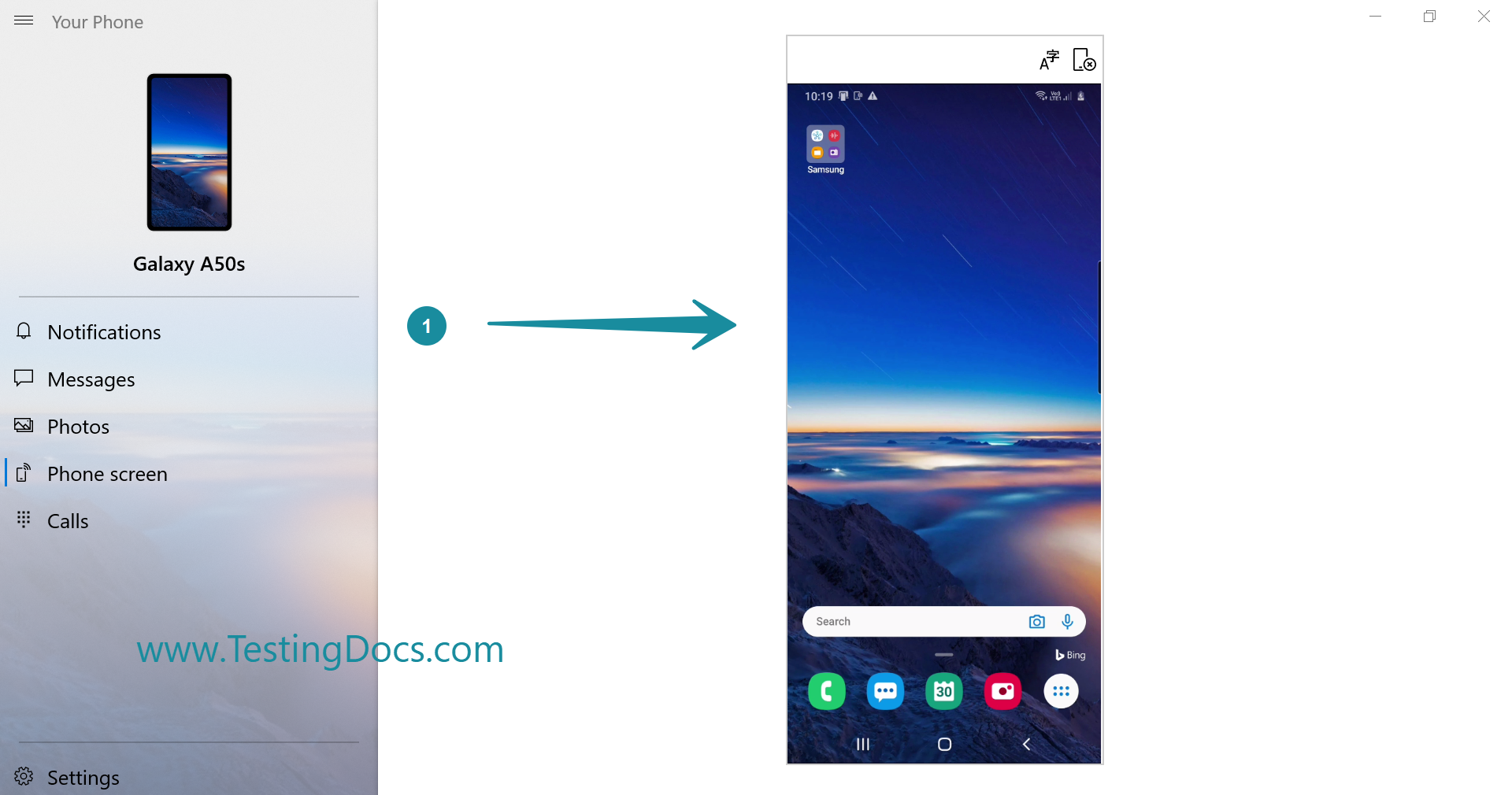
Link Android Mobile Phone to Windows 10 PC

Link Android Mobile Phone to Windows 10 PC
In this tutorial, we will learn steps to link the Android Mobile Phone to Windows 10 Operating system. The environment used is:
- Samsung Galaxy Android Phone.
- Windows 10 Operating System.
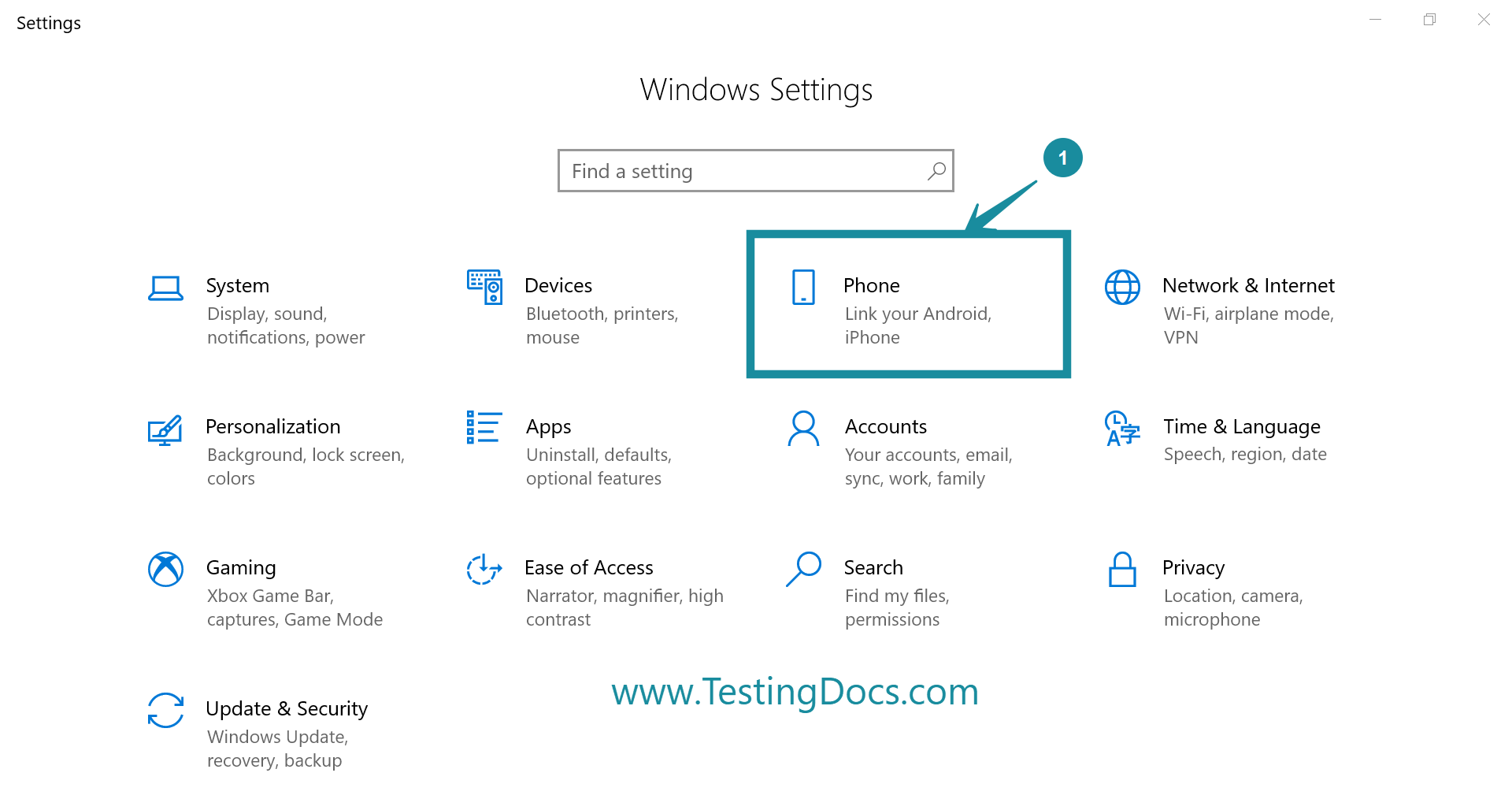
Windows Settings
Navigate to the Windows Settings page and click on the Phone button ‘Link your Android,iPhone’ button.
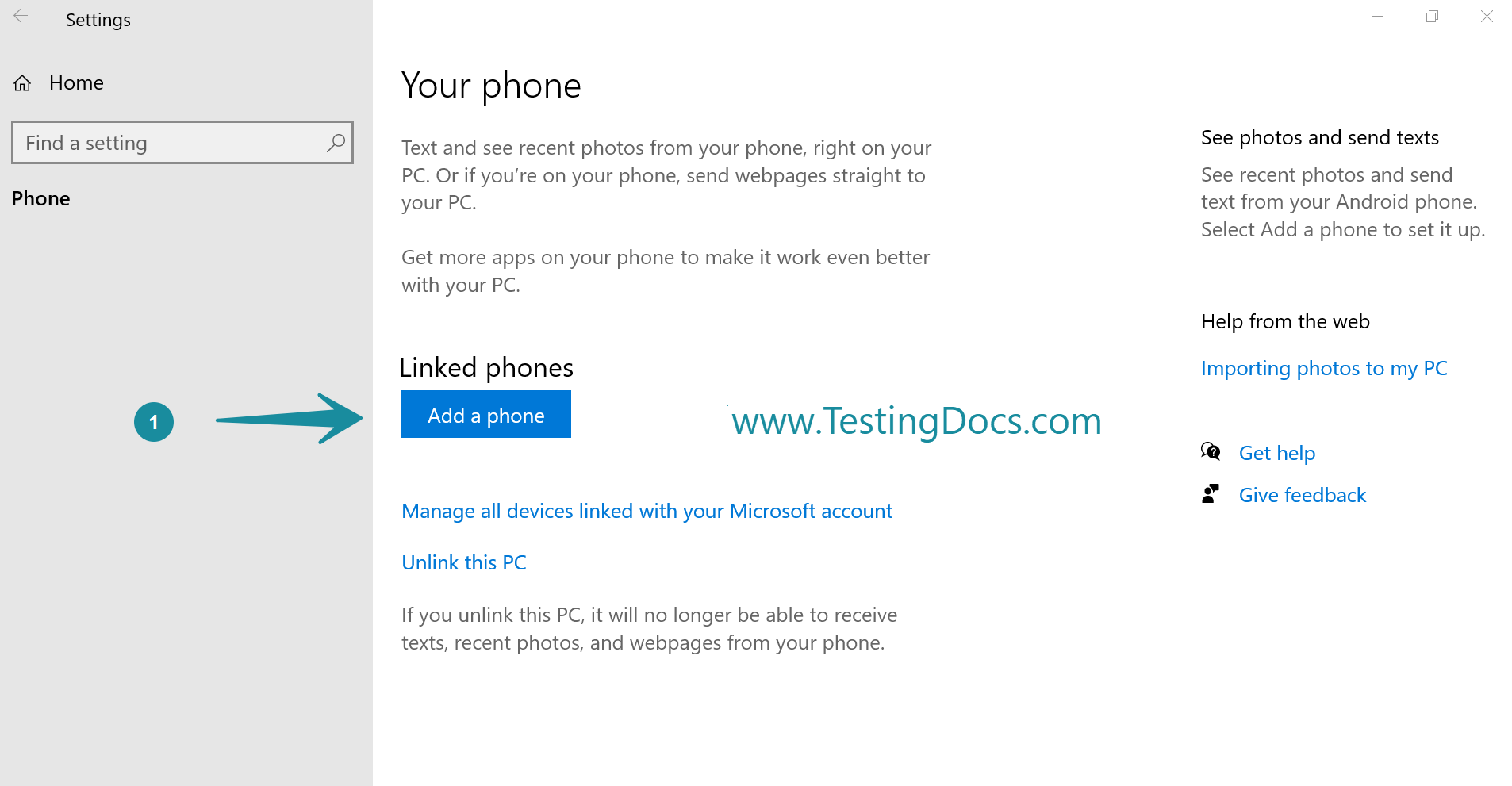
Add a Phone
Click on ‘Add a Phone’ to set up the Phone connection.
Login to Microsoft account and add the device.
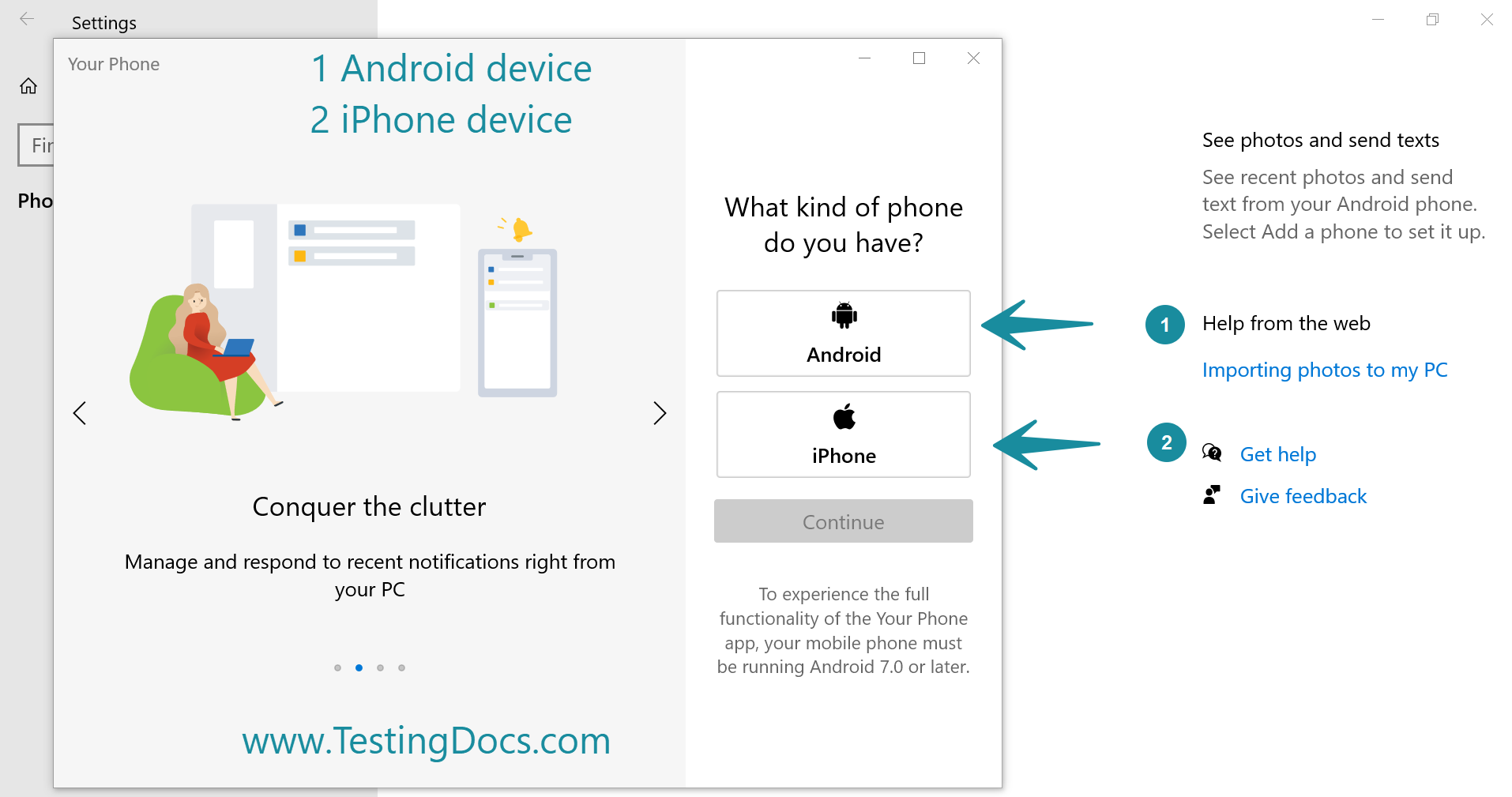
Phone Choice
Select the corresponding mobile device to connect on the phone choice screen.
Click on the Android button to connect an Android phone.
Install Phone Companion App
To Link the Phone, we need to install the Phone Companion app on the mobile device.
Navigate to Google Play Store and search for ‘Your Phone Companion App’.
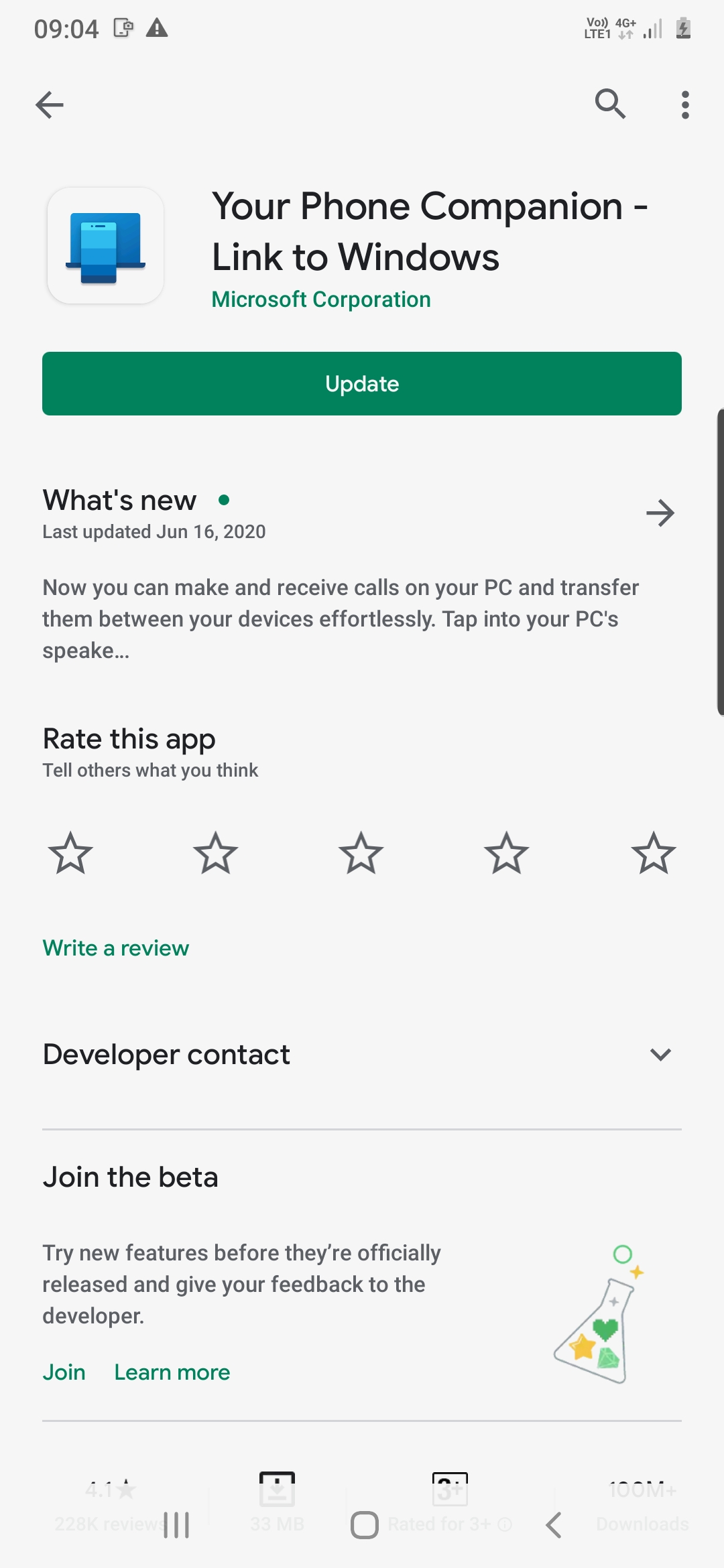
Open the application and click on the ‘Link your phone and PC’ button.
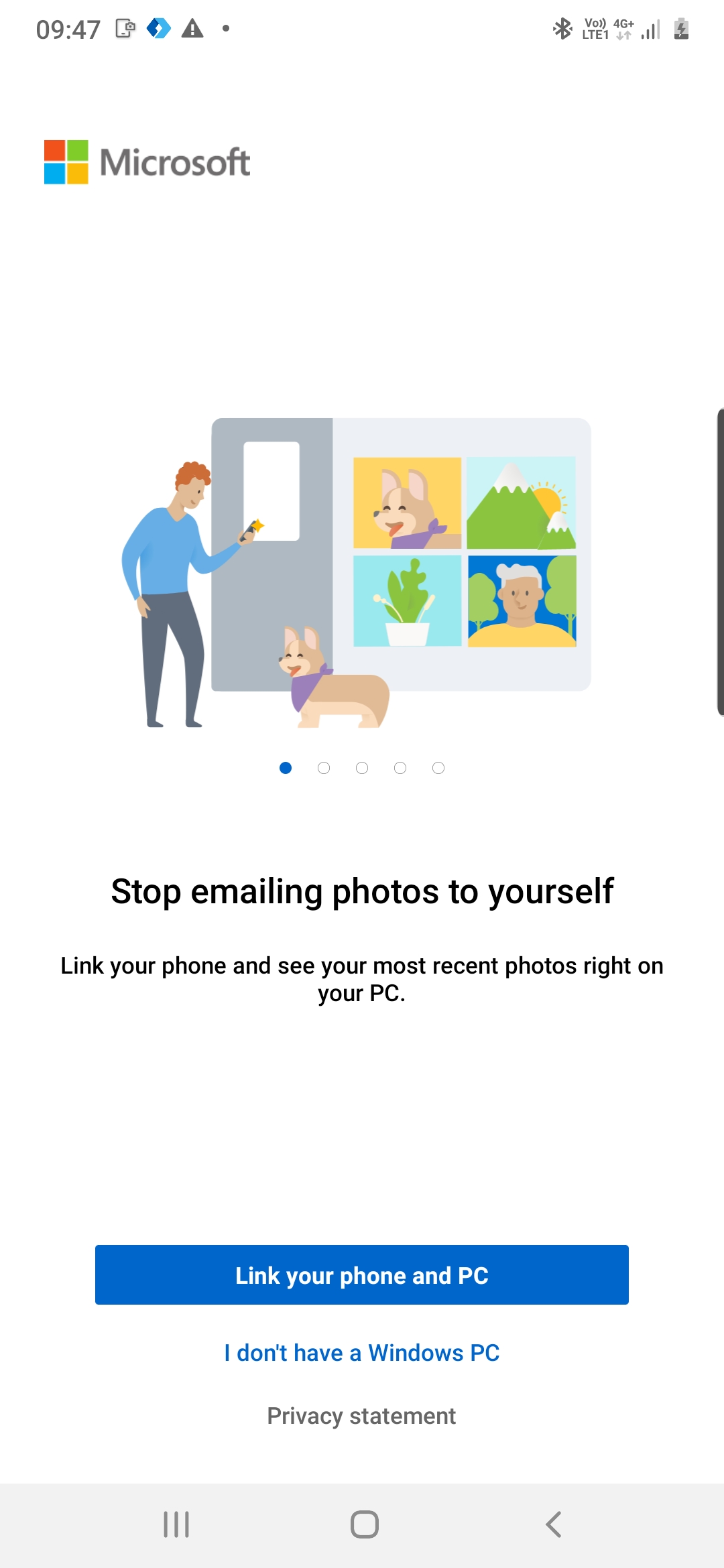
Enable Bluetooth discovery on the PC.
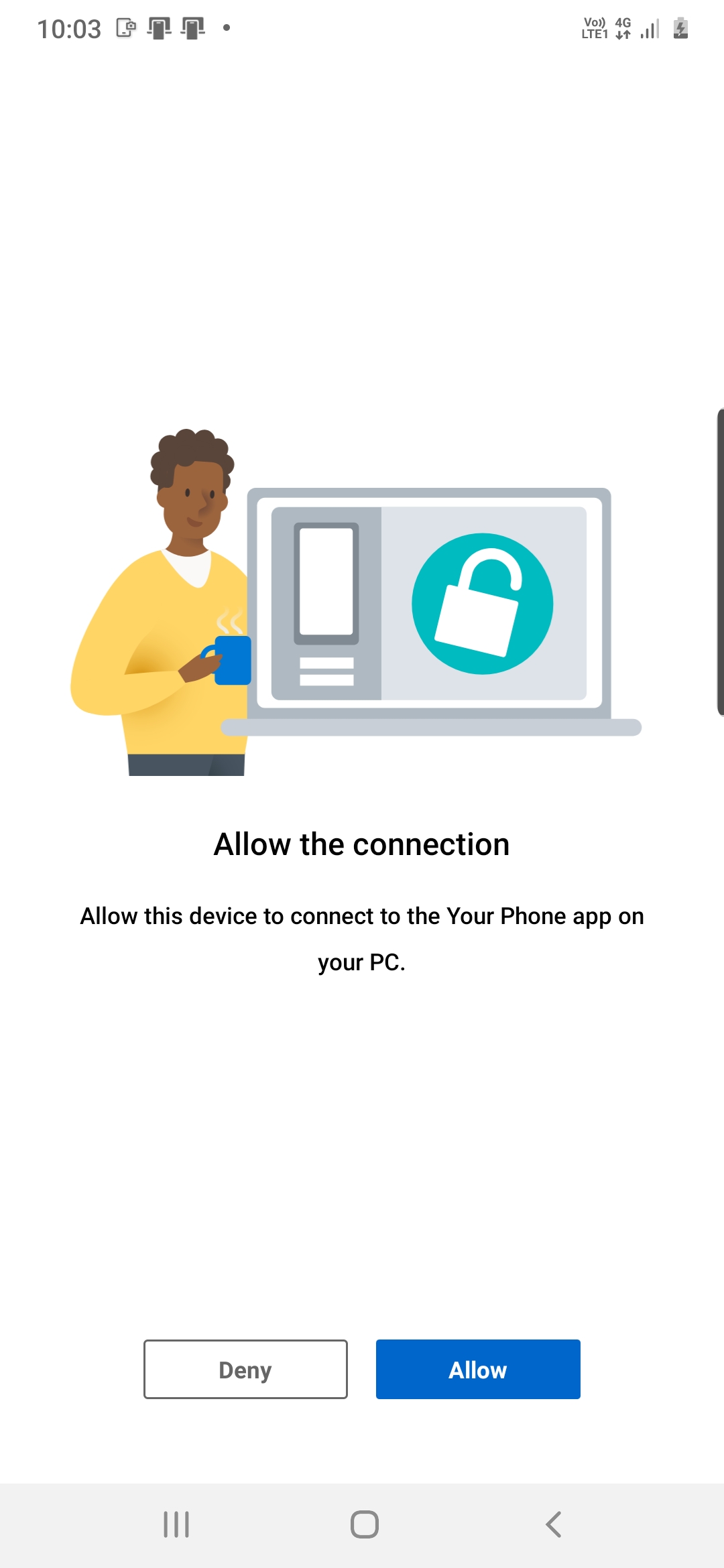
Open the Windows app and send the connection request.

When prompted click on the Allow button.
Phone Linked to Windows