
How to take screenshot on Windows 10

How to take screenshot on Windows 10
Screenshots are helpful in bug reporting. Attaching a screenshot to a bug report will help the developer to understand the bug better. In this tutorial, let’s learn the steps to take a screenshot on Windows 10 operating system using inbuilt tools that are shipped with the OS.
Windows Snipping Tool
The snipping tool is an old tool to take a screenshot on Windows. In future updates Snipping tool would be removed and replaced by Snip & Sketch.
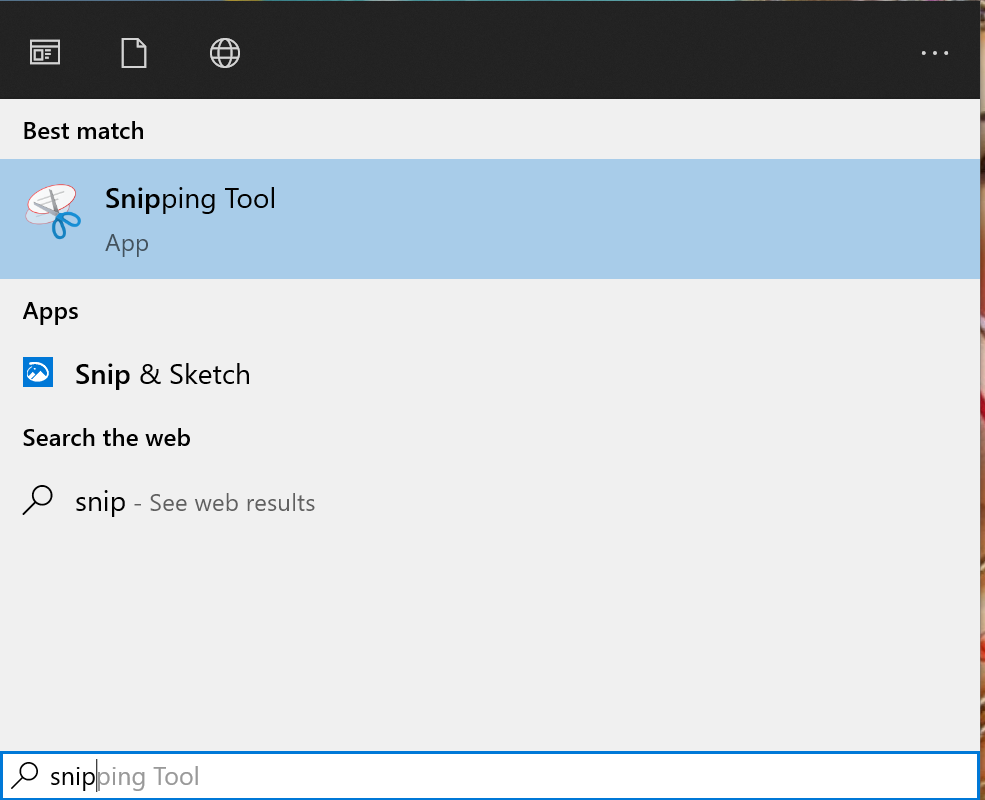
We can launch the tool by typing the name in the Windows search bar.
Snip & Sketch
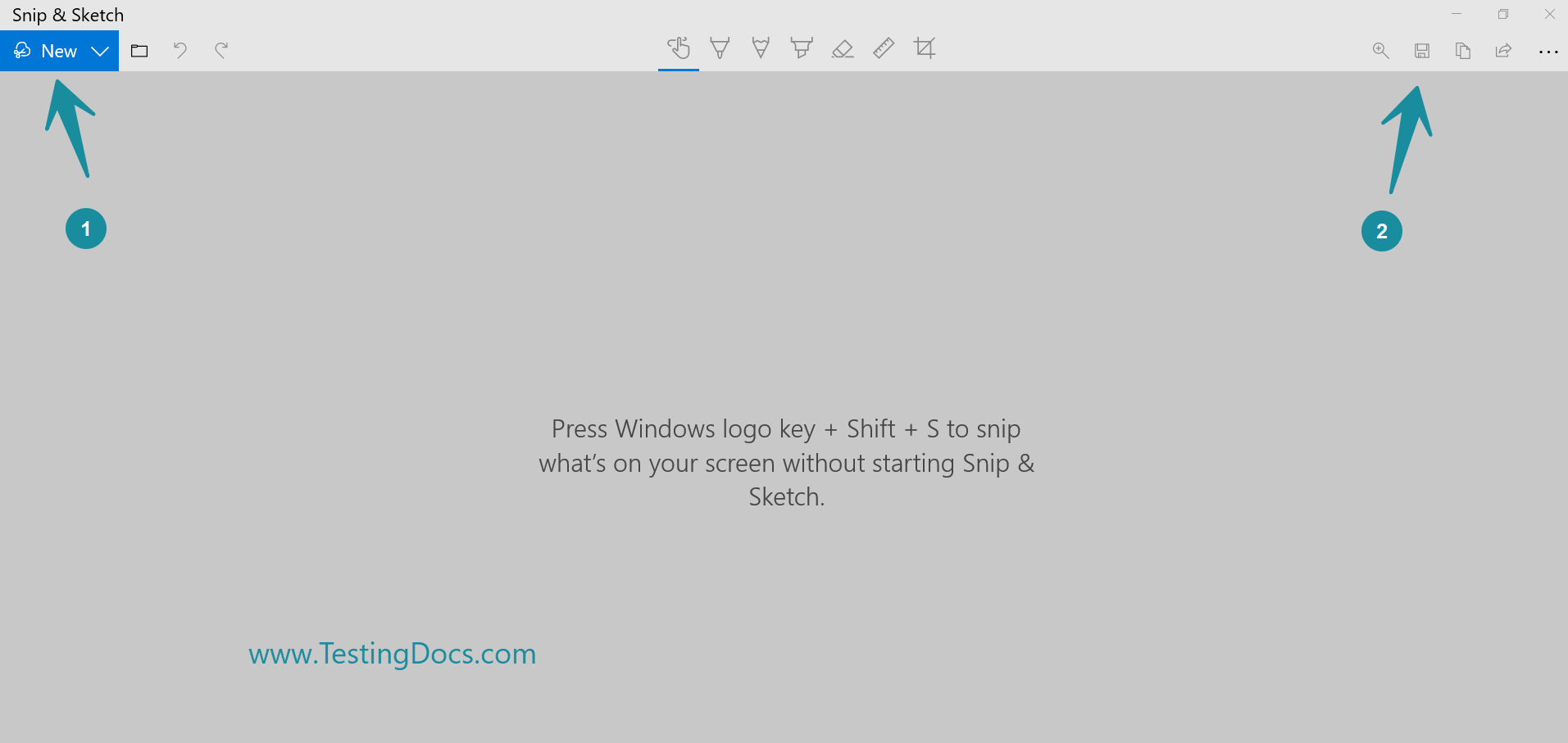
To take a new screenshot click on the New button.
There are several options to take a screenshot like
- Snip now
- Snip in 3 seconds
- Snip in 10 seconds
The last options will allow some time to take some actions that you would like to be shown in the screenshot.
Drag and drop the screen area to take the screenshot.