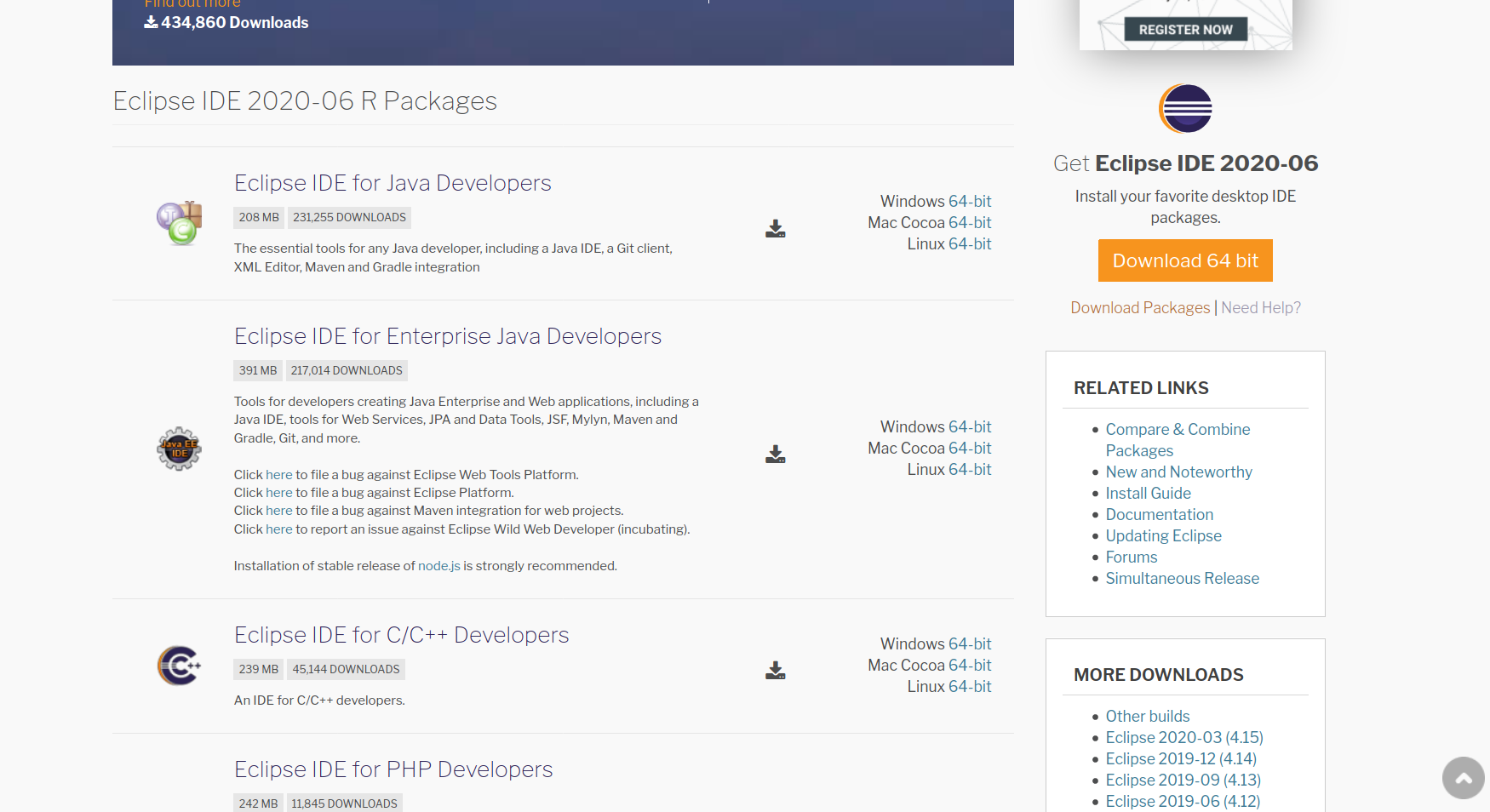
Install Eclipse IDE on Linux

Install Eclipse IDE on Linux
Visit the Eclipse Official website to install Eclipse IDE on Ubuntu Linux machine.
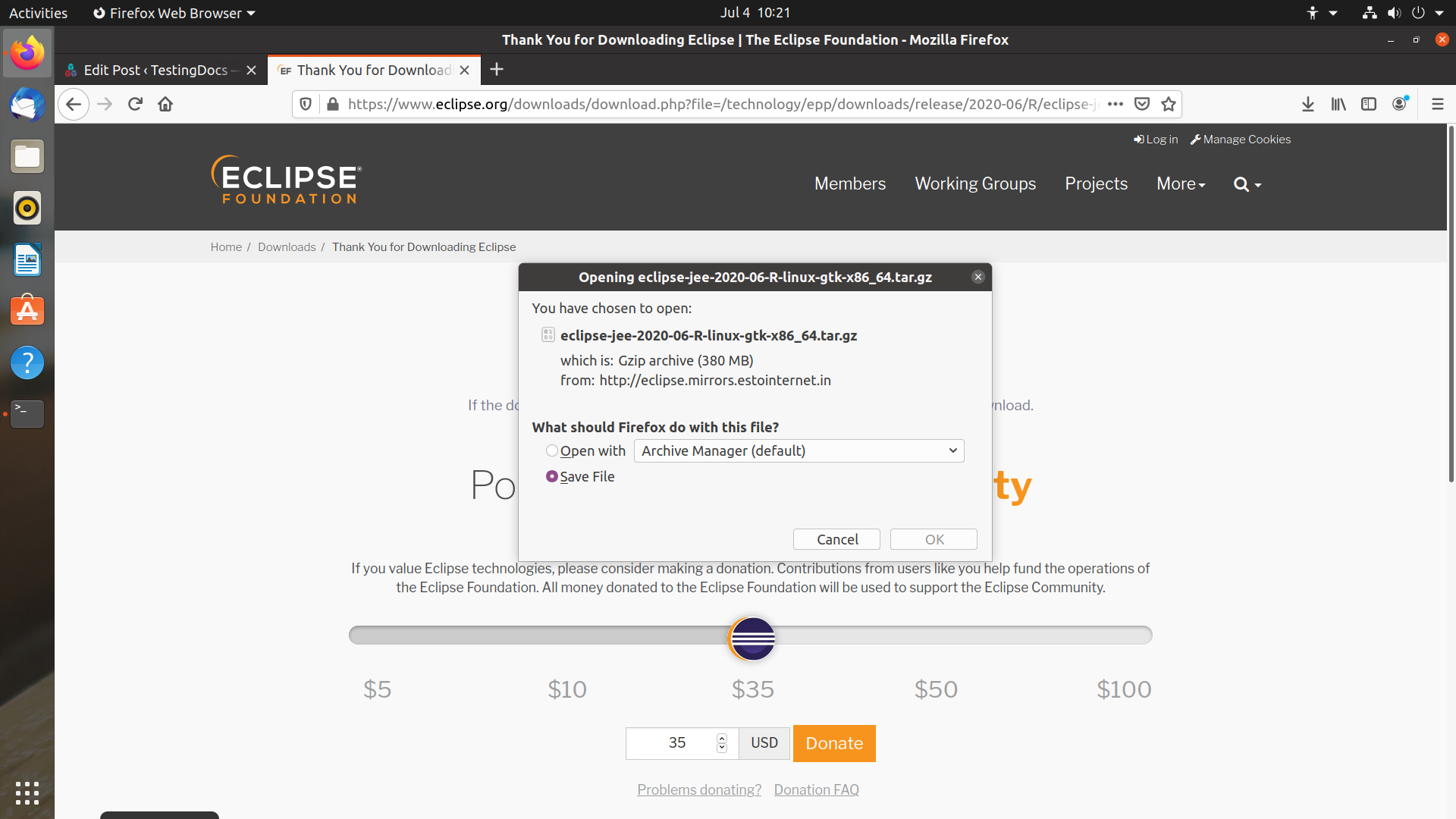
Download
Download the eclipse tar package on to the computer. Choose Save file option and click on the Ok button.
Extract
Extract the contents of the Eclipse package file. We can use the GUI or the terminal.
Sample command to untar
$ tar -xvf eclipse-jee-linux-x86_64.tar.gz
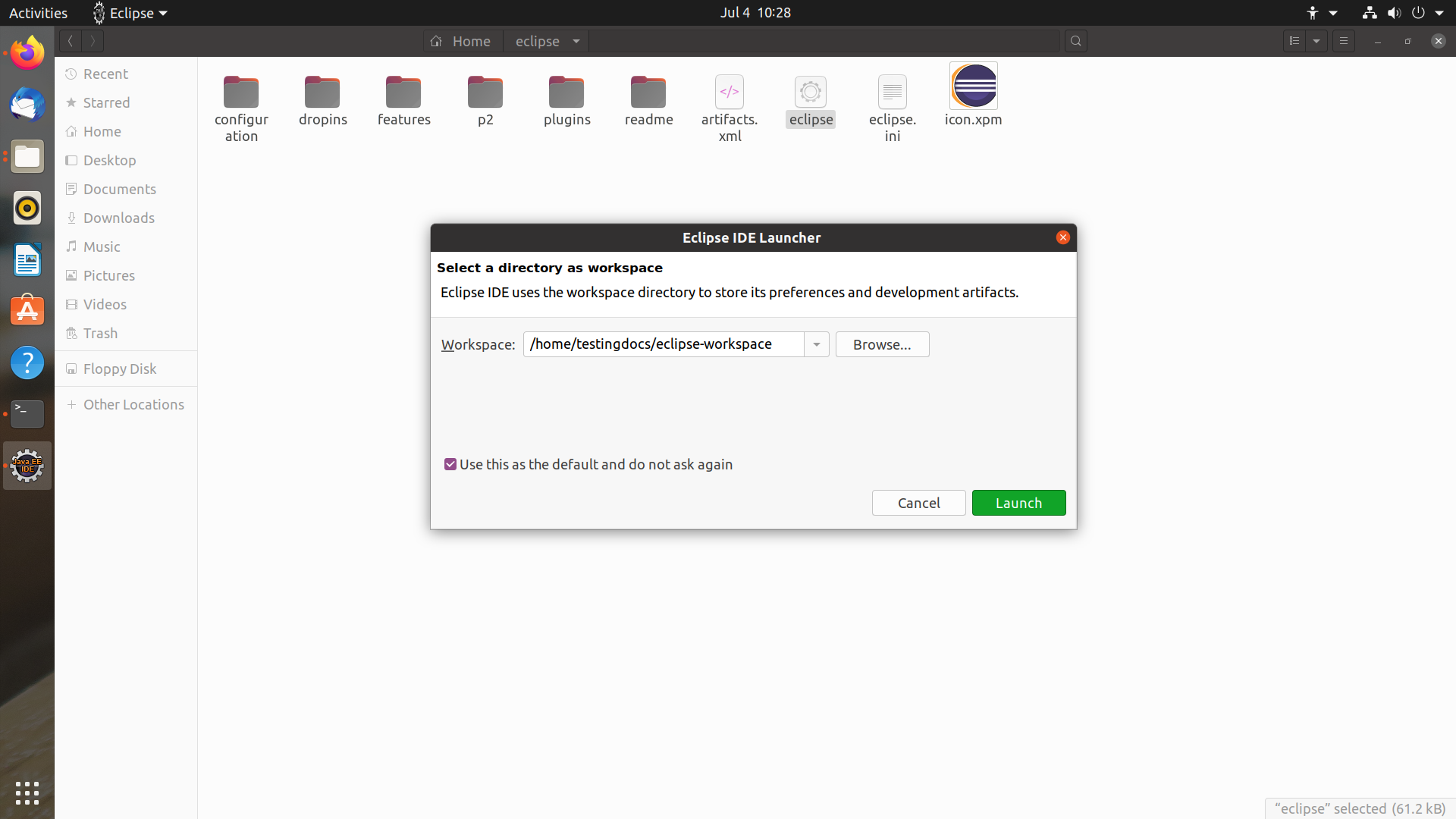
Workspace
Set a directory as a workspace for the projects.
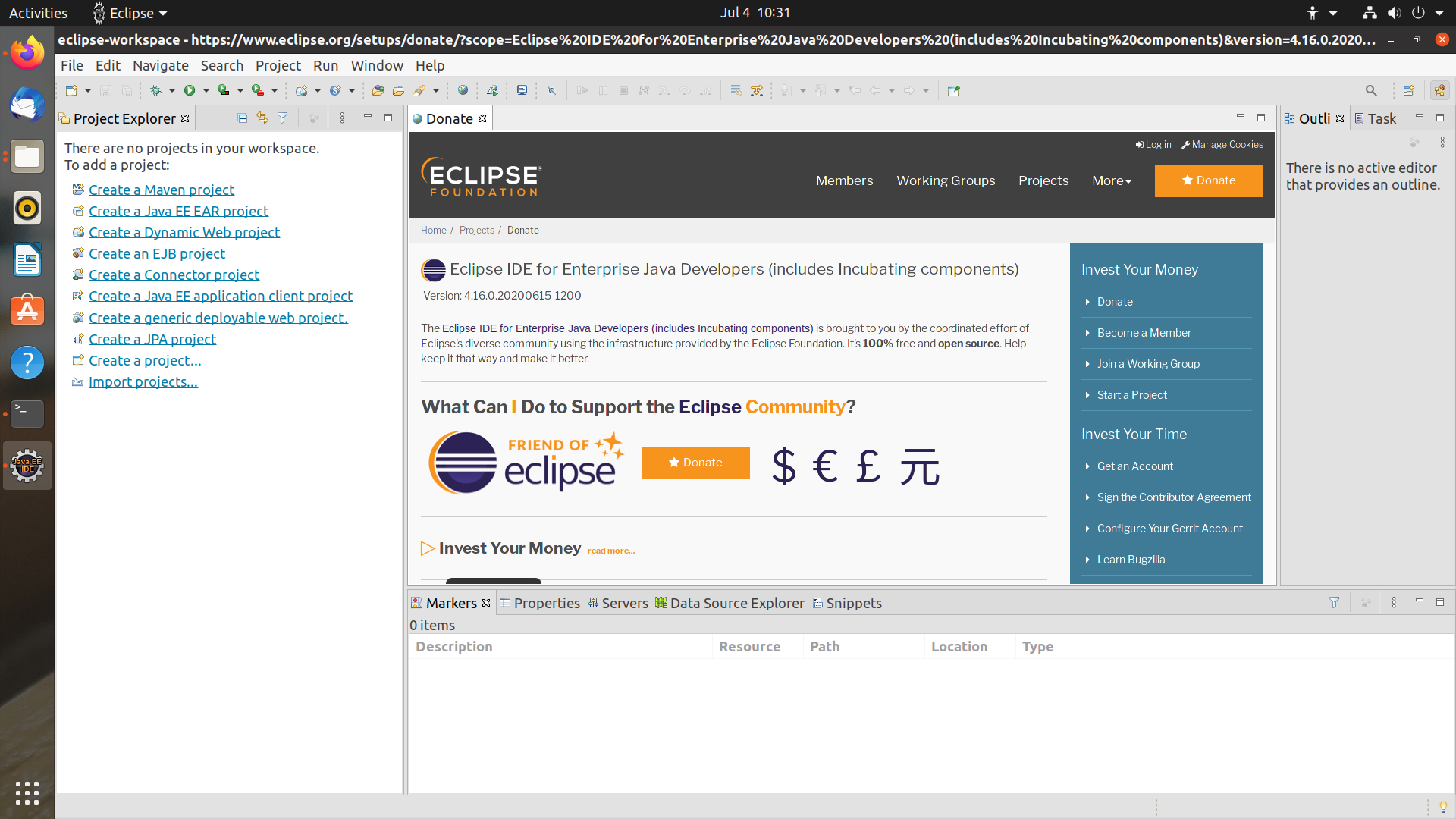
Eclipse IDE
Click on the Launch button to launch Eclipse.