
Blog
Download and Install the Edge Browser

Download and Install the Edge Browser
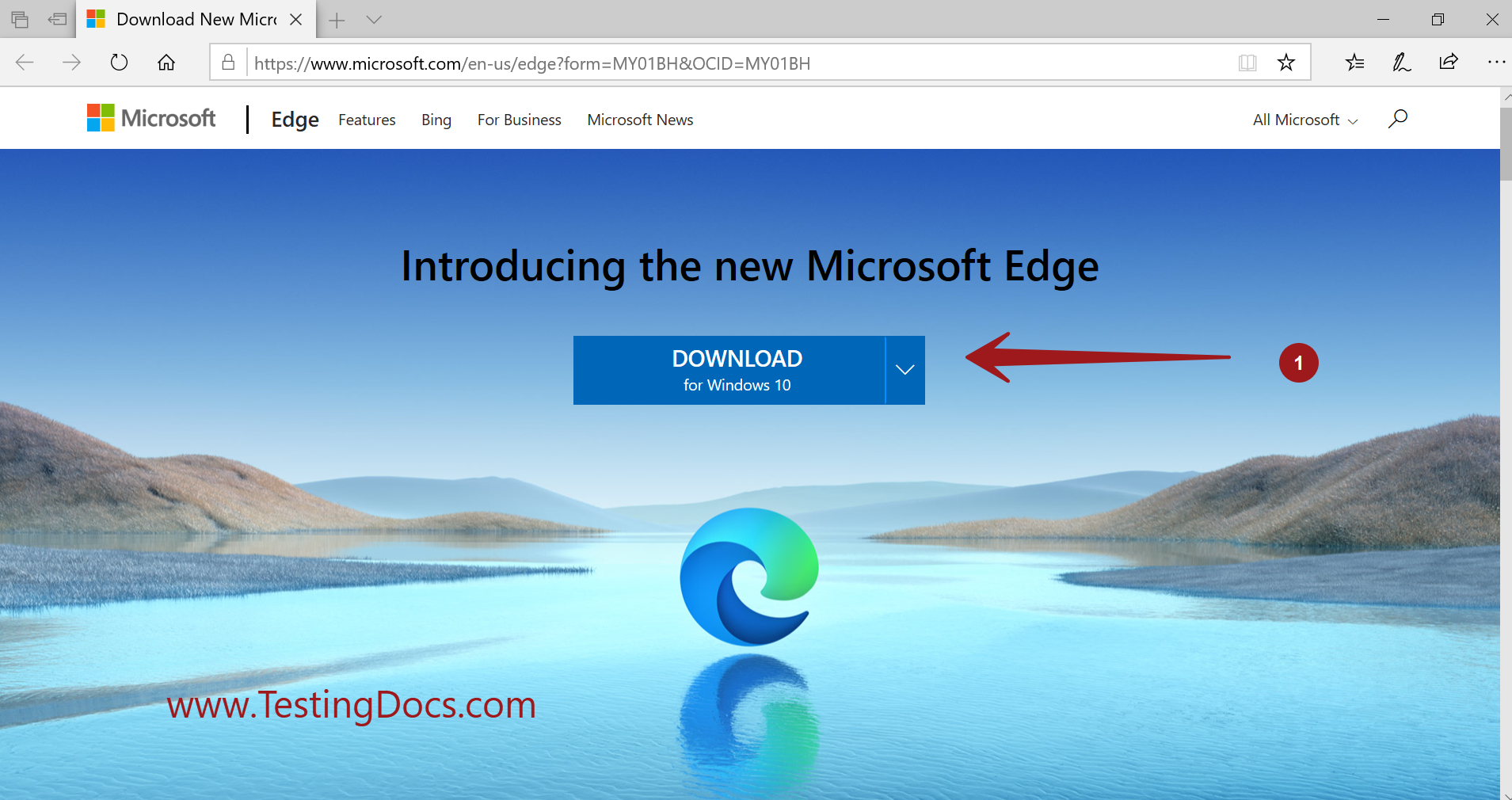
On this page, we will go through the steps involved in downloading and install the Edge browser on the Windows 10 operating system. The new Edge browser is based on Chromium and other open-source projects.
Official Microsoft URL to download:
- https://www.microsoft.com/en-us/edge
Download
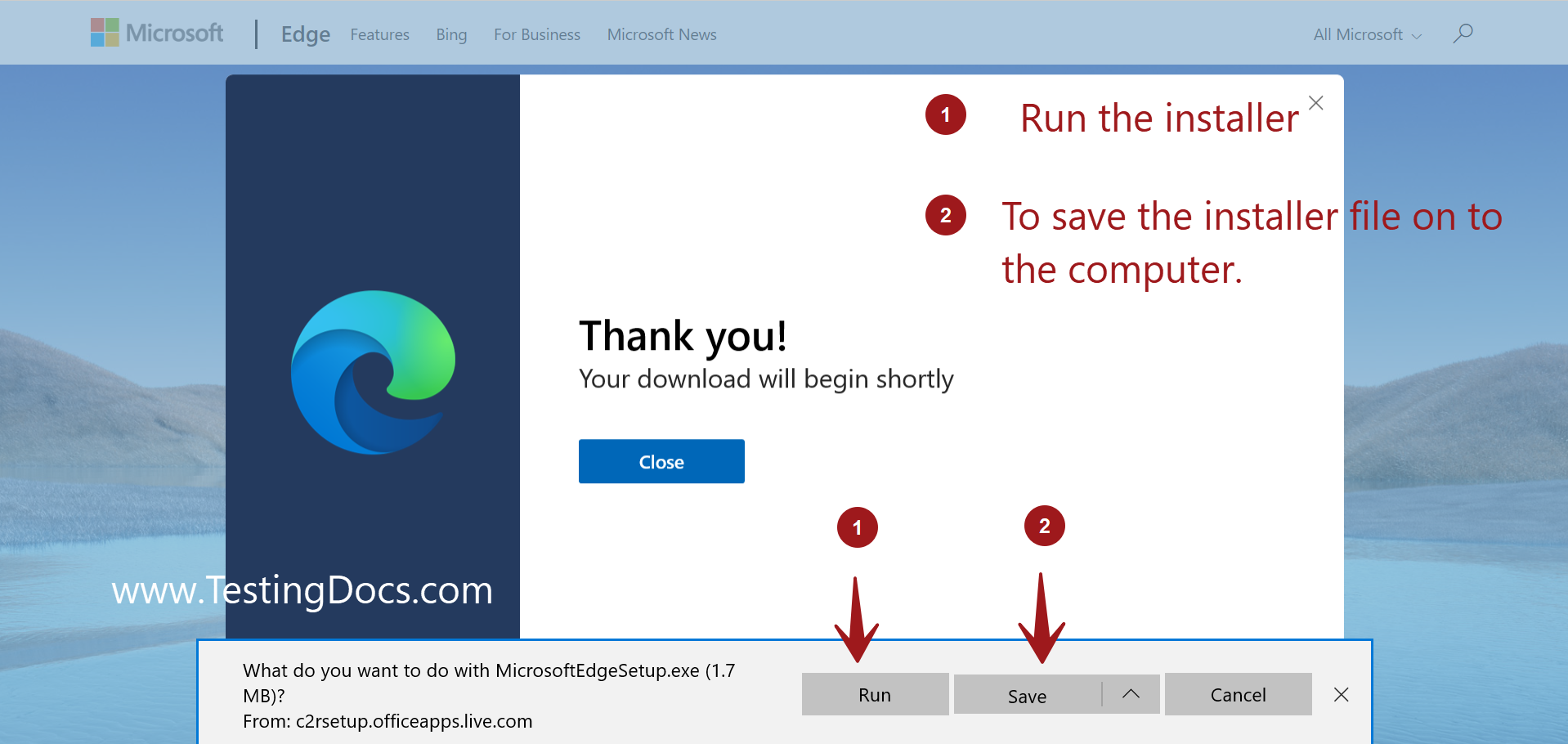
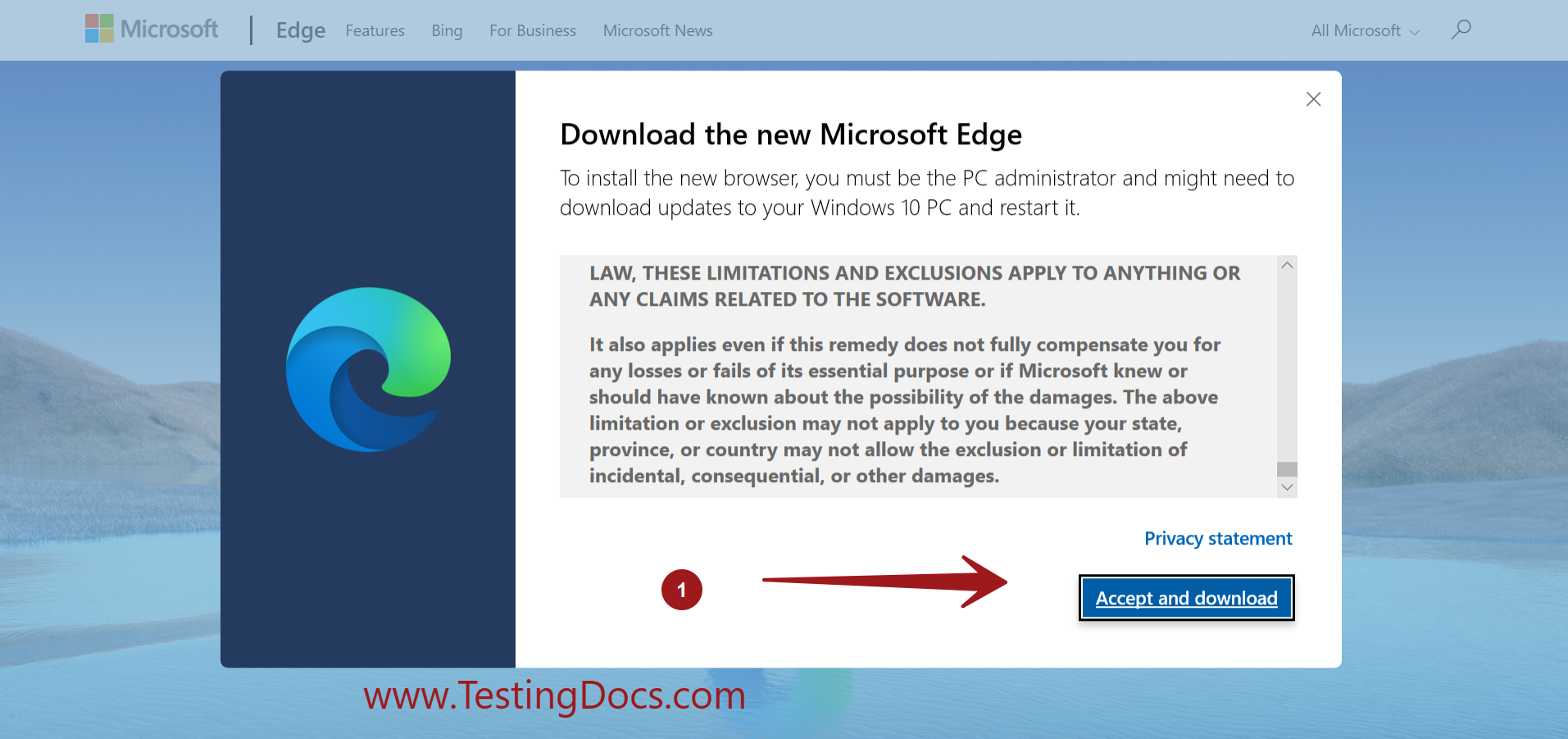
Install
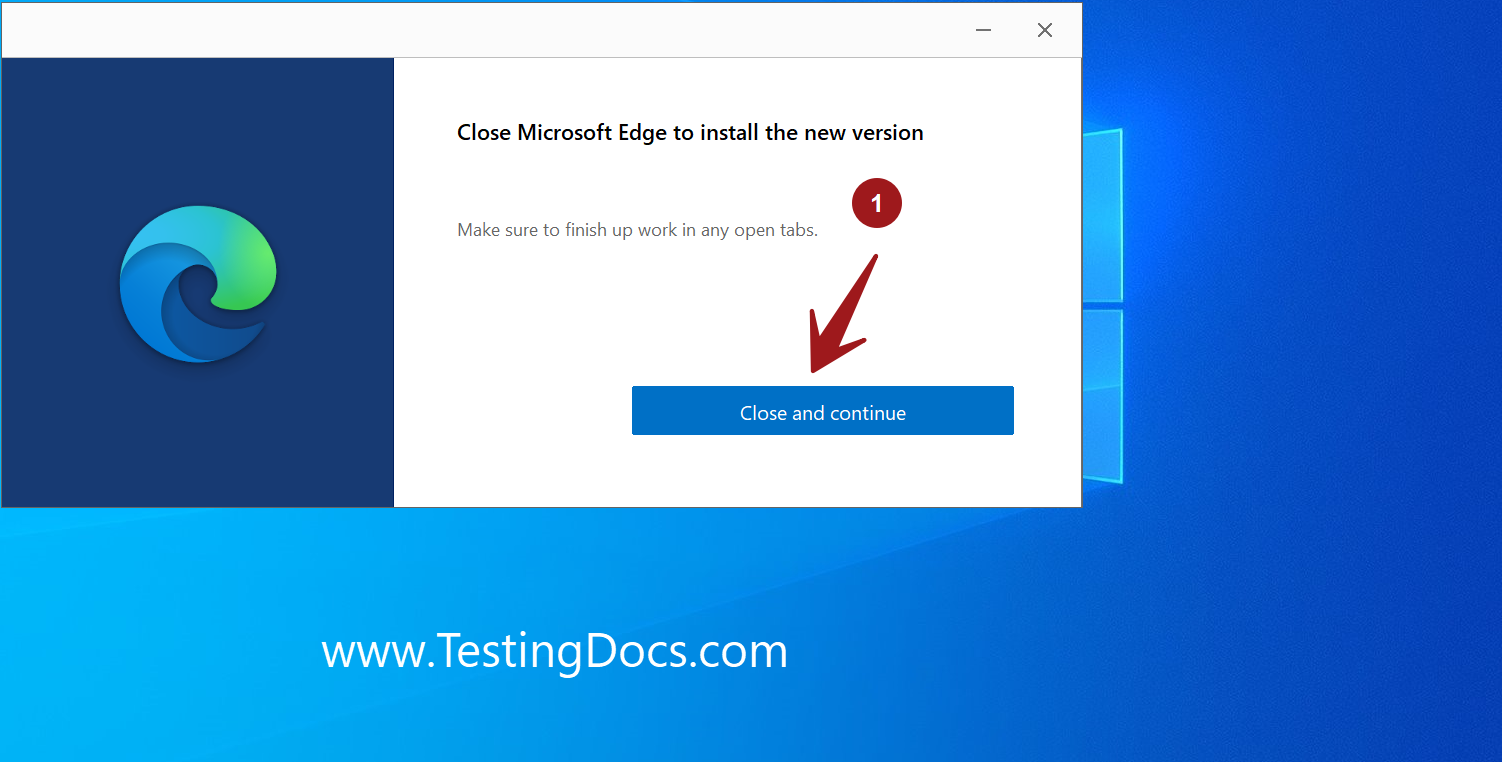
We may need to close the existing Edge browser to install the new one. Save any webpage URLs and bookmarks and click on ‘Close and Continue’
Click on the ‘Get started’ button to update to the new Edge browser.
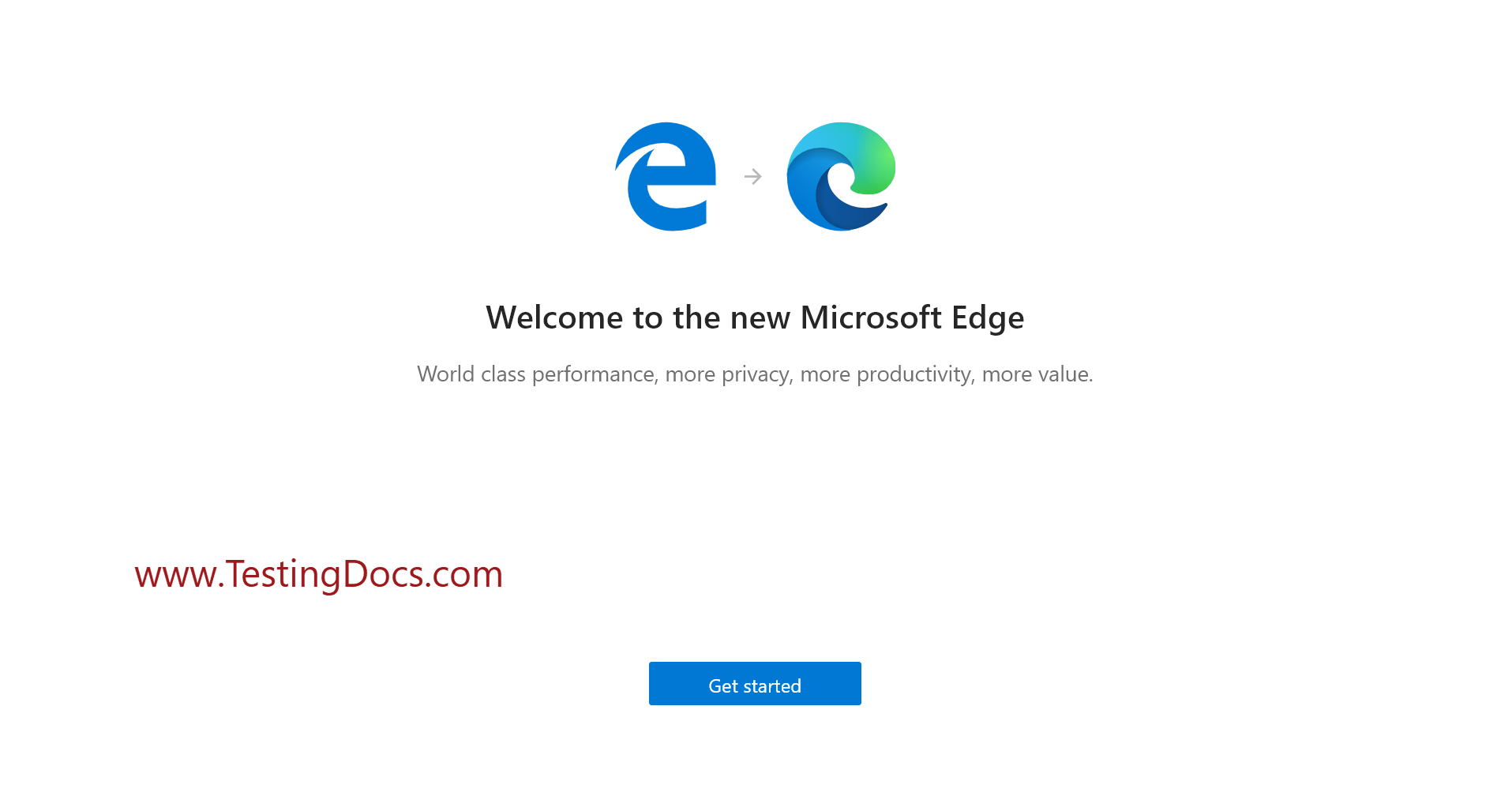
Wizard screens
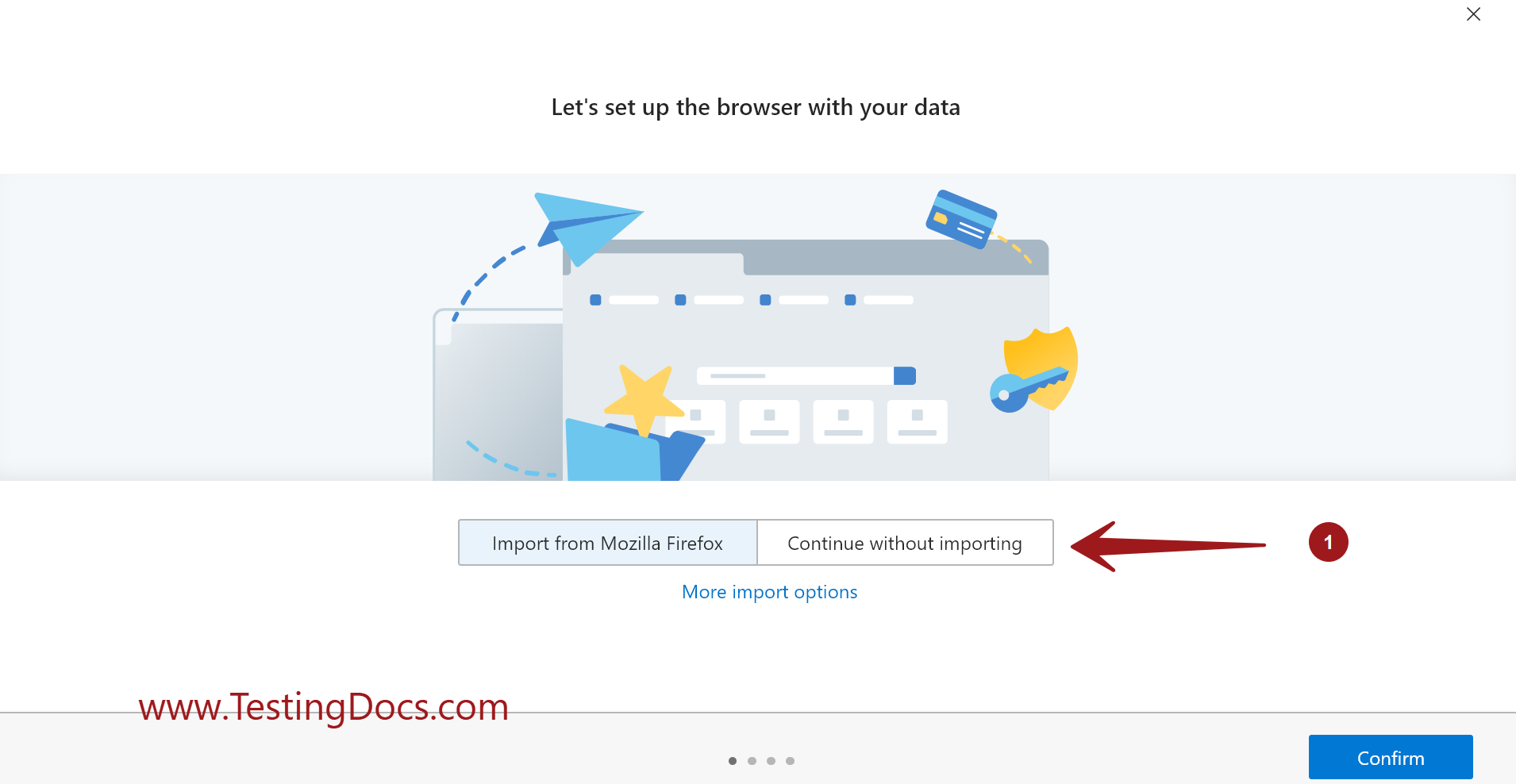
Import data from the other browser’s option screen.
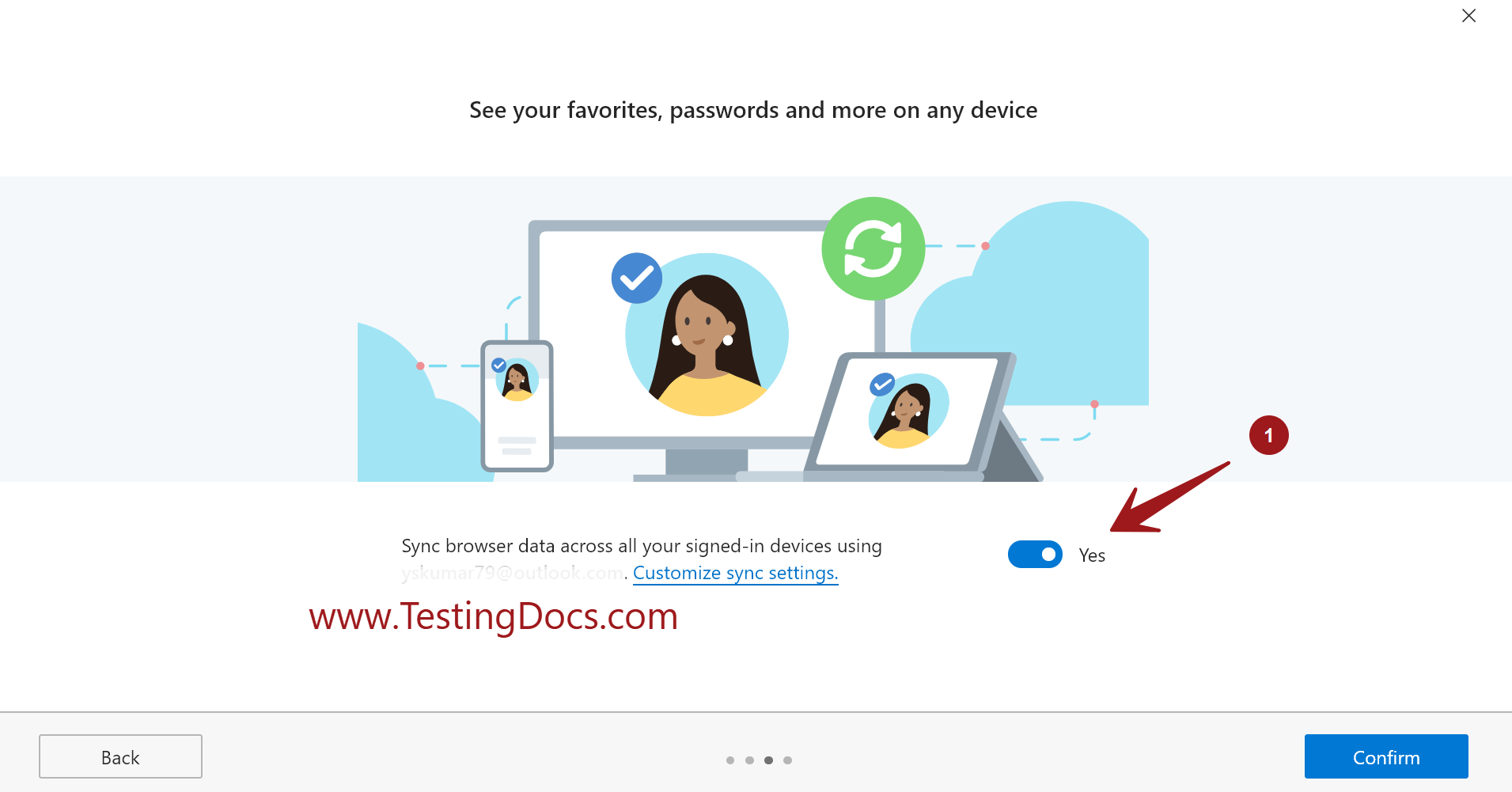
Sync browser settings and data across the devices.
Personalization screen

Edge browser Welcome screen
On this screen, we can learn about installing extensions, trying new collections, etc.