
Blog
Download DevC++ IDE on Windows

Overview
DevC++ IDE is an open-source IDE for C and C++ on the Windows operating system. This tutorial is a step-by-step guide to downloading DevC++ IDE on the Windows operating system.
Download
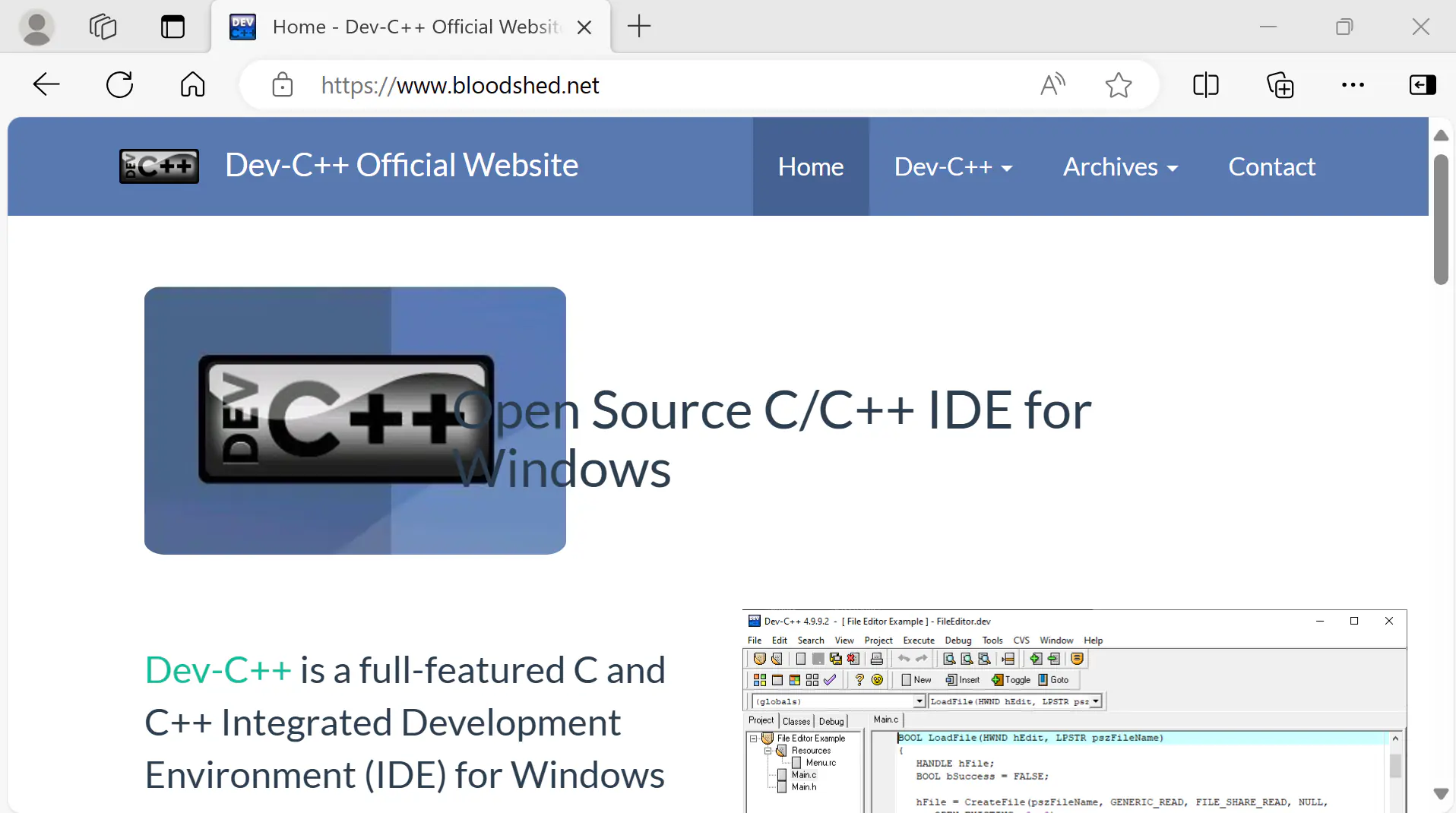
Open a web browser and navigate to the following URL:
Click on the Downl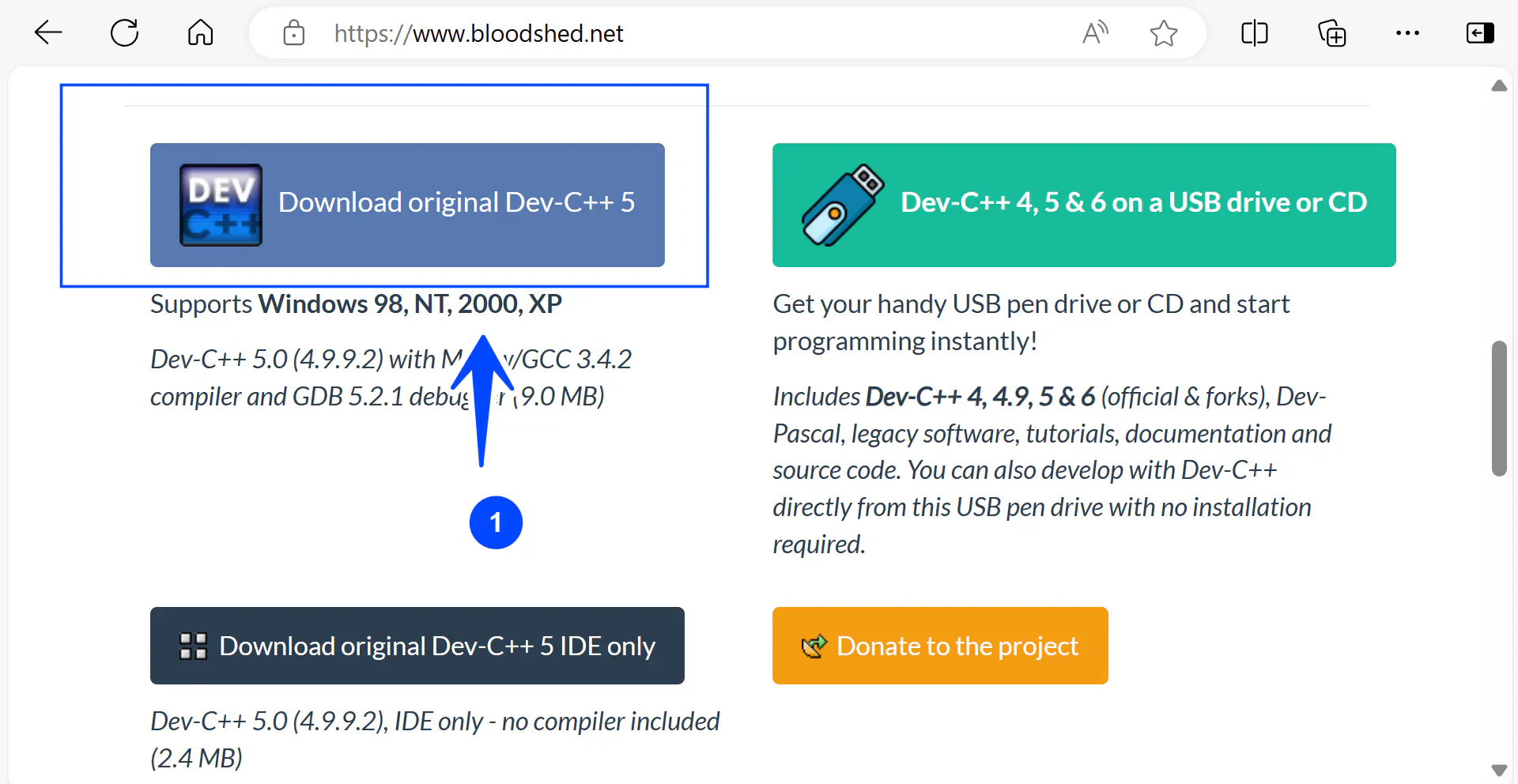 oad button to download the IDE.
Install
Locate the IDE install file and double-click on the setup file. This will launch the install wizard.
Follow the install wizard screen instructions to install the IDE.