Blog
Install MathType on Windows

Install MathType on Windows
In this step-by-step tutorial, youâll find instructions on installing MathType software on the Windows platform.
MathType is a mathematical tool for creating mathematical equations. It helps to write mathematical equations for Word documents, Web pages, and other mathematical documents. The tool supports three editions: standalone, Add-ons for Microsoft 365, Google Workspace, and LMS( Learning Management System)- based systems.
- MathType
- MathType for Office Tools
- MathType for LMS
Environment
Windows 10 Operating System.
Mozilla Firefox/Google Chrome web browser.
Download MathType
The steps to download the software are as follows:
Launch the browser.
To download the tool, navigate to the following URL:
- https://www.wiris.com/en/mathtype/

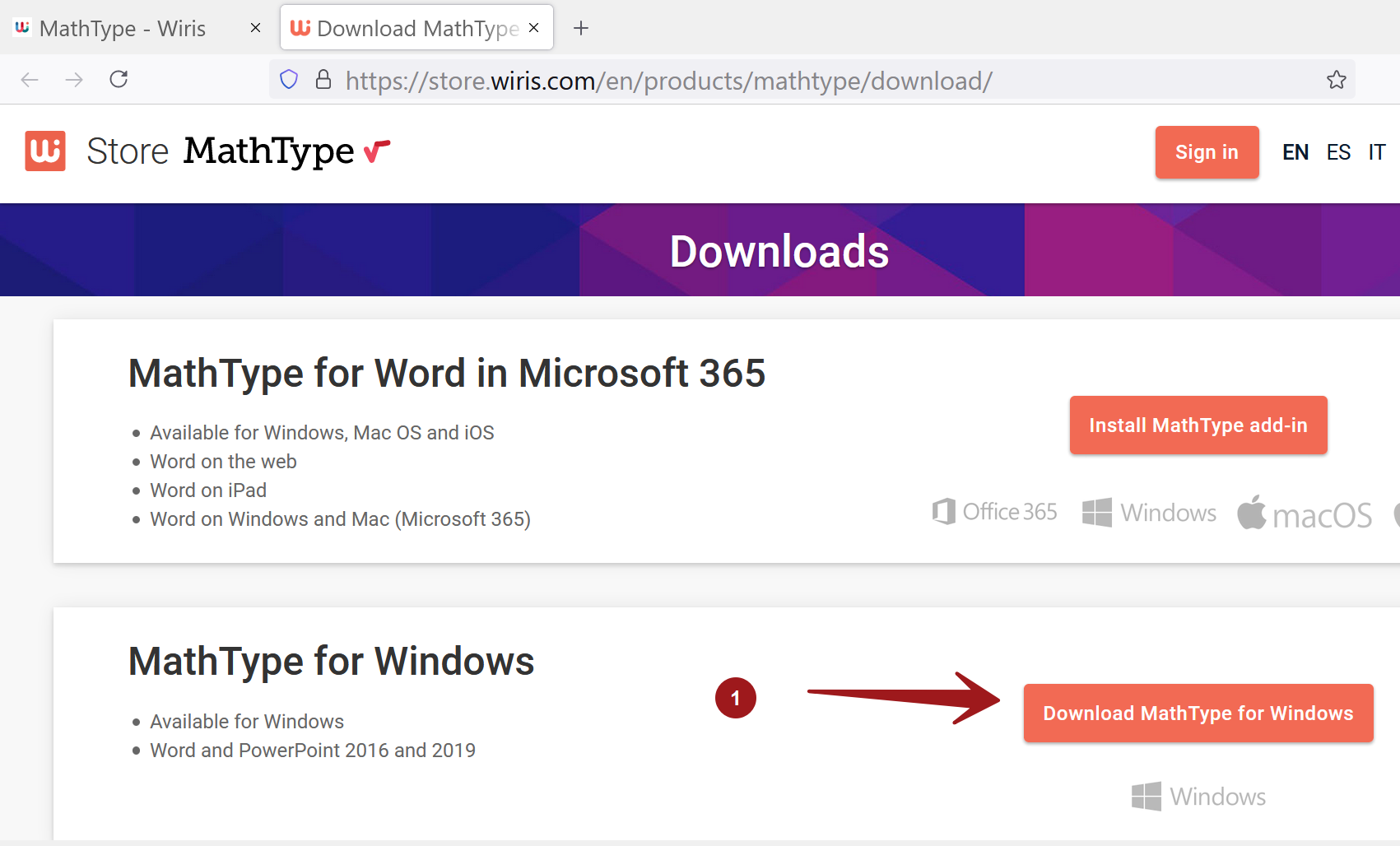
Click on the Download button. This will open the store URL.
Choose and click on Download MathType for Windows button.
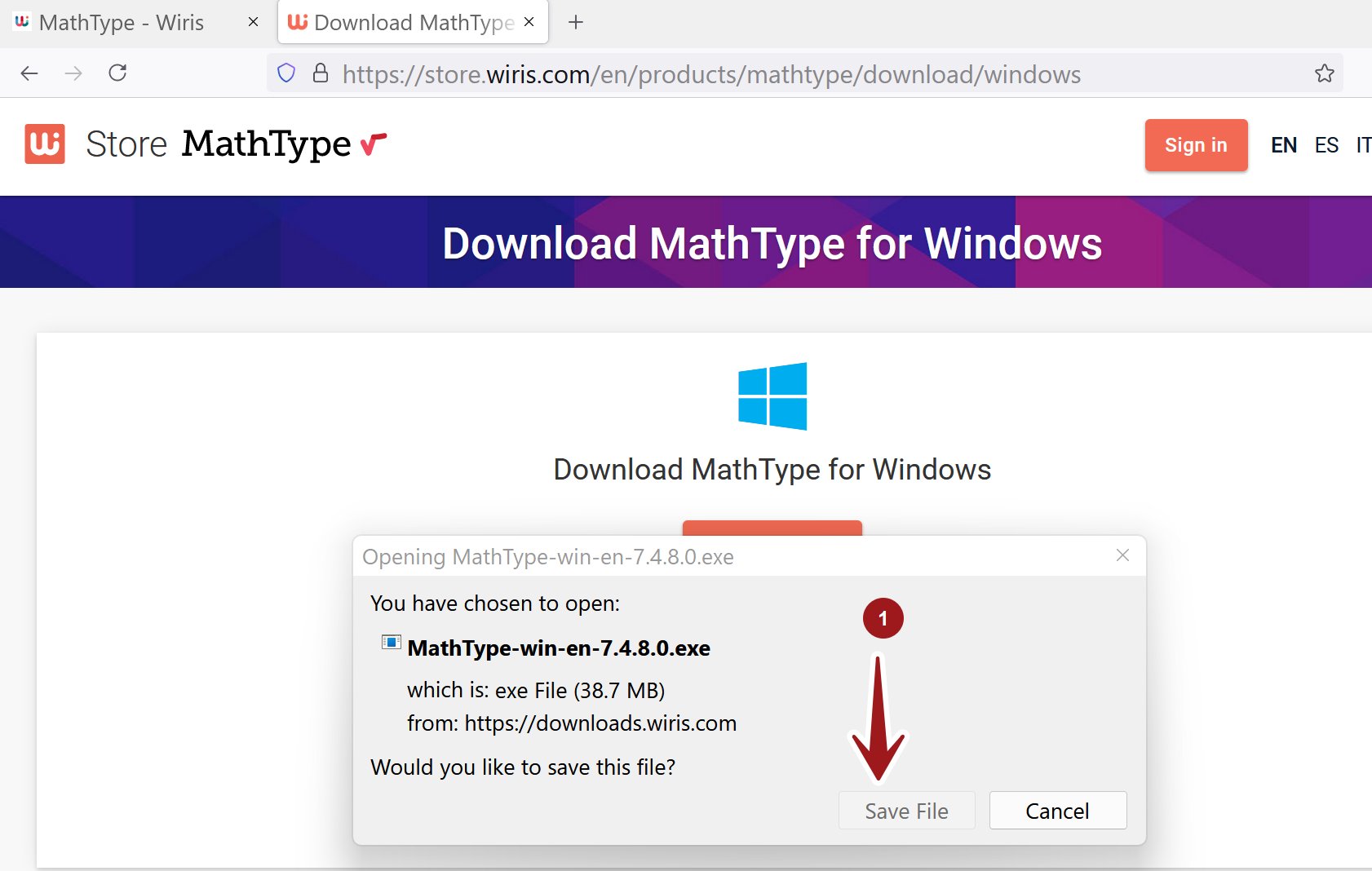
Save the installer on to the computer. Click on the Save File button.
Install MathType
Double-click on the .exe file. Run the install wizard.
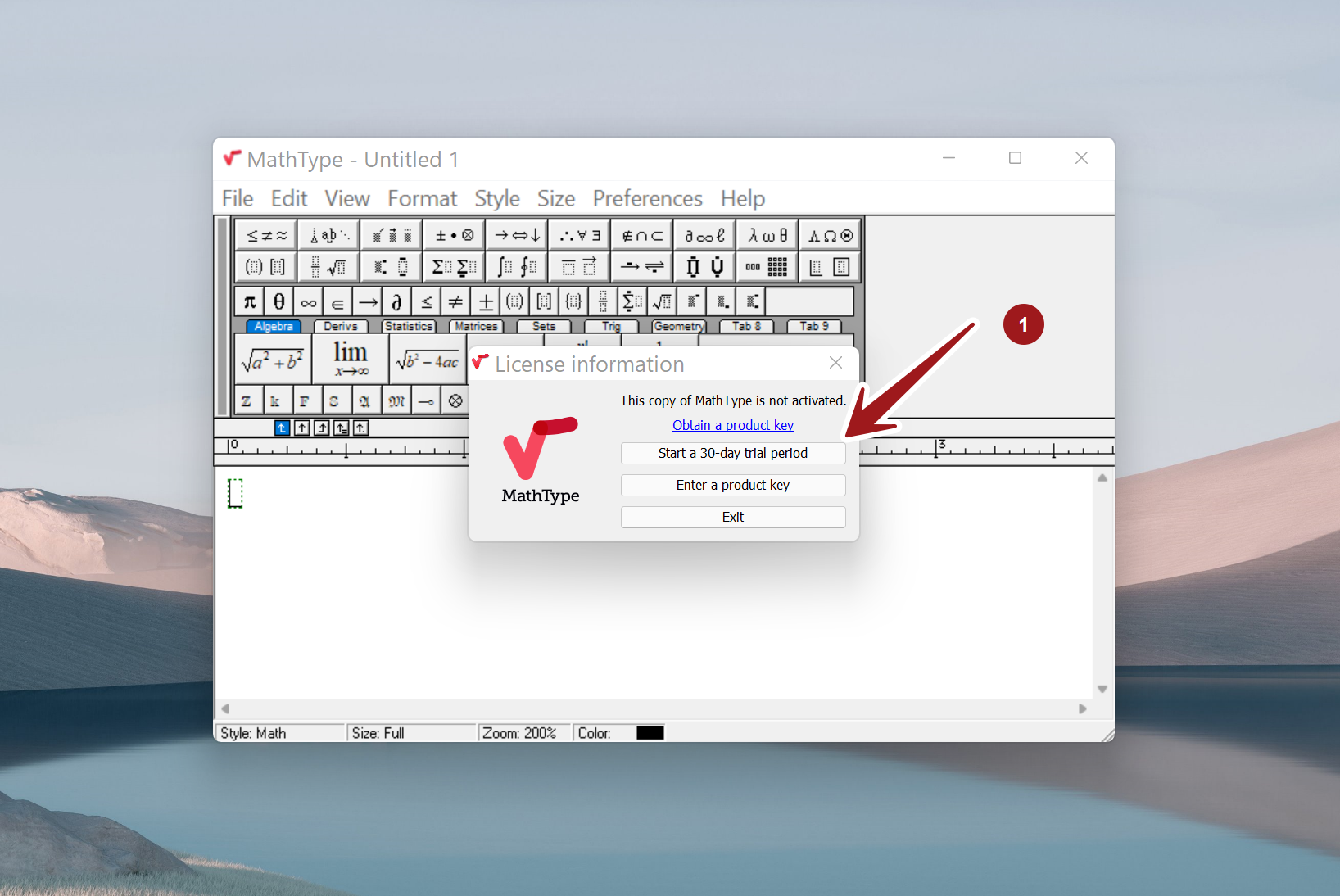
The full version of MathType will be installed. We can evaluate the MathType product for 30 days.
After the 30-day free trial period has expired, we need to buy a subscription and activate the product to retain all its features.