
Blog
MySQL Community Edition Download on Windows

MySQL Community Edition Download on Windows
MySQL Community Server is the world’s most popular open-source database. It is licensed and provided under the GPL License. In this article, we will learn how to download and install MySQL Community Server on the Windows 10 operating system.
Download Steps
Download URL: https://dev.mysql.com/downloads
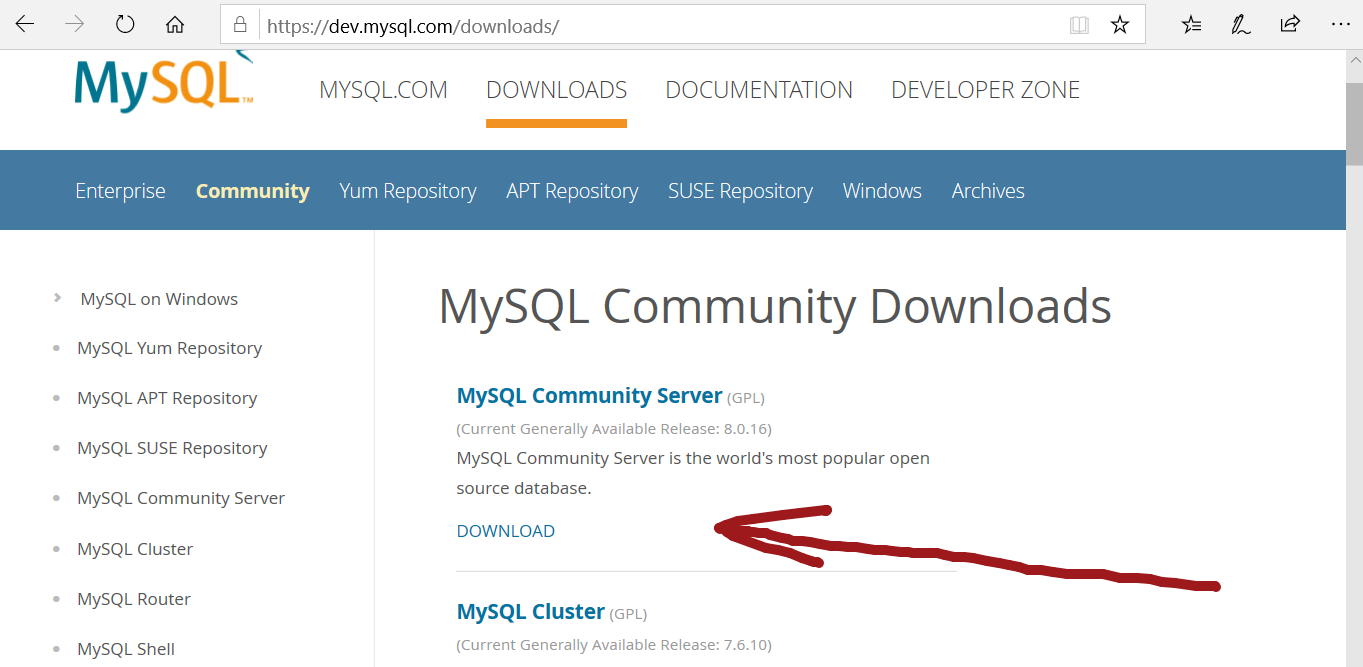
Browse the download URL and click on the download button.
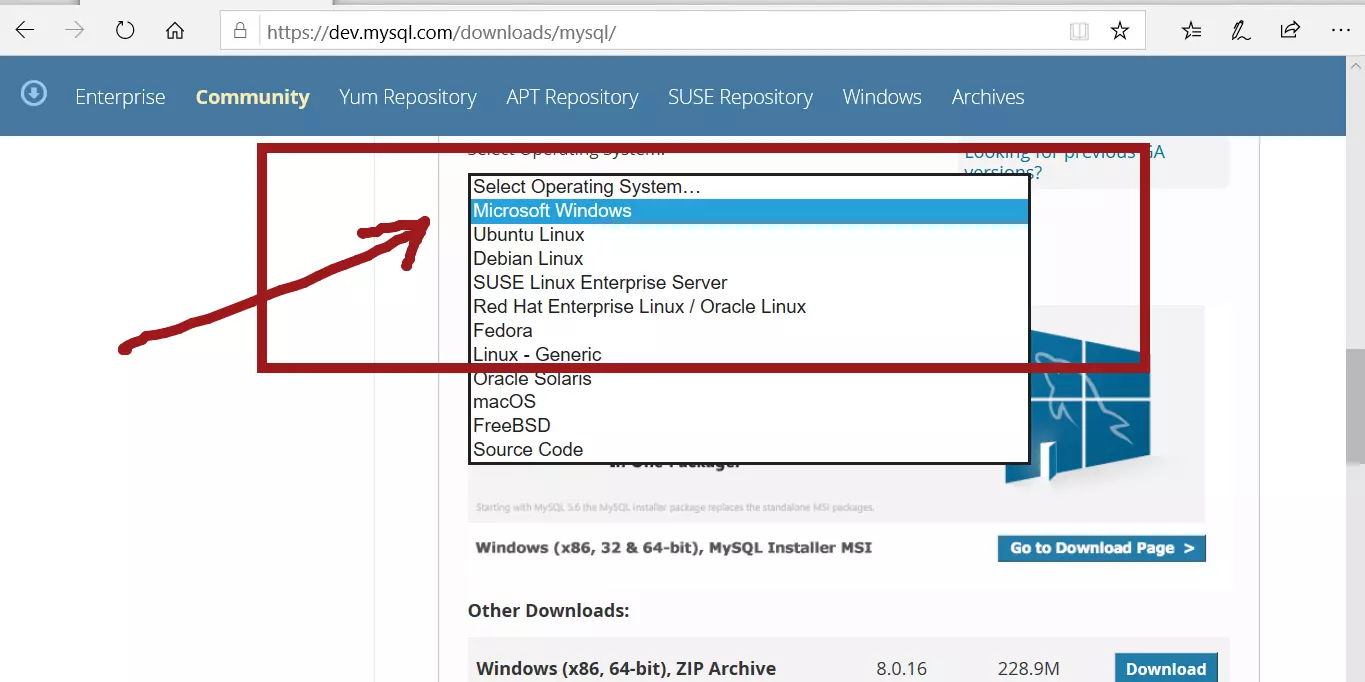
In the Select Operating system drop-down, choose Microsoft Windows.
Click on ‘MySQL Installer for Windows’
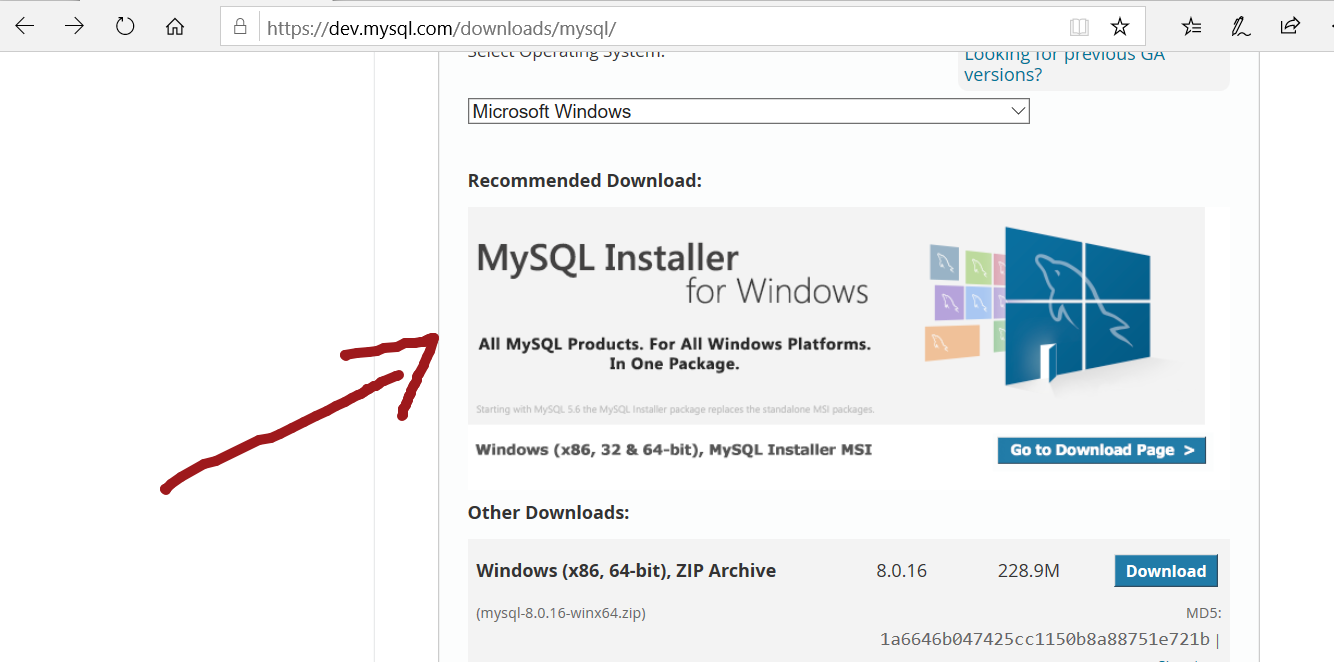
Click on the download for Windows (x86, 32-bit), MSI Installer
The next screen allows you to open or log in to the Oracle web account.
If you are not willing to open or log in to the account, click on
‘No thanks, just start my download.’ link to continue.
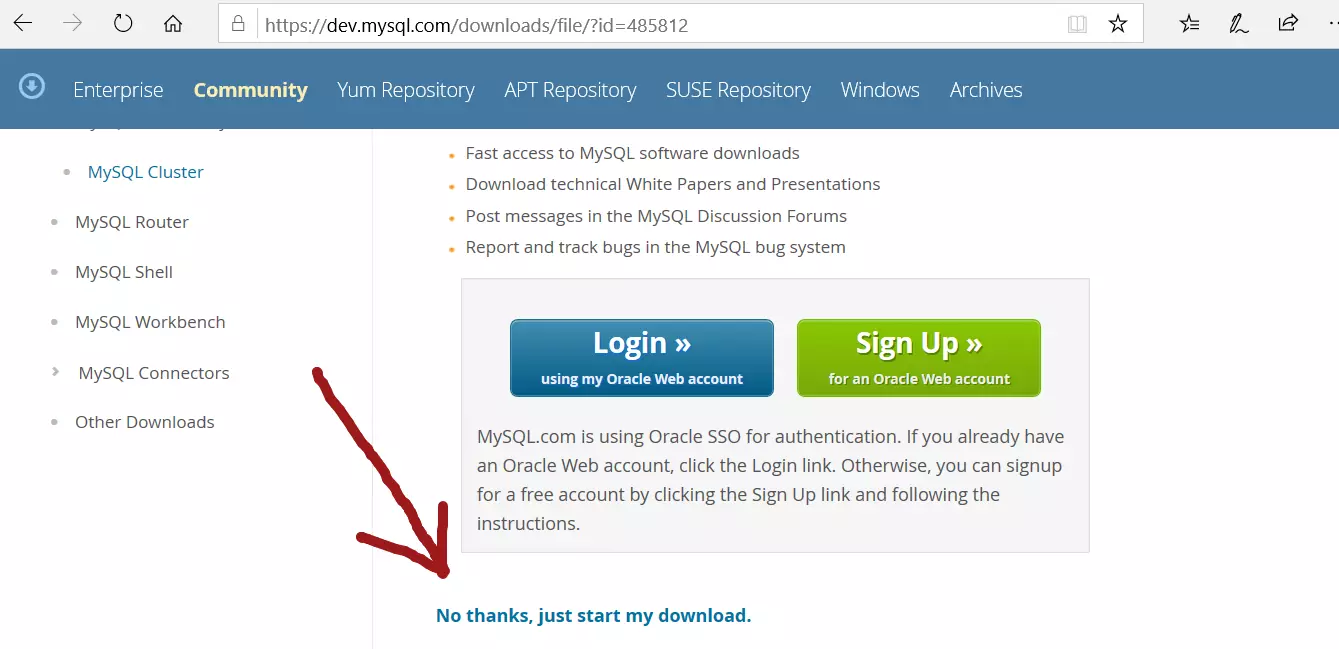
Save the file on to your computer. Depending on the speed of your network the file may take a while to download.
File name would be: mysql-installer-community-<version>.msi
Install Steps
Double on the MSI installer to install MySQL.
Click Yes on the UAC elevation prompt.
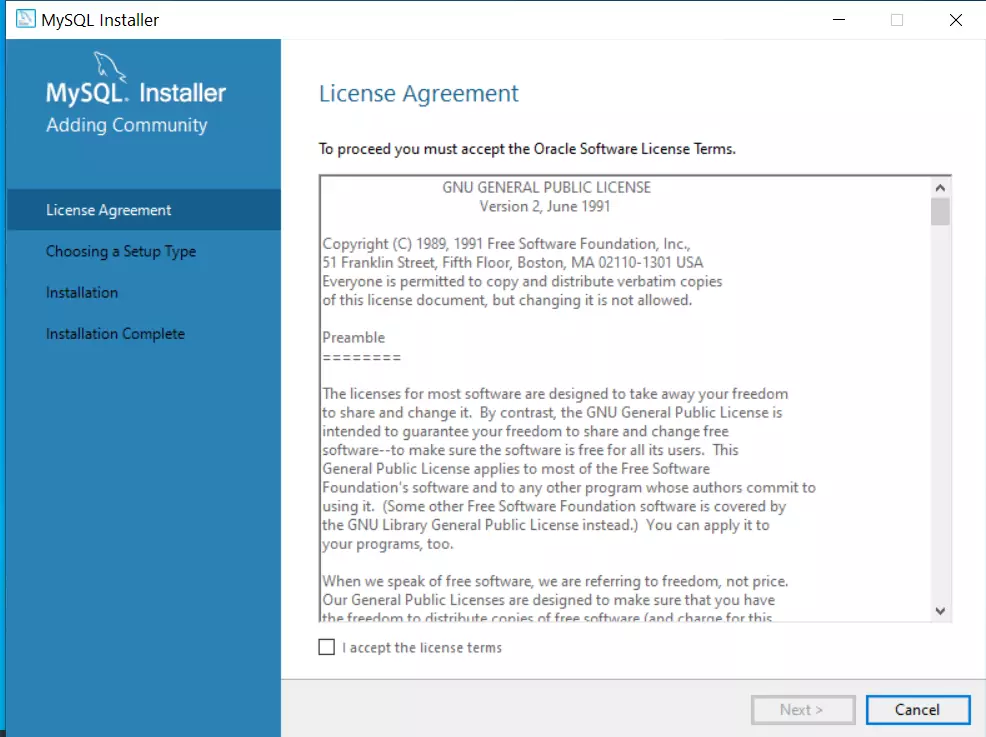
Accept the License agreement and Click on the Next > button.
Choosing the setup type: For all products and features;
Choose Full and click on the Next > button.
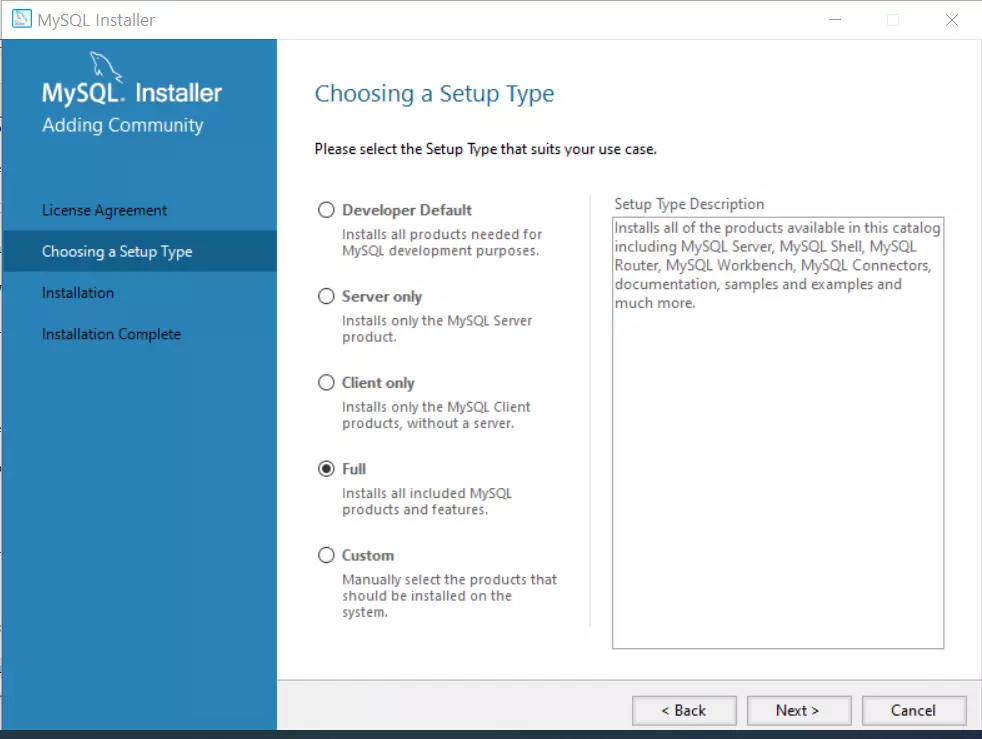
Alternatively, we can choose the components to install.
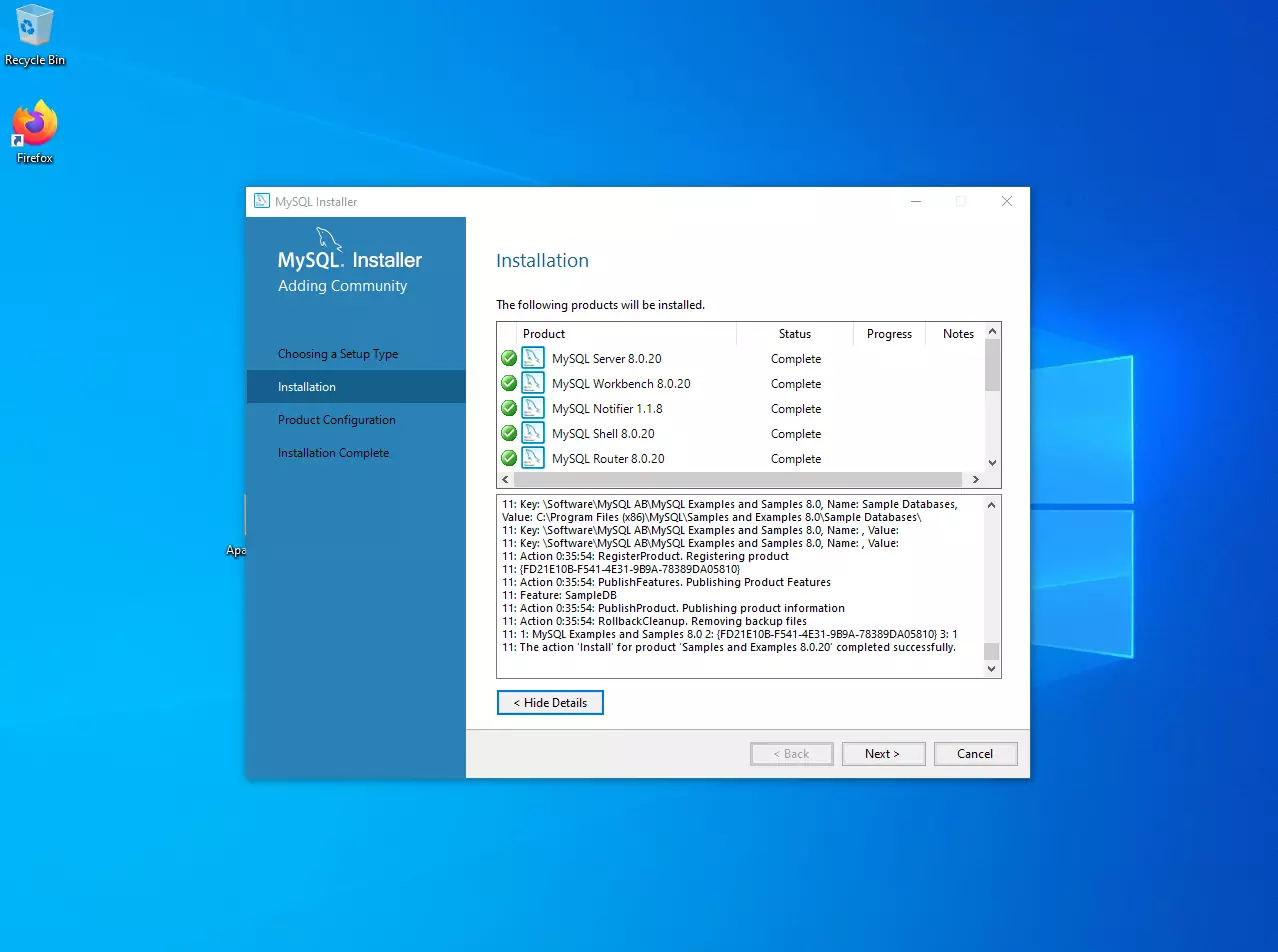
Complete the install wizard to complete the installation.