
Blog
Octave User-defined Function

Octave User-defined Function
In this tutorial, we will learn about user-defined functions in Octave. User-defined functions are stored in a separate file with the filename as the function name.
User-defined function
Create a new file with the .m extension. The file name should match the function name. For example, if you want to define a function named myFunction, you should create a file called myFunction.m.
Let’s write a sample function to convert Fahrenheit temperature to Celsius temperature.
We will use the following conversion formula:
  function [Celsius] = FahToCel(Fahrenheit)
% Function: FahToCel.m
%
Celsius = 5*(Fahrenheit-32)/9;
endfunction
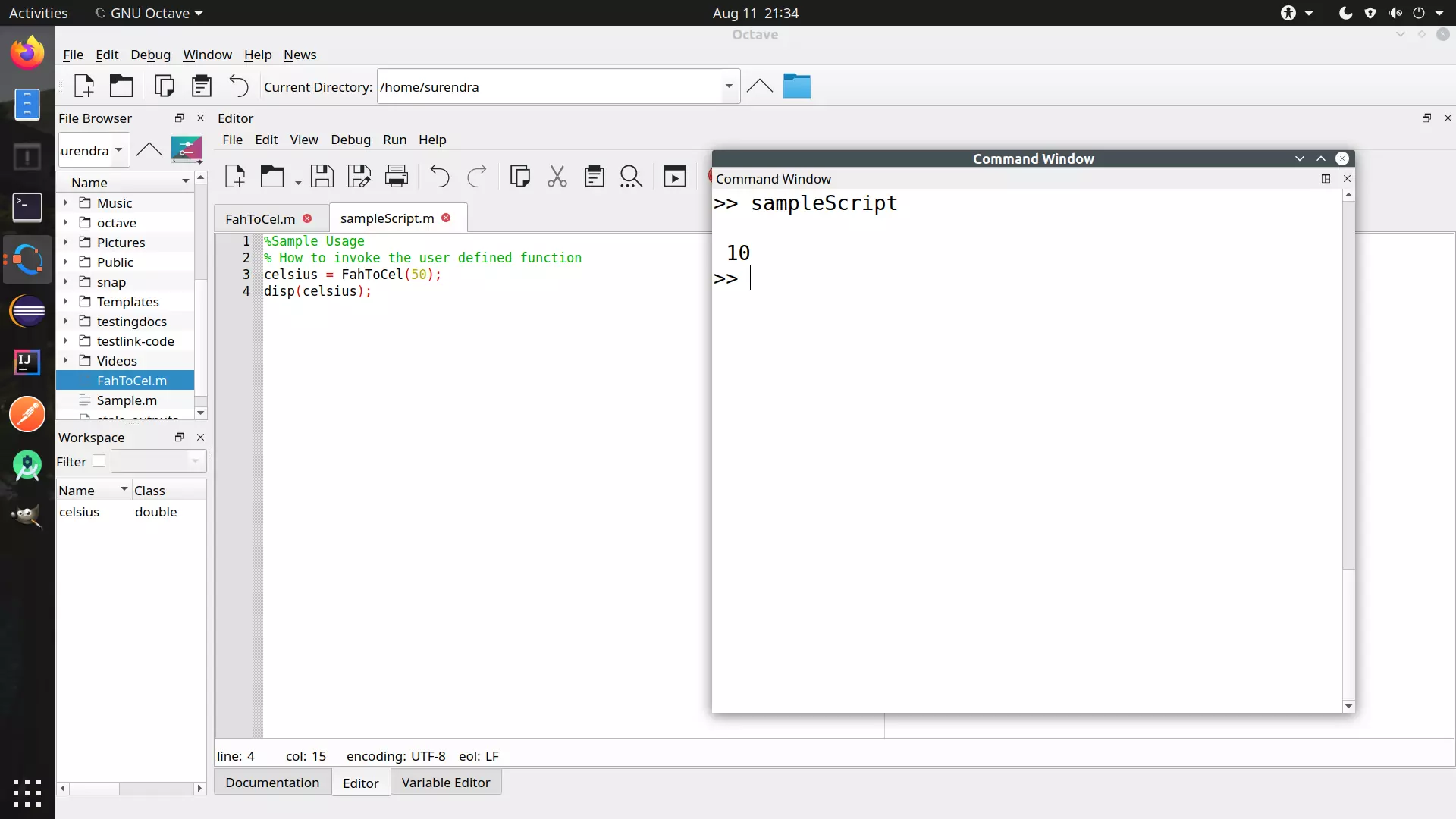
The function should be defined in a filename called FahToCel.mÂ
Function Call
We can invoke the function with the function name and pass the parameters.
%Sample Usage
% How to invoke the user defined function
celsius = FahToCel(50);
disp(celsius);
That’s it.
Octave Tutorials
Octave Tutorial on this website can be found at: