
Blog
Python PIP

Python PIP
In this tutorial, we will learn about the Python PIP tool. PIP stands for “Pip Installs Packages” and is a package management system used to install and manage software packages in Python.
PIP version
If you’re using a recent version of Python like 3.x, pip should be automatically installed by default during Python install. We can check the pip version by running the following command:
/> pip –version
Upgrade pip
To upgrade the pip to the latest version, we can use the following command
/> pip install –upgrade pip
or
On Windows, we can also use the following command to upgrade pip:
/> python.exe -m pip install –upgrade pip
Depending on your system configuration, you might need administrative privileges to update pip. Run the command as an administrator with elevated privileges using the UAC prompt.
Linux
If you encounter permission issues, you can use the sudo command on Linux machines.

PIP commands
Some of the basic pip commands are listed as follows:
pip help command
To issue the commands, launch the command prompt:
/> pip –help

Install packages
To install a package using pip, use the following command:
/> pip install package_name
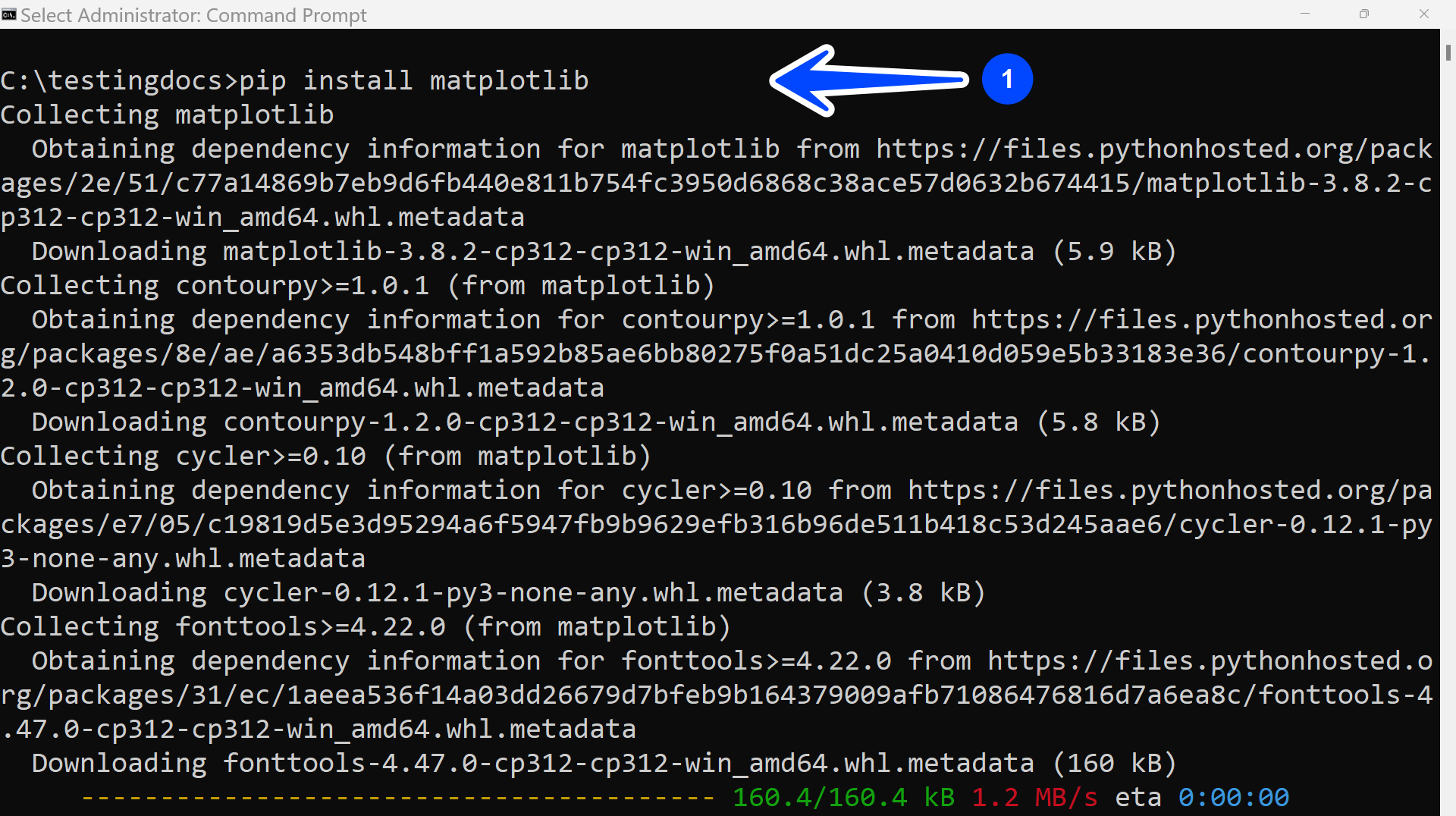
For example, to install matplotlib using pip, we can issue the following command:
/> pip install matplotlib
Uninstall Packages
To uninstall a package using pip, use the following command:
/> pip uninstall package_name
Upgrade Packages
To upgrade a package using pip, use the following command:
/> pip install –upgrade package_name
The pip commands may vary depending on your operating system and Python version.
Python Tutorials
Python Tutorial on this website can be found at: