
Blog
Python raise Statement

Python raise Statement
The Python raise statement allows the programmer to force a specified exception to occur in the code. It is used to explicitly raise an exception during program execution. The raise statement allows you to create custom exceptions or propagate existing ones.
raise Statement Syntax
The general syntax of the statement is as follows:
raise Exception(optional argument) # Exception or subclass of Exception
or
raise Exception #shorthand for ‘raise Exception()’
The argument to raise indicates the exception to be raised. If an exception class is passed, it will be implicitly instantiated by calling its constructor without arguments.
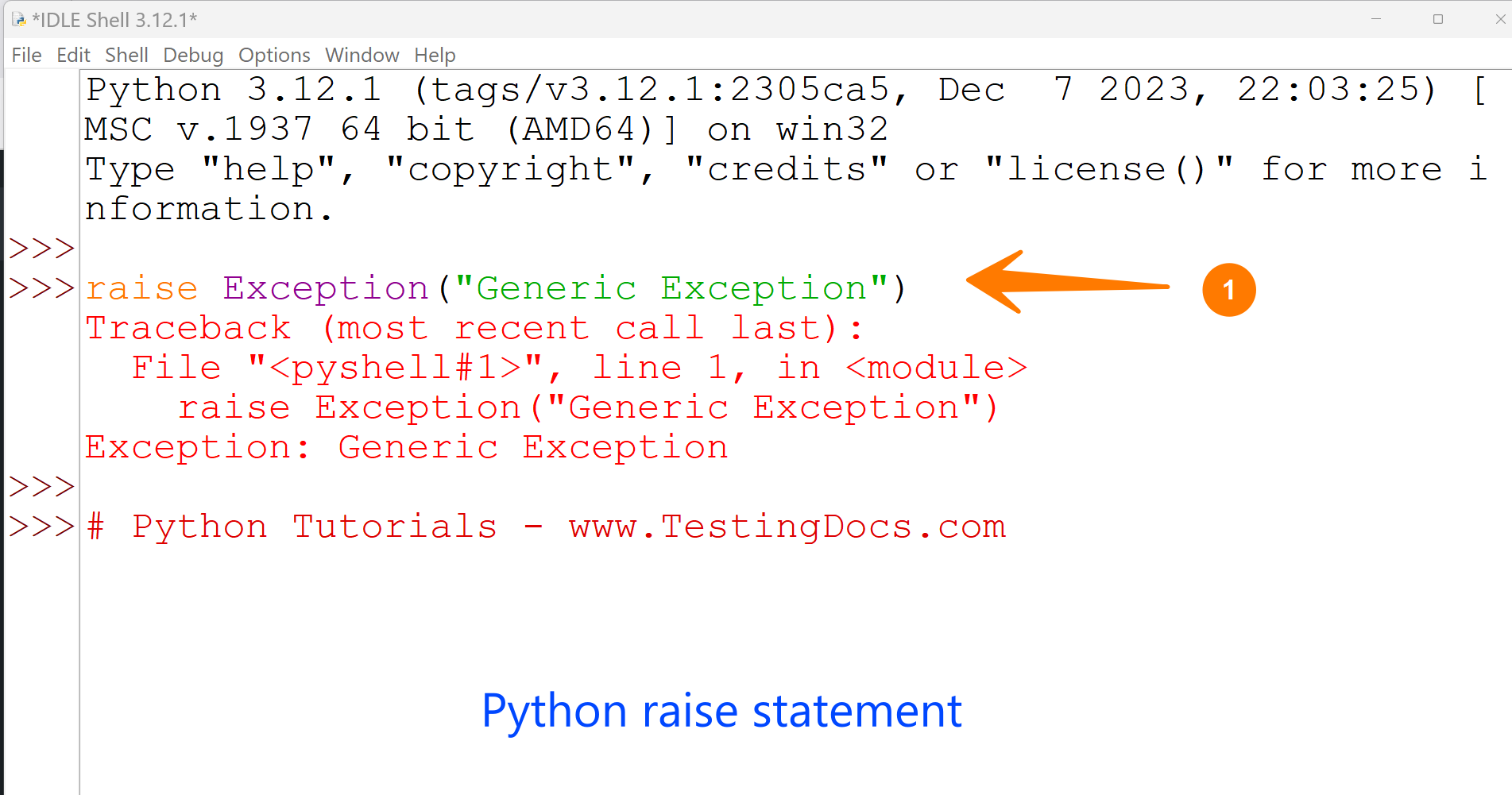
Raise Python Exception
>>> raise Exception(“Generic Exception”)
Traceback (most recent call last):
File “<pyshell#1>”, line 1, in <module>
raise Exception(“Generic Exception”)
Exception: Generic Exception
Reraise an Exception
If you need to determine whether an exception was raised but don’t intend to handle it, a more straightforward form of the raise statement allows you to re-raise an active exception.
# Python reraise exception
# Python tutorials – www.TestingDocs.com
try:
raise Exception(‘Alarm!!’)
except Exception:
print(‘Call to security ‘)
# If no response
raise
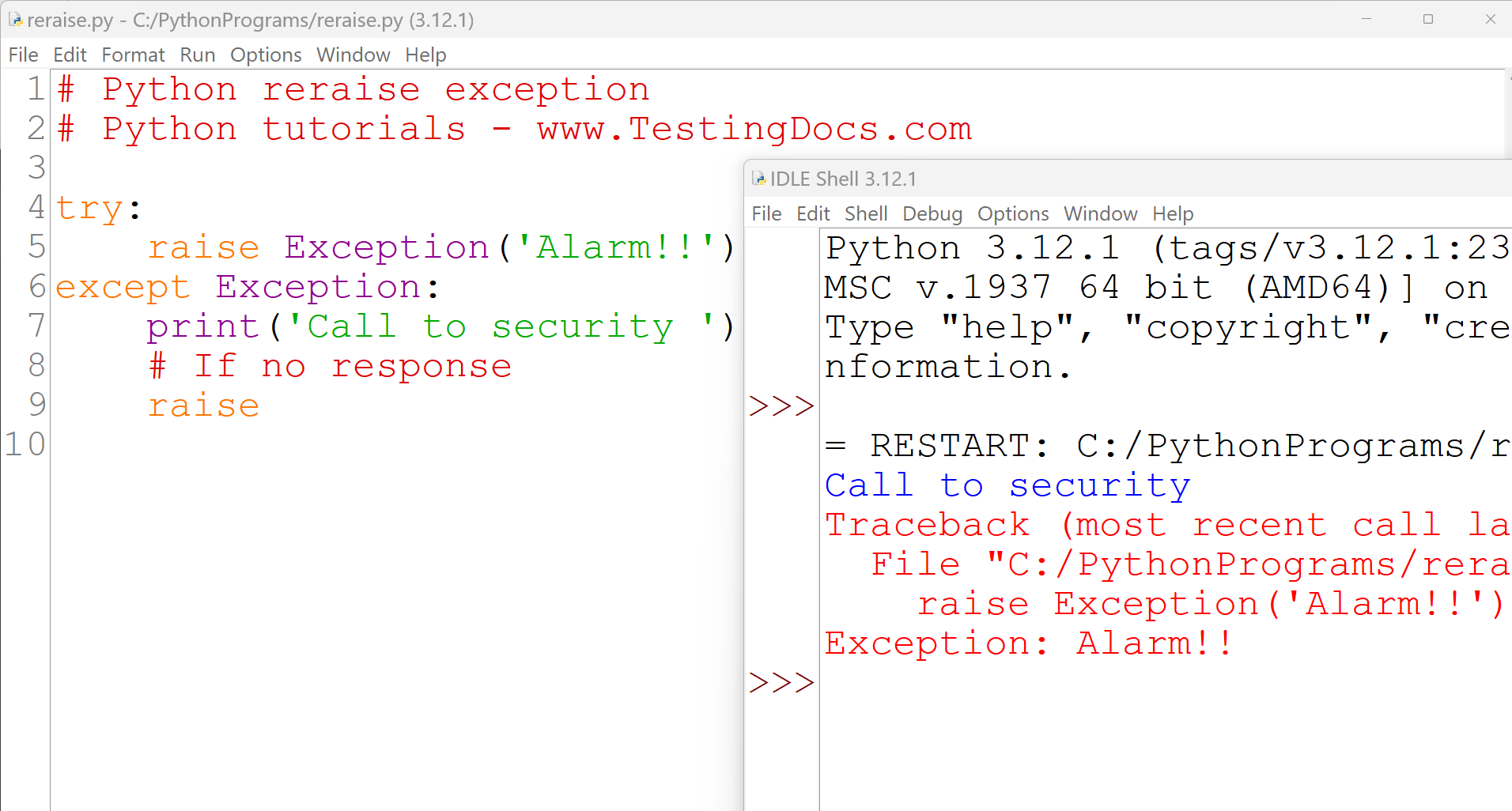
The raise statement within the except block re-raises the same exception, propagating it further up the call stack.
—
Python Tutorials
Python Tutorial on this website can be found at: