
Blog
Run the Hello World Java program

Run the Hello World Java program
We can run the Java application in many ways. The easiest way is to right-click and run the application as shown below:
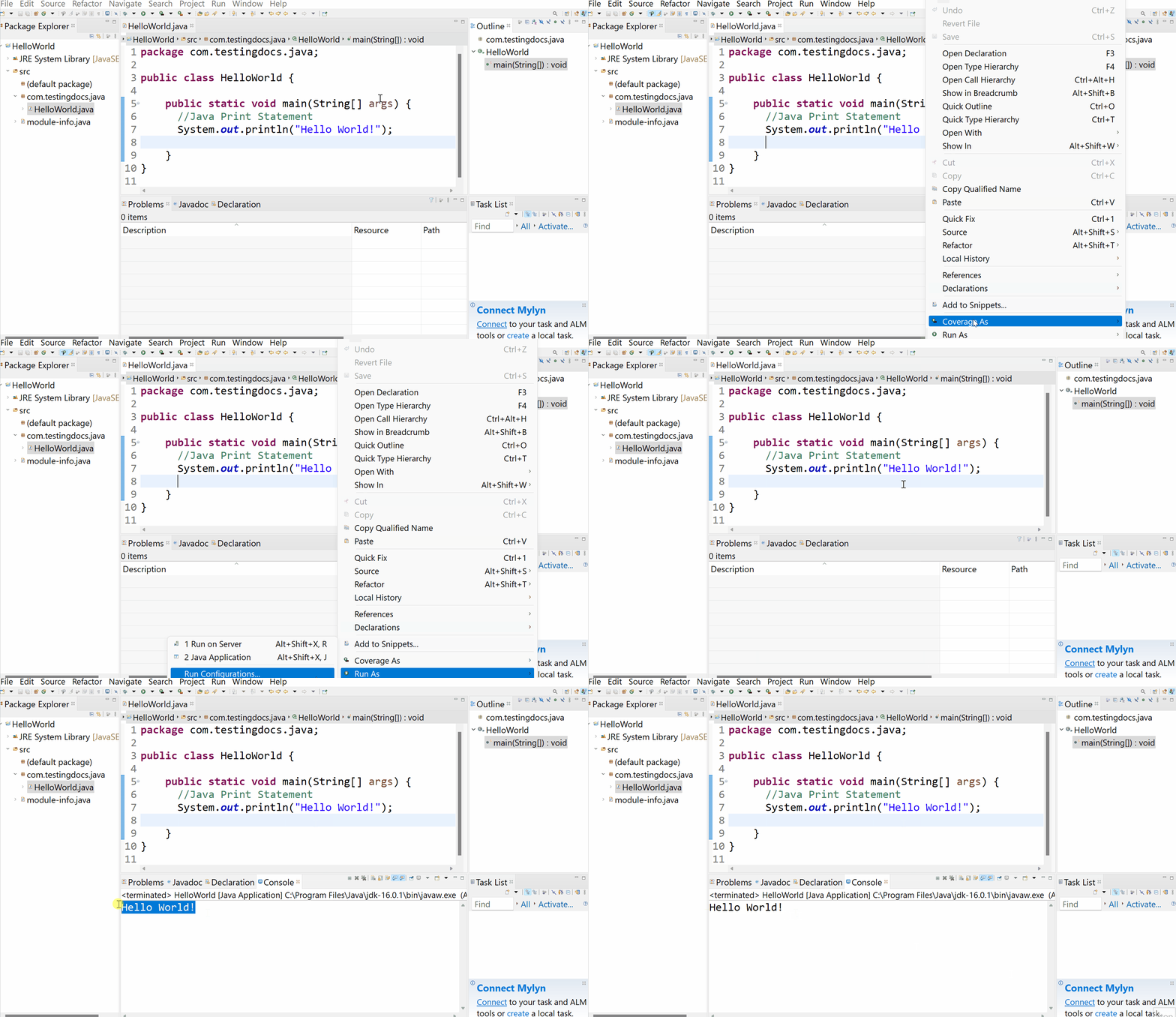
Program Output
The console window allows you to check the program’s run output. To enable the console window in the Eclipse IDE, go to the main toolbar,
- Windowsâ> Show Viewâ> Console.
That’s it! We have successfully created and run a Hello World Java application.
Video Tutorial