
Blog
Selenium Grid 2.0

Selenium Grid 2.0
Selenium Grid 2.0 allows us to run distributed tests on multiple machines that support both the legacy Selenium RC and Webdriver.
Hub
Start the hub with default configuration. The Hub starts on the default port 4444.
\> java -jar selenium-server-standalone-<version>.jar -role hub
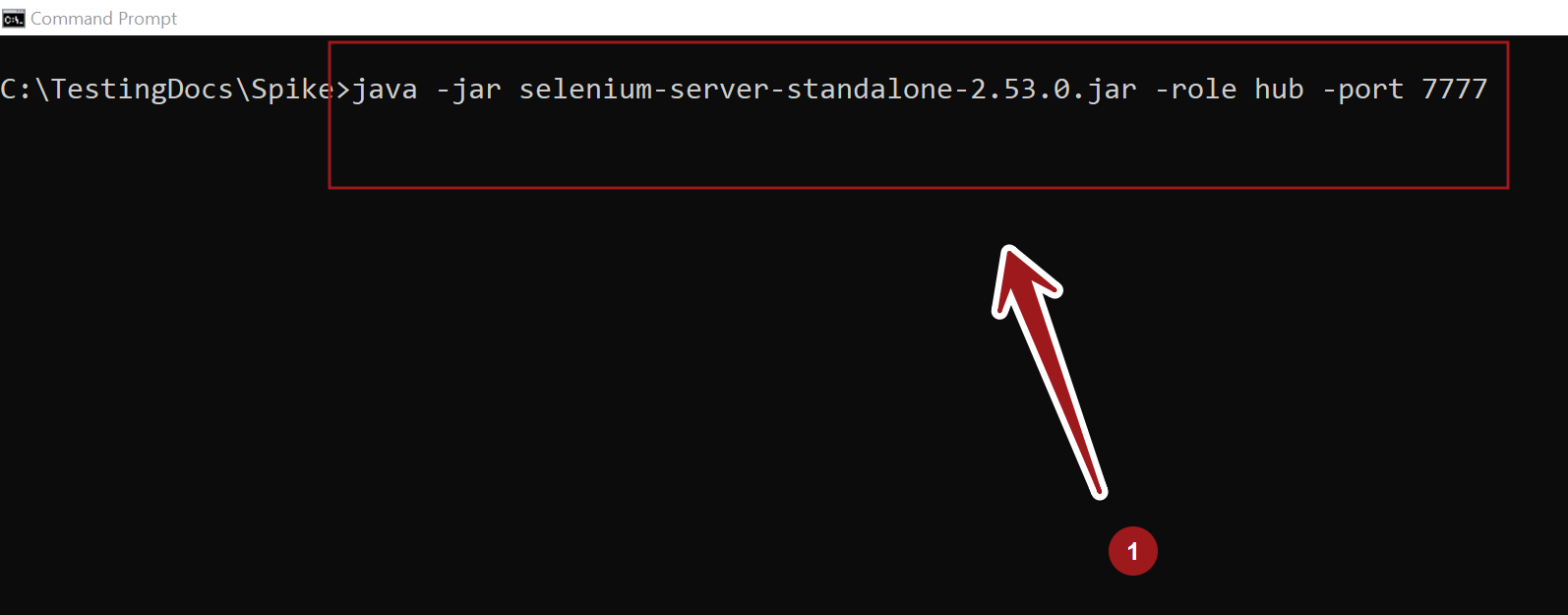
However, the Hub support many command line switches to change the behavior. For example, to start the Hub on non default port 7777, we can use the following command:
\>java -jar selenium-server-standalone-2.53.0.jar -role hub -port 7777
Node
Register a node with default configuration.
\> java -jar selenium-server-standalone-<version>.jar -role node
To register to the Hub that’s running on port 7777, we can use the following command:
\>java -jar selenium-server-standalone-2.53.0.jar -role node -hubPort 7777
Selenium Grid 2.0 Console
We can view the status of the Selenium Hub by opening a browser window and navigating to the following URL:
http://localhost:4444/grid/console
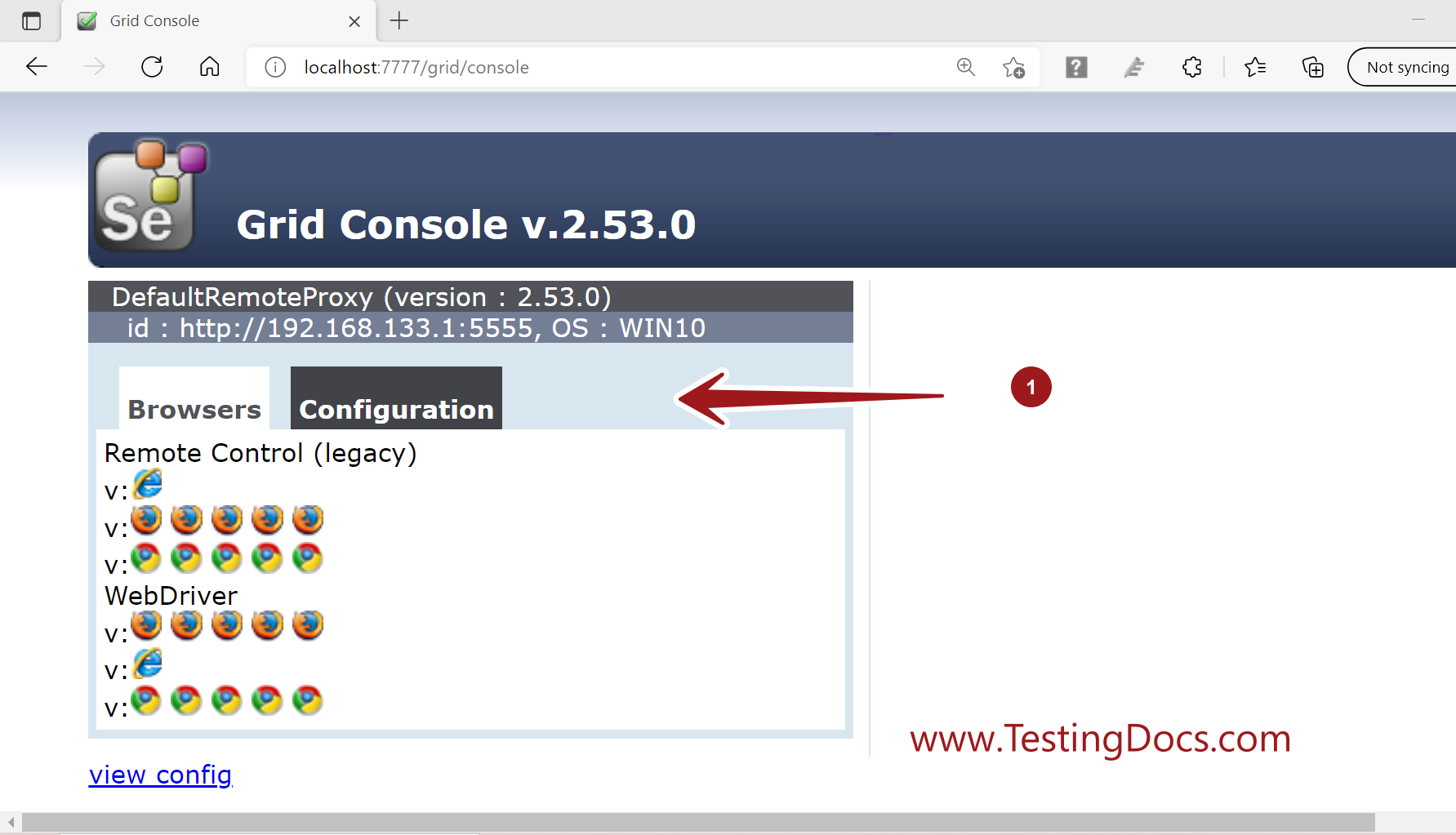
We can use the same selenium-server-standalone jar file to run the tests simultaneously with WebDriver and Selenium 1 Remote Control.
Selenium RC Tests
For Selenium RC tests we can use:
For default Configuration:
Selenium selenium = new DefaultSelenium(âlocalhostâ, 4444, â*firefoxâ, âhttp://Application_under_test_URLâ);
For the above example:
Selenium selenium = new DefaultSelenium(âlocalhostâ, 7777, â*firefoxâ, âhttp://applicationURL.comâ);
Webdriver Tests
WebDriver Tests in Selenium 2.x/3.x, we need to use the RemoteWebDriver and the DesiredCapabilities
DesiredCapabilities caps = DesiredCapabilities.firefox();
For default Configuration:
WebDriver driver = new RemoteWebDriver(new URL(“http://localhost:4444/wd/hub”), caps);
For the above example:
WebDriver driver = new RemoteWebDriver(new URL(“http://localhost:7777/wd/hub”), caps);