
Blog
Selenium Grid 4.x Distributed Mode

Selenium Grid 4.x Distributed Mode
In this tutorial, we will learn about Selenium Grid 4.x distributed mode. This is a new mode introduced in Selenium Grid 4.0. Let’s see the different components and how to start them from the command prompt console.
Distributed Mode
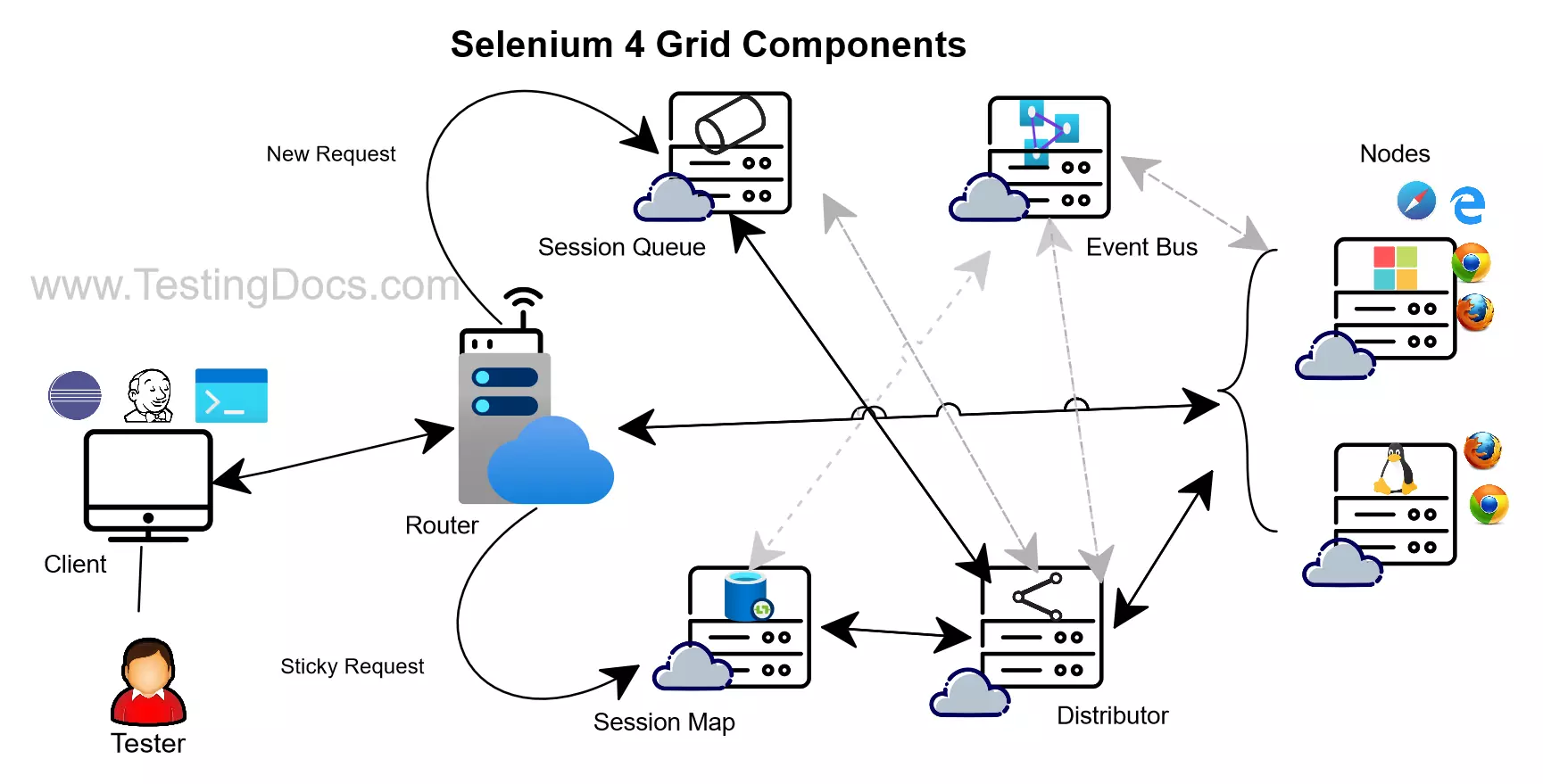
There are different components in this mode that come into play. The new components in this mode are as follows:
- Event Bus
- Session Queue
- Session Map
- Distributor
- Router
Selenium 4 Grid Components
Event Bus
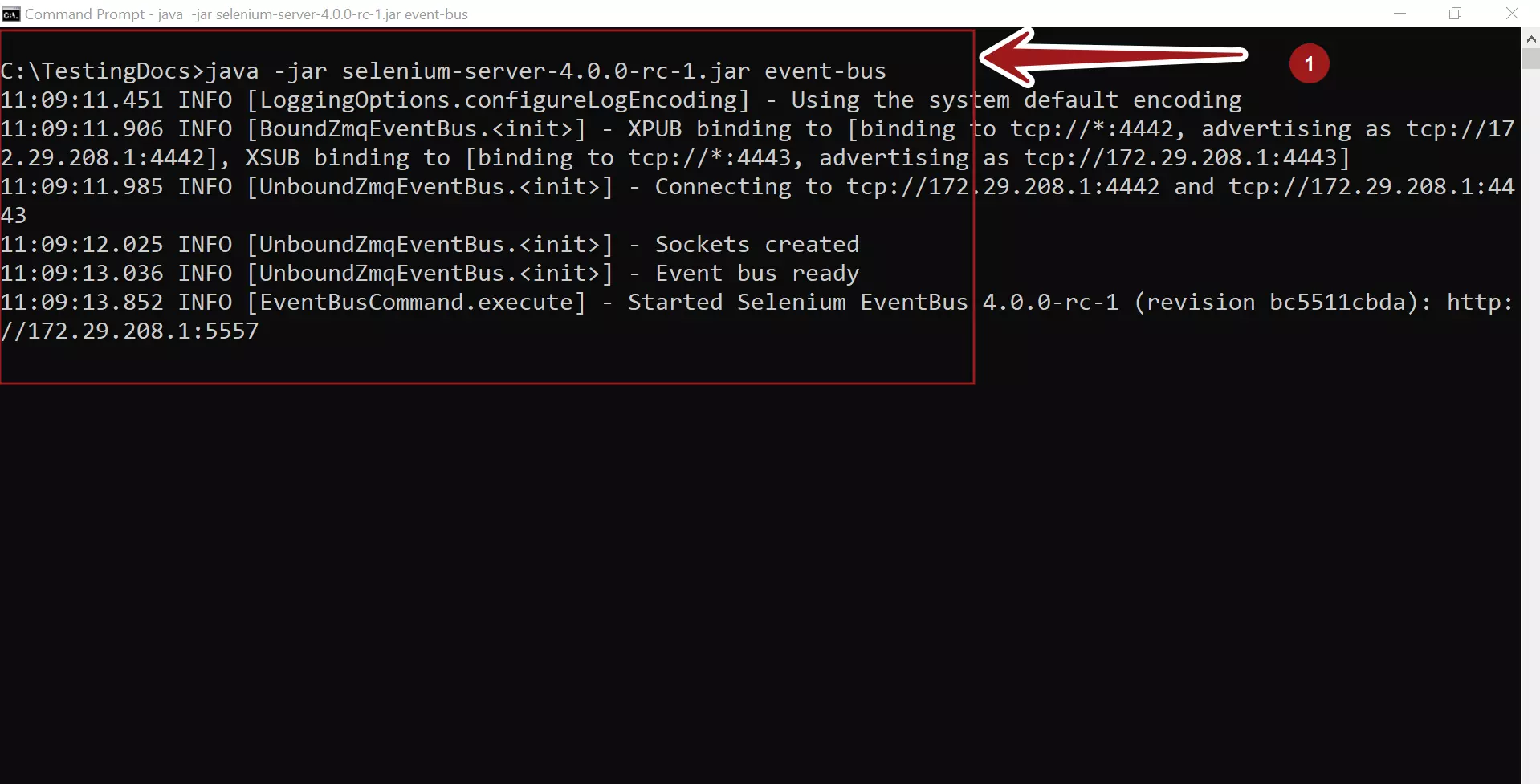
Event Bus is the communication channel for all grid components to interact with each other through internal messages. This is the first component that should be started for Selenium Grid to operate in the distributed mode.
\> java -jar selenium<version>.jar event-bus
Session Map
Session Map is like a data structure that stores session id and the suitable worker node information.
\> java -jar selenium<version>.jar sessions

Session Queue
Session Queue is a data structure that holds the session request is First In First Out order. (FIFO) Router adds the new request to the Session Queue and waits for the response.
\> java -jar selenium<version>.jar sessionqueue

Distributor
The distributor component finds a suitable worker node to run the request. It stores the session id and the suitable worker node in the Session Map.

Router
The router is the component that forwards the requests to the other components. This component is the entry component. The router receives all the requests.

Register a Selenium Node to the configuration
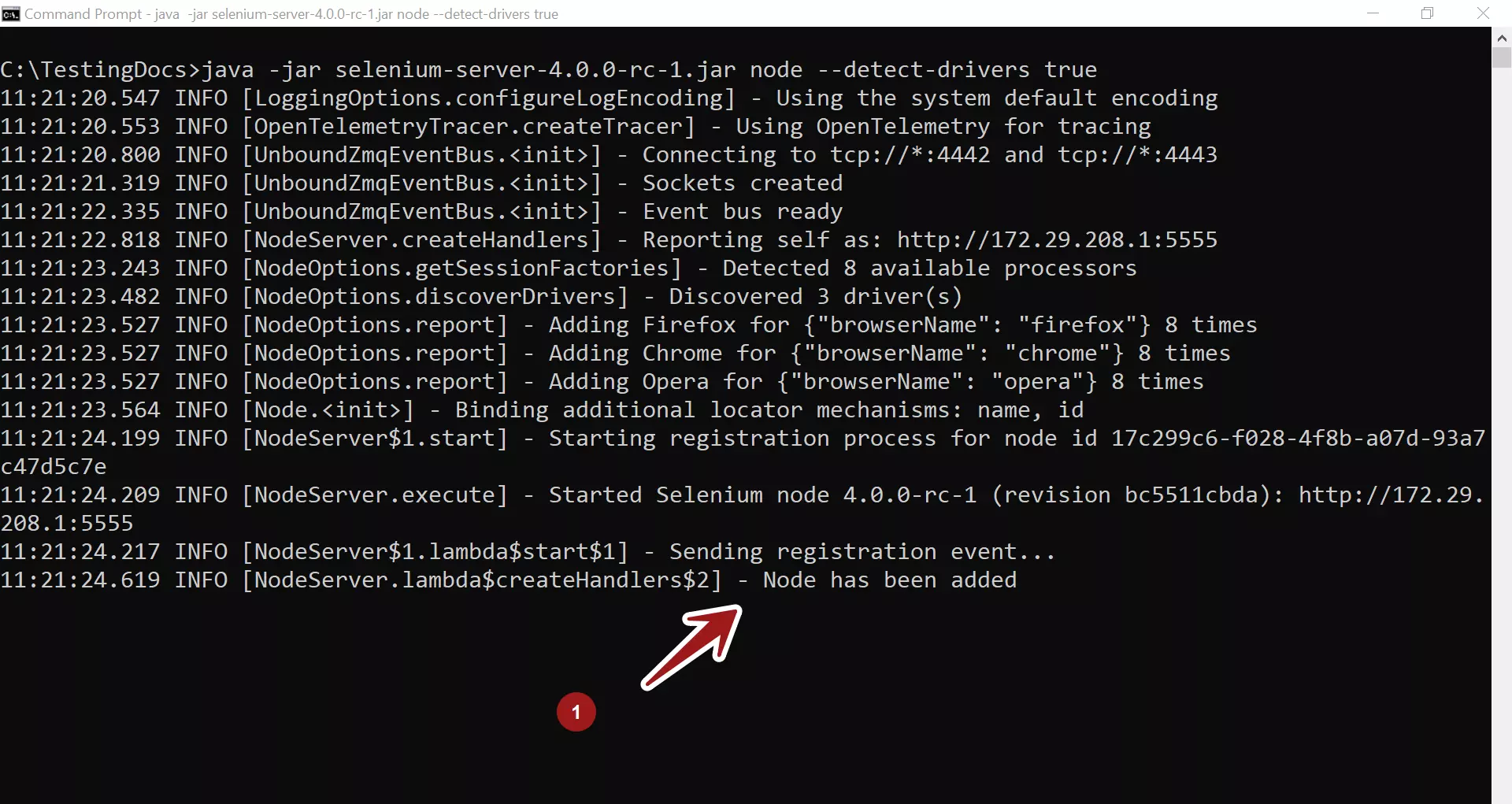
Check the grid console to check if the register was successful. That’s it. We have successfully learned to start all the Selenium grid distributed components.