Blog
Selenium Grid Node JSON Configuration

Selenium Grid Node JSON Configuration
In this tutorial, you will learn how to register a Selenium Grid Node with a custom configuration. We can customize the Node using a JSON configuration file. In the earlier post, we learned how to start Selenium Grid Hub with a JSON configuration file.
Grid Hub Configuration file
Selenium Grid Node configuration file
Create a JSON file with node configuration. For example, create a file name called node.json Define the node configuration file in JSON format. We can register the node with the json configuration file. A sample node configuration file is shown below:
{
  "capabilities":
  [
    {
      "browserName": "firefox",
      "marionette": true,
      "maxInstances": 9,
      "seleniumProtocol": "WebDriver"
    },
    {
      "browserName": "chrome",
      "maxInstances": 9,
      "seleniumProtocol": "WebDriver"
    },
    {
      "browserName": "internet explorer",
      "platform": "WINDOWS",
      "maxInstances": 10,
      "seleniumProtocol": "WebDriver"
    },
    {
      "browserName": "safari",
      "technologyPreview": false,
      "platform": "MAC",
      "maxInstances": 1,
      "seleniumProtocol": "WebDriver"
    }
  ],
  "proxy": "org.openqa.grid.selenium.proxy.DefaultRemoteProxy",
  "maxSession": 30,
  "port": -1,
  "register": true,
  "registerCycle": 5000,
  "hub": "http://localhost:4444",
  "nodeStatusCheckTimeout": 5000,
  "nodePolling": 5000,
  "role": "node",
  "unregisterIfStillDownAfter": 60000,
  "downPollingLimit": 2,
  "debug": true,
  "servlets" : [],
  "withoutServlets": [],
  "custom": {}
}
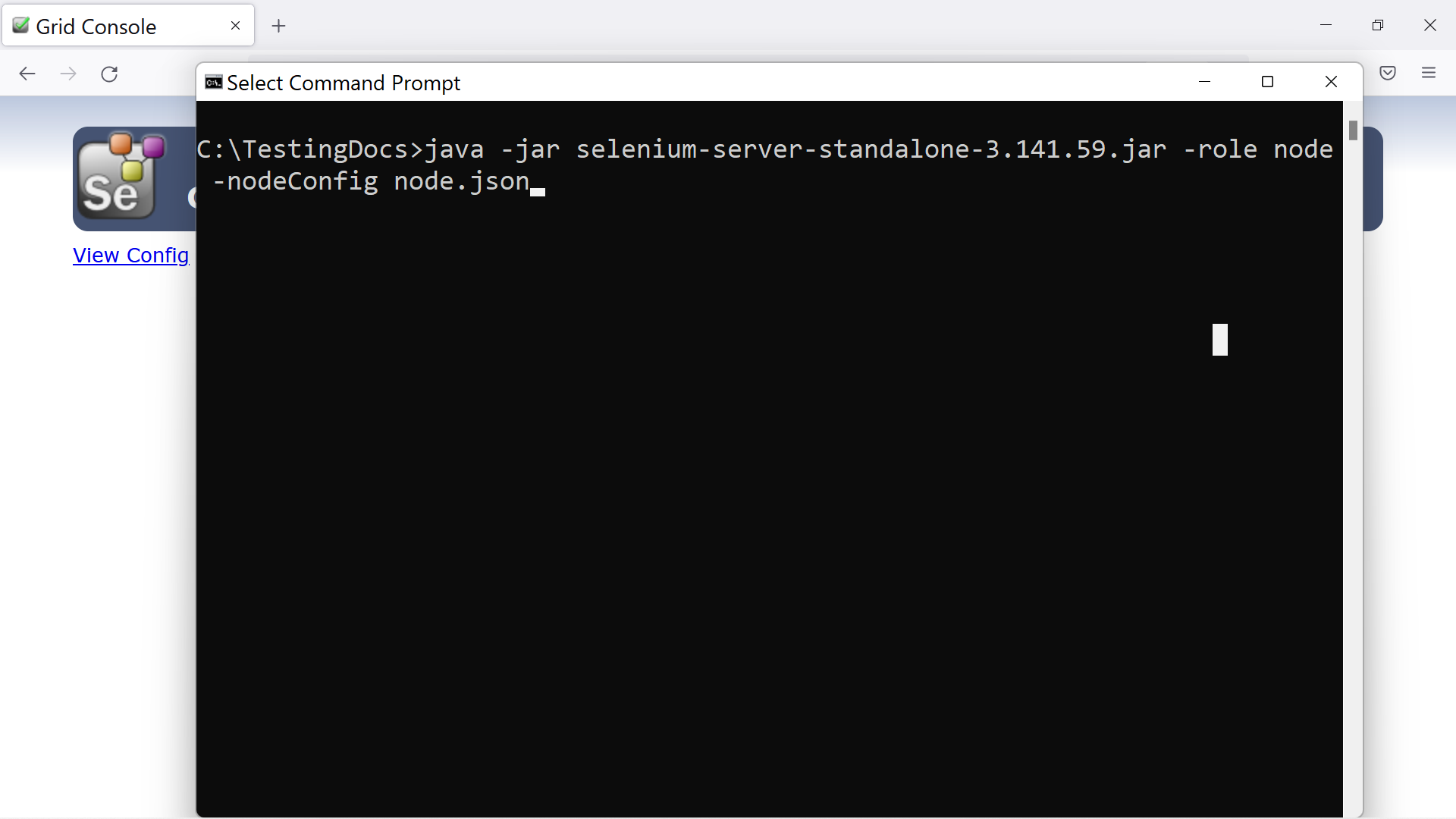
Now, we can register the Node with custom JSON configuration file using the below command. The command line switch is -nodeConfig followed by the JSON configuration file name. This file should define the node properties and overrides the default values for the node.
\>java -jar <selenium-server-standalone-version.jar> -role node -nodeConfig node.json
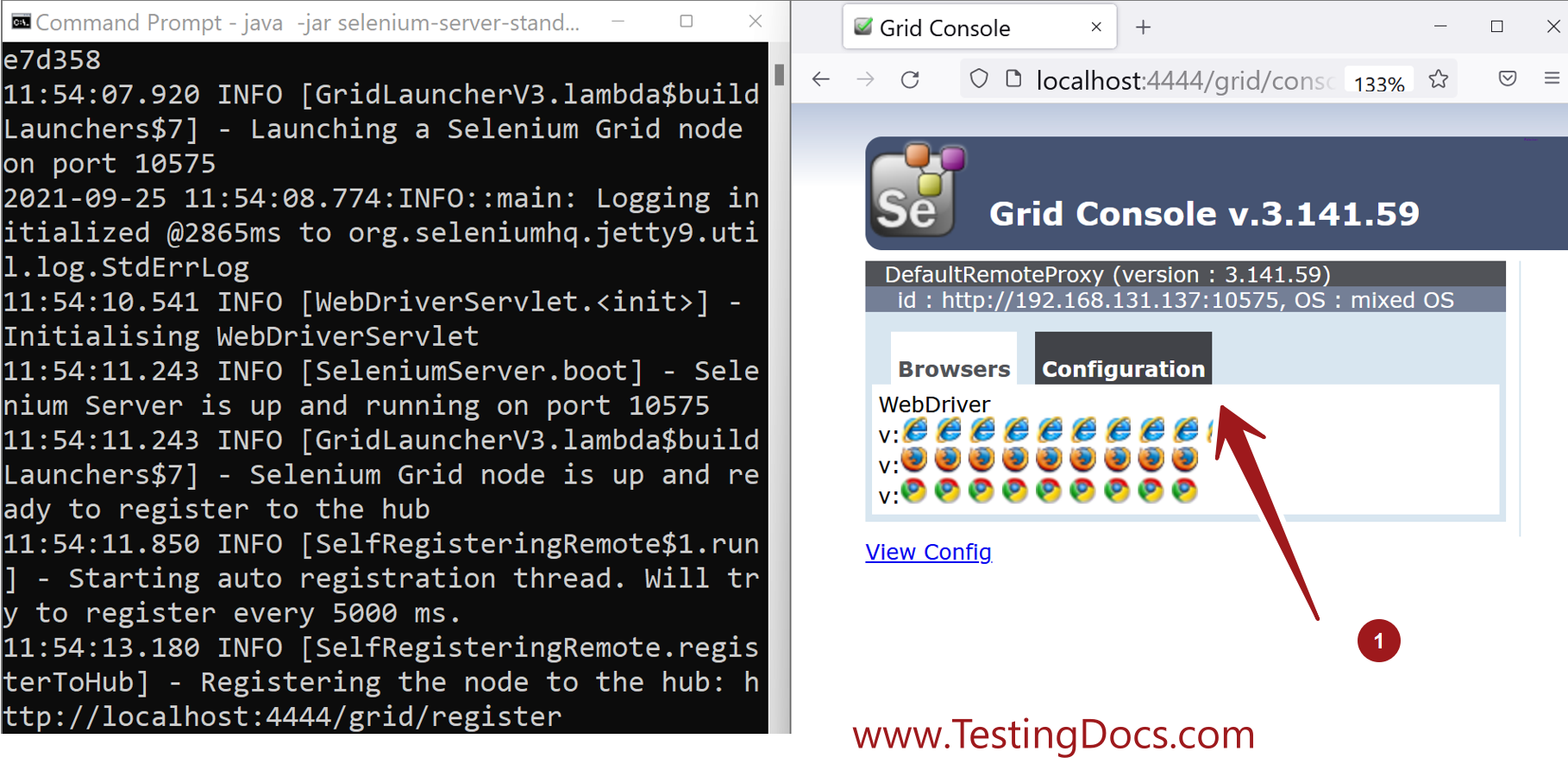
We can check the Node configuration by launching the Grid console.
Launch Grid console and Click on the Configuration button. When multiple nodes are registered choose the respective node to check the configuration.