
Blog
Test MySQL Connection in PHP

Test MySQL Connection in PHP
In this post, you will learn how to test MySQL connection in PHP using sample test code. In order to work with the MySQL database, you need to enable the extensions in the PHP configuration file.
MySQL Extensions
In PHP, MySQL extensions allow PHP to communicate with MySQL databases. These extensions are enabled or disabled in the php.ini configuration file. Depending on the PHP version, different MySQL extensions are available
Enable MySQL extensions in the php.ini file.
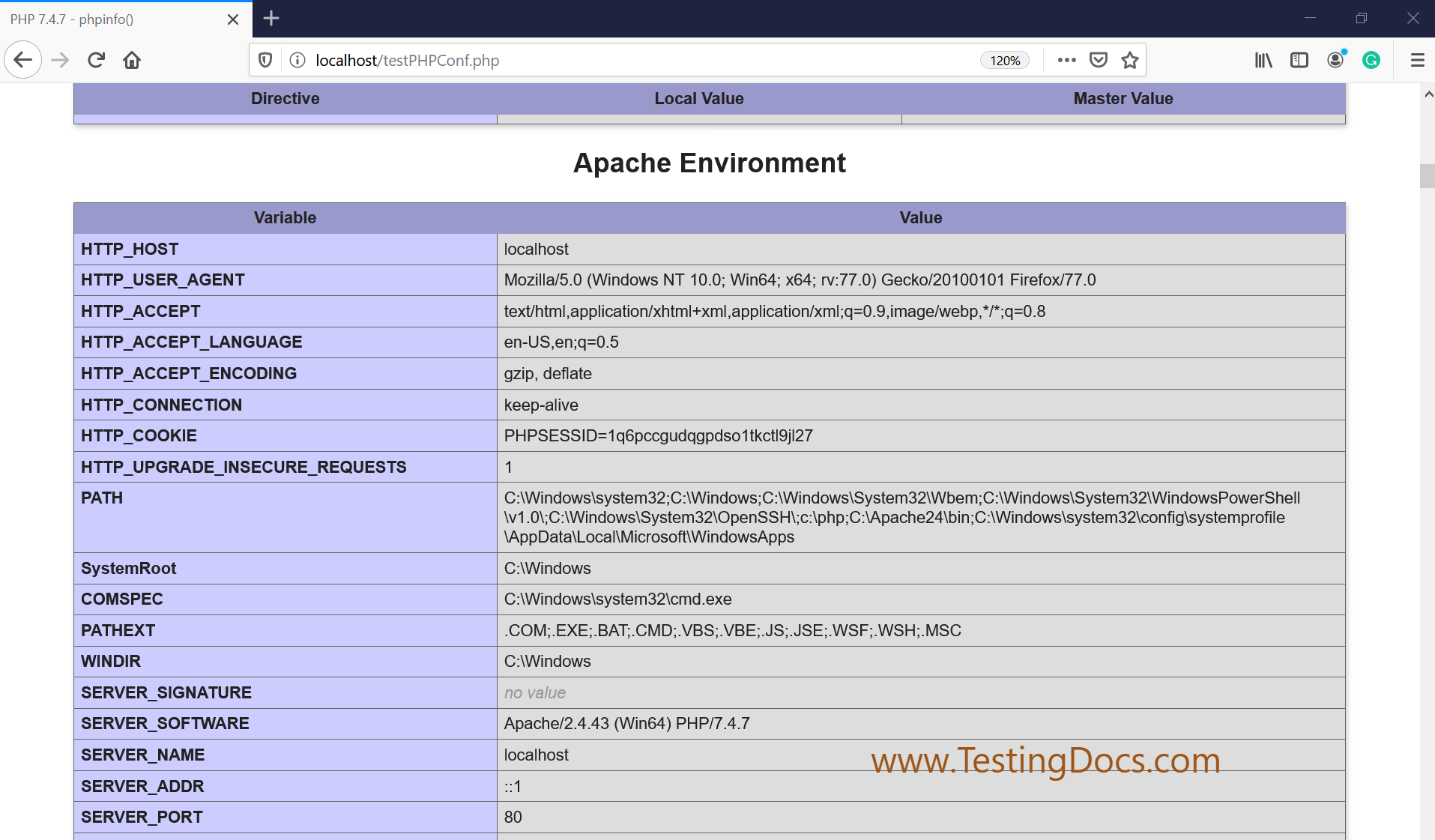
PHP INFO
echo phpinfo();

The above statement would display the PHP environment and configuration
parameters.
Test PHP Code
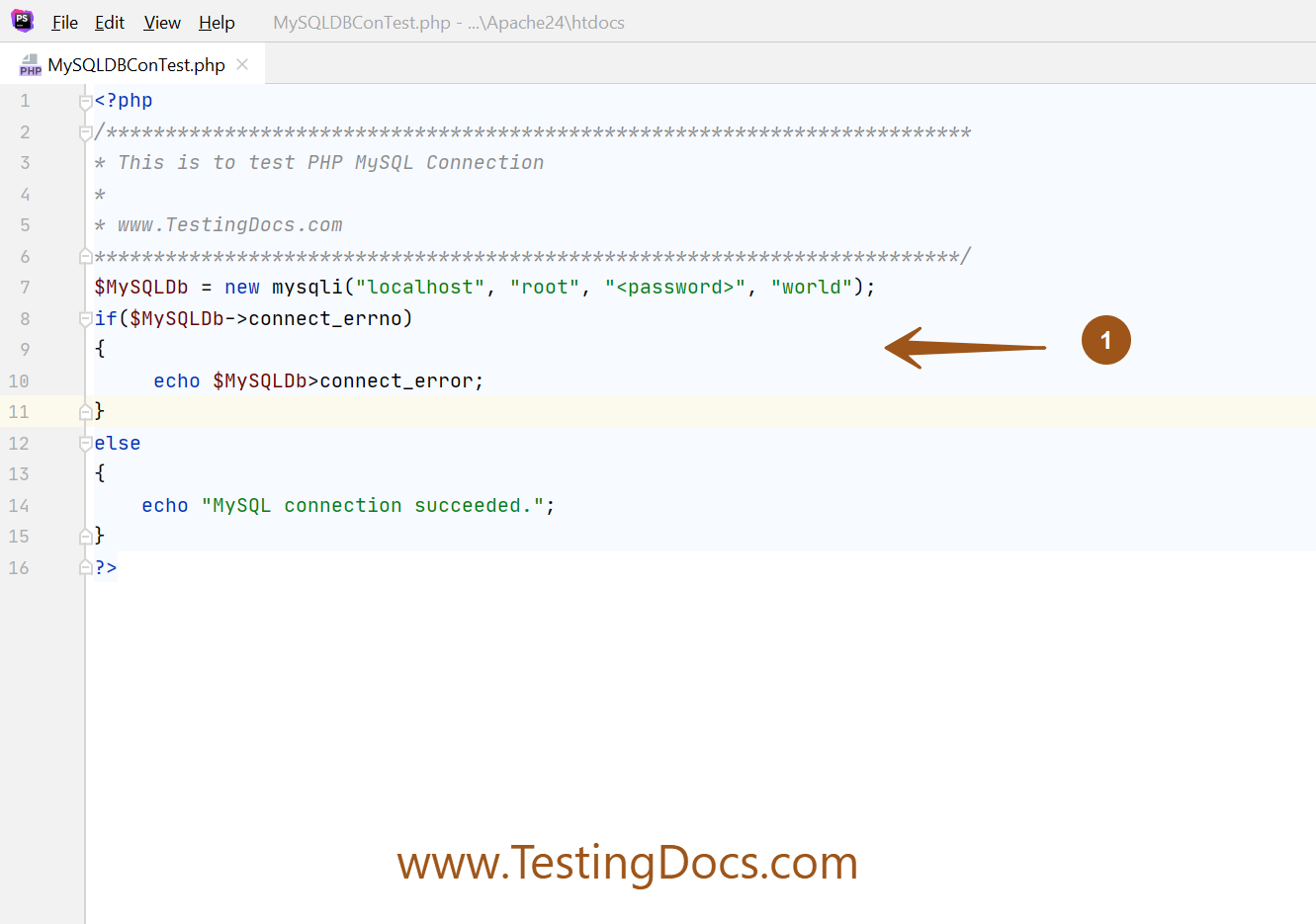
Add a Sample PHP file under the Apache server htdocs directory.
MySQLDBConTest.php
<?php
/*************************************************************************
* This is to test PHP MySQL Connection
*
* www.TestingDocs.com
*************************************************************************/
$MySQLDb = new mysqli("localhost", "root", "<password>", "world");
if($MySQLDb->connect_errno)
{
     echo $MySQLDb>connect_error;
}
else
{
    echo "MySQL connection succeeded.";
}
?>
Screenshot
Verify
Once you added the test code file. Restart the Apache server. Browse the URL in the browser. For Example:
http://localhost/MySQLDBConTest.php
The output should be displayed as “MySQL connection succeeded.”
That’s it. You have successfully tested MySQL database connection.
—
PHP Tutorials
PHP Tutorials on this website: