
Differences Between Chef and Puppet

Differences Between Chef and Puppet
In modern software development and IT operations, automation plays a crucial role in managing infrastructure efficiently. Two of the most widely used configuration management tools that help automate server provisioning, configuration, and application deployment are Chef and Puppet. These tools follow the Infrastructure as Code (IaC) approach, which means system configurations are written and managed using code, just like software.
For beginners, understanding the basic concepts and the differences between Chef and Puppet is essential to choose the right tool for their needs.
What is Chef?
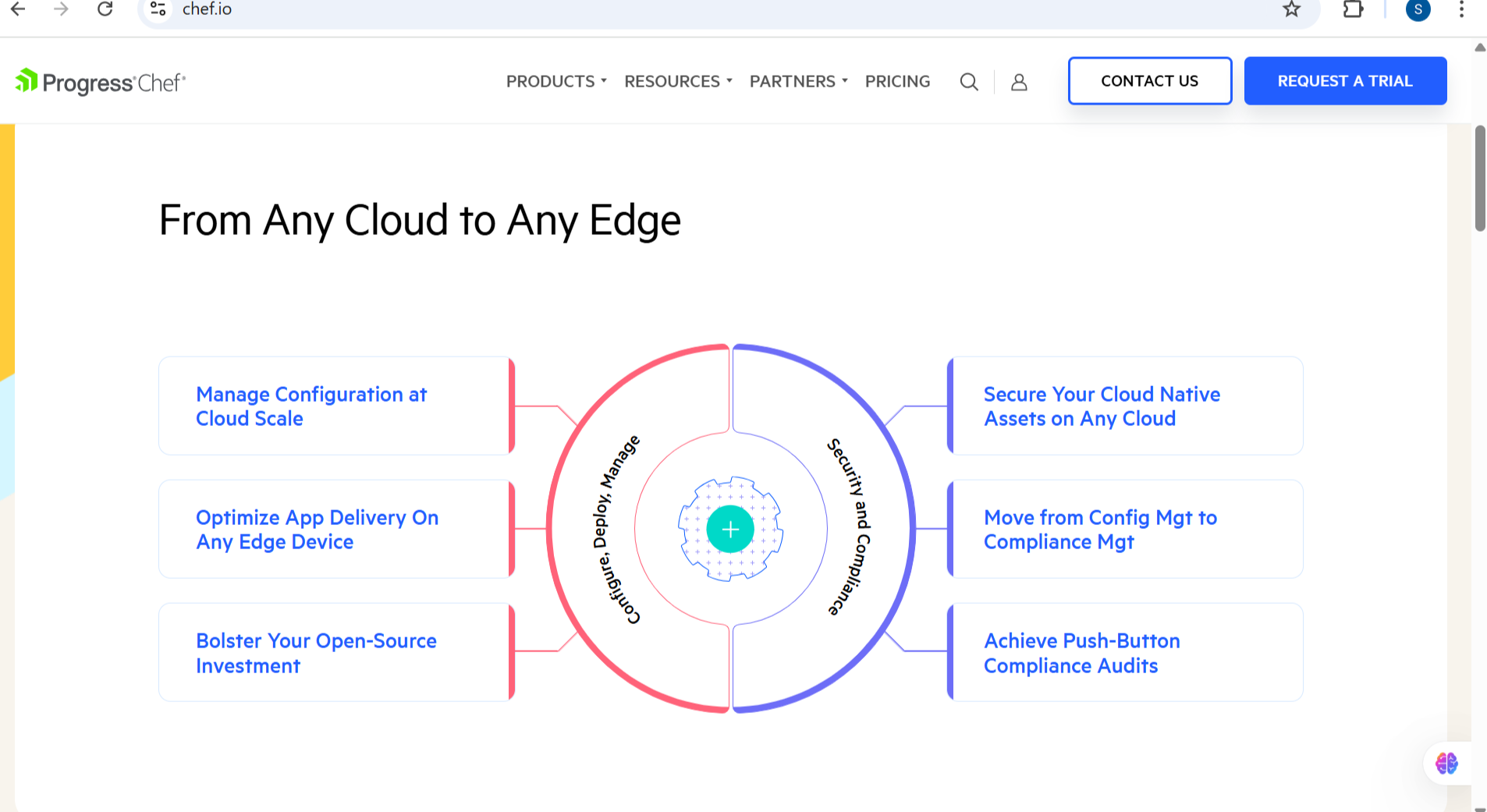
Chef is a powerful configuration management tool used to automate the deployment and management of infrastructure. It uses a Ruby-based DSL (Domain Specific Language) to write configuration scripts known as “recipes.” These recipes define how applications and systems should be configured and maintained. Chef operates in a client-server model and is often used in environments where flexibility and complex workflows are required.
What is Puppet?
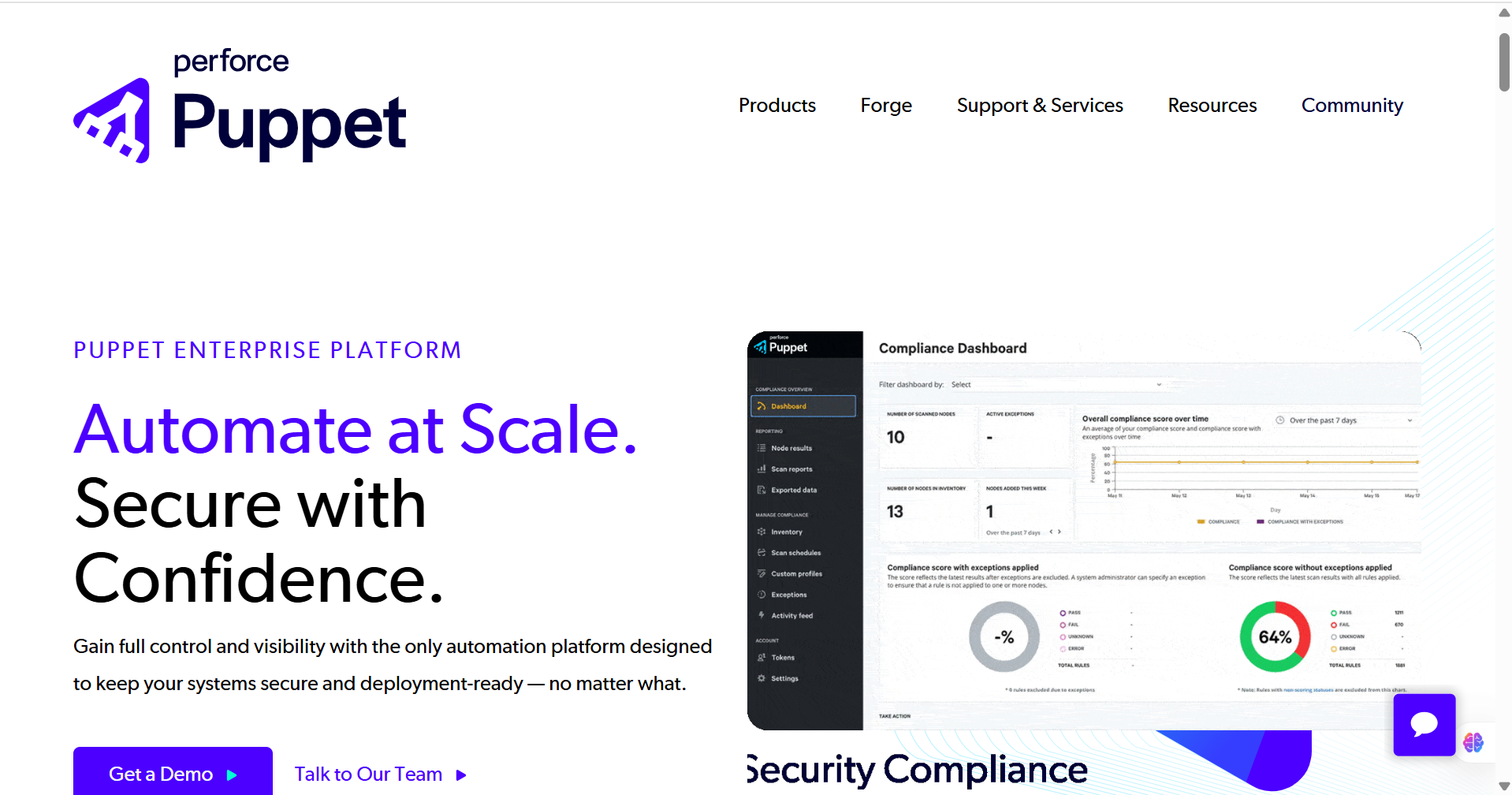
Puppet is another popular configuration management tool designed to automate the provisioning and management of IT infrastructure. It uses a declarative language to describe the desired state of systems, meaning you specify what the system should look like rather than how to get there. Puppet also follows a client-server architecture and is known for its stability and scalability in managing large infrastructures.
Chef vs Puppet
Some of the main differences are as follows:
| Feature | Chef | Puppet |
|---|---|---|
| Language Used | Ruby-based DSL | Declarative language (custom Puppet DSL) |
| Approach | Procedural (defines how to achieve a state) | Declarative (defines what the state should be) |
| Model | Client-Server and Chef Solo (standalone mode) | Client-Server and Puppet Apply (standalone mode) |
| Ease of Use | Steeper learning curve for beginners | More beginner-friendly due to declarative syntax |
| Configuration Files | Recipes and Cookbooks | Manifests and Modules |
| Community and Support | Strong community with good documentation | Large user base with mature support resources |
| Platform Compatibility | Supports Windows, Linux, and macOS | Supports Windows, Linux, and macOS |
| Pull vs Push Configuration | Push-based using Knife or pull via client | Primarily pull-based using Puppet Agent |