
How do you terminate an unresponsive program on Linux?

How do you terminate an unresponsive program on Linux?
To terminate an unresponsive program on Linux, you can use the following methods:
By using the Terminal
Follow the below steps to stop the nonresponsive process. Identify the Process that is not responding.
Open the Terminal.
Use the top or htop command to view running processes. For example:
$ top
Alternatively, you can use ps with grep to find the specific process:
$ ps aux | grep <program_name>
or
$ ps -aef | grep <program_name>
Kill the Process
Use the kill command followed by the Process ID (PID) to terminate the process. For example:
$ kill <PID>
If the process does not terminate, use the -9 option to kill it forcefully. The -9 flag is a nongraceful kill.
$ kill -9 <PID>
Example
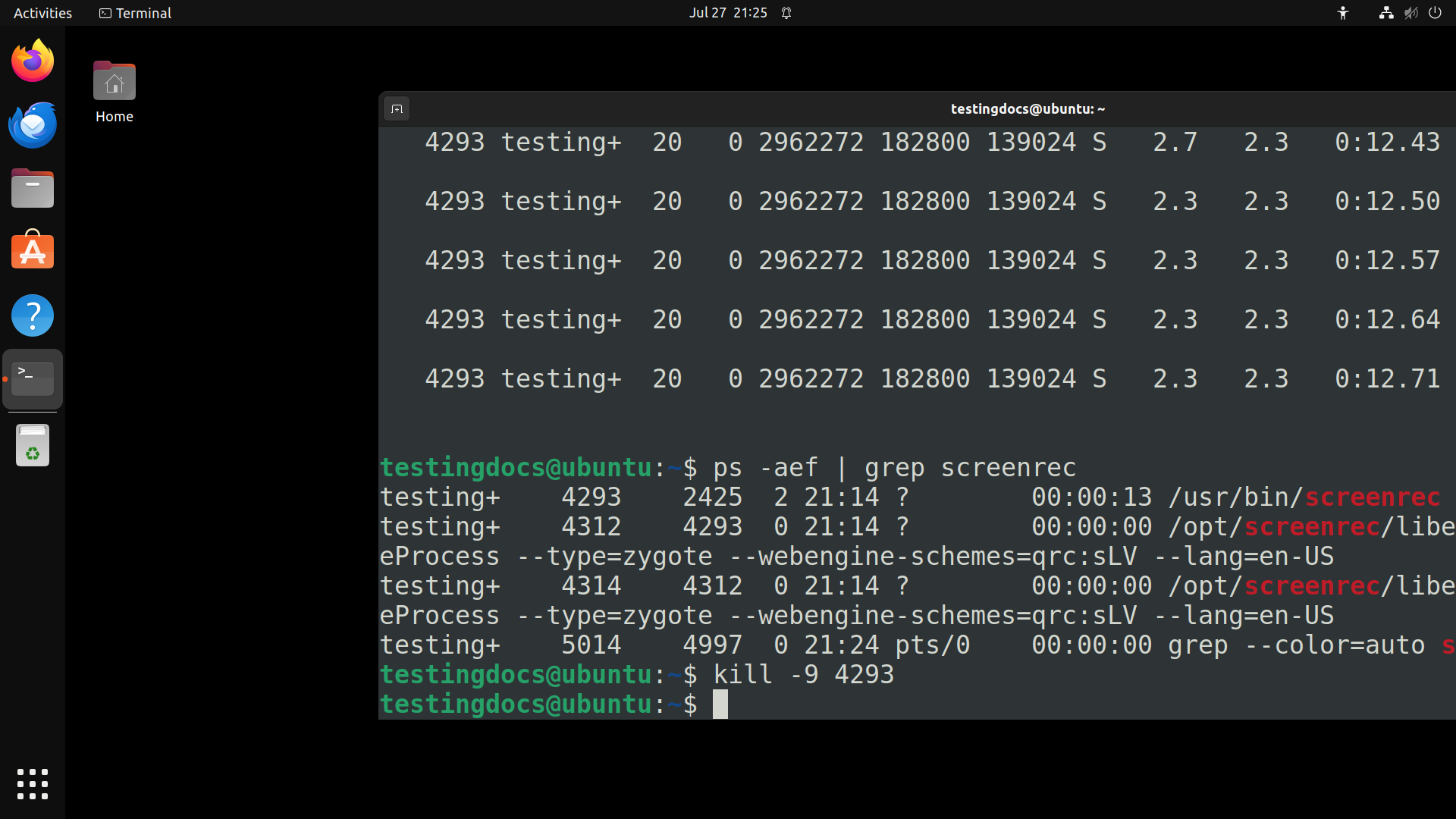
In this example, we will terminate the non-responsive screen recorder application.
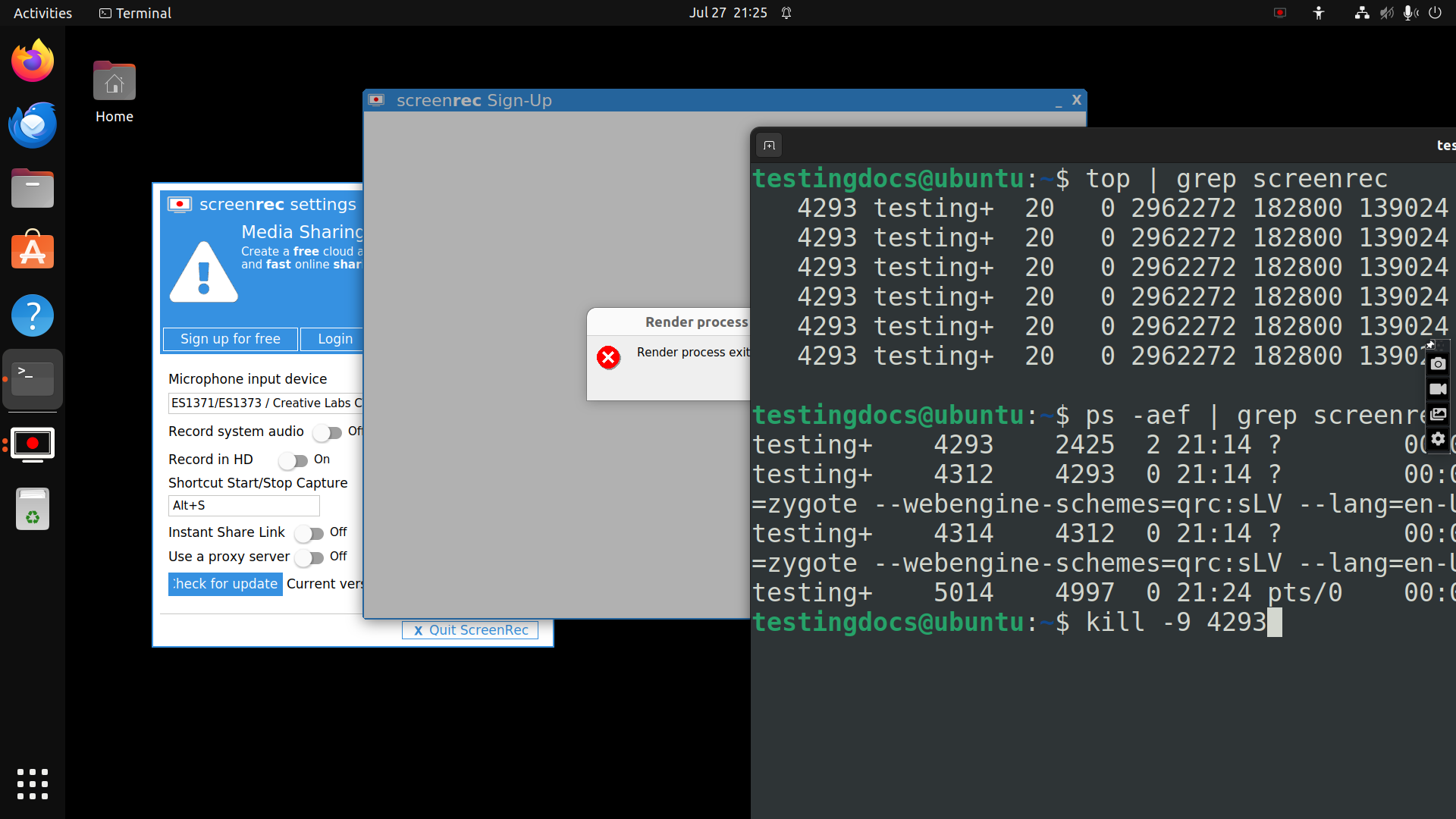
Kill the Screen recorder Process
Using System Monitor
Open System Monitor.
Open the System Monitor application from your application menu. It is often called “System Monitor” or “Task Manager” depending on your distribution.
Find and Terminate the Process
In the System Monitor, find the unresponsive program in the list of processes.
Right-click on the process and select “End