
How to check the Ubuntu Linux version?

How to check the Ubuntu Linux version?
To check the version of Ubuntu Linux you’re running, you can use the following command. The cat command in Linux is used to concatenate and display the file content. It stands for “concatenate” and is often employed for various file content tasks.
Steps
Open Terminal
Issue the following command. You can check the Ubuntu Linux version by viewing the contents of the /etc/os-release file.
The command is:
cat /etc/os-release
This command will display the release code name, Ubuntu version, and other details.
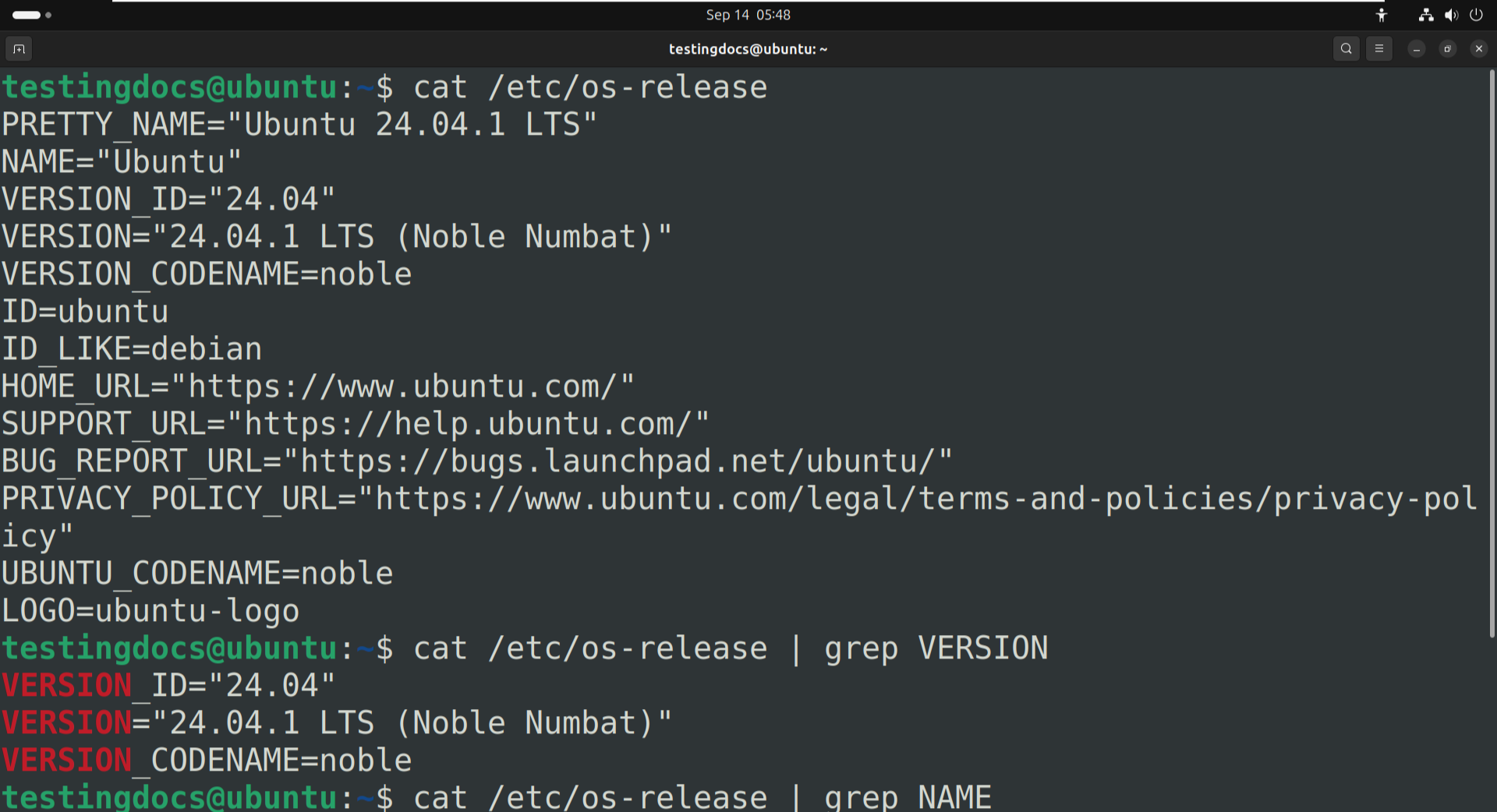
Sample command output
testingdocs@ubuntu:~$ cat /etc/os-release
PRETTY_NAME="Ubuntu 24.04.1 LTS"
NAME="Ubuntu"
VERSION_ID="24.04"
VERSION="24.04.1 LTS (Noble Numbat)"
VERSION_CODENAME=noble
ID=ubuntu
ID_LIKE=debian
HOME_URL="https://www.ubuntu.com/"
SUPPORT_URL="https://help.ubuntu.com/"
BUG_REPORT_URL="https://bugs.launchpad.net/ubuntu/"
PRIVACY_POLICY_URL="https://www.ubuntu.com/legal/terms-and-policies/privacy-policy"
UBUNTU_CODENAME=noble
LOGO=ubuntu-logo
Check the Linux Kernel version
To check the Linux kernel version, you can use the following command:
uname -r
Video Tutorial
Linux Commands
Linux Basic Commands Tutorial page: