How to create a Java class in Eclipse IDE?
In this post, we will learn how to create a Java class using Eclipse IDE.
Create a Class
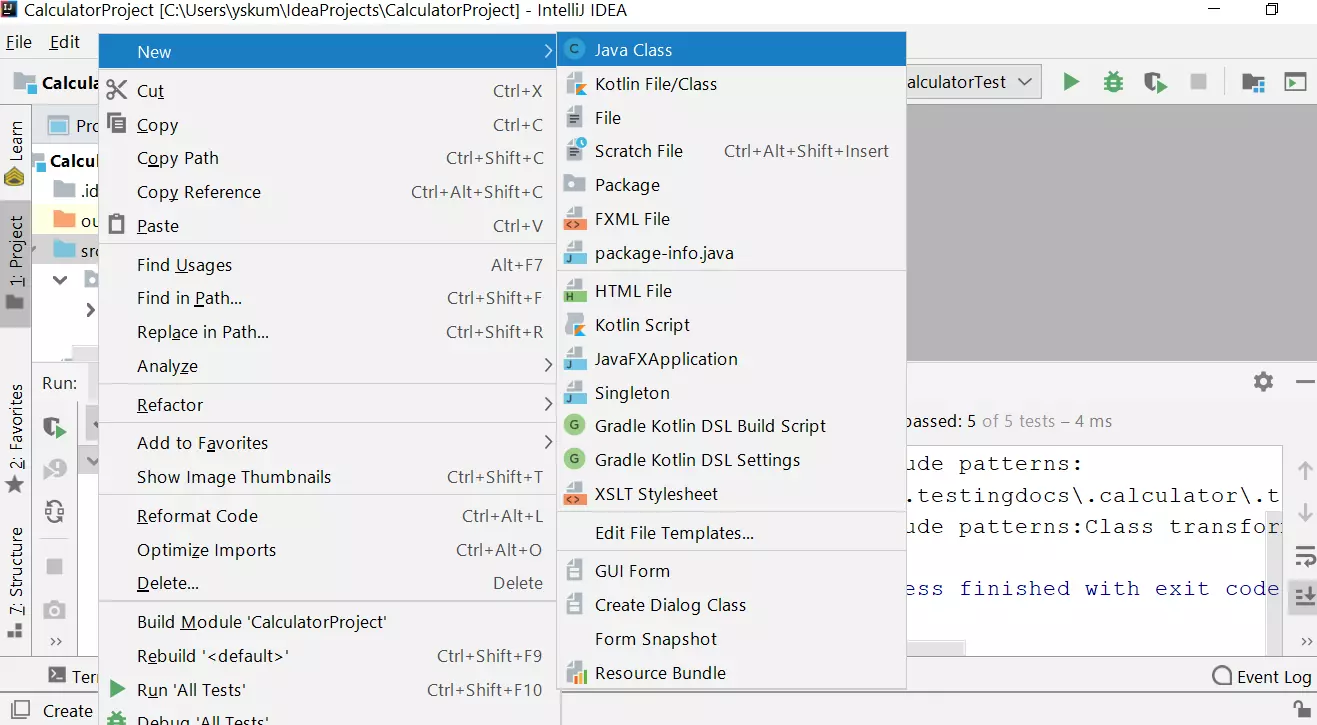
Right click on the Project in the Project Explorer.
New >> Class
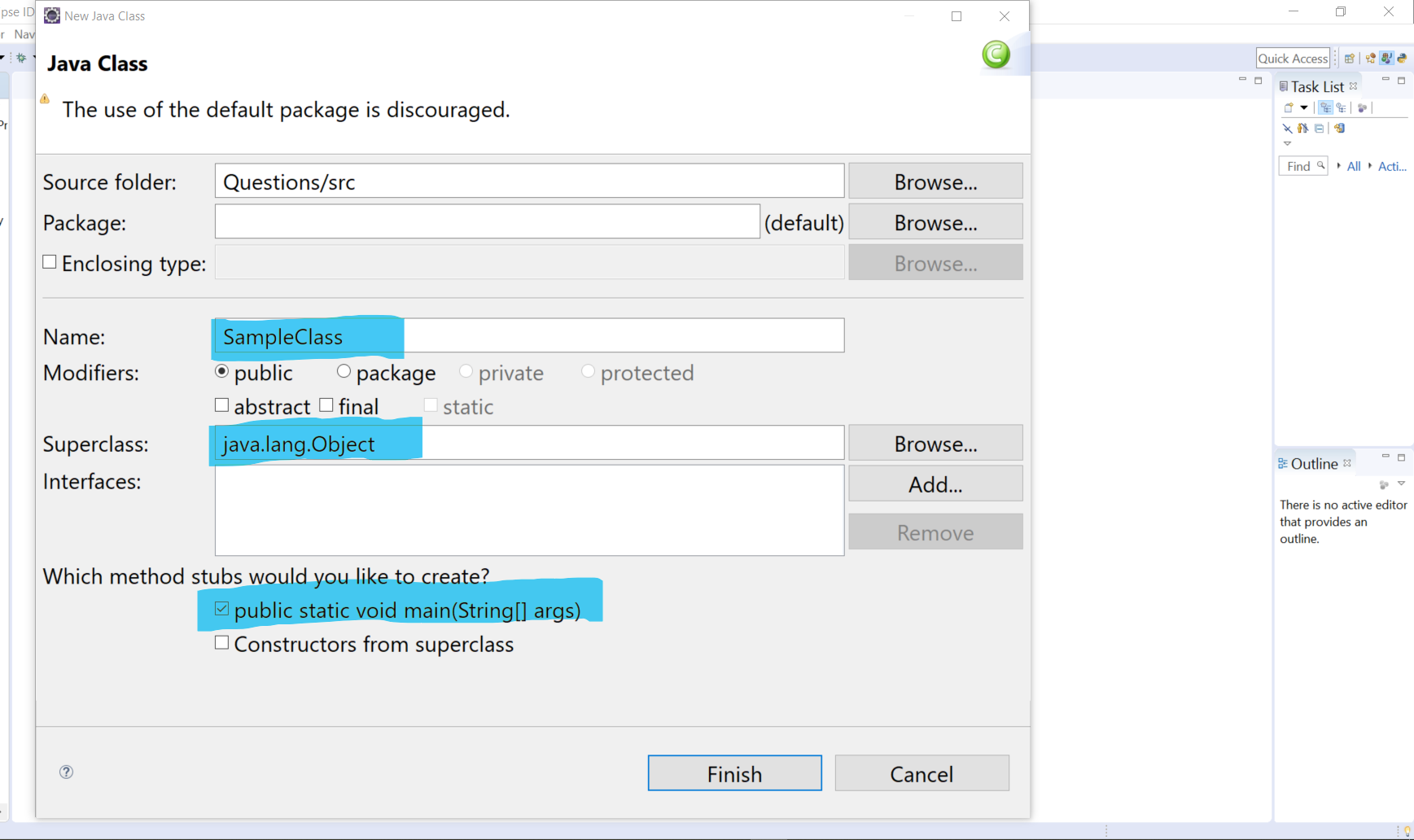
Specify the package name.
To create a package follow this link:
https://www.testingdocs.com/how-to-create-a-package-in-eclipse-ide/
Class Modifier
Specify the class modifiers like:
- public
- private
- package
- protected
The default modifier is : public
Super class
Optionally, we can specify the Super class for the given class. By default, java.lang.Object is the super class
for the class.
Main method
To create a main method in the class, check the main method stub checkbox.
Give a class name and click on the Finish button to create a class in the Eclipse IDE.

