How to disable New User link in TestLink?

How to disable New User link in TestLink?
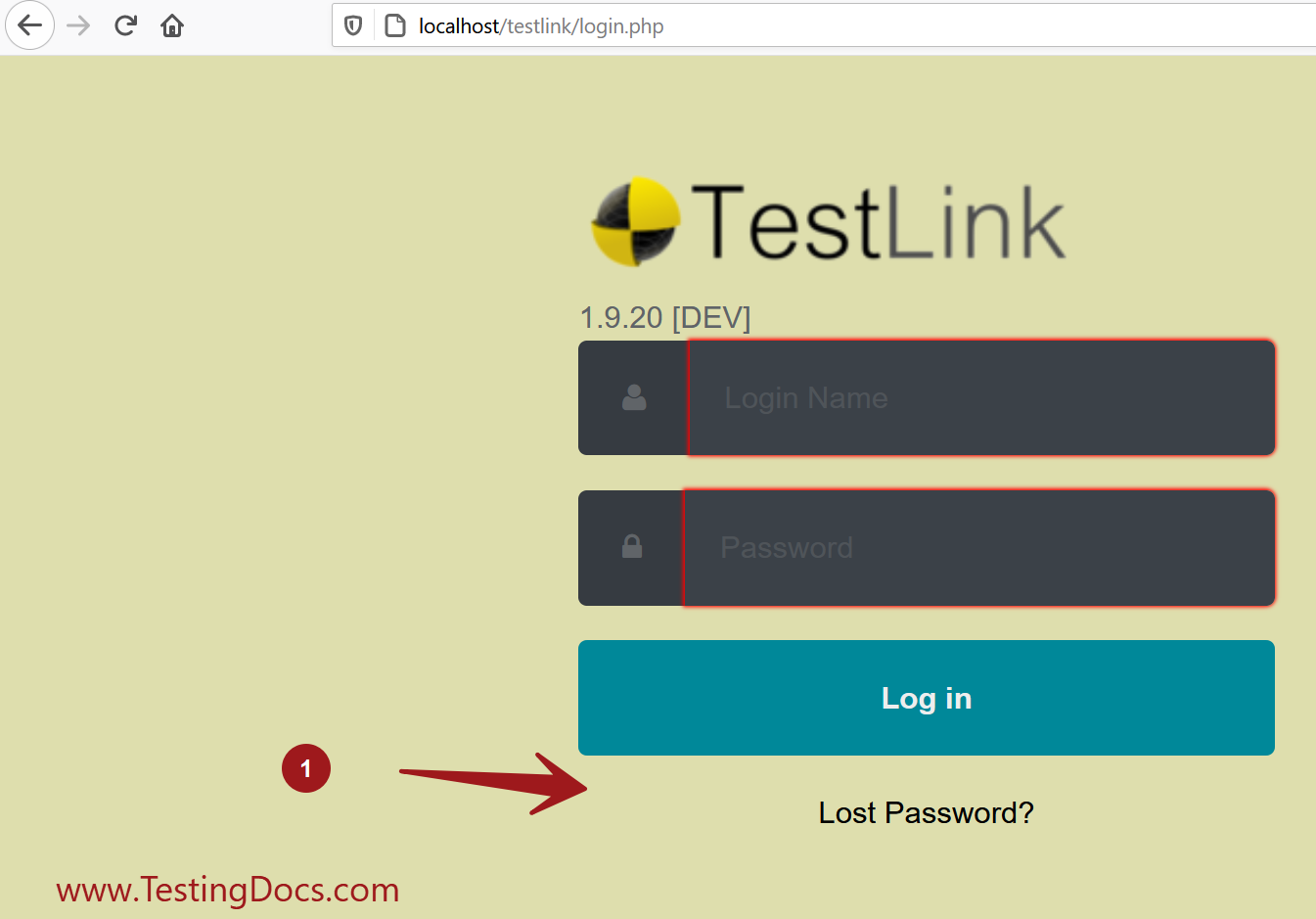
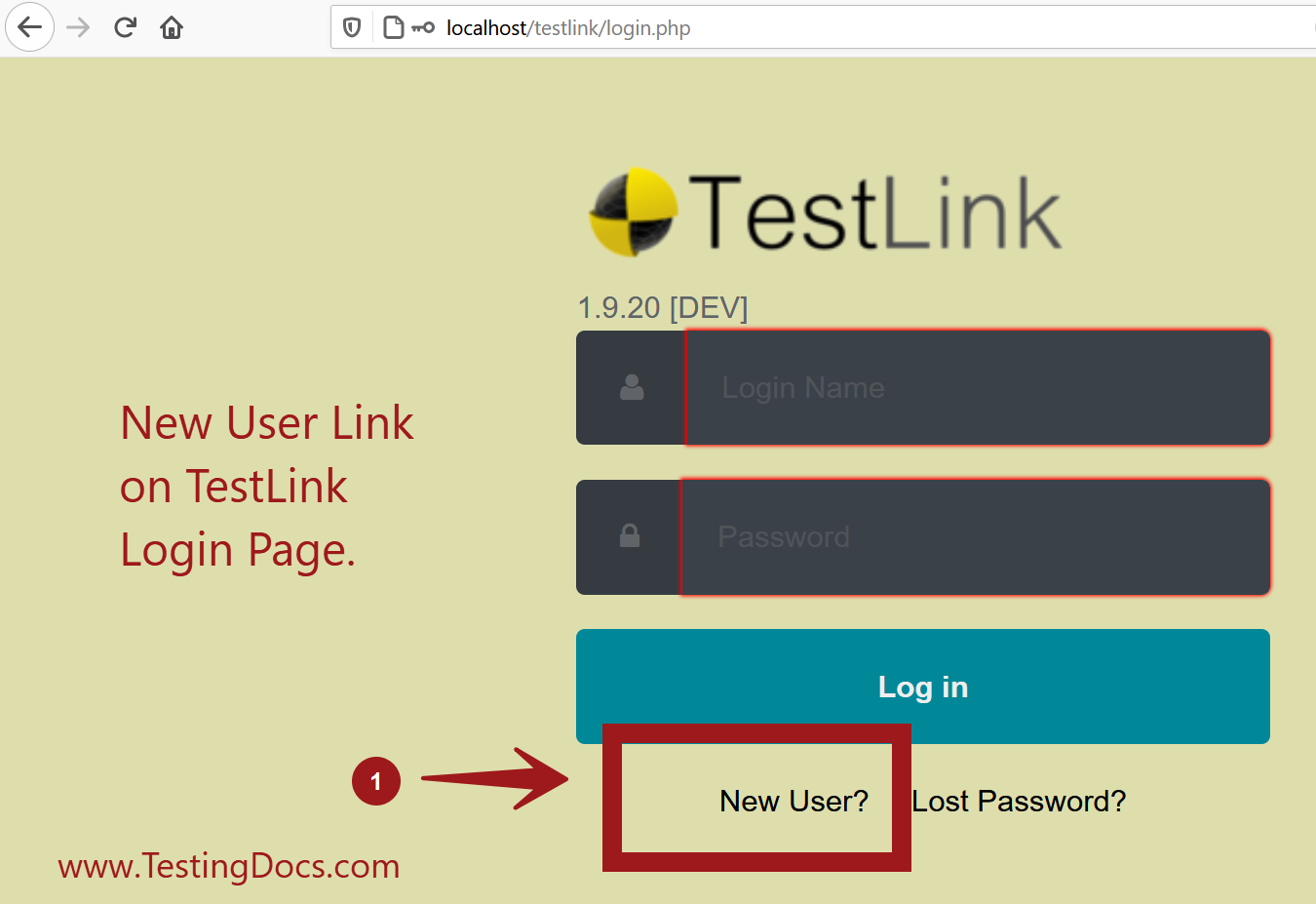
In some cases we may want to disable the New user self signup link on the TestLink Login page. In this tutorial, we will learn the steps involved to disable the user self signup link.
Steps
Locate the config.inc.php file.
Open the file in PHP editor.
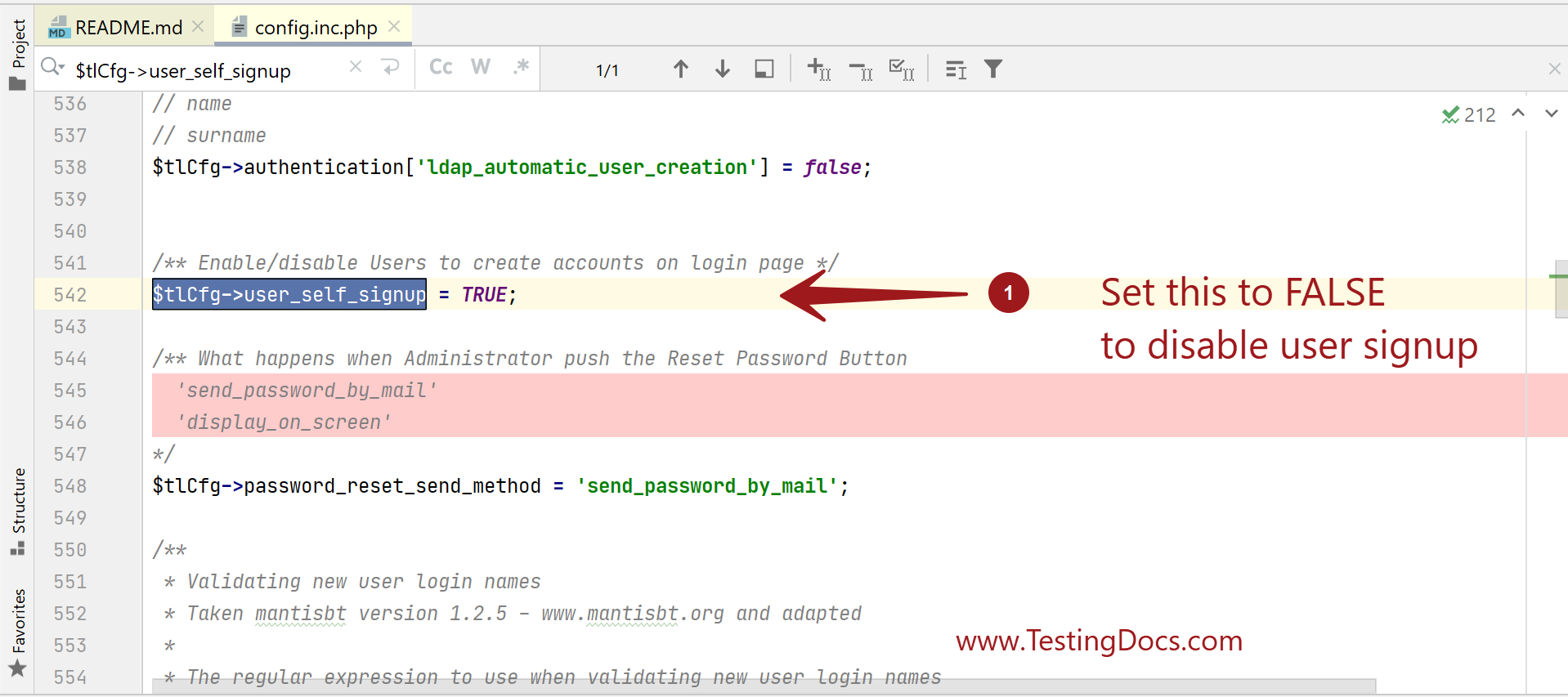
Set this property to FALSE.
/** Enable/disable Users to create accounts on login page */
$tlCfg->user_self_signup = TRUE;
Change this to
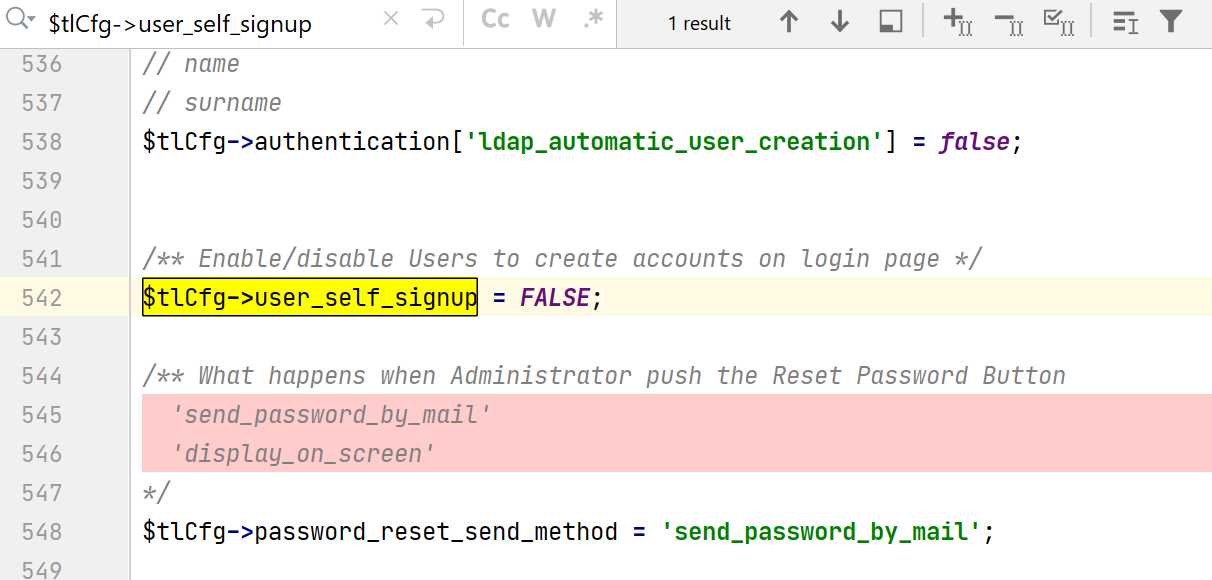
/** Enable/disable Users to create accounts on login page */
$tlCfg->user_self_signup = FALSE;
Recommendation
We can have a custom configuration file and place the turned off setting in the file. Use custom_config.inc.php. This will carry the setting when we upgrade the TestLink instance.
Verify
Save the file and restart the Apache Server.
Open TestLink Login page to verify that the link is disabled for user to self sign to the TestLink instance.